Following on from Part 1, we will now upgrade our Dynamics CRM 2013.
The upgrade path to upgrade customizations is:
- Dynamics CRM 2013 SP1 or later to Dynamics CRM 2015
- Dynamics CRM 2015 to Dynamics CRM 2016
- Dynamics CRM 2016 latest version to Dynamics 365
So, we first need to check our version of Dynamics CRM 2013 is SP1:
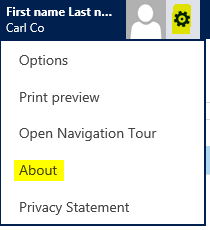
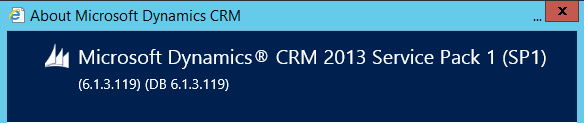
My version of CRM 2013 is SP1, so it is possible to upgrade this to Dynamics CRM 2015:
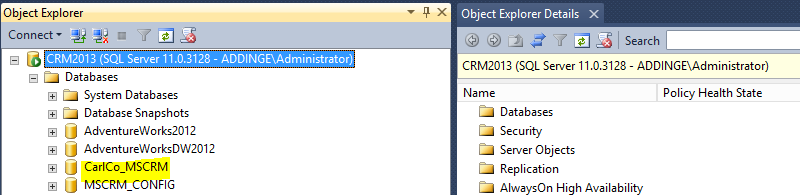
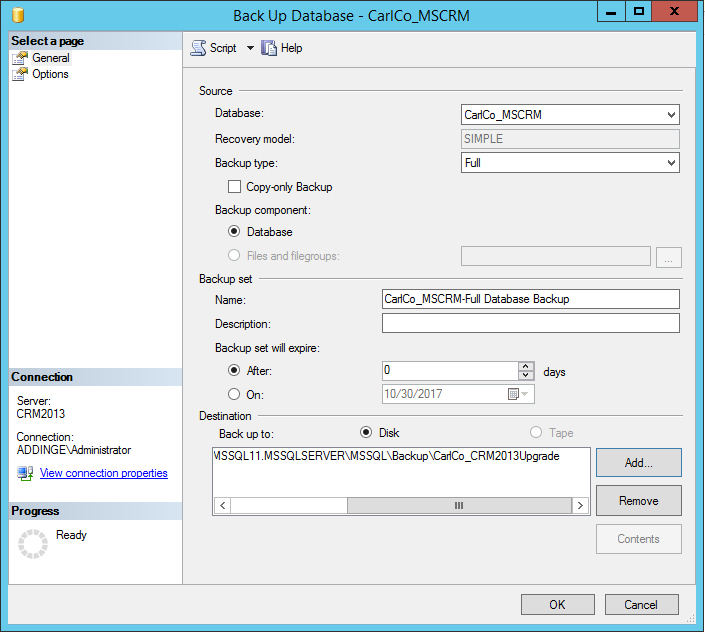
The first step is to back up the Organizational database. Go to the Dynamics CRM 2013 server and select your CRM Org database:
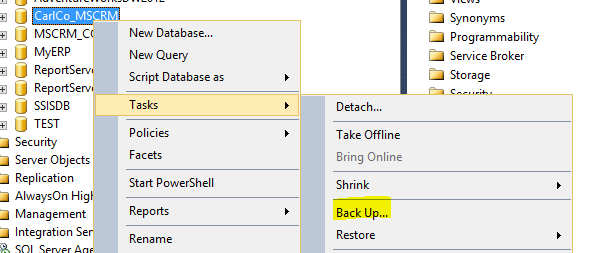
Right click to backup:
Provide the path and click OK:
Now, create a new instance of Dynamics CRM 2015. We will not go into detail on those steps here.
Now copy the SQL database backup to the new Dynamics CRM 2015 Server.
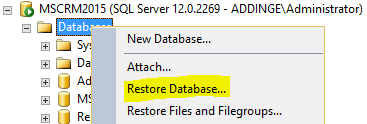
Select to Restore Database:
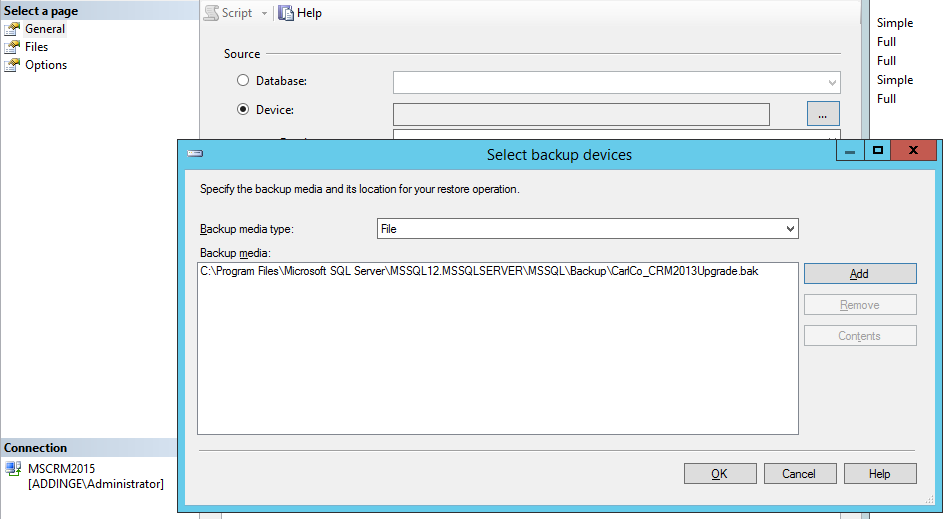
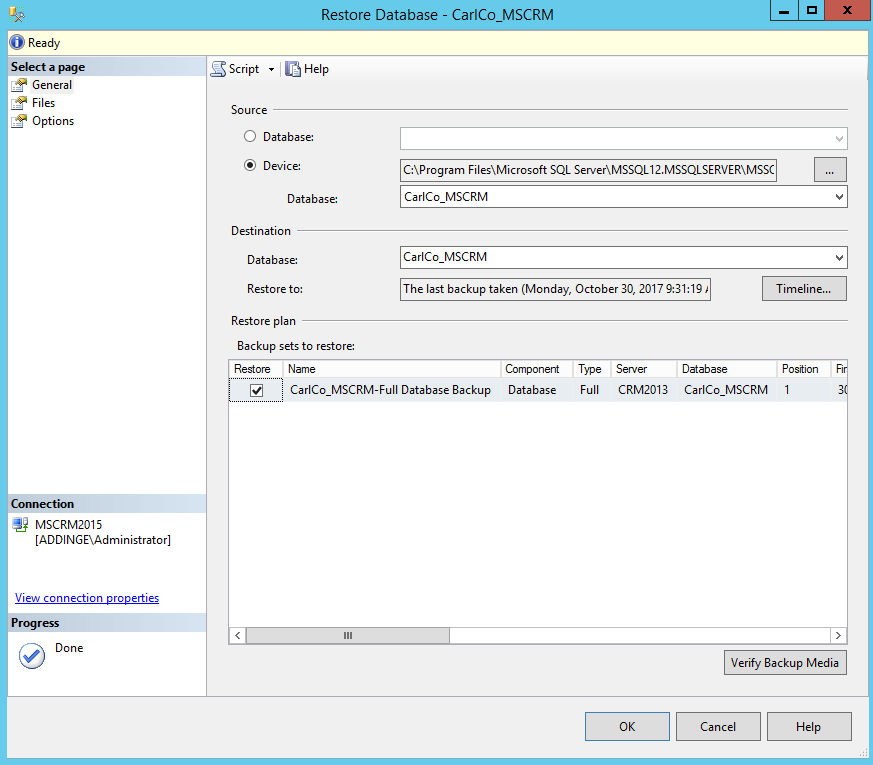
Click OK:
Now in the Deployment Manager, click Import Organization:
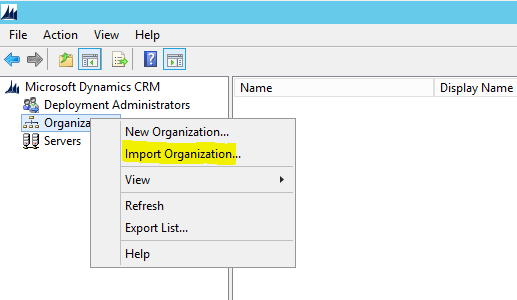
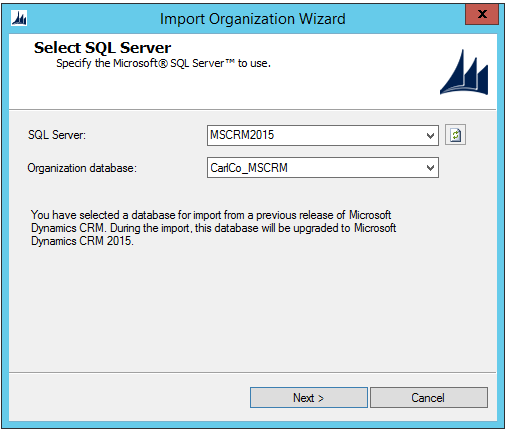
Select the SQL Server database to import:
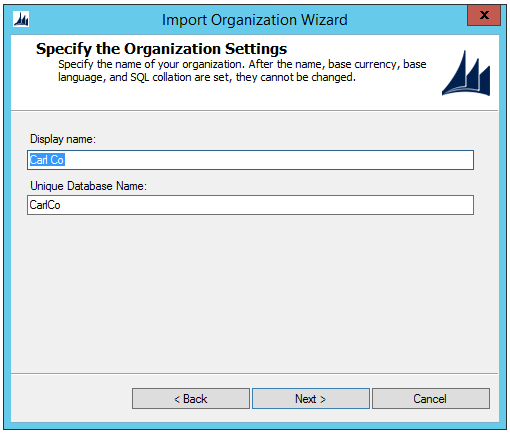
Confirm the display and database name:
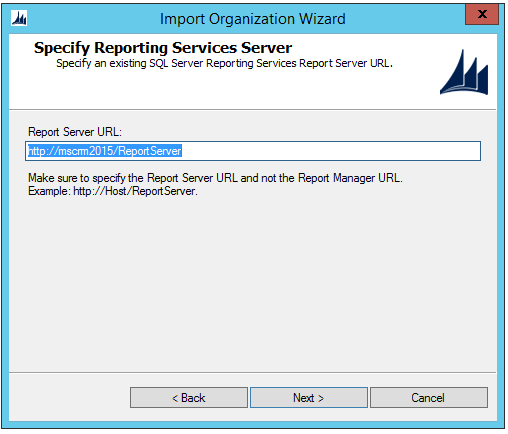
Confirm the SSRS URL:
Now you can automatically map users or select custom mapping options:
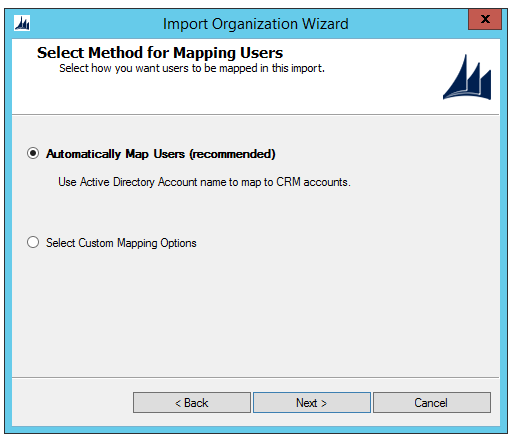
Automatic:
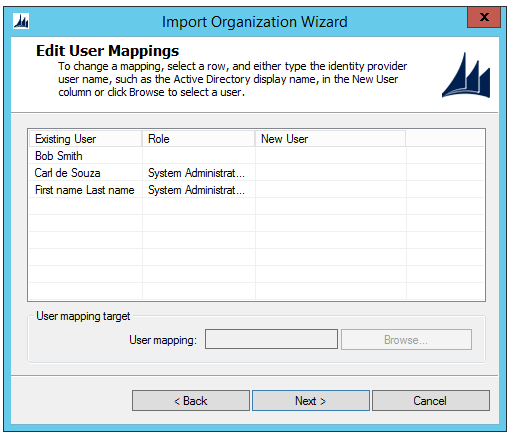
Custom:
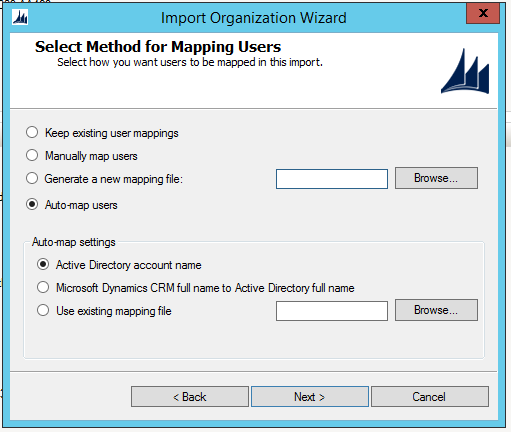
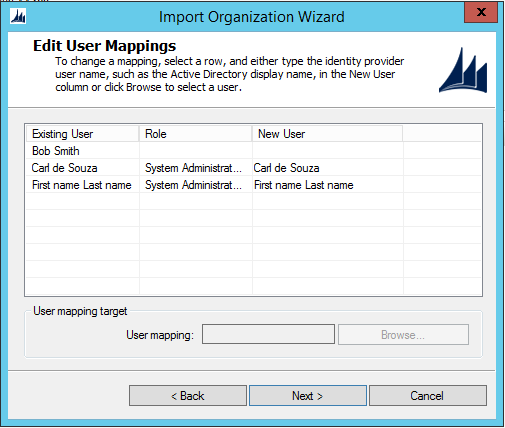
Clicking next will go through System Checks:
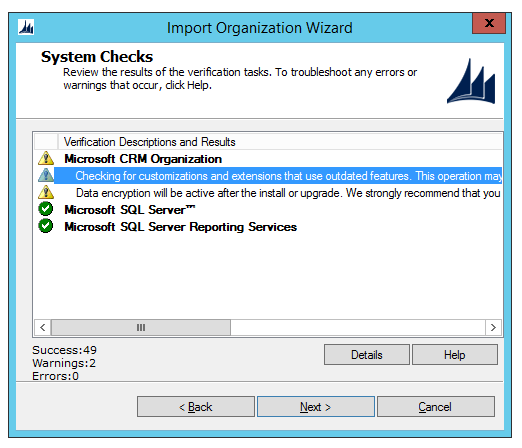
Note the message “Data encryption will be active after the install or upgrade. We strongly recommend that you copy the organization encryption key and store it in a safe place. For more information, see http://go.microsoft.com/fwlink/?LinkId=316366.”
Now click Import:
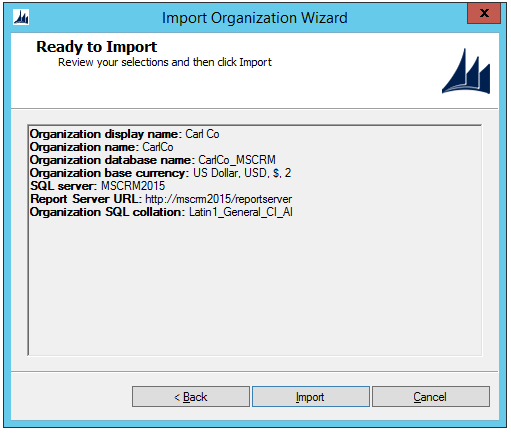
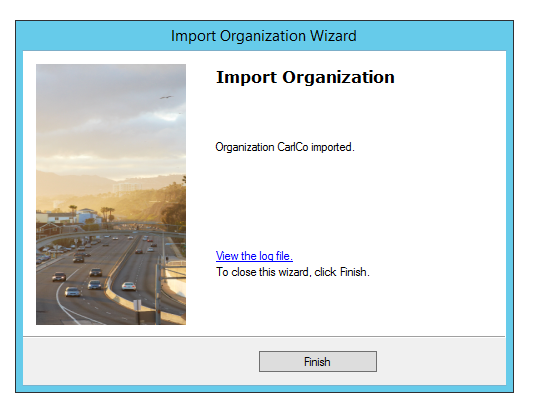
After a few minutes, the installation will complete:
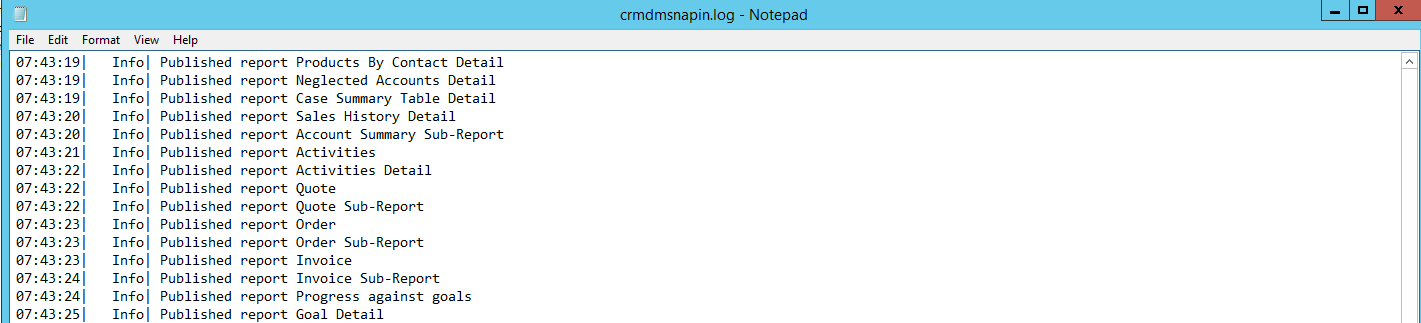
The log report contains further details:
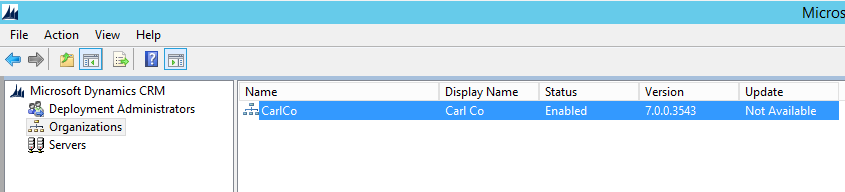
And the organization is enabled:
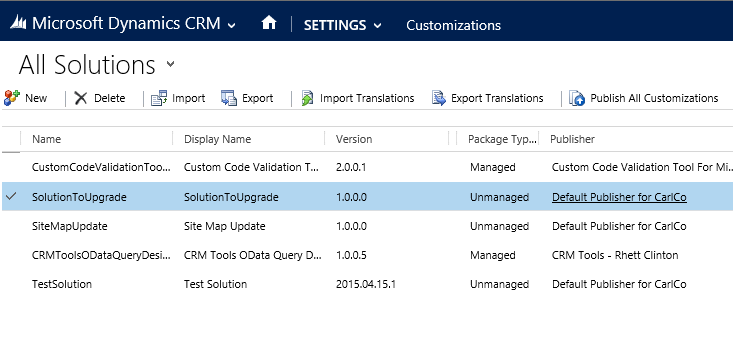
Now, open Solutions and you will see the solution:
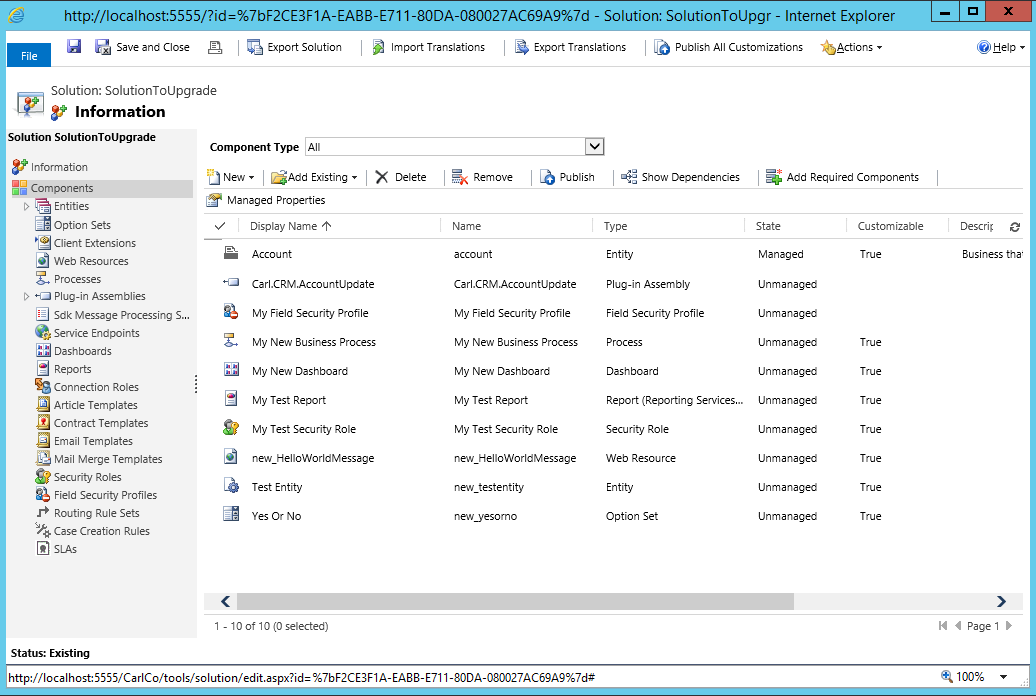
 With all the components:
Now go through and test the functionality for each item.

Explore AI, agents & Microsoft technology.
I share practical ideas, tutorials, and videos about AI, AI agents, Microsoft technologies, and the Power Platform.
Subscribe on YouTube →