In this post, we will look at the Developer Portal (Legacy) for Azure API Management.
Browse to your APIM in Azure and click on the link:
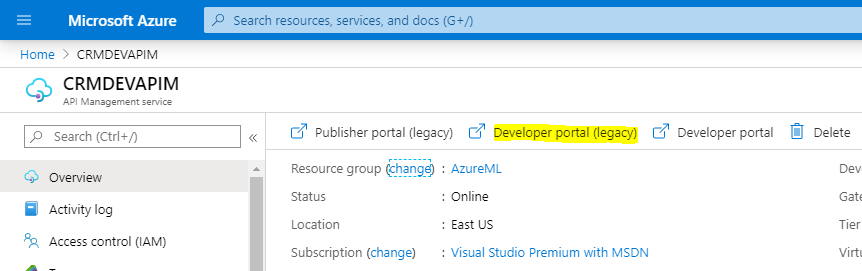
On selecting this, we get to a developer portal:
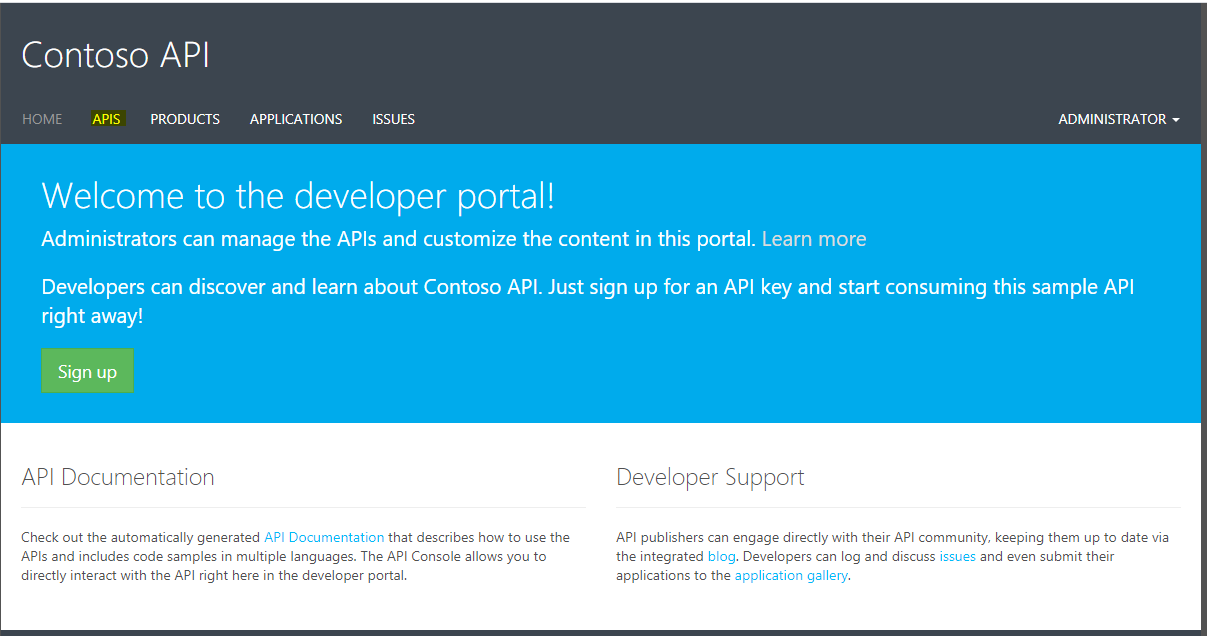
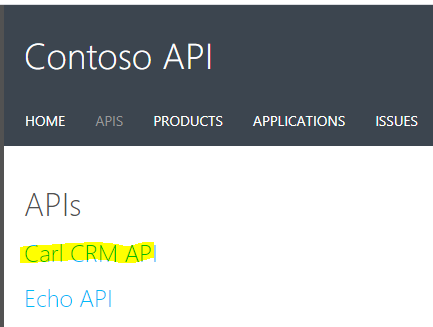
We see our APIs. Select one:
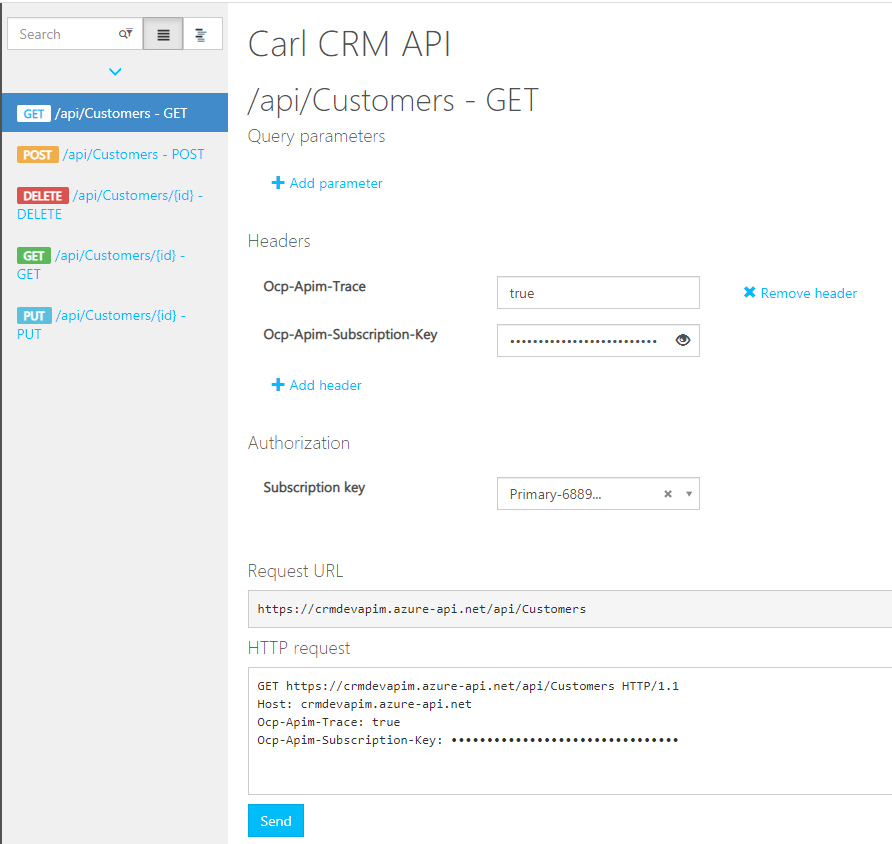
We see our operations. Select one and click Try It:
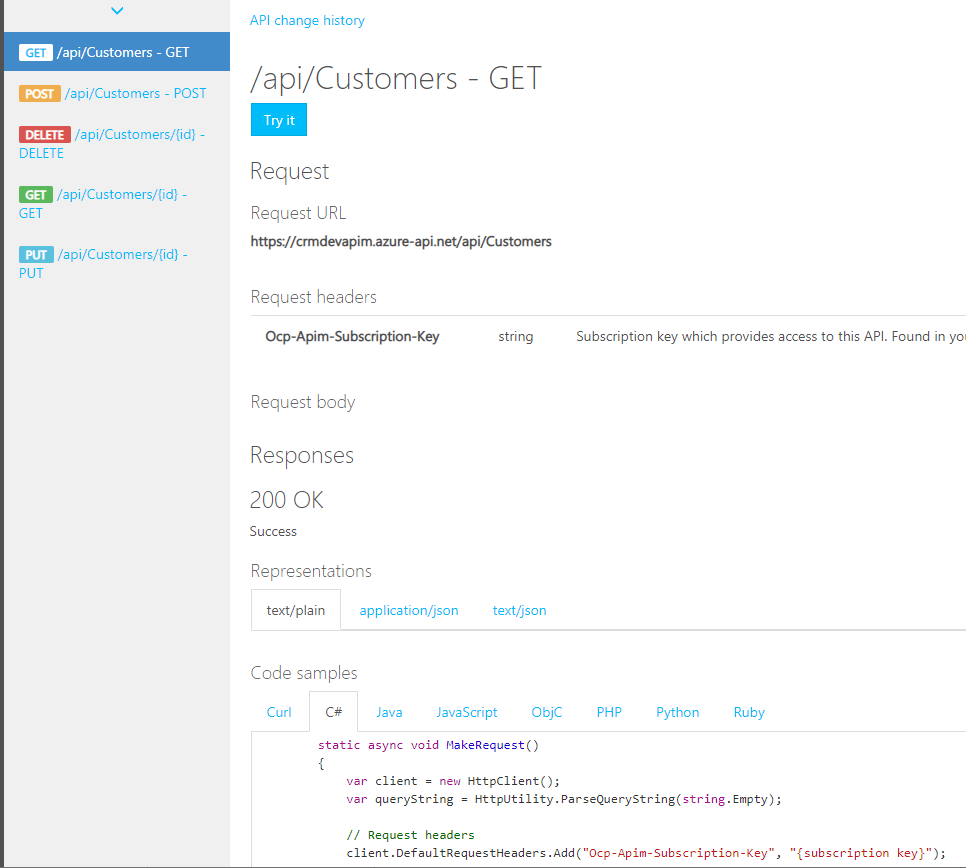
We can select a Subscription Key and click Send to send a request:
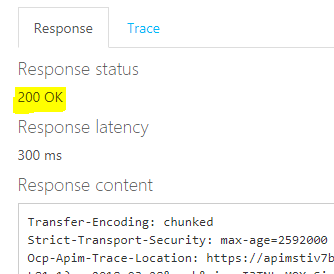
We get a 200 Response back. If there were errors we could examine the trace:
Select Products to see all products:
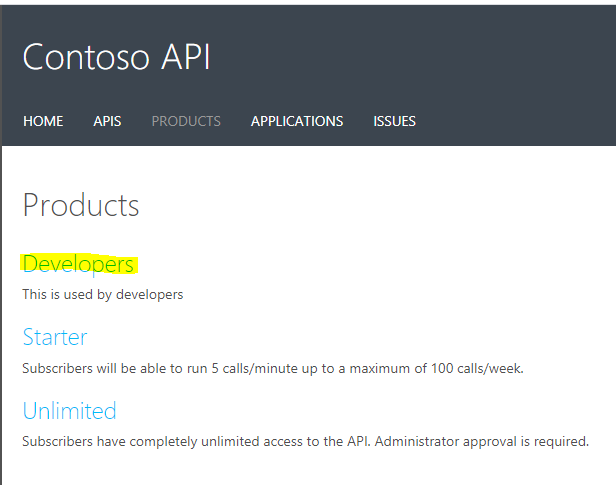
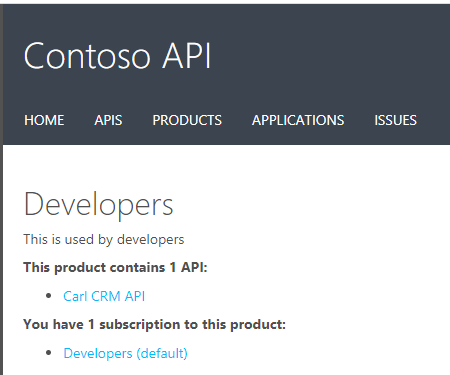
E.g. Developers:
The portal can be useful when testing App Services and APIM.

Keep learning. Keep building.
Explore AI, agents & Microsoft technology.
I share practical ideas, tutorials, and videos about AI, AI agents, Microsoft technologies, and the Power Platform.
Subscribe on YouTube →Carl de Souza Enterprise Architect at Microsoft · AI Technology Expert
Very helpful walkthrough, Carl! This post makes the legacy Azure API Management Developer Portal much easier to understand. I liked how you clearly demonstrated the “Try It” option and response testing — it’s great for quick validation before full deployment.
Thanks for consistently sharing such practical Azure insights!