To enable Microsoft Teams, perform the following steps.
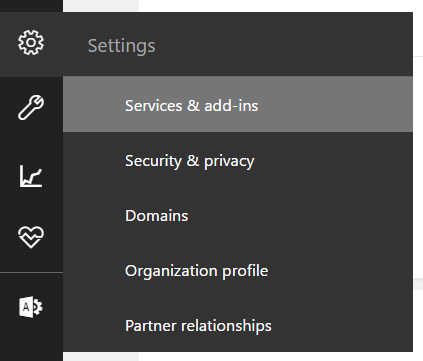
First, go to Office 365 Admin at http://portal.office.com and select Services and Add-Ins:
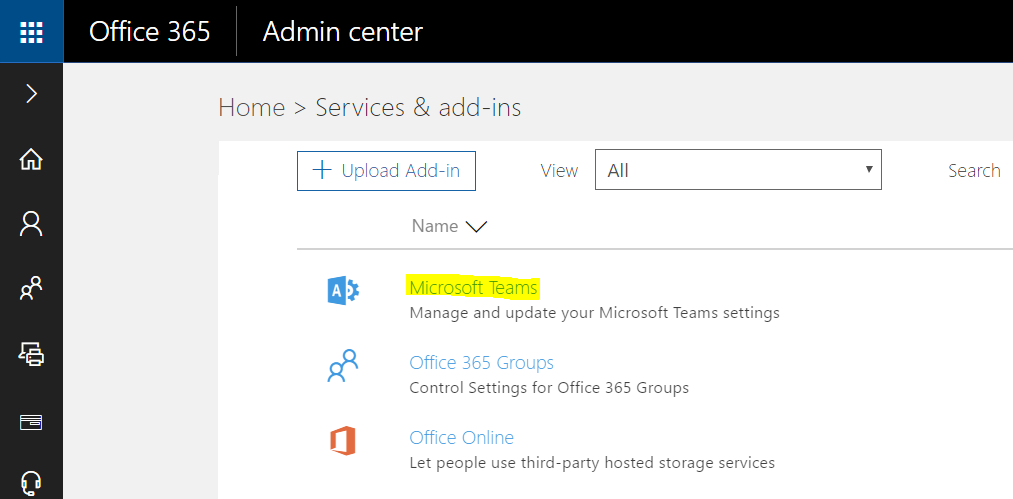
Select Microsoft Teams:
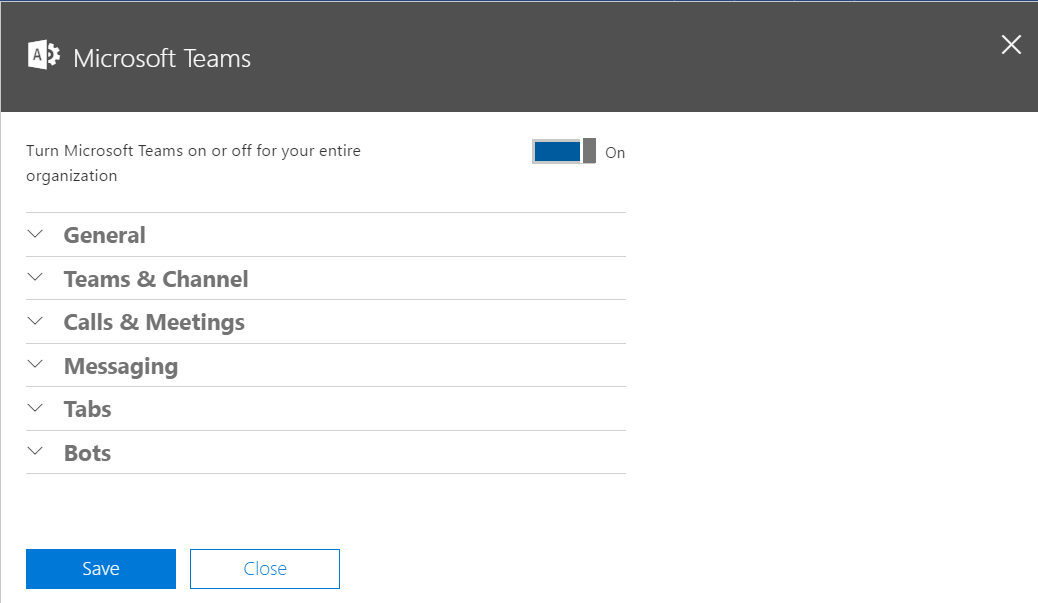
Set to On:
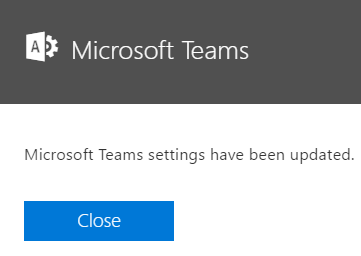
Go to Teams:
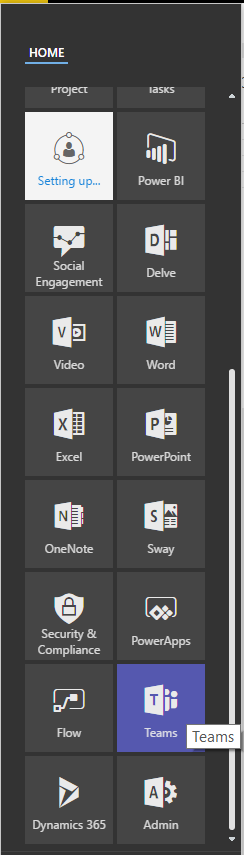
Go to teams.microsoft.com and sign in to see your teams:
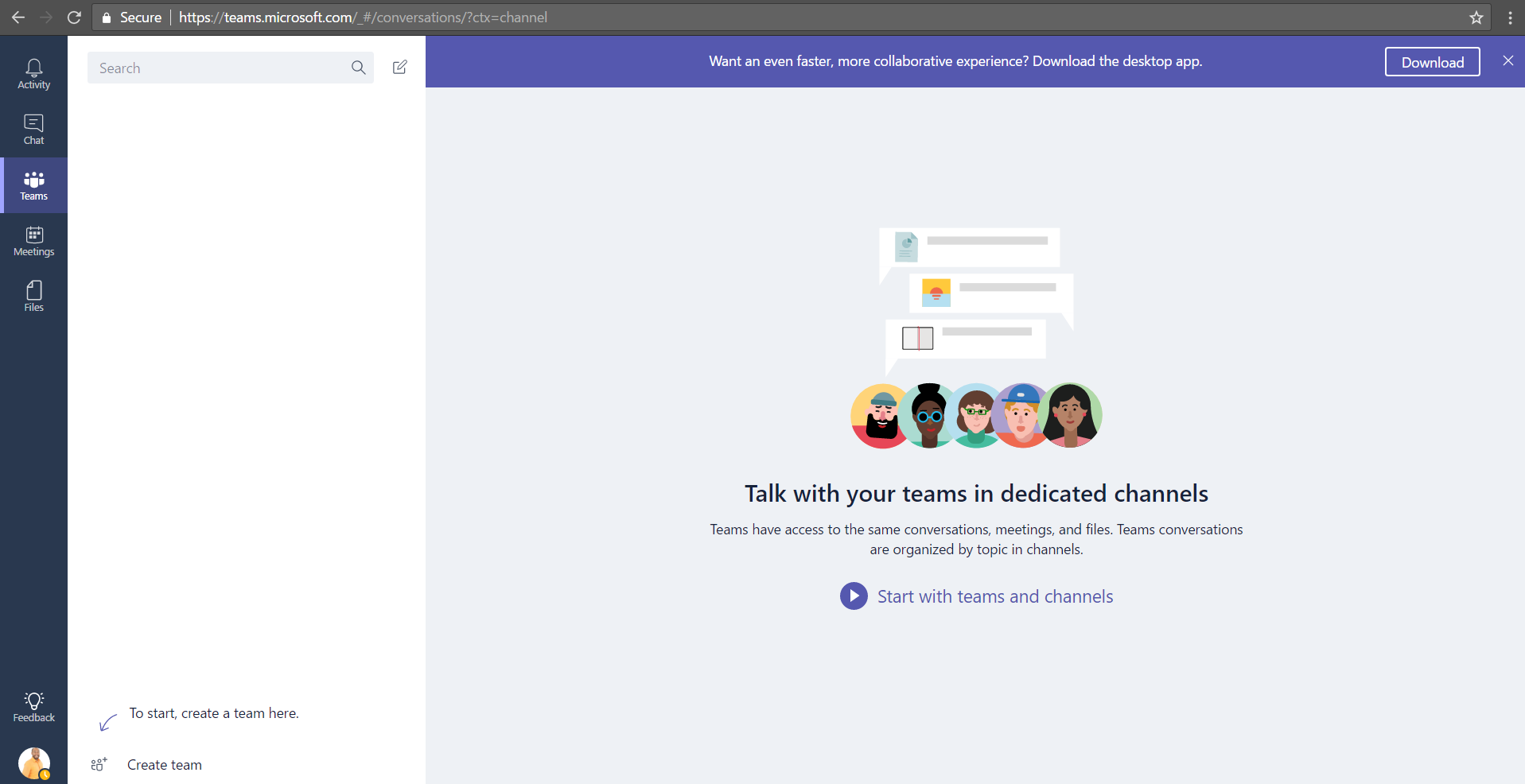
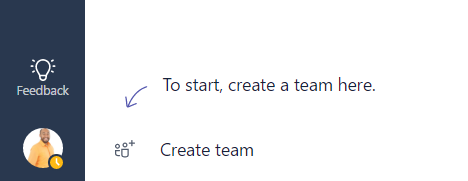
In the bottom left of the page you will see a link to create teams:
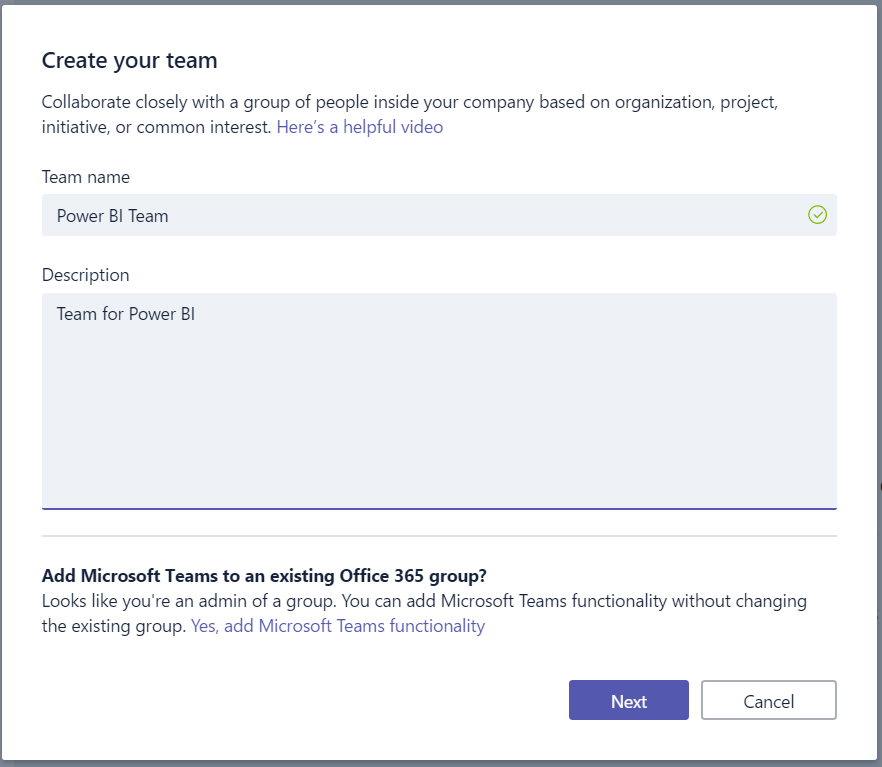
Enter a new team. We will call this the Power BI team:
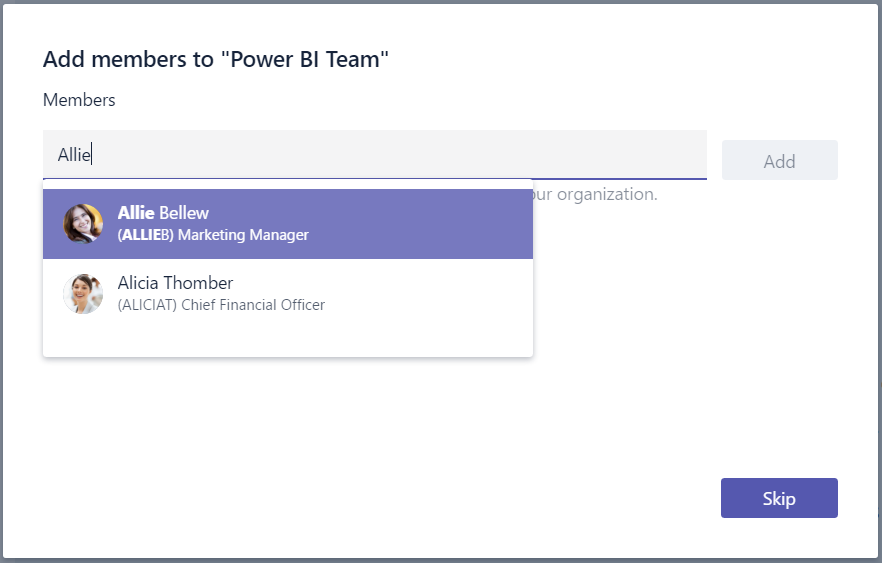
Add members to the team:
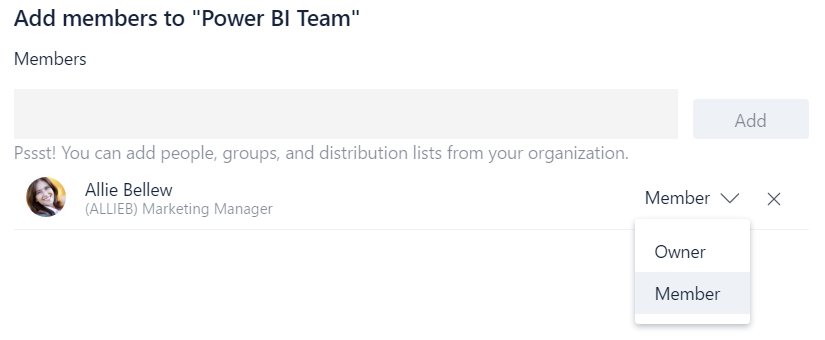
You can change ownership of the levels of the team members:
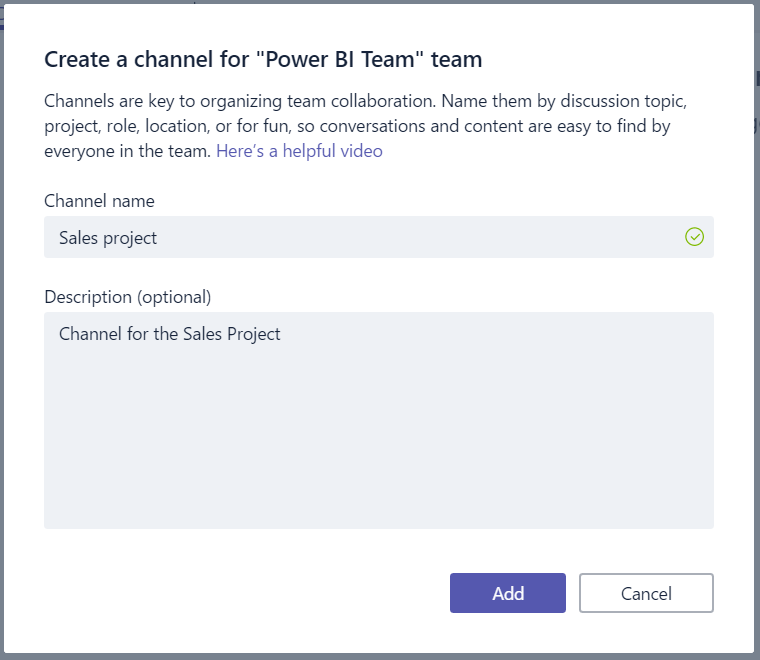
Add channels to groups:
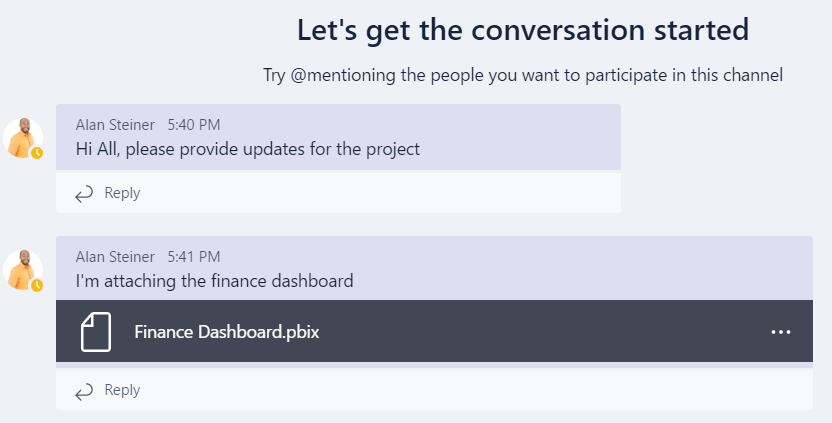
Users can then type into the chat:
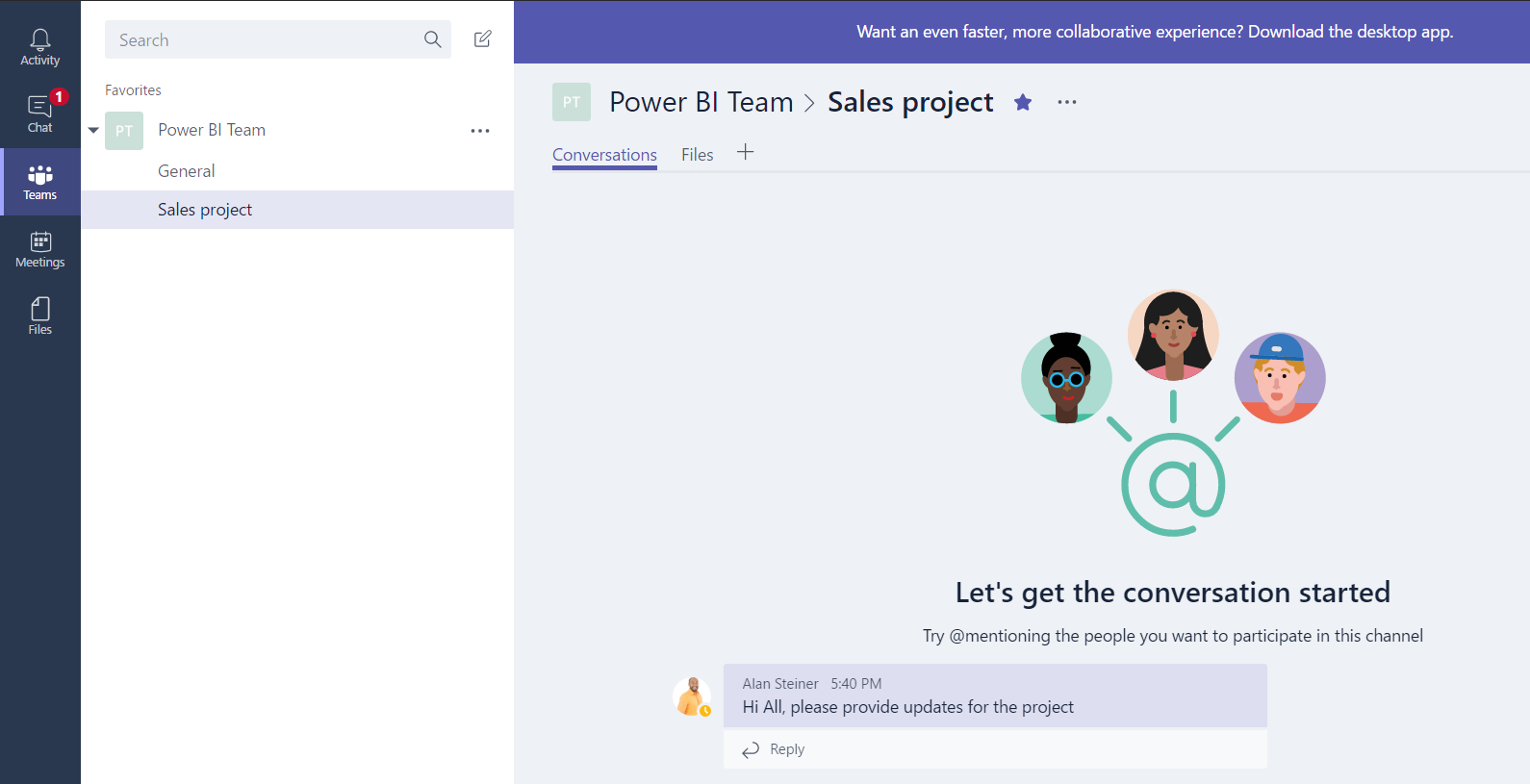
And add attachments:

Keep learning. Keep building.
Explore AI, agents & Microsoft technology.
I share practical ideas, tutorials, and videos about AI, AI agents, Microsoft technologies, and the Power Platform.
Subscribe on YouTube →Carl de Souza Enterprise Architect at Microsoft · AI Technology Expert