Dynamics CRM provides filtered views so we can access CRM data in SQL.
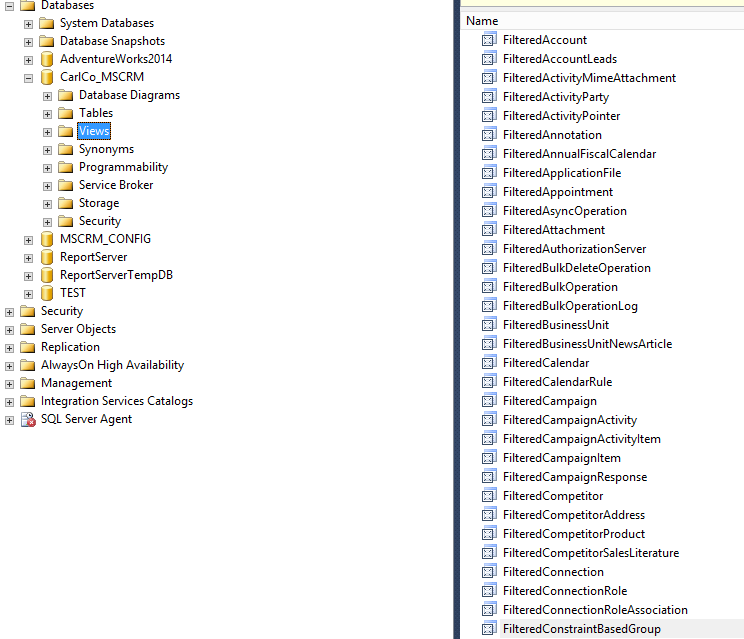
To access filtered views, go to the Dynamics CRM company database and go to Views. You will see views starting with the name “Filtered”:
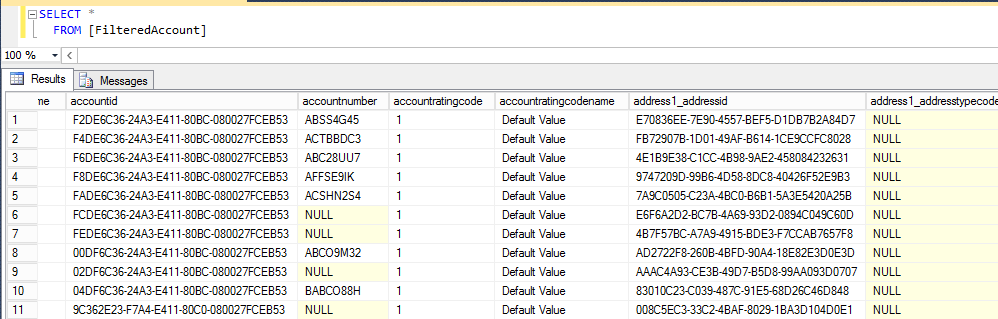
Selecting from the filtered view returns the results, e.g.
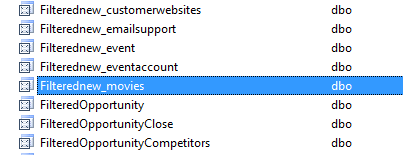
Custom entities also have filtered views:
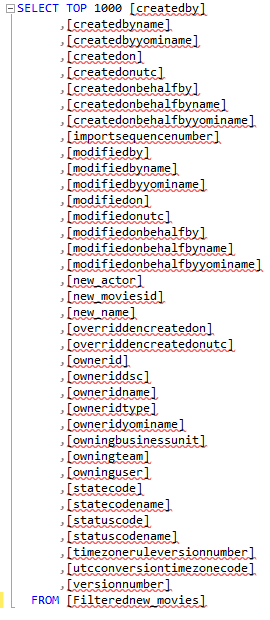
The views have standard fields as well as new fields:
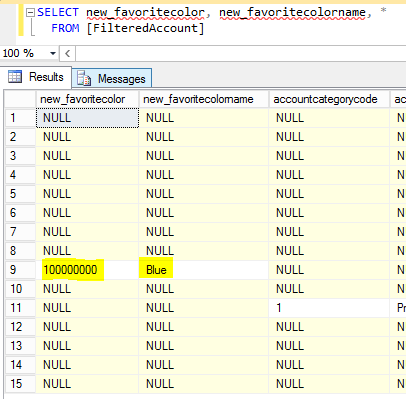
Option set fields appear in filtered views as two SQL fields, one for the value and one for the label:
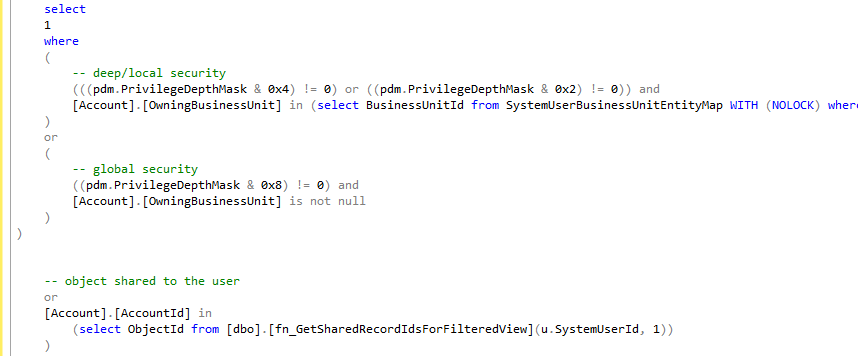
Scripting the filtered view, we can there are functions that ensure CRM security is met when a user tries to access the view:
Dynamics CRM tables can be accessed directly, for example if you want to access the account entity you can query the AccountBase, or new_entityBase for custom entities.
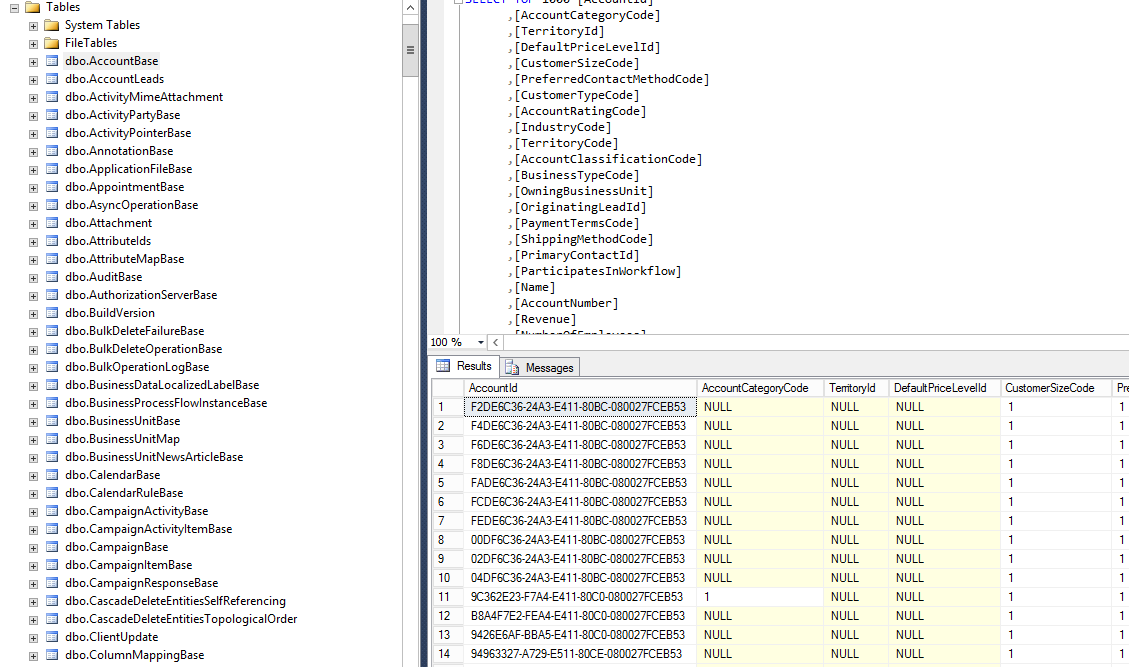
However, filtered views are the preferred way of accessing data due to its built in security. Note all fields in the filtered view are lower case, vs the entity table which is mixed case.

Explore AI, agents & Microsoft technology.
I share practical ideas, tutorials, and videos about AI, AI agents, Microsoft technologies, and the Power Platform.
Subscribe on YouTube →
Hi Carl,
Do you know how to access these filtered views in Dynamics CRM Online V 9.1. We’ve just migrated from OnPrem 2016 to Online 9.1 and we are missing those filtered views.
Thanks in advance!
When I am trying to access the Filtered view through Procedure in SSMS Jobs, I am getting no output
I created a Procedure using one of the Filtered View and then Created a SSMS Job using msdb sendmail to send output through an attachment, but emails received have no attachment