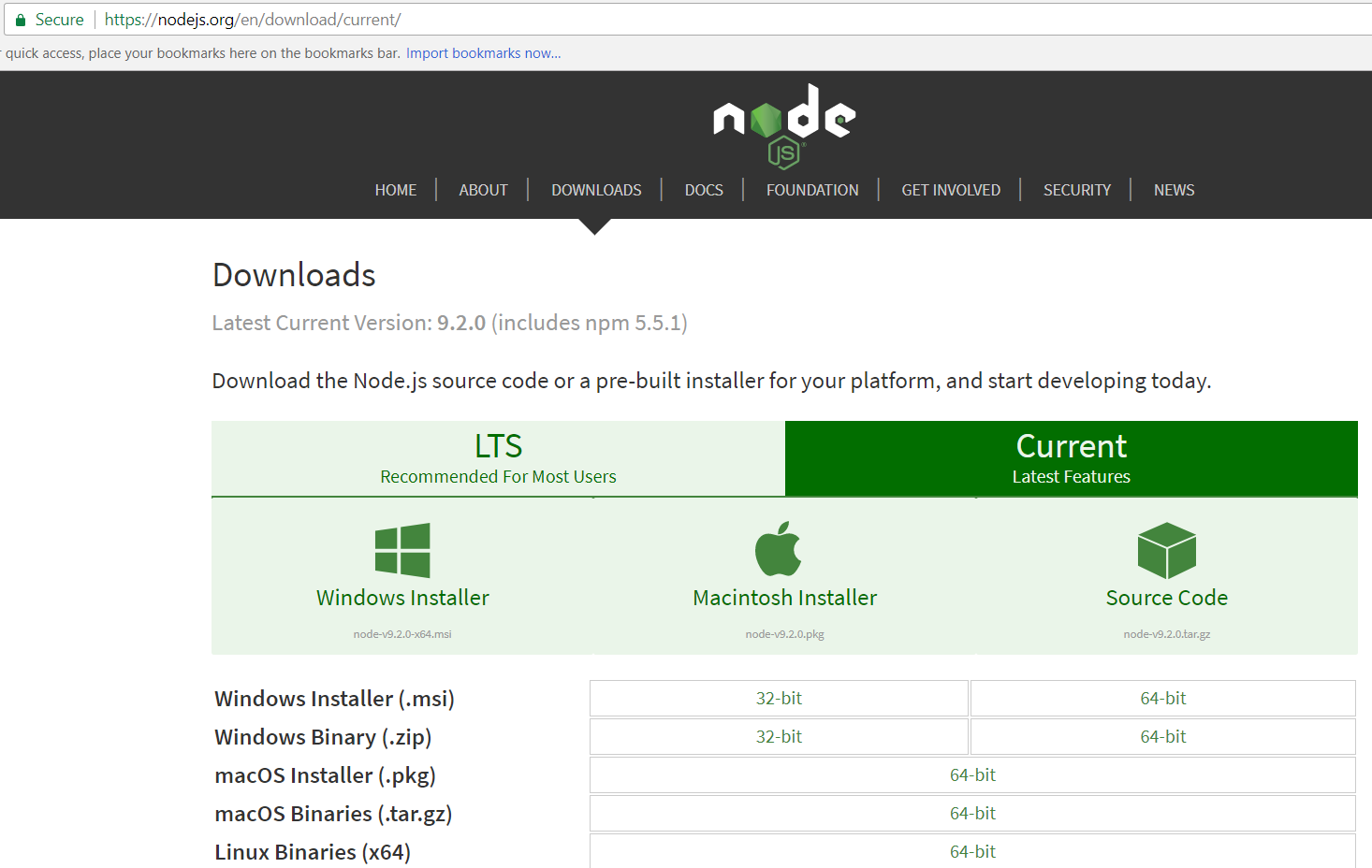
To install Node on Windows, first go to the Node website and select the version to download. We will install Windows 64 bit:
https://nodejs.org/en/download/current/
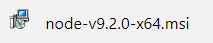
This downloads the MSI file. Open the file:
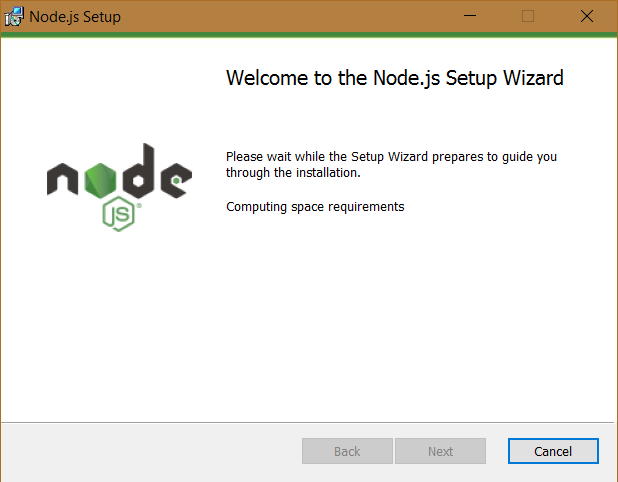
Click Next:
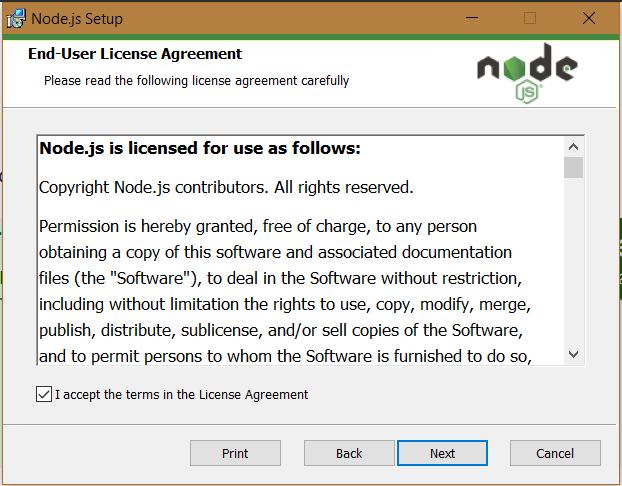
Click Next:
Click Next:
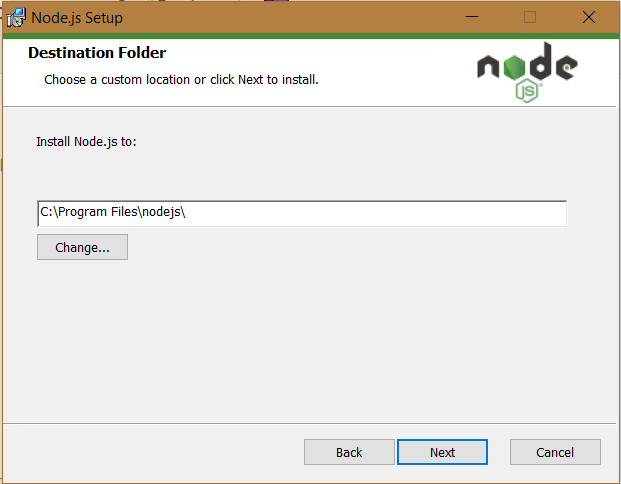
Select all the required components, including NPM Package Manager. Click Next:
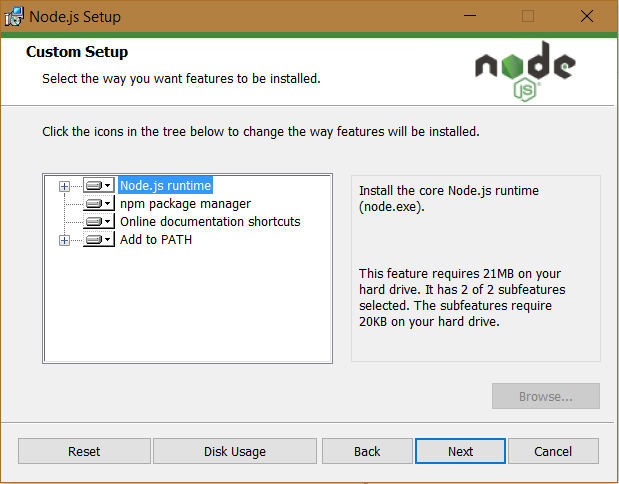
Click Next:
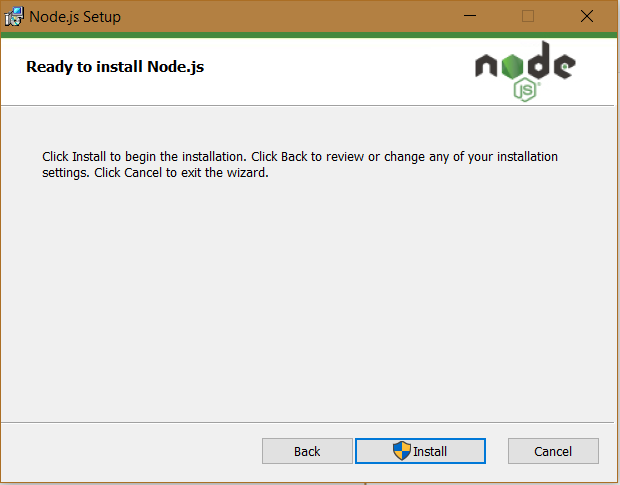
Click Finish:
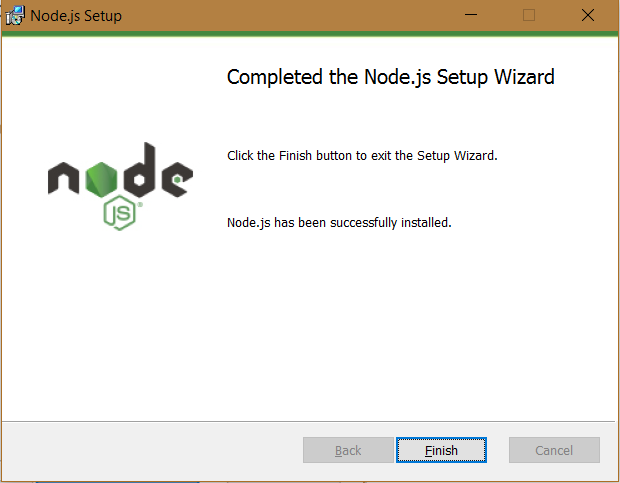
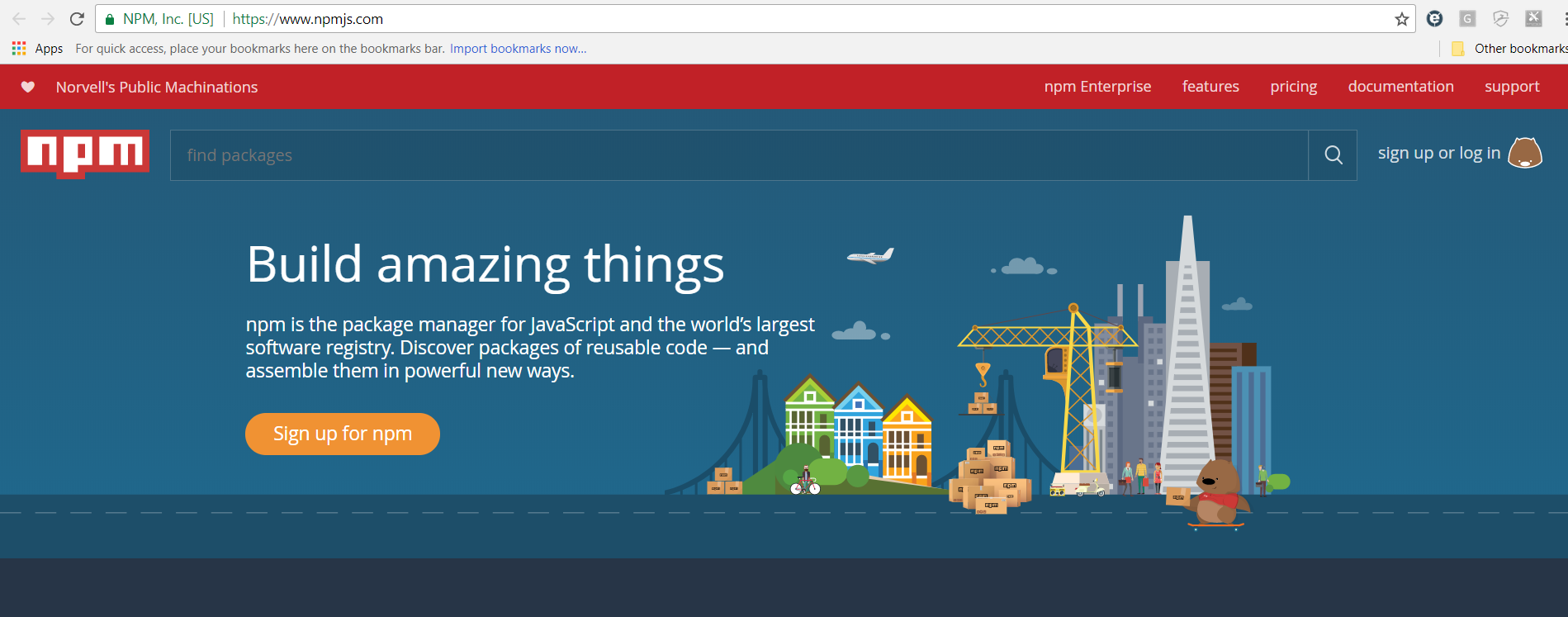
With NPM installed, you have access to thousands of packages. You can read more about NPM at the website https://www.npmjs.com/.
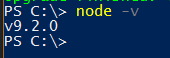
To use Node, open a PowerShell prompt and type the command below to get the version:
node -v

Keep learning. Keep building.
Explore AI, agents & Microsoft technology.
I share practical ideas, tutorials, and videos about AI, AI agents, Microsoft technologies, and the Power Platform.
Subscribe on YouTube →Carl de Souza Enterprise Architect at Microsoft · AI Technology Expert