In this post we will take a look at using tcp bindings in a WCF service. We will follow on from a previous post example.
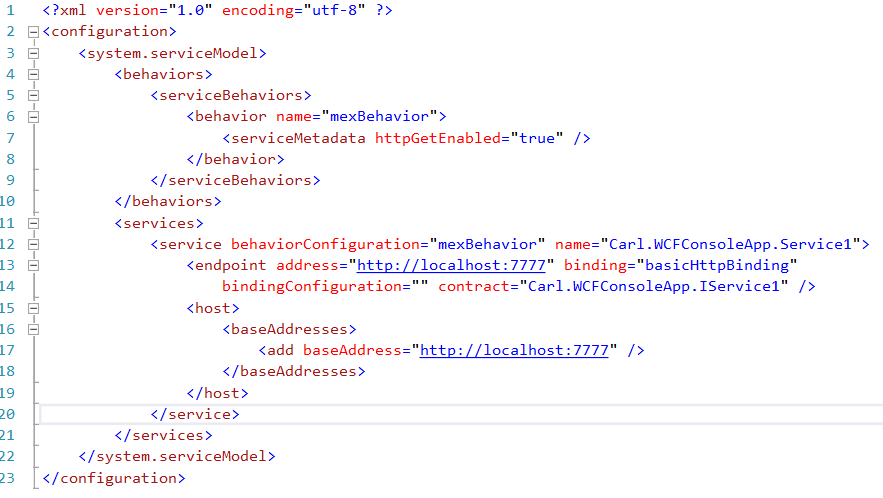
In our previous example, we have a WCF host that is using basicHttpBindings:
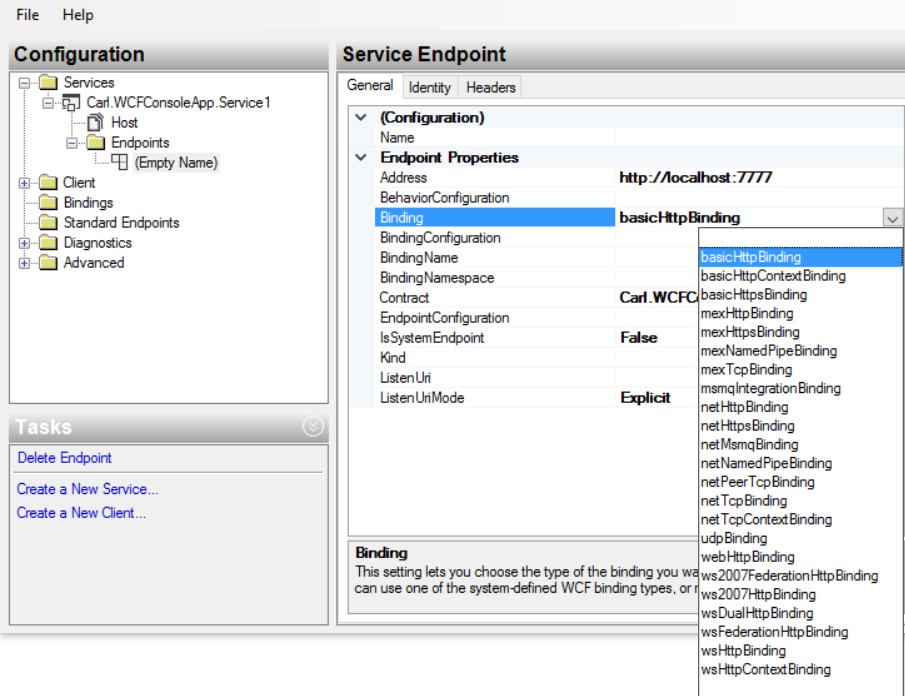
Clicking Edit, we can see the different bindings available:
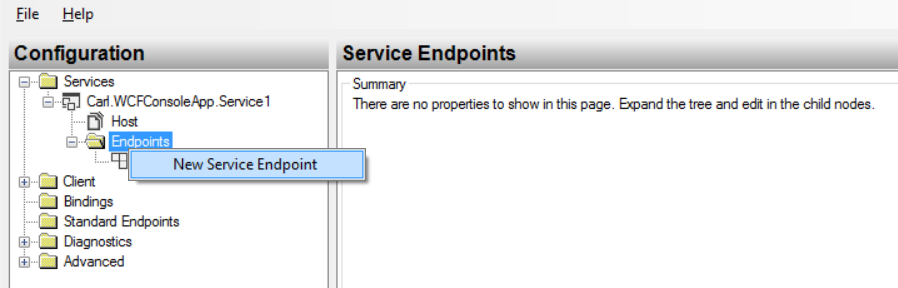
Let’s add a new TCP binding to our app.
Select New Service Endpoint:
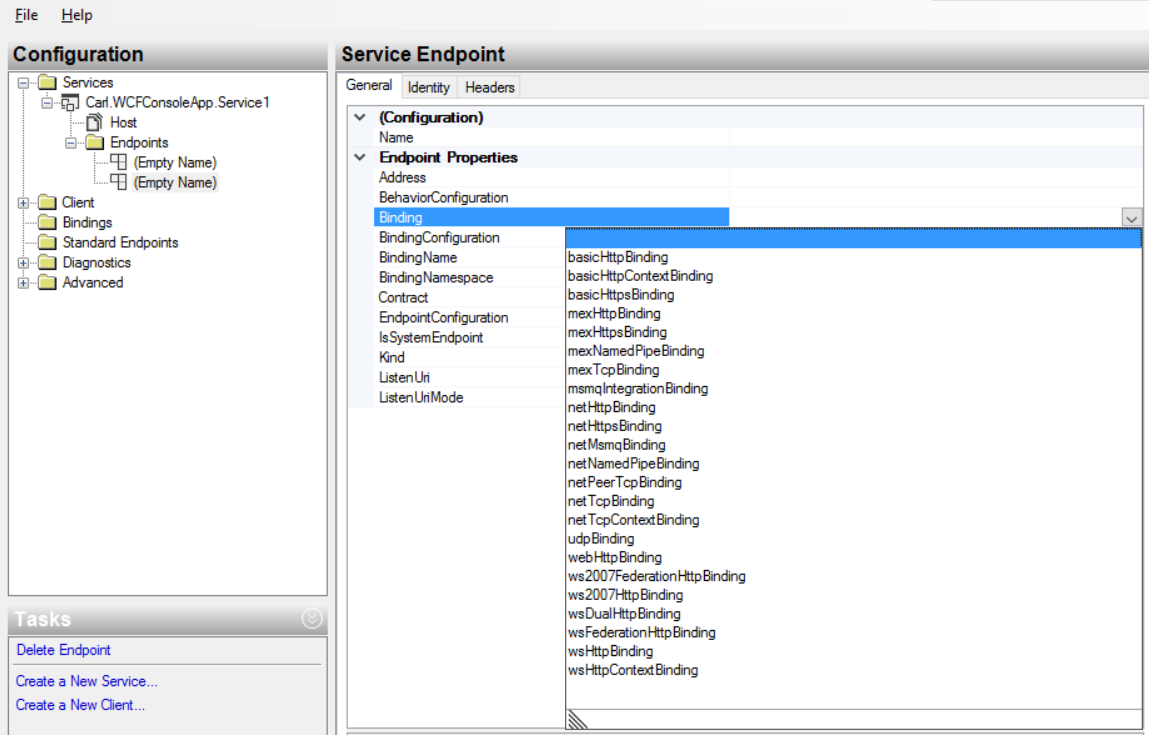
Select netTcpBinding:
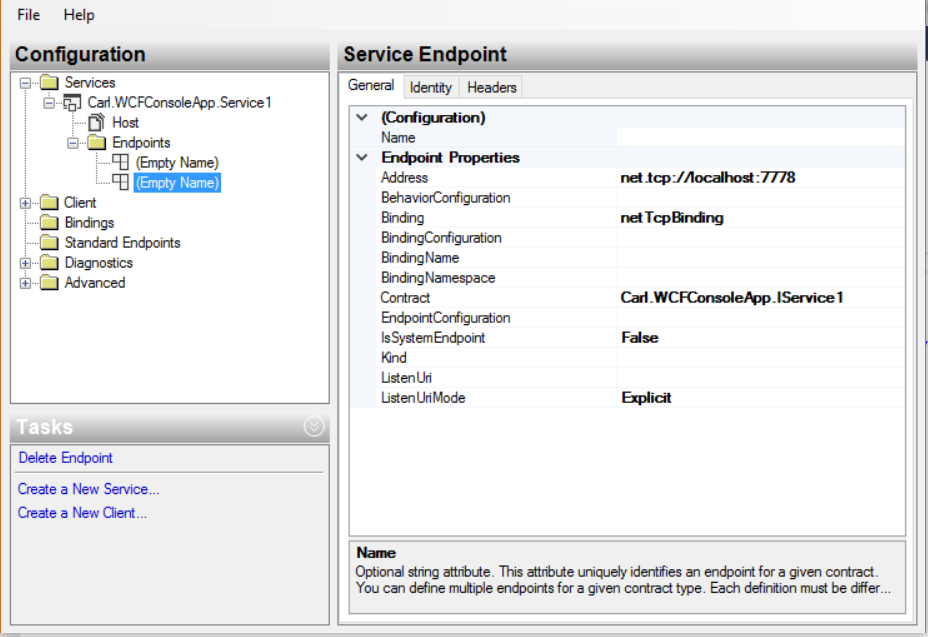
Add the address and contract:
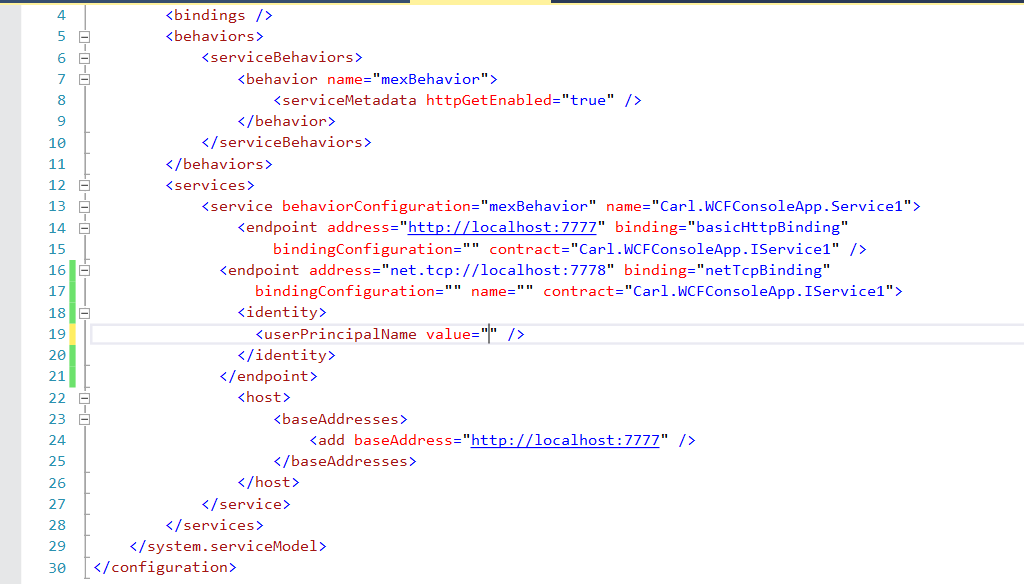
Save the config. In the editor, add an <identity> tag with your username, e.g. bob@test.com:
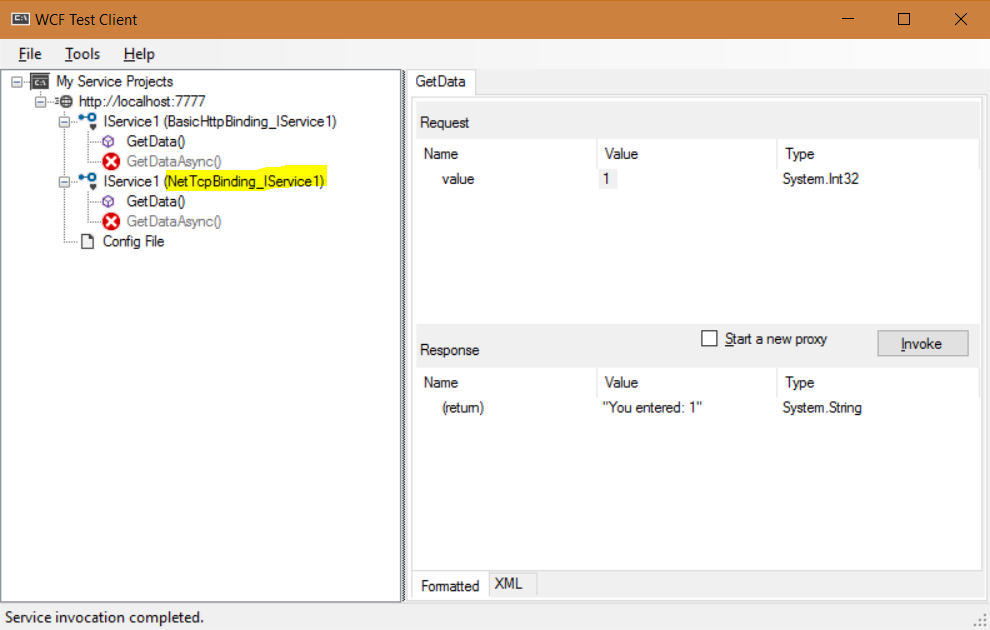
Run the code. We can now access the netTcp service:
If we specify a name for the endpoint in our configuration:
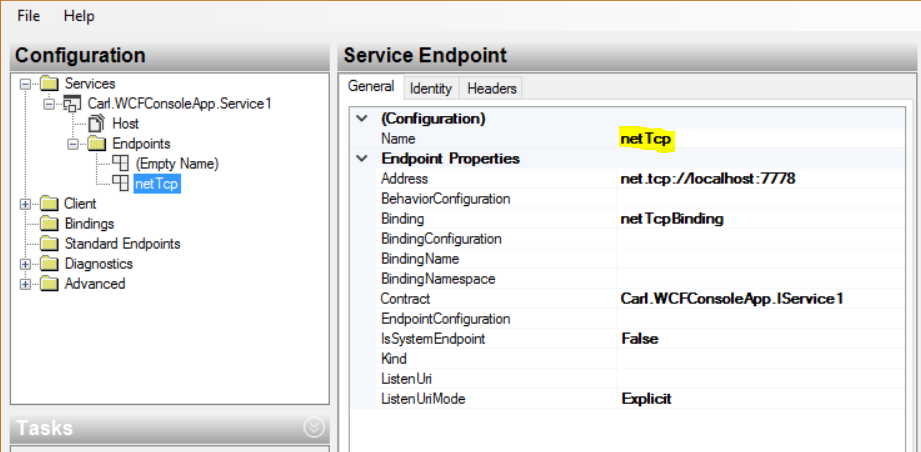
We can specify the endpoint in our calling code. Set the identity in your calling config:
using System;
using System.Collections.Generic;
using System.Linq;
using System.Text;
using System.Threading.Tasks;
using Carl.AccessWCFConsoleHost.ServiceReference1;

namespace Carl.AccessWCFConsoleHost
{
    class Program
    {
        static void Main(string[] args)
        {
            try
            {
                Service1Client sc = new Service1Client("netTcp");

                string s = sc.GetData(1);
                Console.WriteLine(s);
            }
            catch (Exception ex)
            {
                Console.WriteLine(ex.ToString());
            }
            Console.ReadLine();
        }
    }
}
This returns:


Explore AI, agents & Microsoft technology.
I share practical ideas, tutorials, and videos about AI, AI agents, Microsoft technologies, and the Power Platform.
Subscribe on YouTube →