LifeCycle Services (LCS) is an online portal from Microsoft that allows you to manage implementations. To log into LCS, go to: https://lcs.dynamics.com
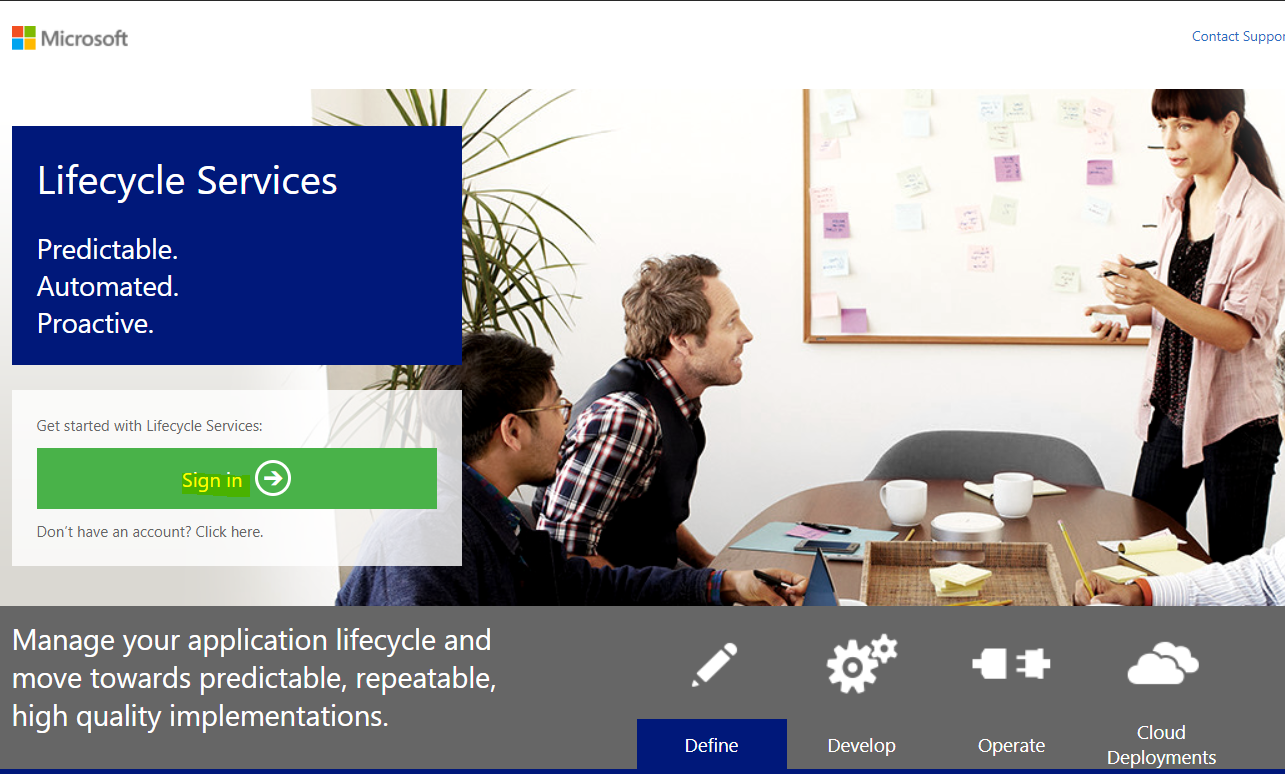
Select Sign in:
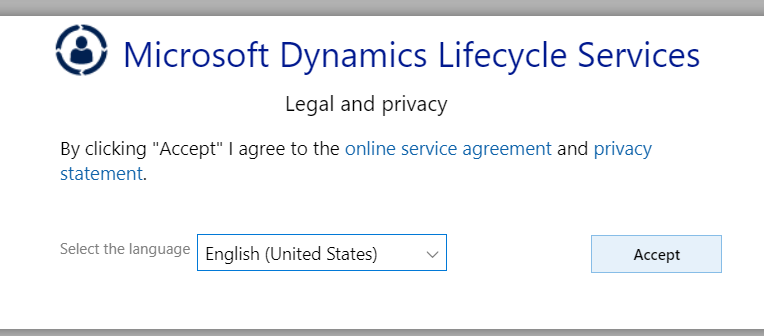
Provide your credentials. You may need to accept the privacy policy:
Here you will see the welcome screen:
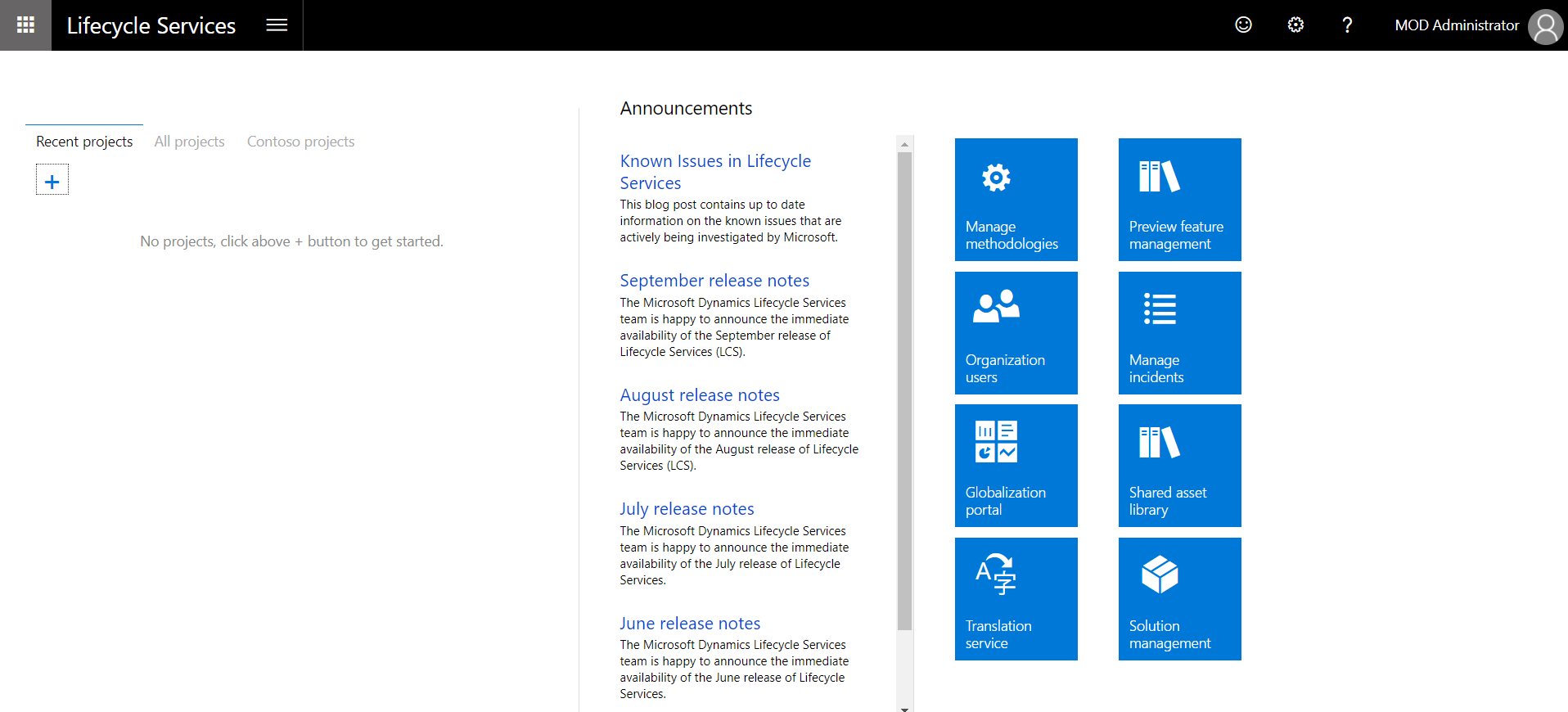
Click + to create a new project:
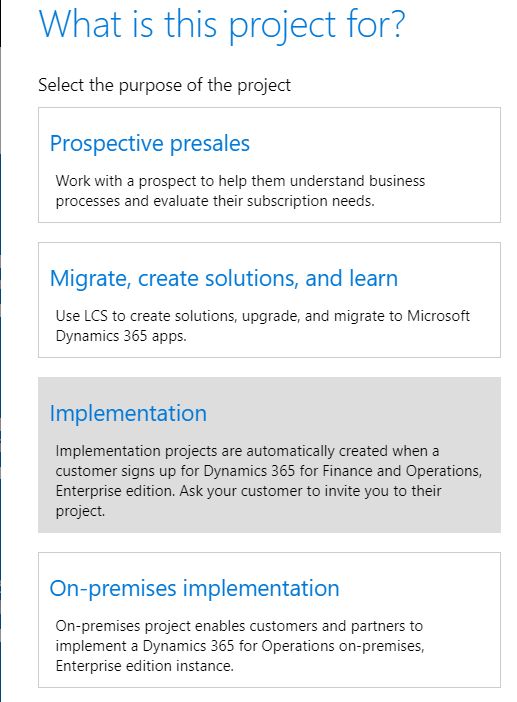
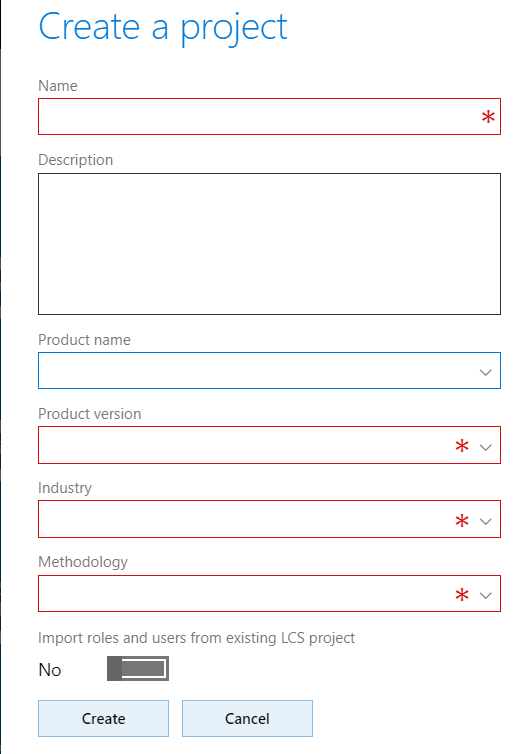
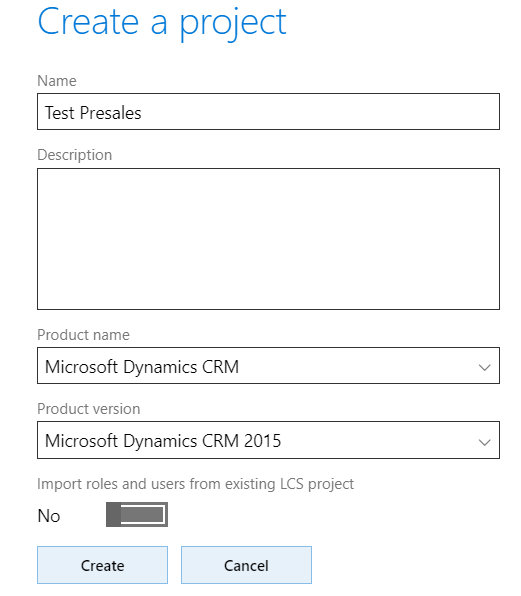
Selecting Prospective presales displays the following window:
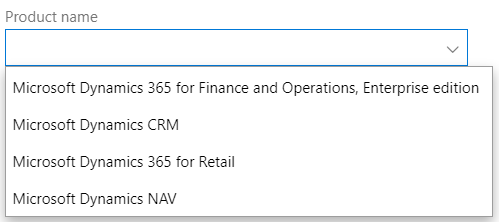
Note the Product name options:
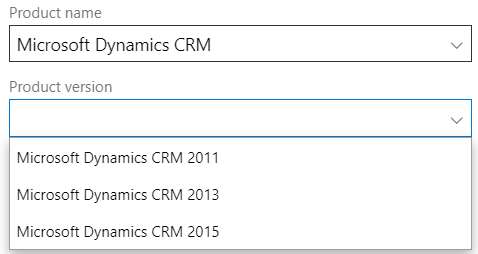
Selecting a product will display the version options:
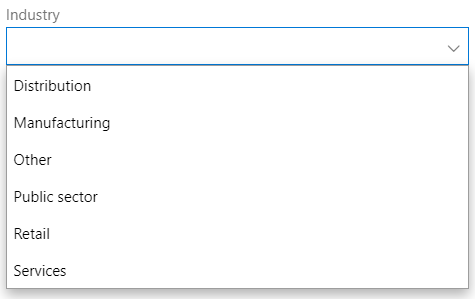
And potentially any other options such as industry:
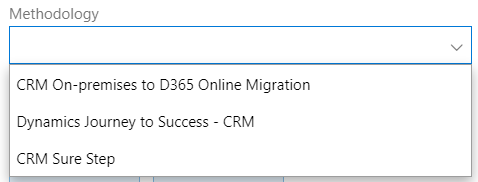
Then the methodology:
Click to Create a project:
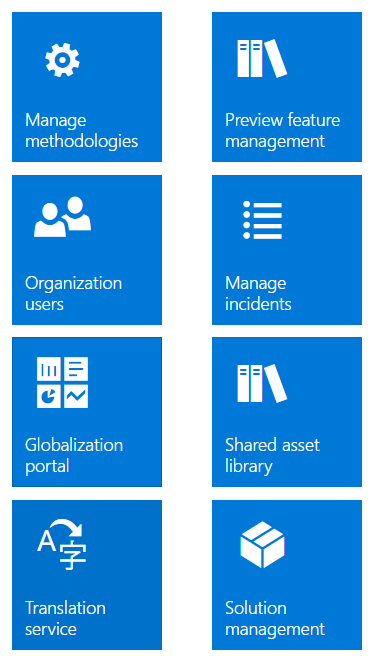
Note the ability to Manage Methodologies, Organize Users, Manage Incidents etc.
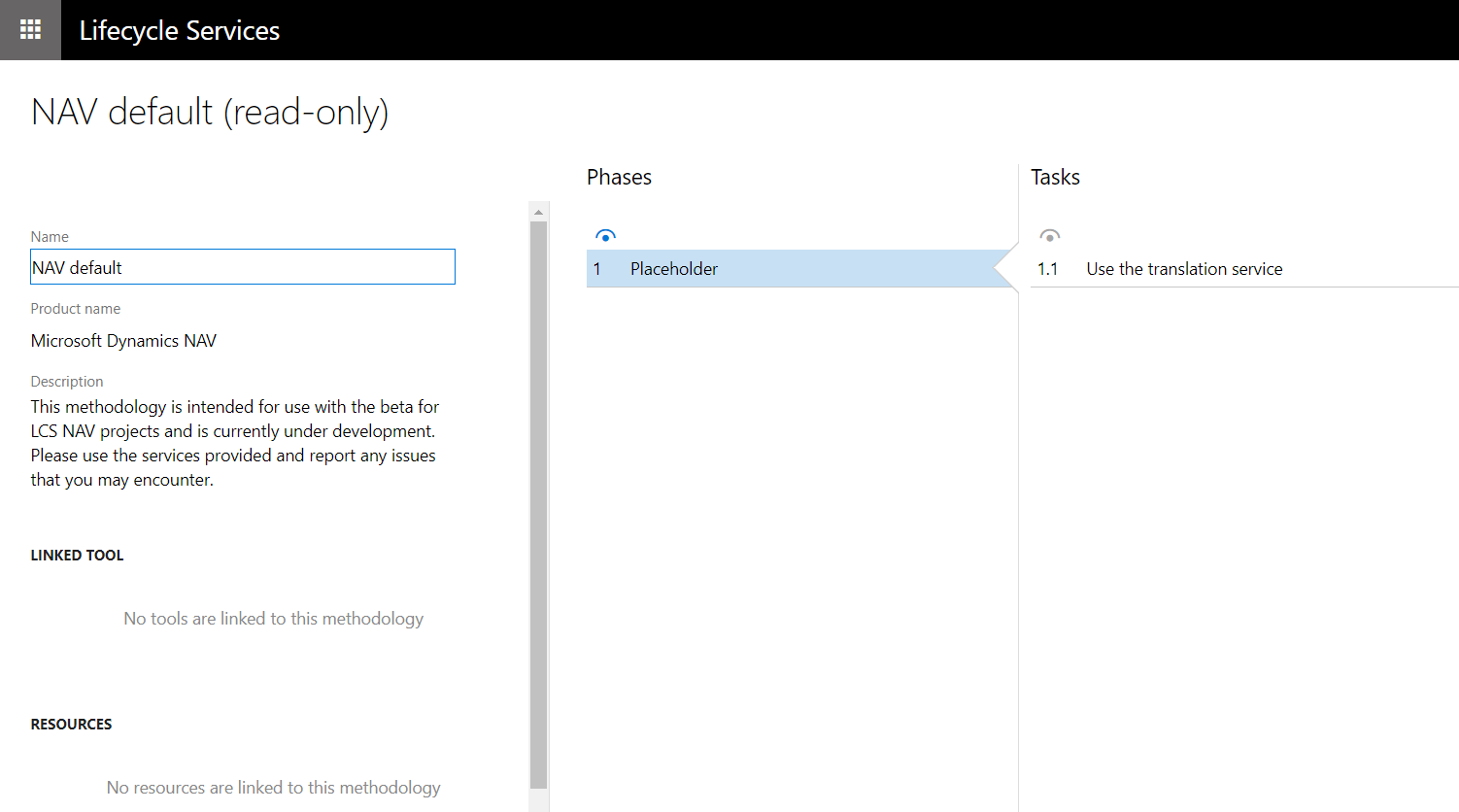
Selecting Manage Methodologies:

Each methodology has phases and tasks:
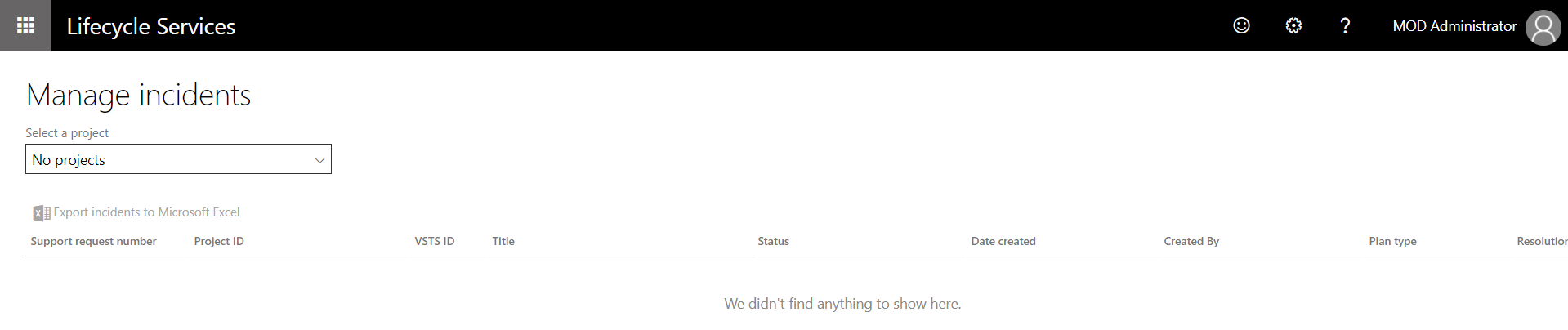
And you can manage Incidents:
For more information, visit the LCS Engineering Blog.
I AM SPENDING MORE TIME THESE DAYS CREATING YOUTUBE VIDEOS TO HELP PEOPLE LEARN THE MICROSOFT POWER PLATFORM.
IF YOU WOULD LIKE TO SEE HOW I BUILD APPS, OR FIND SOMETHING USEFUL READING MY BLOG, I WOULD REALLY APPRECIATE YOU SUBSCRIBING TO MY YOUTUBE CHANNEL.
THANK YOU, AND LET'S KEEP LEARNING TOGETHER.
CARL
