LifeCycle Services (LCS) is an online portal from Microsoft that allows you to manage implementations. To log into LCS, go to: https://lcs.dynamics.com
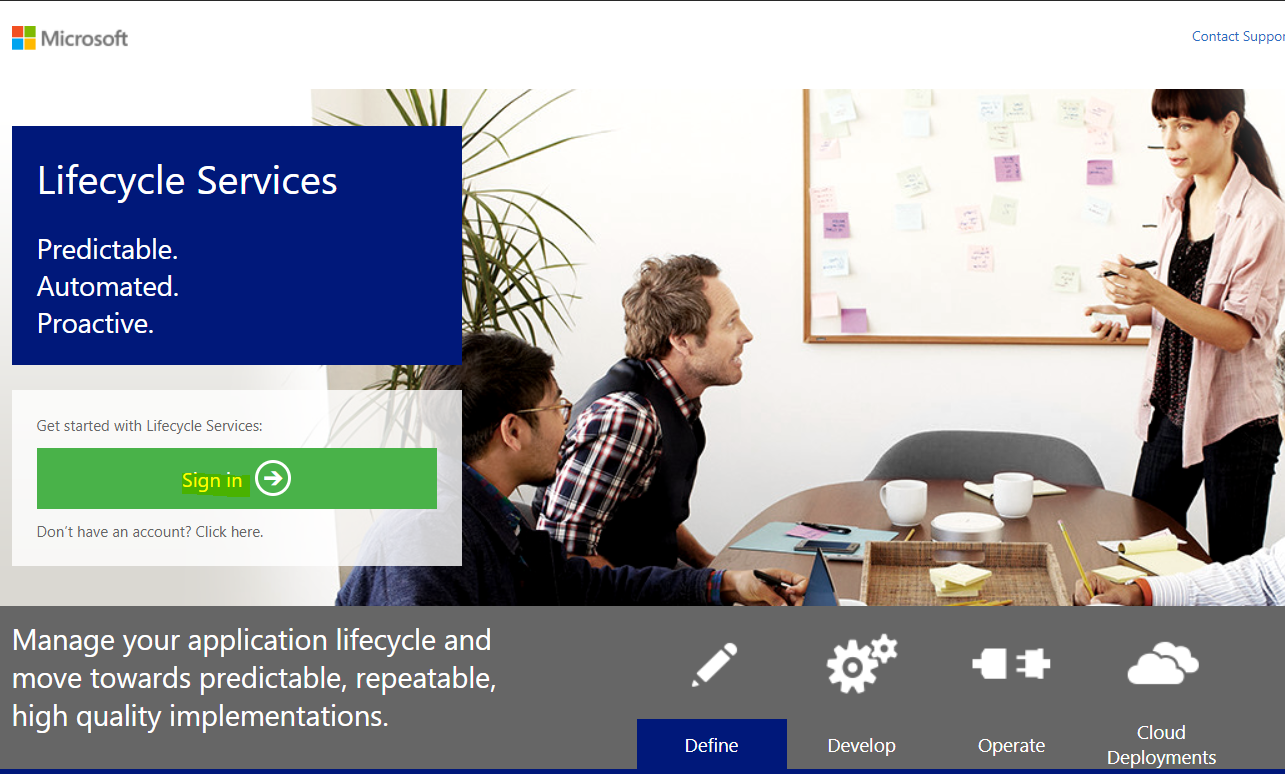
Select Sign in:
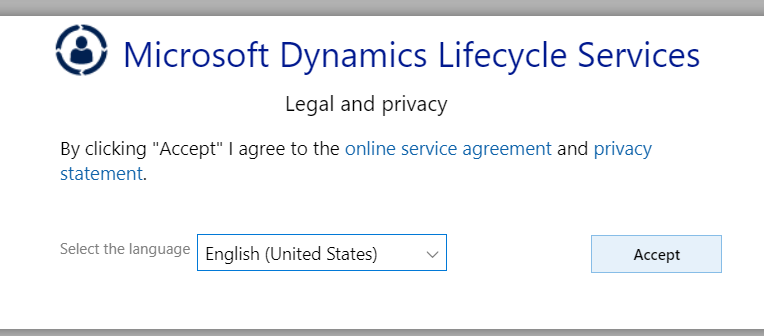
Provide your credentials. You may need to accept the privacy policy:
Here you will see the welcome screen:
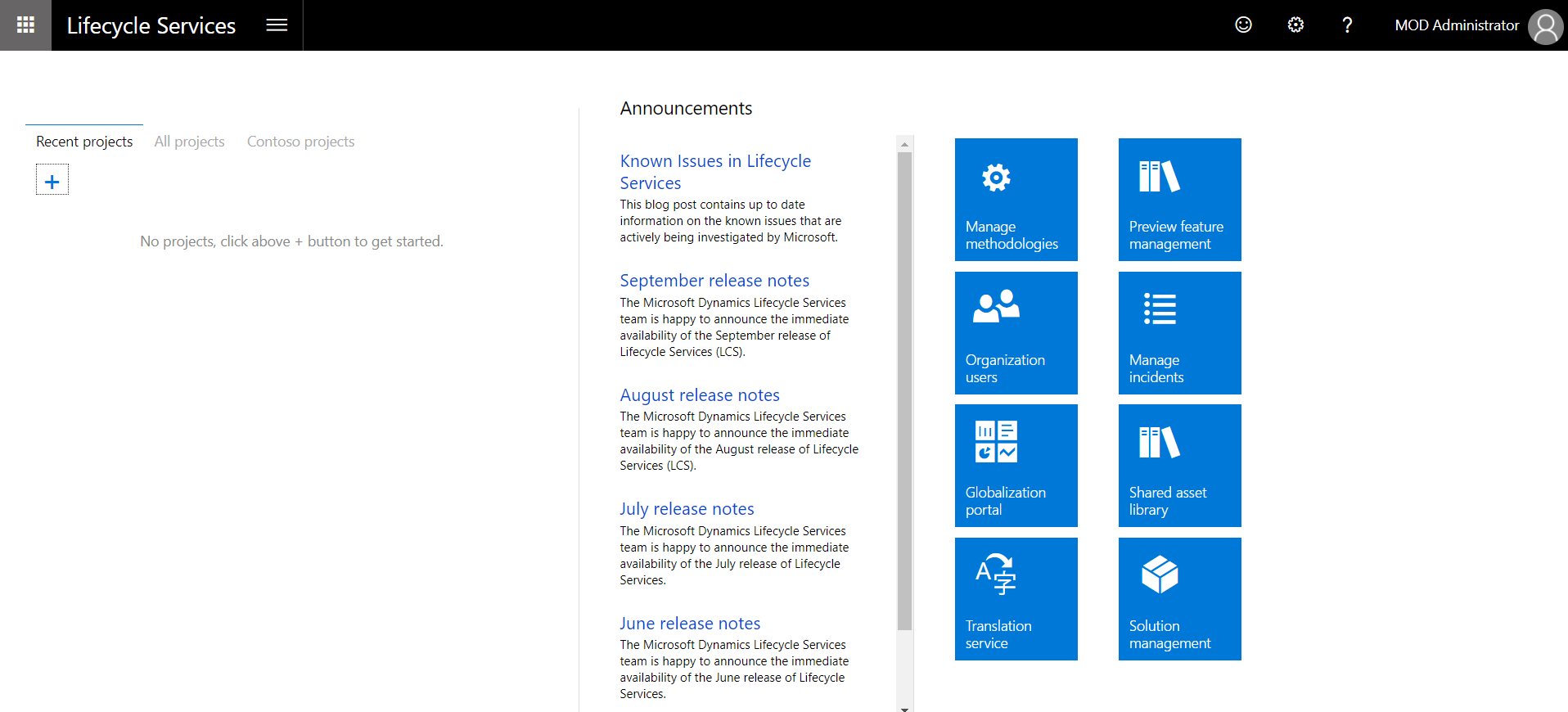
Click + to create a new project:
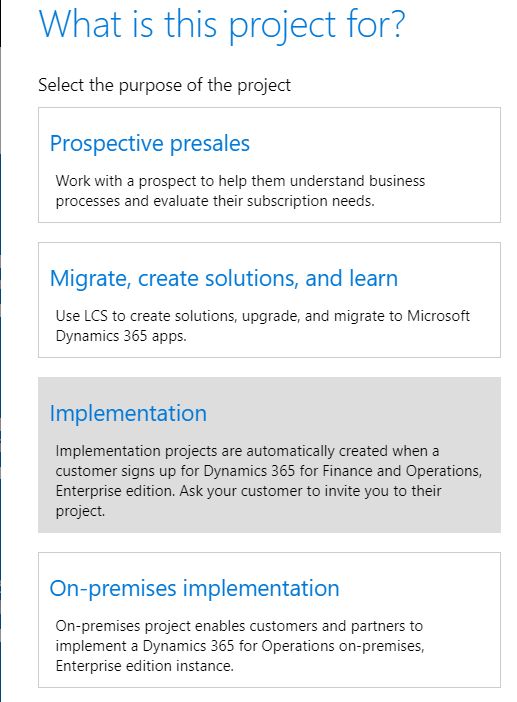
Selecting Prospective presales displays the following window:
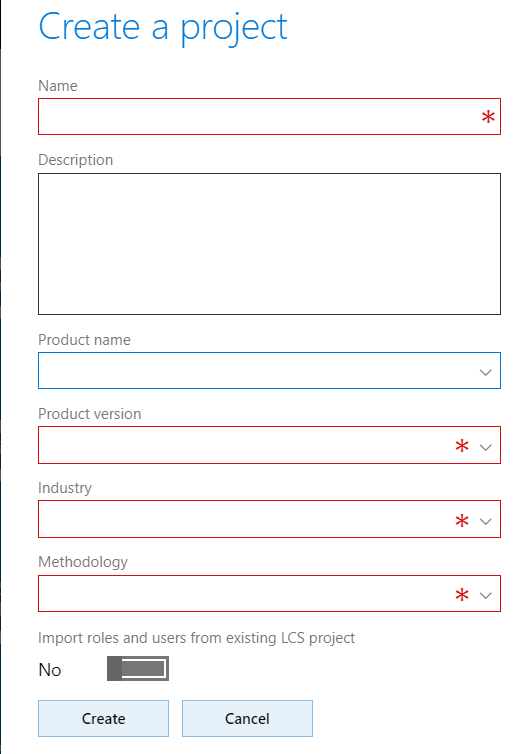
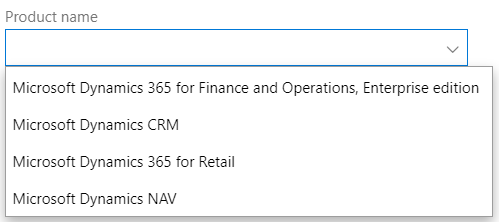
Note the Product name options:
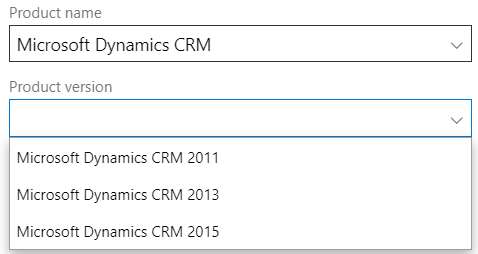
Selecting a product will display the version options:
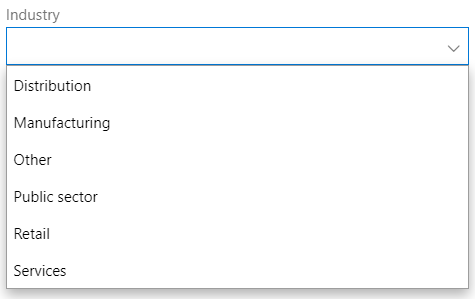
And potentially any other options such as industry:
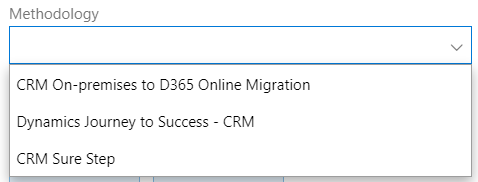
Then the methodology:
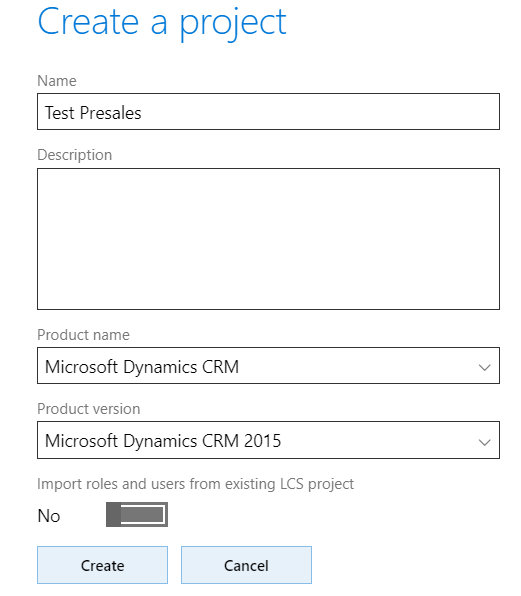
Click to Create a project:
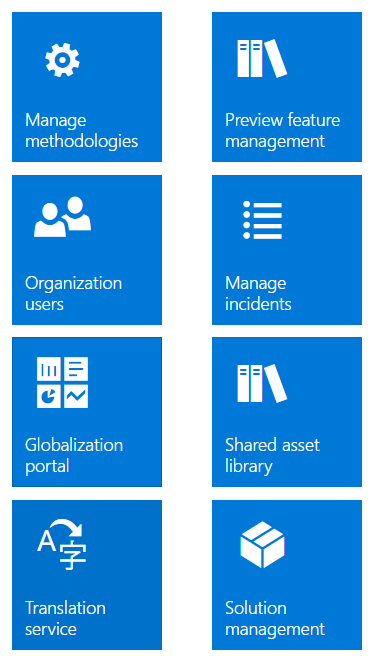
Note the ability to Manage Methodologies, Organize Users, Manage Incidents etc.
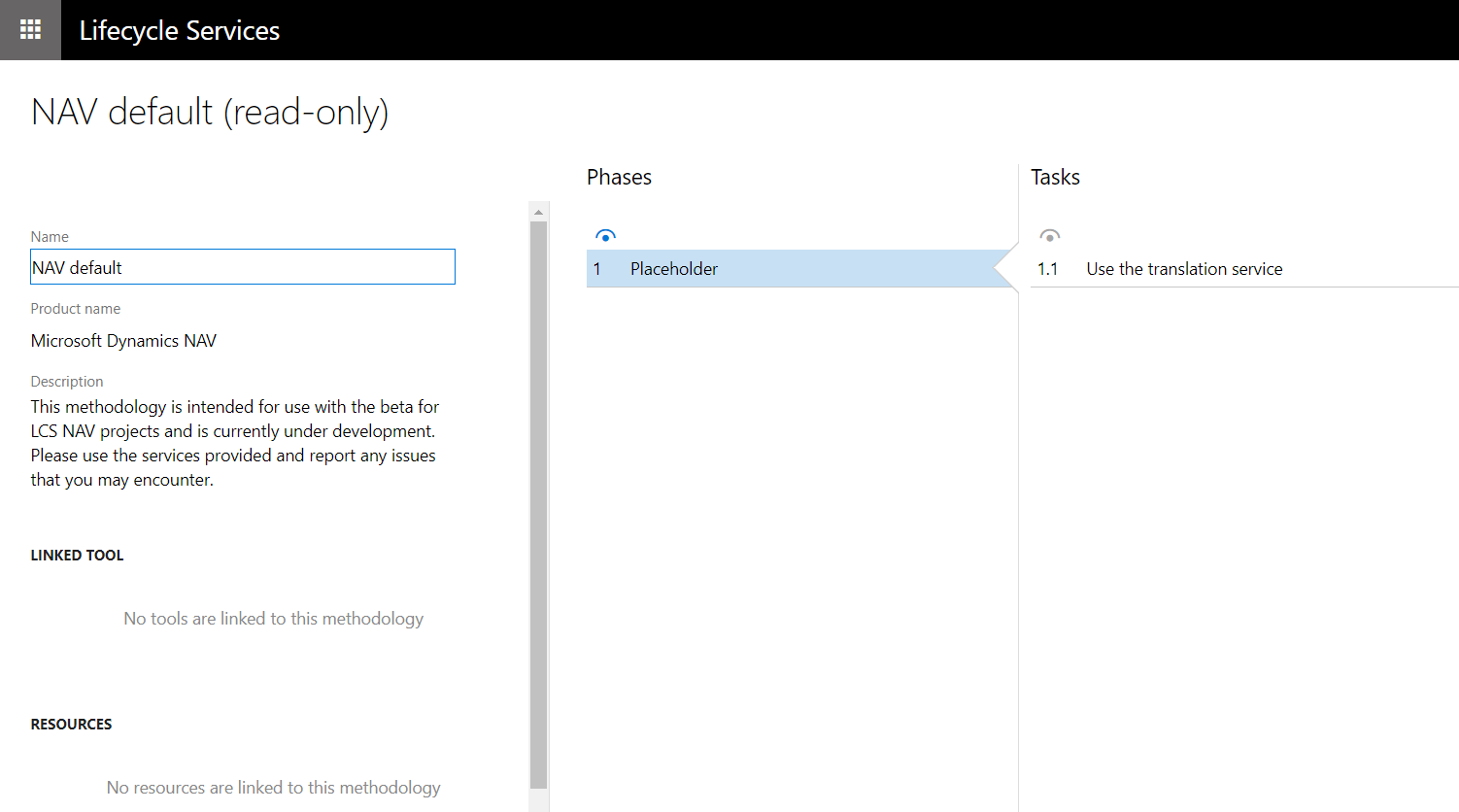
Selecting Manage Methodologies:

Each methodology has phases and tasks:
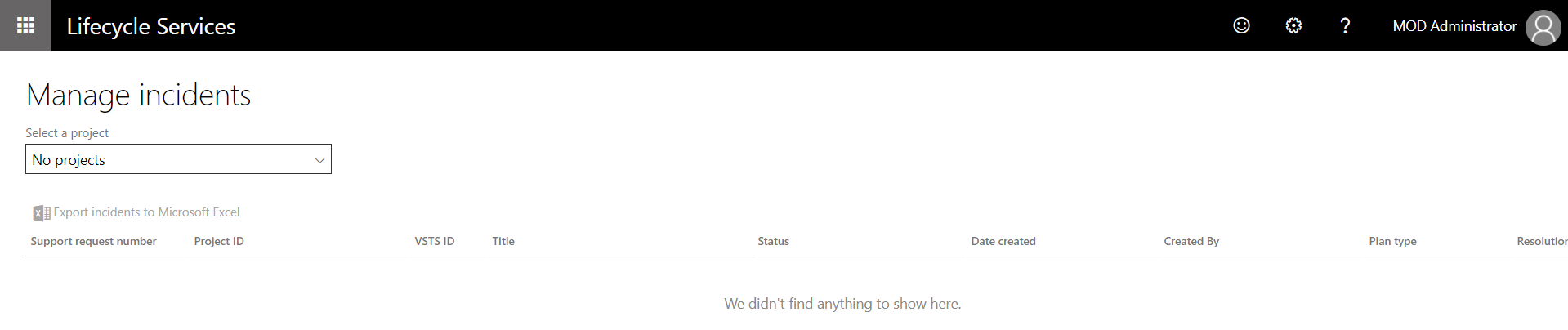
And you can manage Incidents:
For more information, visit the LCS Engineering Blog.

Explore AI, agents & Microsoft technology.
I share practical ideas, tutorials, and videos about AI, AI agents, Microsoft technologies, and the Power Platform.
Subscribe on YouTube →