App Workspaces are a place to colloborate in Power BI and also create new Power BI Apps.
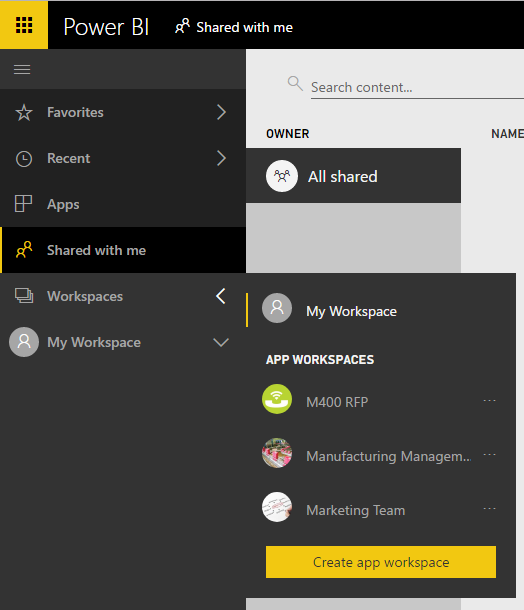
Go to App Workspaces in powerbi.com and select Create app workspace:
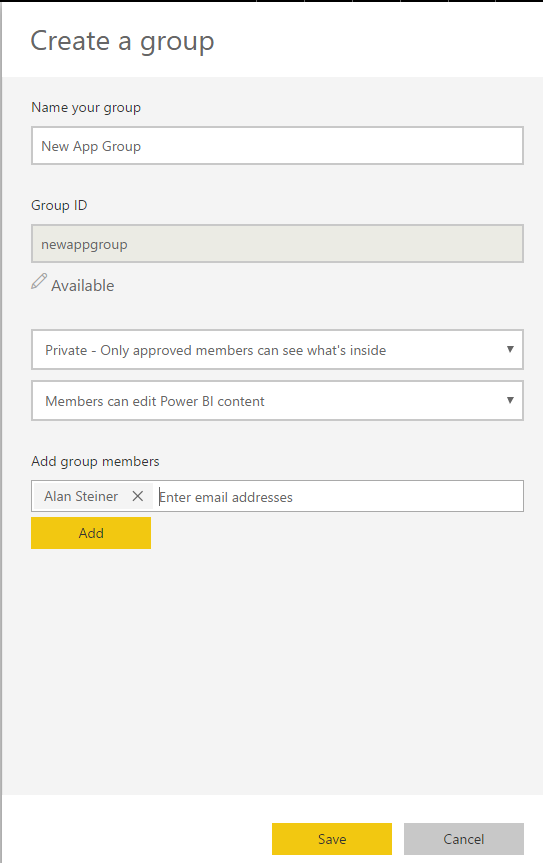
Enter group details and add group members:
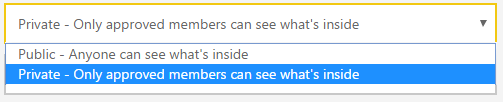
Note the group options available:

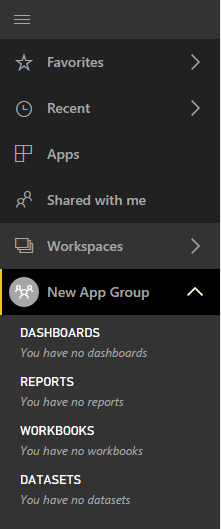
Save the group. A new workspace is created:
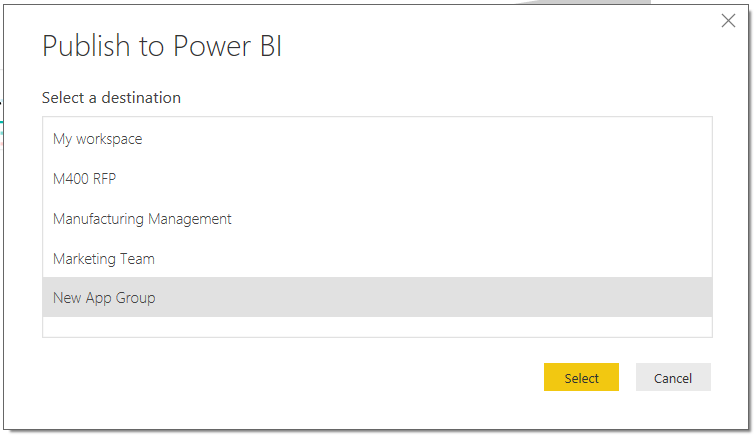
Open a Power BI Desktop project and publish to the new group:
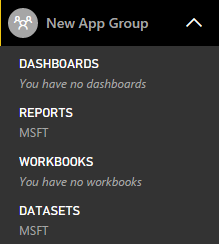
In Power BI, you will see the new Reports and Datasets:
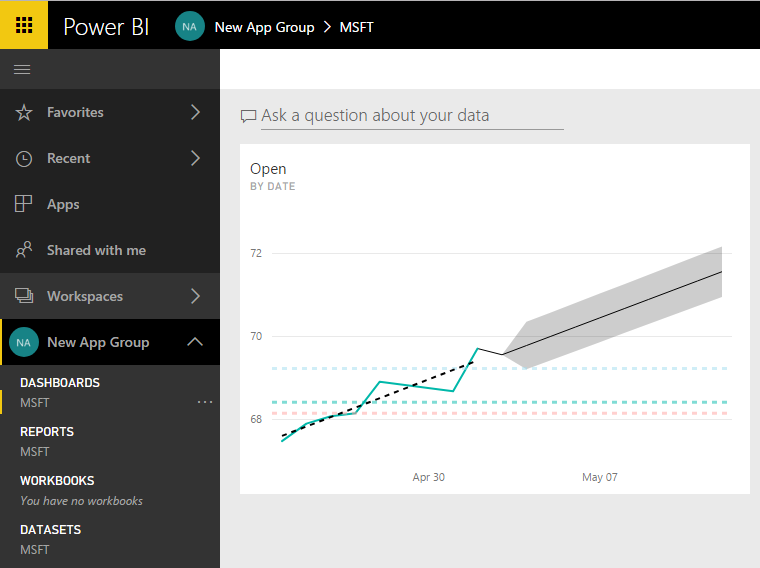
Pin a report to a new dashboard in the app workspace:
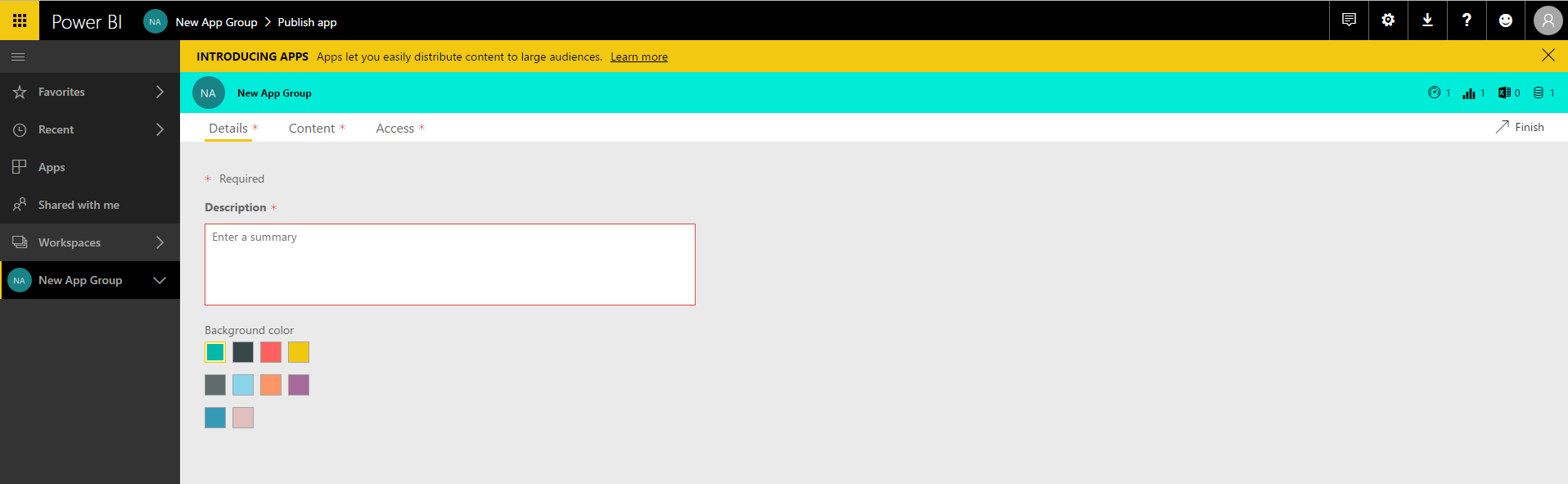
You can now publish an app. Select Publish App:

Enter some details:
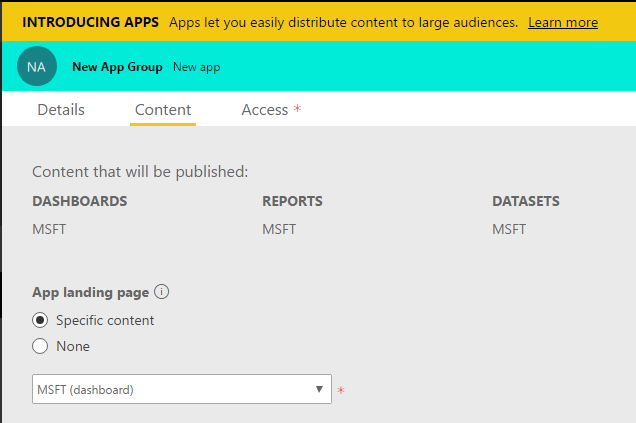
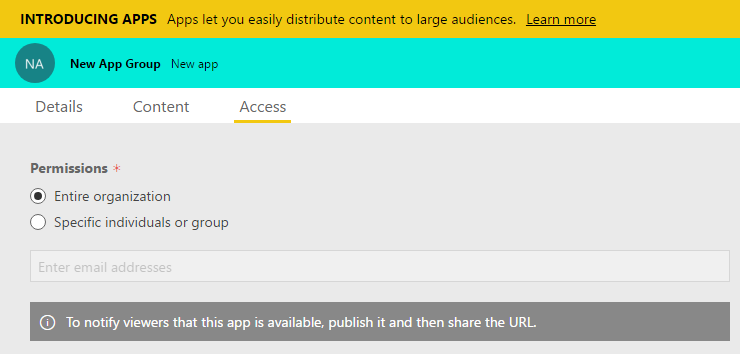
Click Finish and Publish:
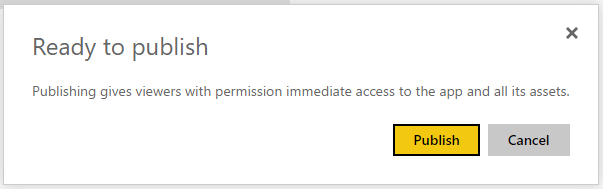
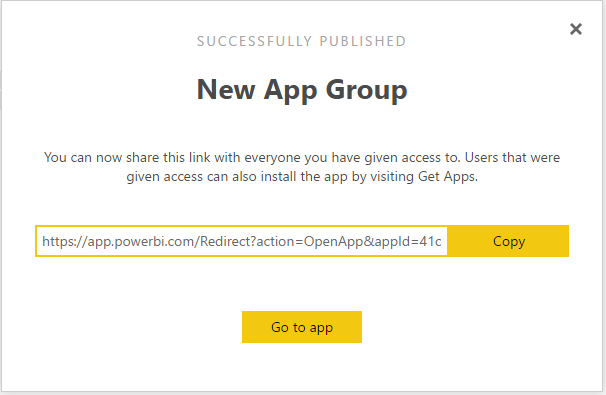
Click Go To App:
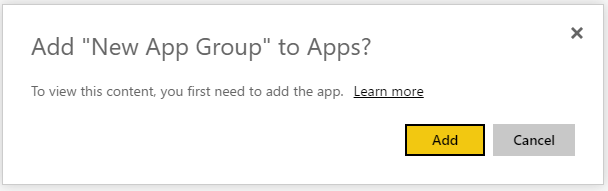
Click Add:
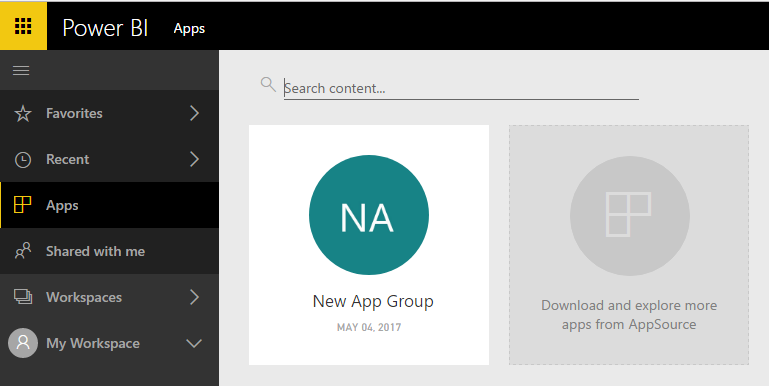
The app will appear in your workspace:
As a workspace member, if you make changes to the app, they will not be deployed to users until you publish them, so in effect you have a staging environment for your development.
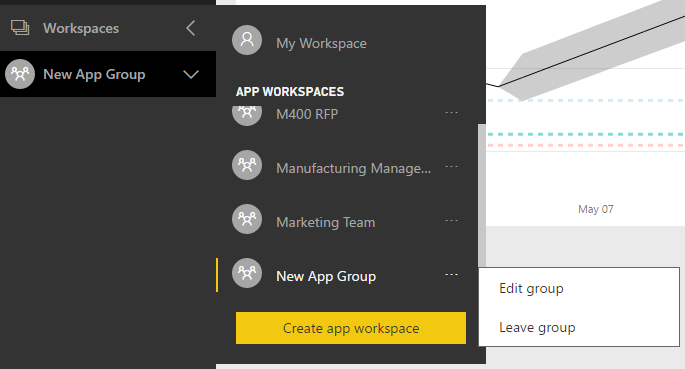
If you want to leave the group or edit the group you can by selecting it:
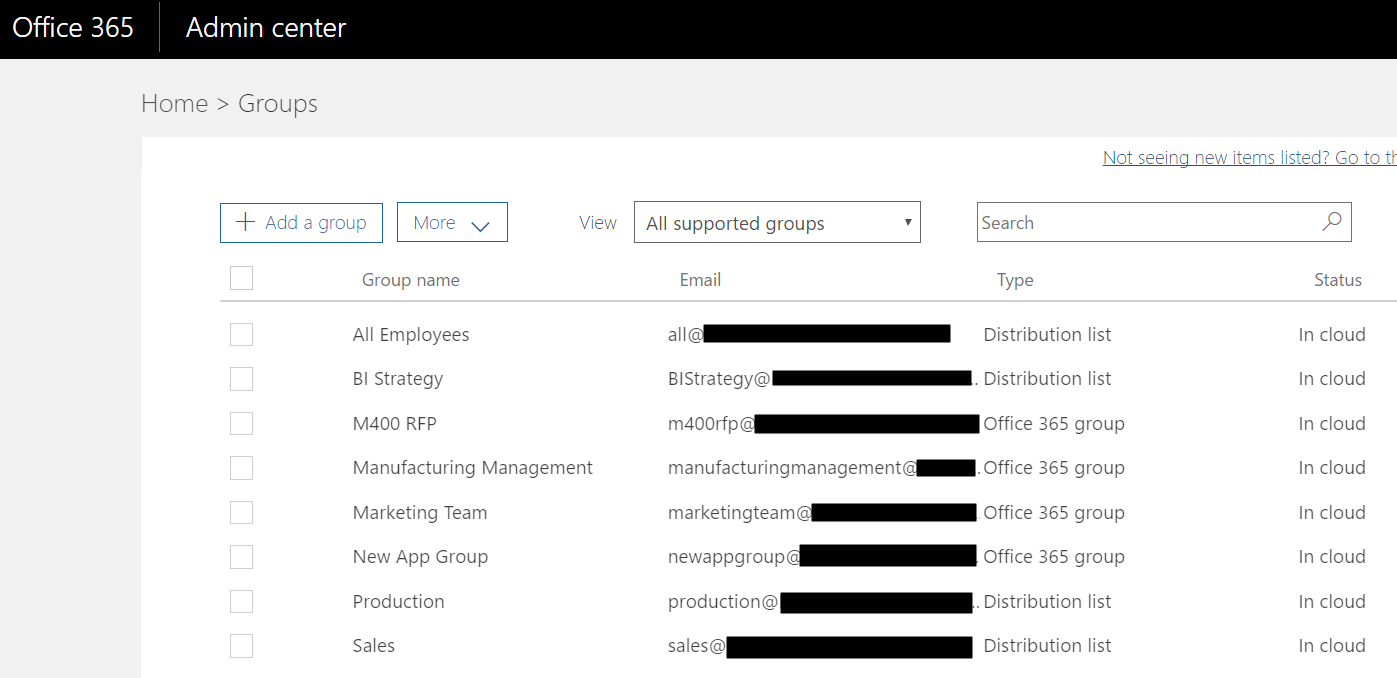
Note when the app workspace is creaed a new Office 365 group is created:
Users can add the app by going to Get Data:

My Organization:
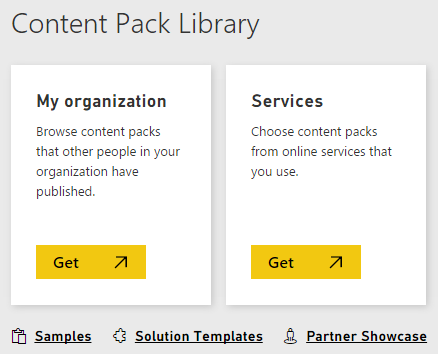
Select App:
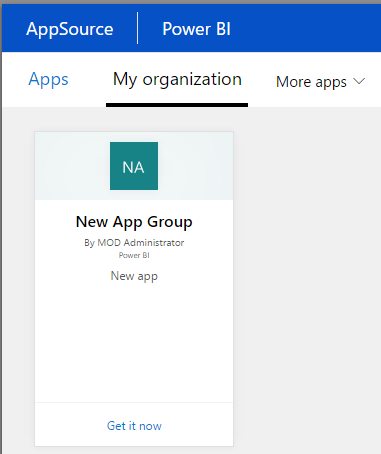
Apps also tie in with Premium pricing – if an organization has premium pricing they can enable it on the app so any users in your organization who have free or pro licenses can consume the app.
I AM SPENDING MORE TIME THESE DAYS CREATING YOUTUBE VIDEOS TO HELP PEOPLE LEARN THE MICROSOFT POWER PLATFORM.
IF YOU WOULD LIKE TO SEE HOW I BUILD APPS, OR FIND SOMETHING USEFUL READING MY BLOG, I WOULD REALLY APPRECIATE YOU SUBSCRIBING TO MY YOUTUBE CHANNEL.
THANK YOU, AND LET'S KEEP LEARNING TOGETHER.
CARL
