Visual Studio Code is a lightweight tool from Microsoft used for software development.
It is fast, cross-platform and supports intellisense and debugging. You can follow Visual Studio Code at: https://twitter.com/code
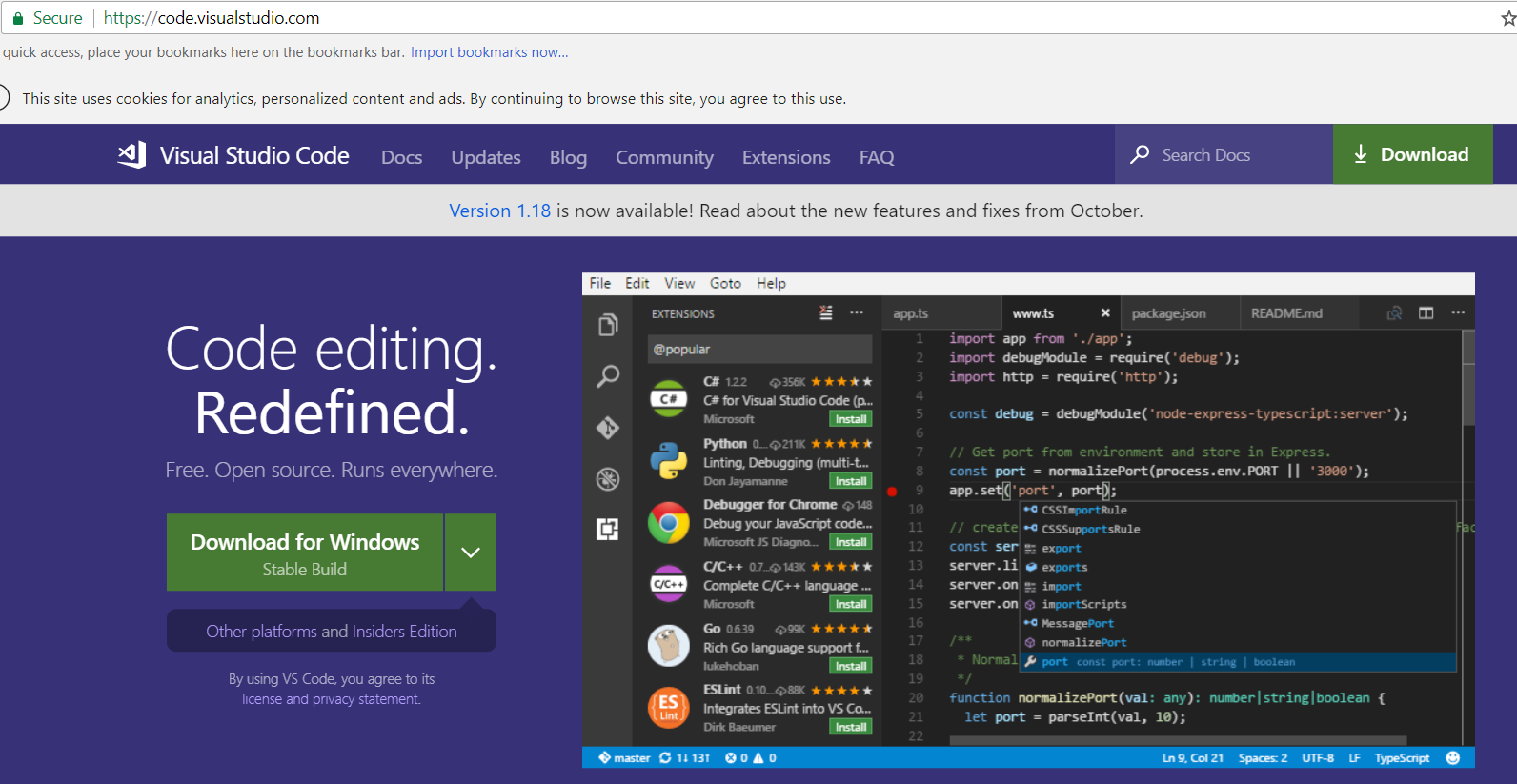
To install it, go to https://code.visualstudio.com/ and select Download:
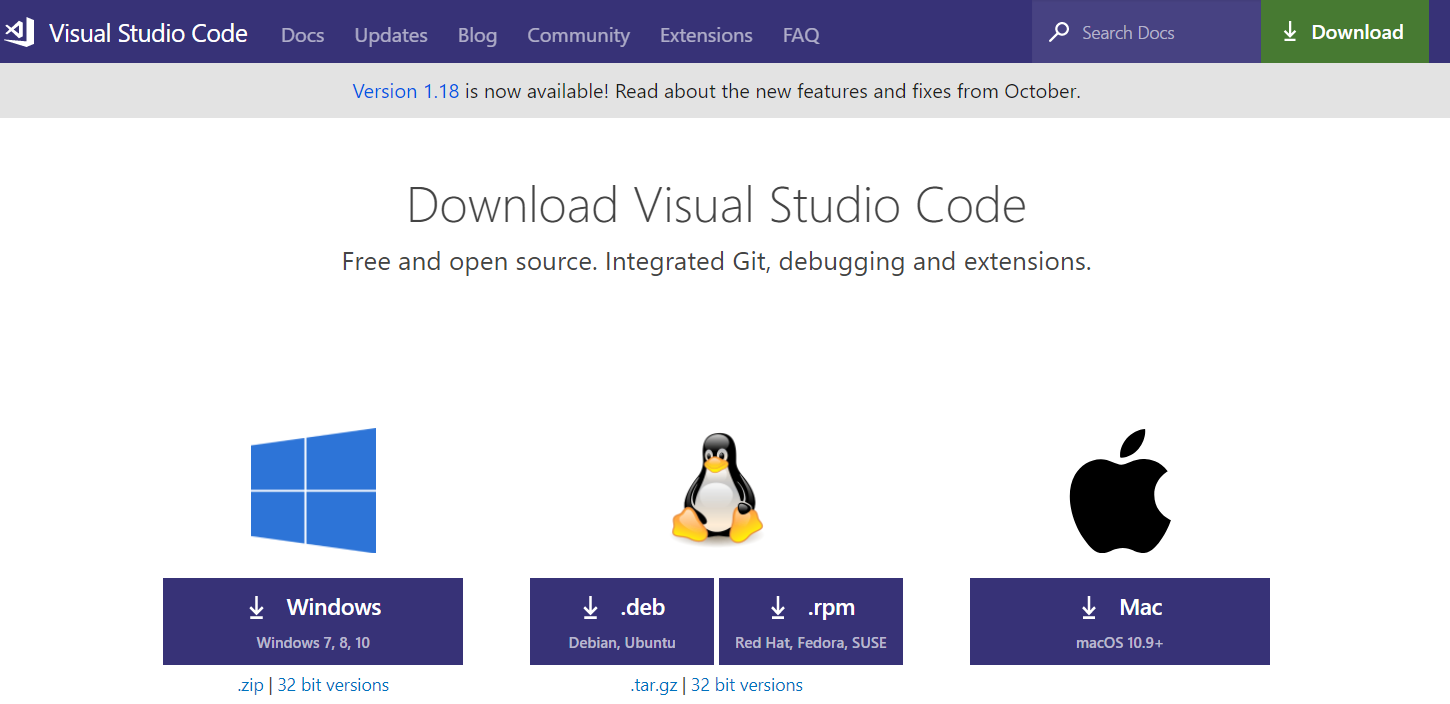
Select the download link for your operating system. We will select Windows and run the executable:
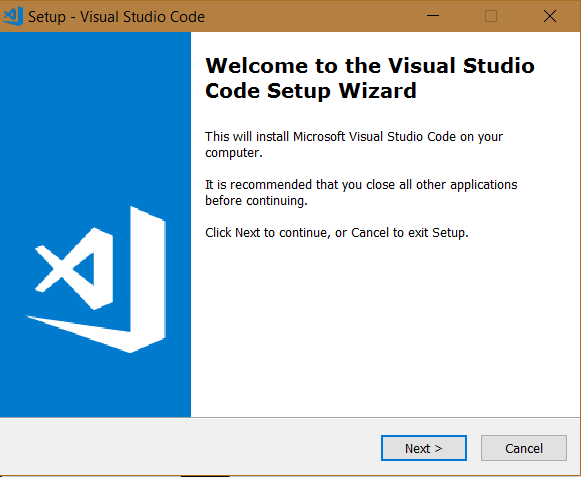
Click Next:
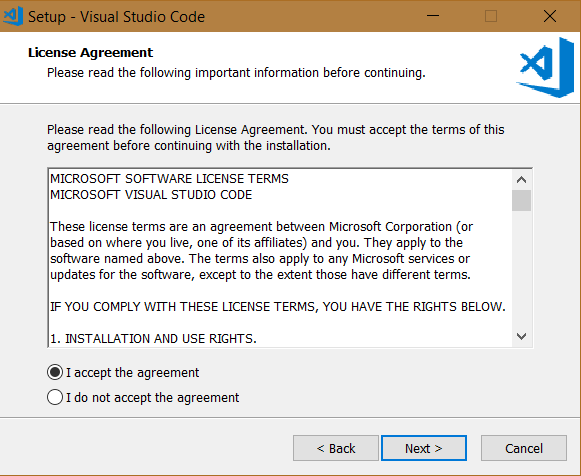
Click Next:
Click Next:
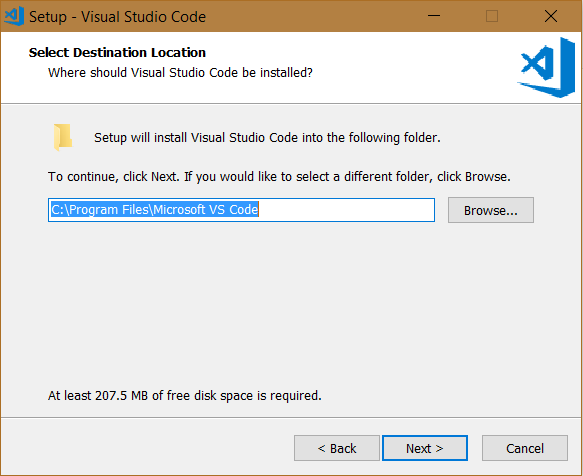
Click Next:
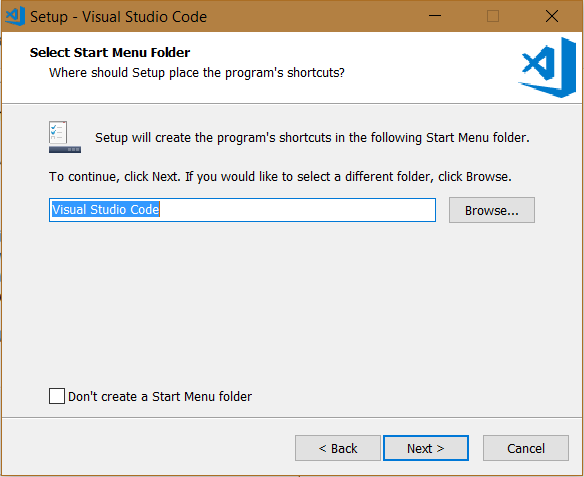
Click Next:
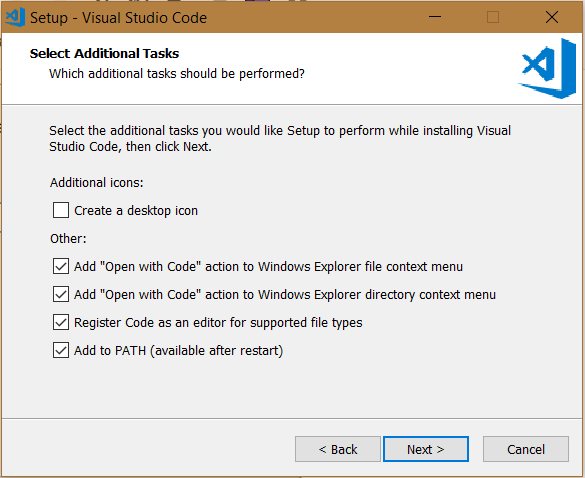
Click Install:
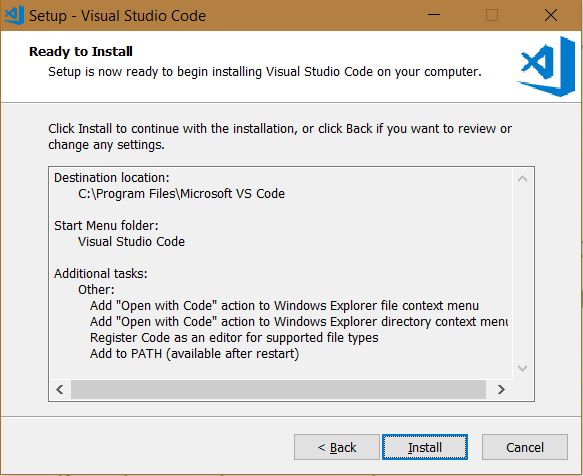
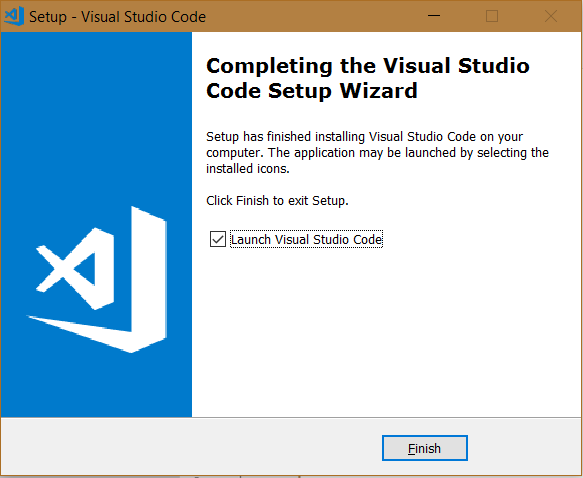
Click Finish:
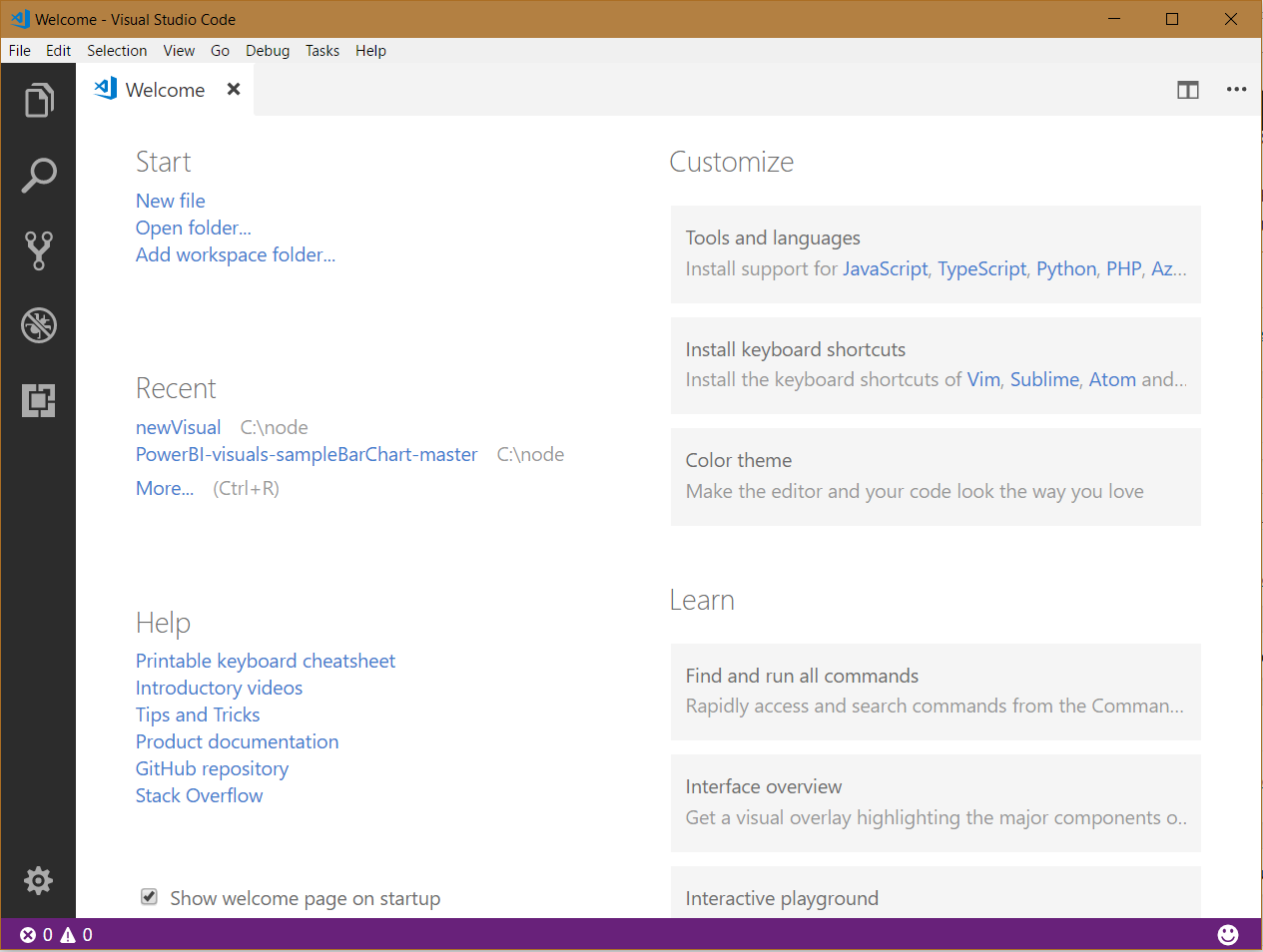
Visual Studio Code will open:
Visual studio code is built on:
- Electron, (formerly Atom Shell) a “framework for creating native applications with web technologies like JavaScript, HTML, and CSS”
- Monaco, the code editor

Keep learning. Keep building.
Explore AI, agents & Microsoft technology.
I share practical ideas, tutorials, and videos about AI, AI agents, Microsoft technologies, and the Power Platform.
Subscribe on YouTube →Carl de Souza Enterprise Architect at Microsoft · AI Technology Expert