To create a Power BI streaming dataset using PubNub, perform the following steps.
Firstly, log into powerbi.com. In the bottom left of the screen, select Streaming datasets:

Then select + Add Streaming Dataset:

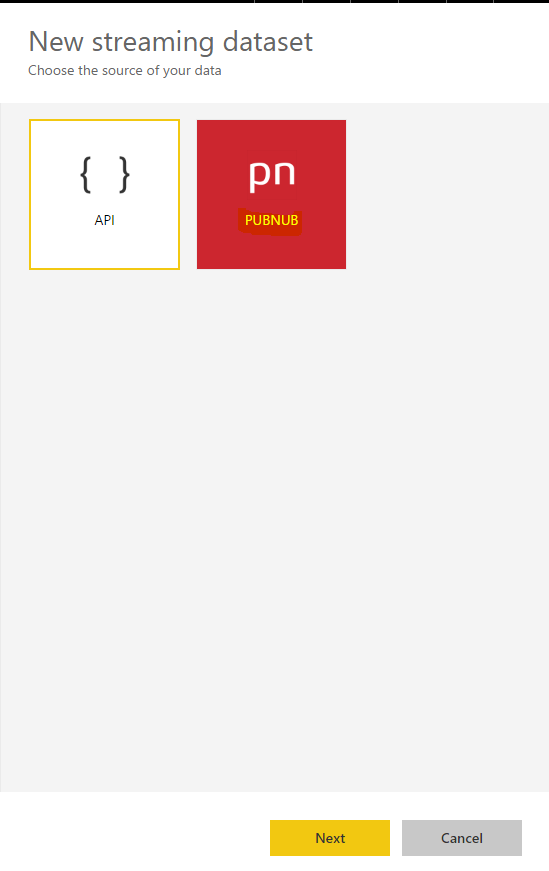
Select PubNub:
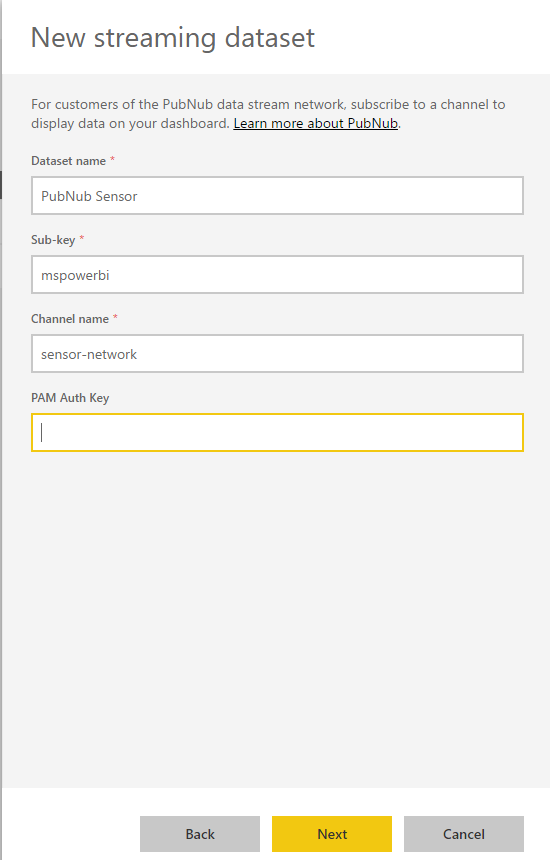
Enter in information to connect to PubNub:
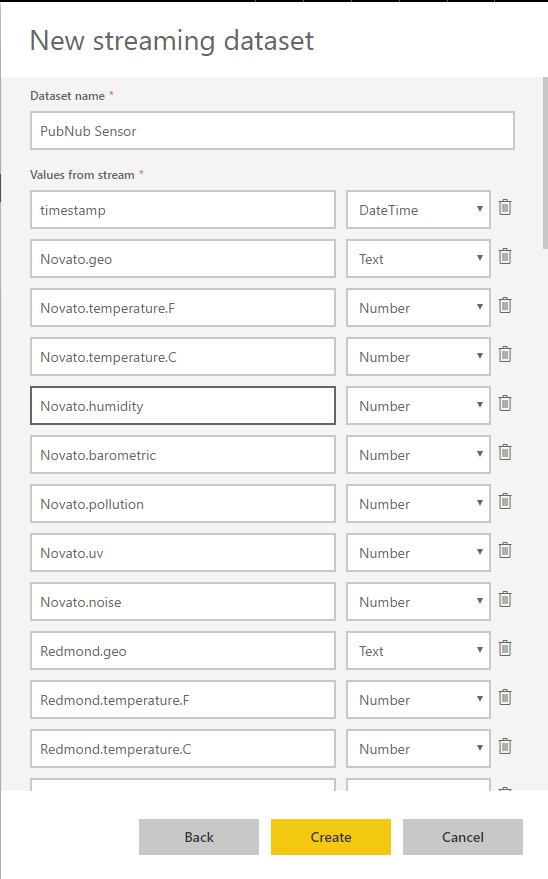
Click Create:
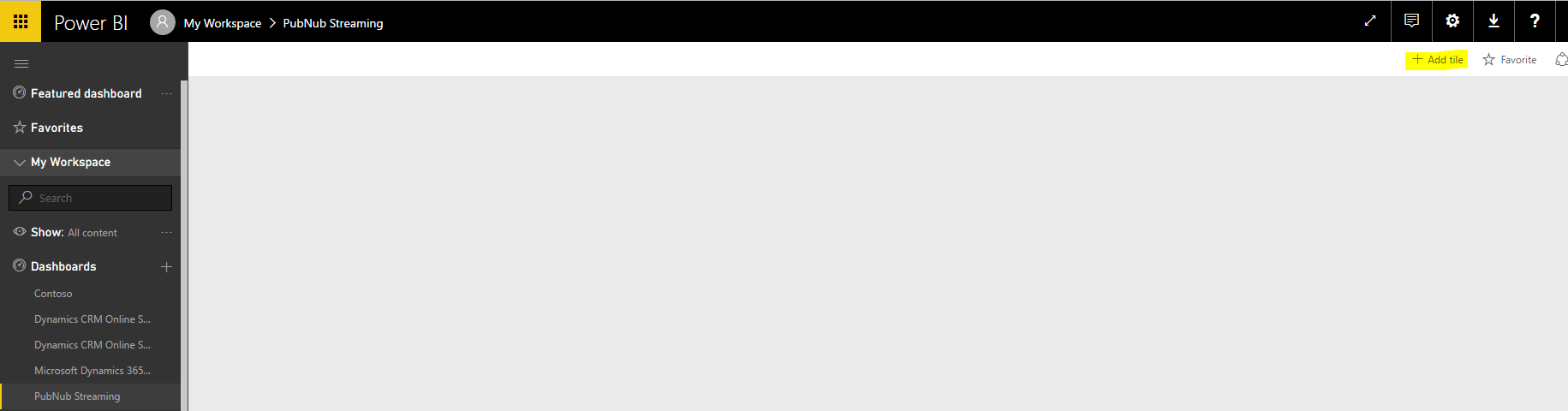
Go to the dashboard you want to see the data and select + Add tile:
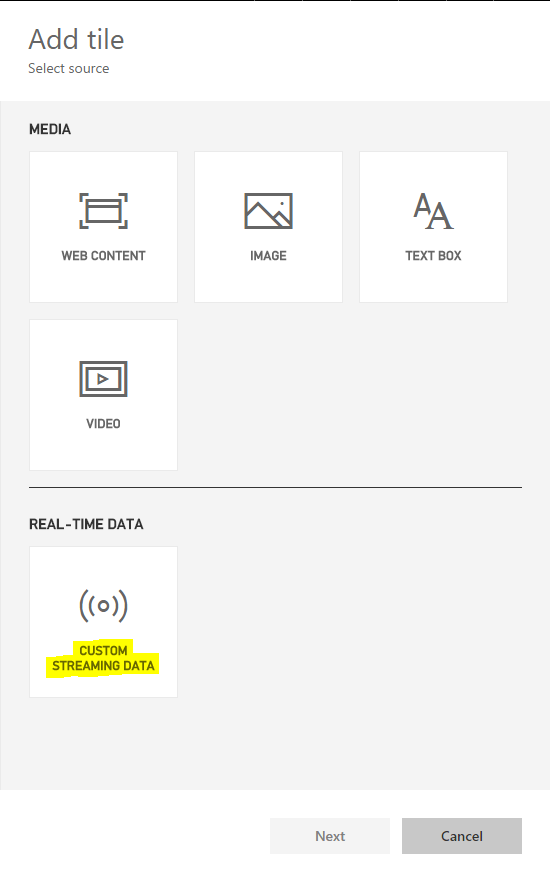
Select Custom Streaming Data:
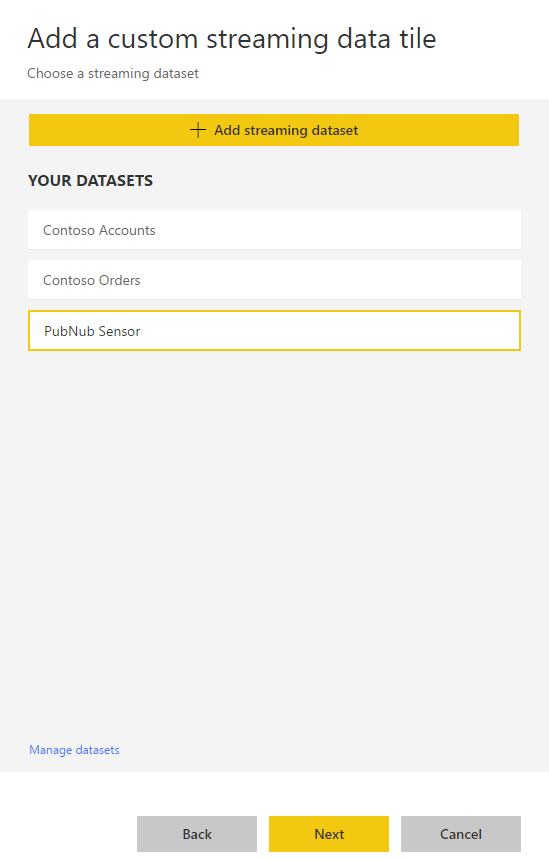
Select our dataset, PubNub Sensor and click Next:
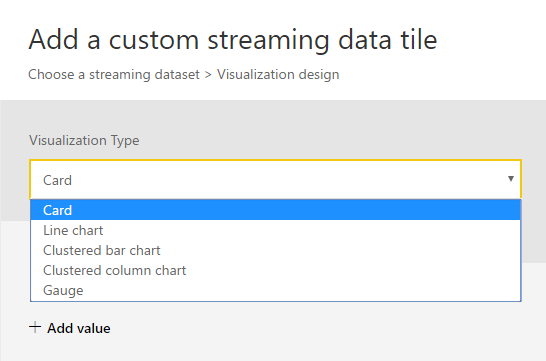
We have different options for tiles:
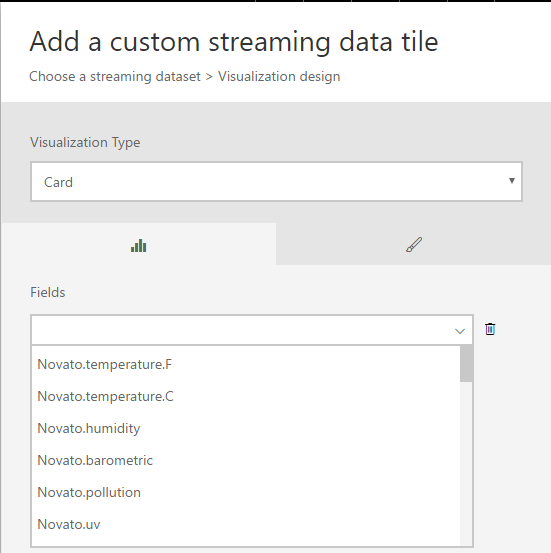
Select Card and then select the field to use:
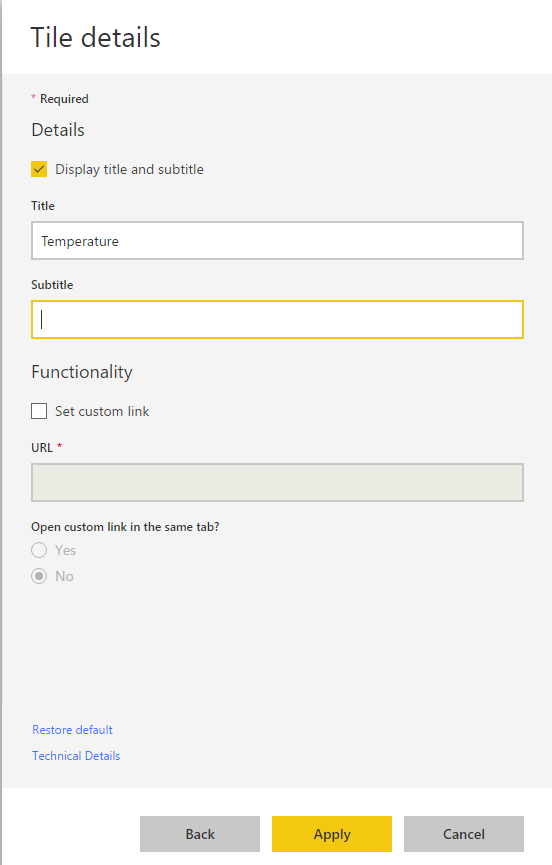
Provide tile details:
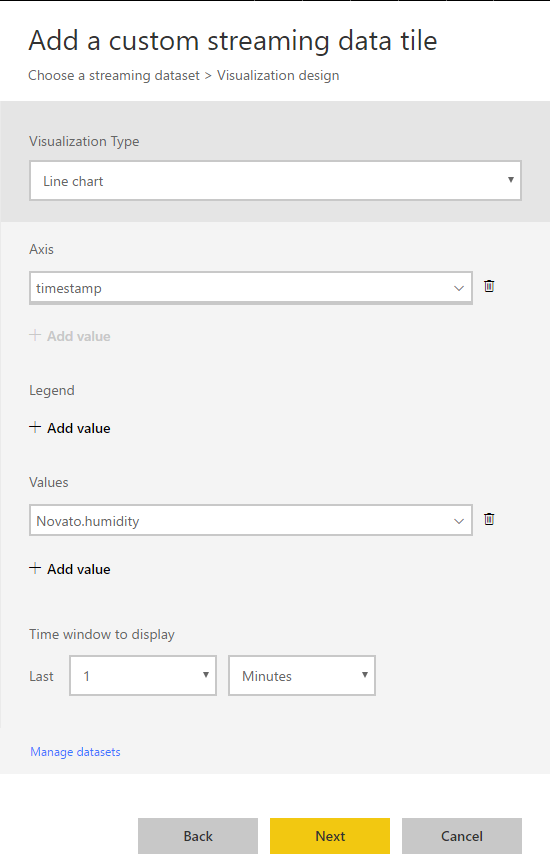
Repeat and add a line chart:
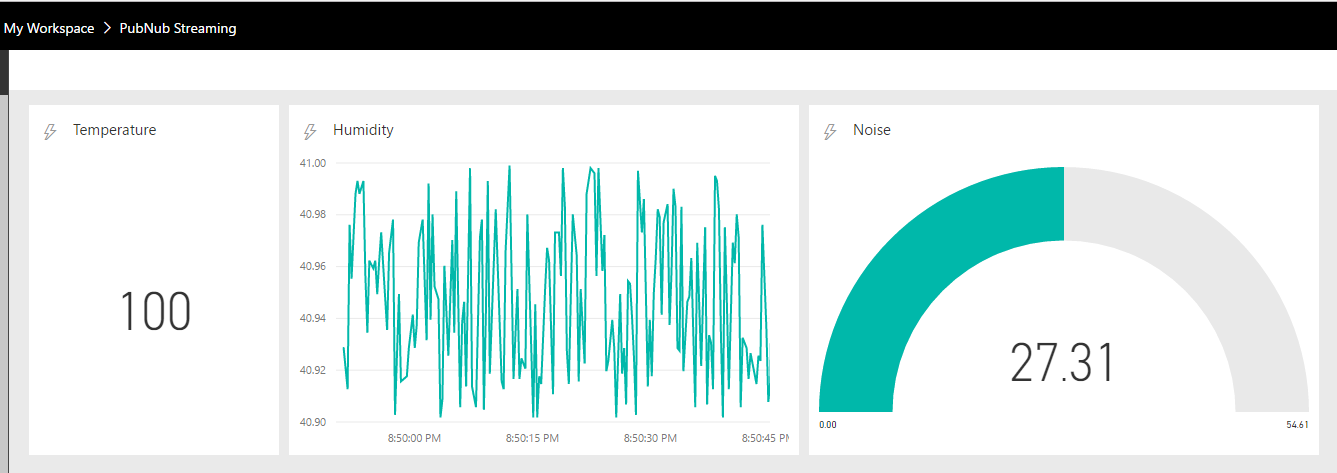
On your dashboard, you will see live streaming data:

Keep learning. Keep building.
Explore AI, agents & Microsoft technology.
I share practical ideas, tutorials, and videos about AI, AI agents, Microsoft technologies, and the Power Platform.
Subscribe on YouTube →Carl de Souza Enterprise Architect at Microsoft · AI Technology Expert