The following are steps to install the Unified Service Desk (USD).
- Go to the Microsoft website to download the USD files: https://www.microsoft.com/en-us/download/details.aspx?id=50355
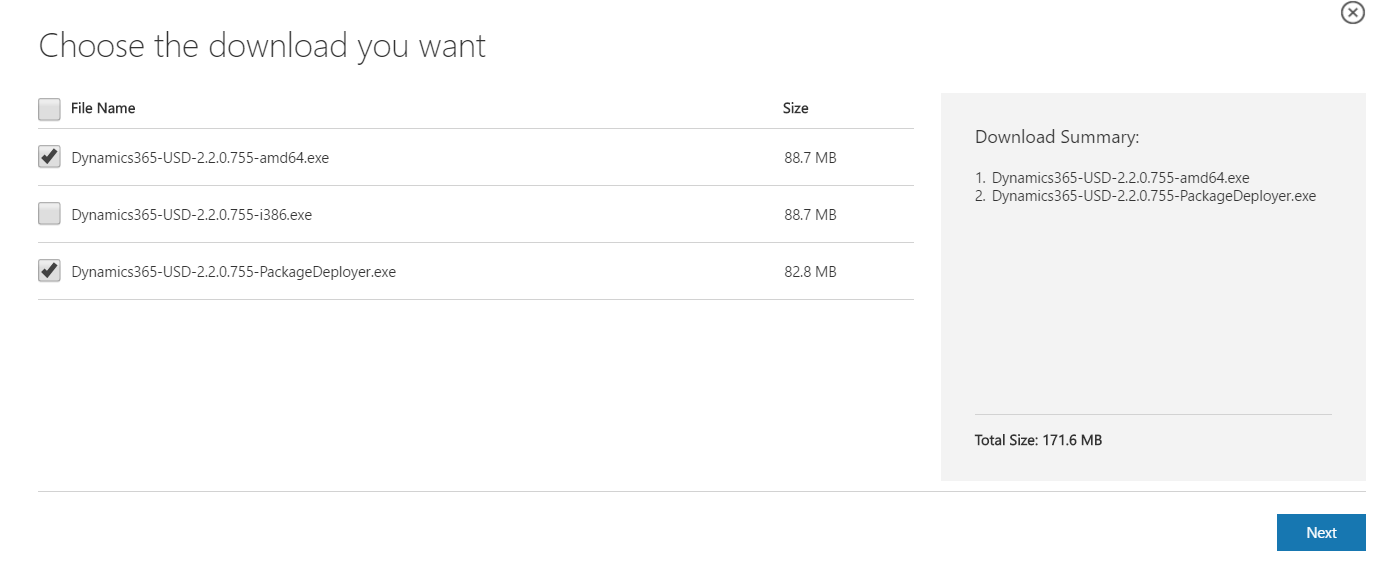
- Select files to download. I will download the 64 bit version. Note the USD version is contained in the file names, in this case 2.2.0.755:
- Run the package deployer. This will deploy USD to your Dynamics 365 server environment:
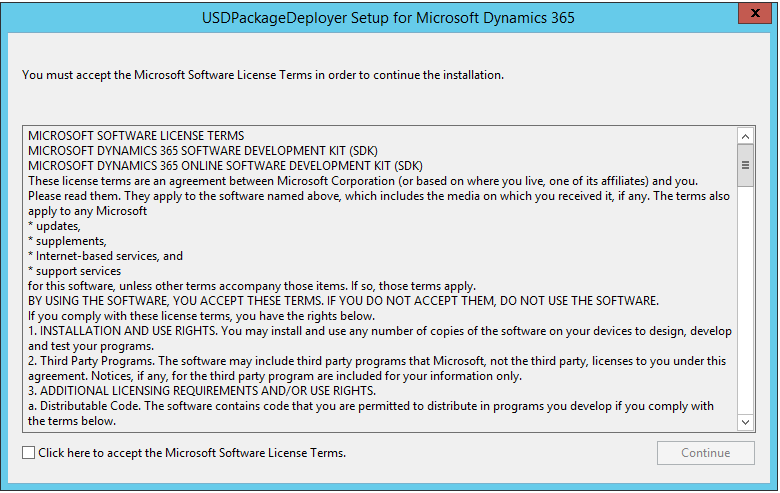
- Click continue:
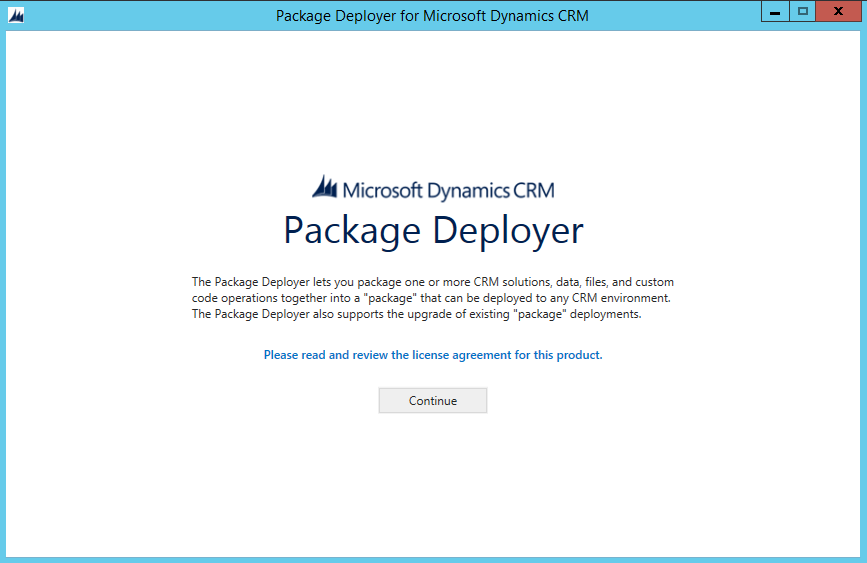
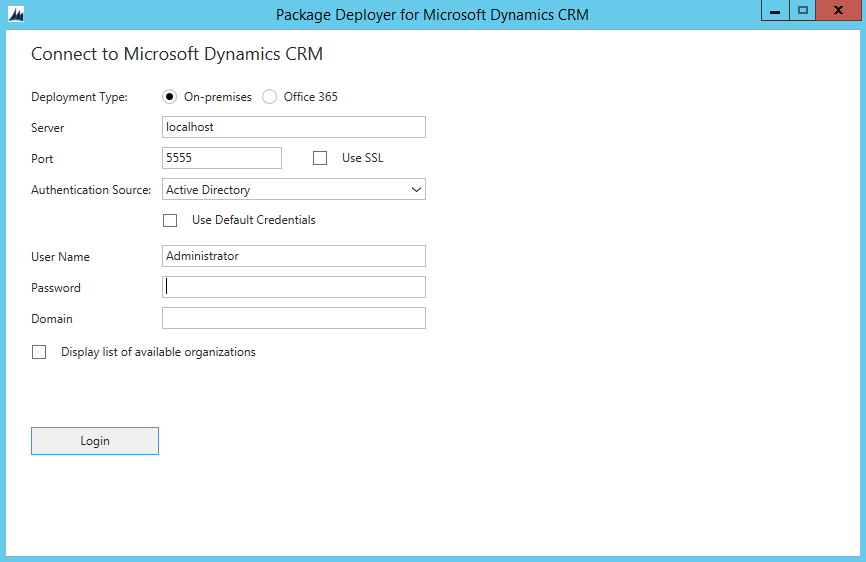
- This will bring up the package deployer screen. Check Display List of available organizations. Enter server and credentials and click Login:
- As I have a single company, it is selected by the installer. Next, select Unified Service Desk – New Environment below:
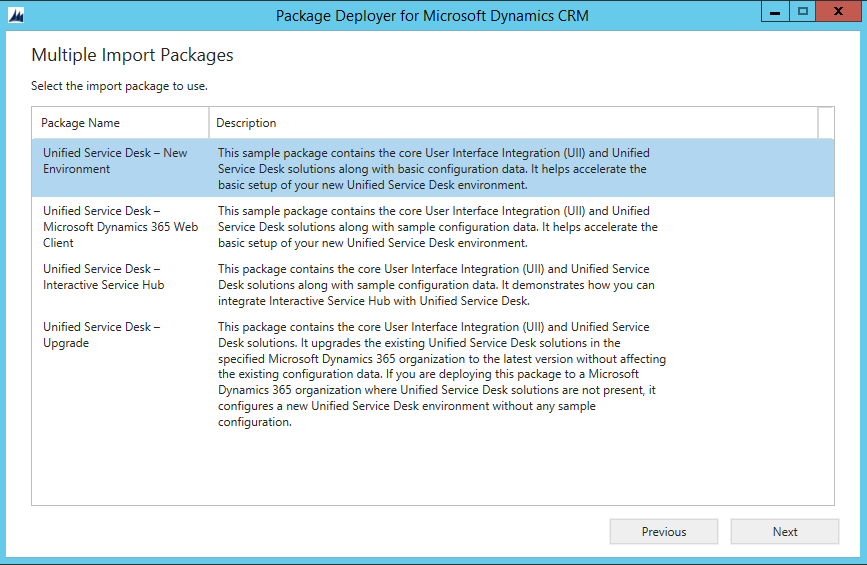
- Click next:
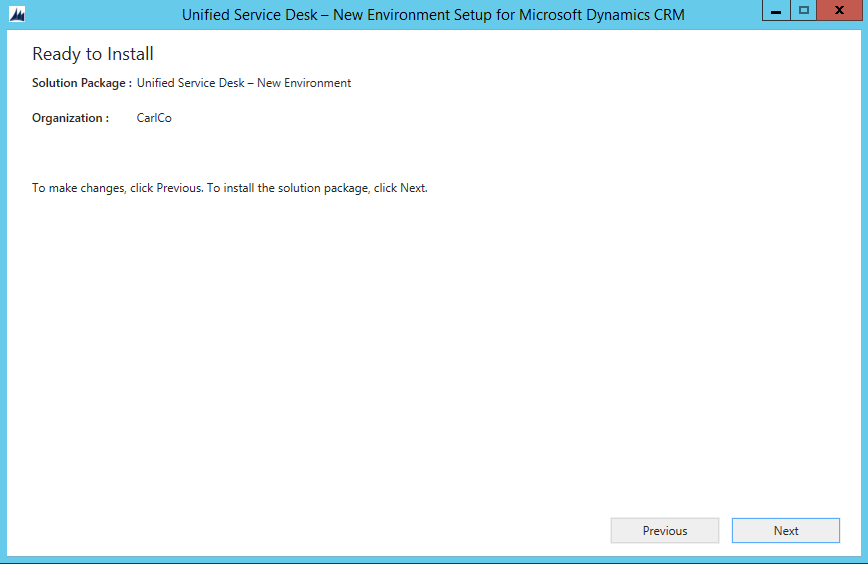
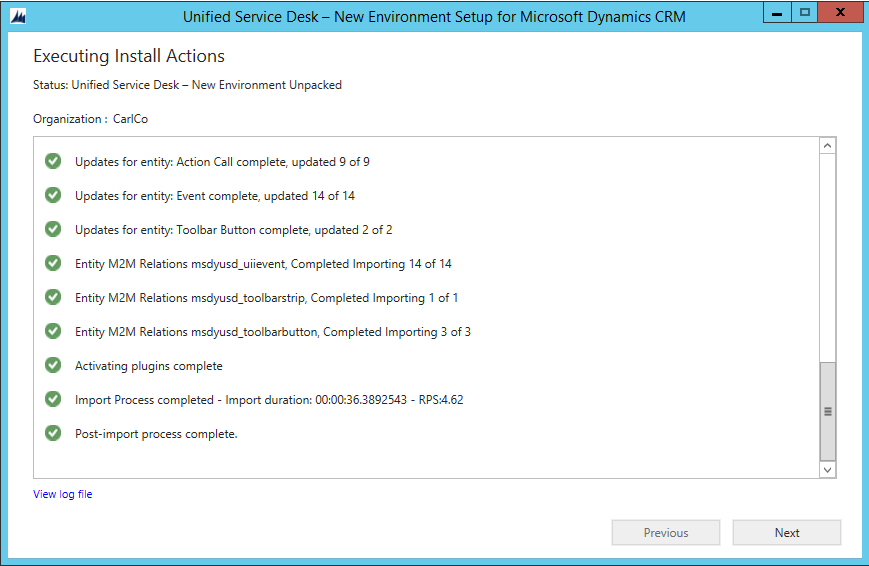
- Solution installs. Once complete hit Next and Finish on the final screen:
- Next, install the USD client. Run the executable. Note the path:
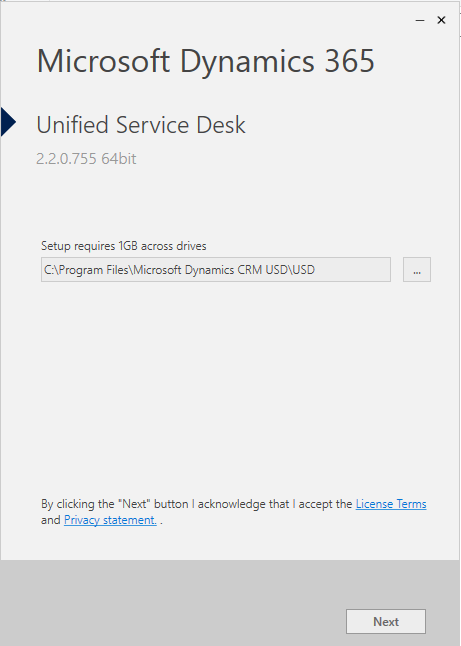
- Click Install:
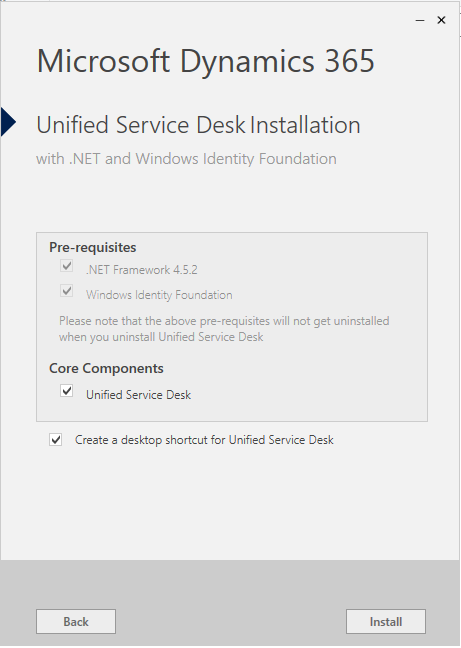
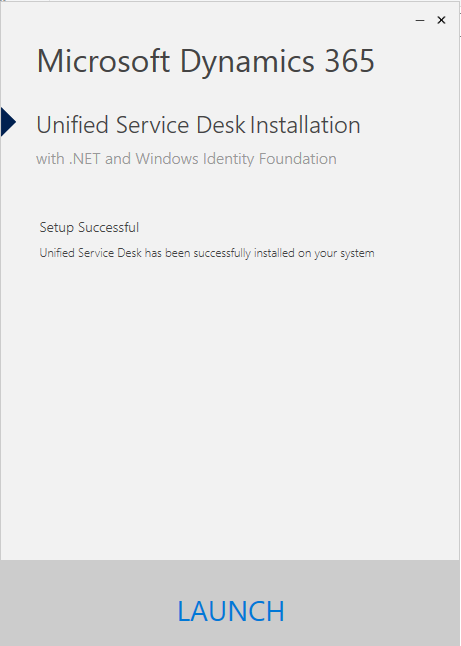
- Click Launch:
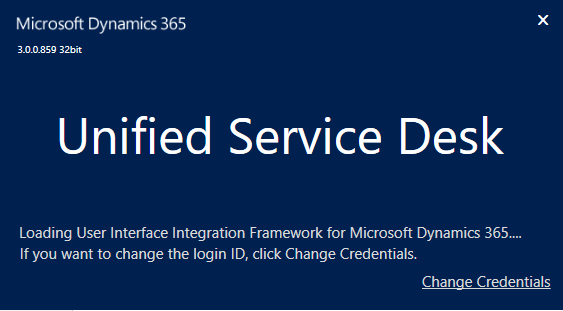
- You will first see the splash screen with the version:
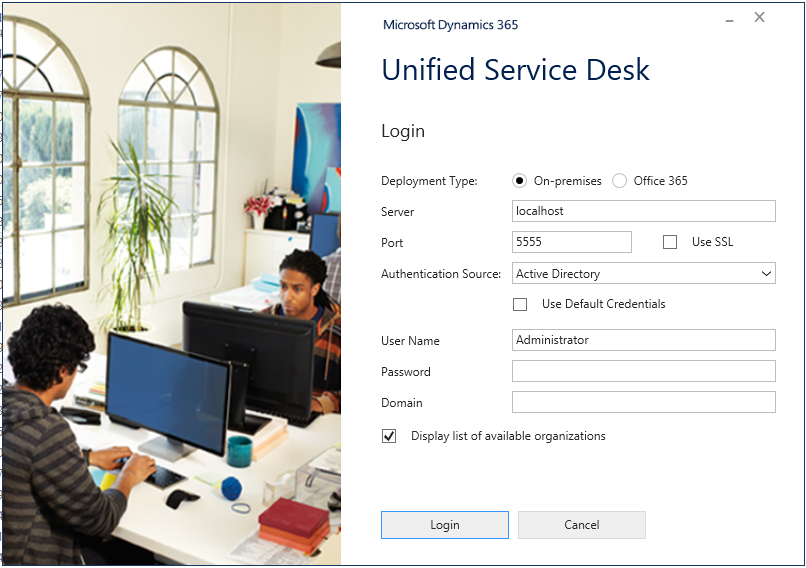
- Log into the USD:
- The USD will open:
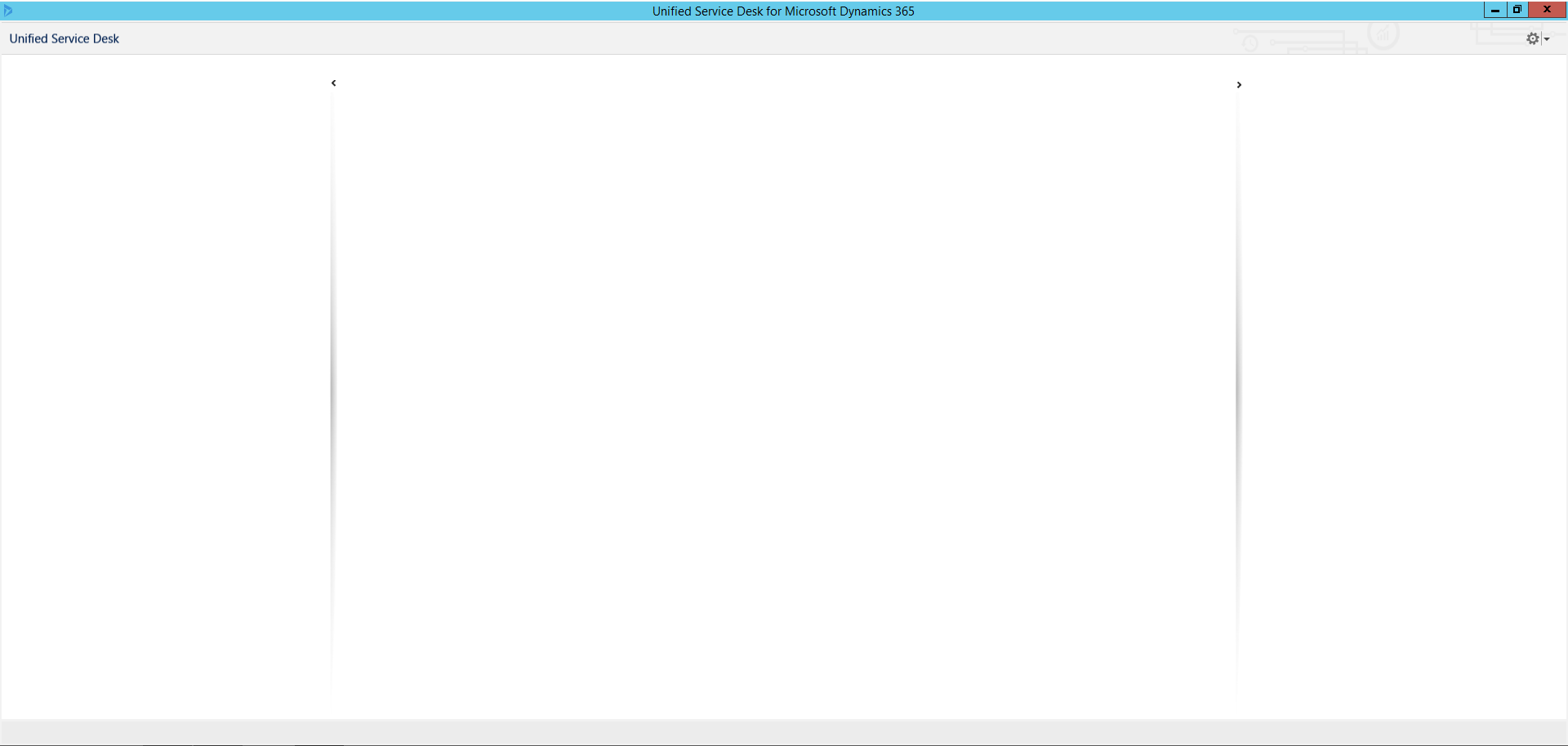
USD is now installed and ready to be configured.

Keep learning. Keep building.
Explore AI, agents & Microsoft technology.
I share practical ideas, tutorials, and videos about AI, AI agents, Microsoft technologies, and the Power Platform.
Subscribe on YouTube →Carl de Souza Enterprise Architect at Microsoft · AI Technology Expert