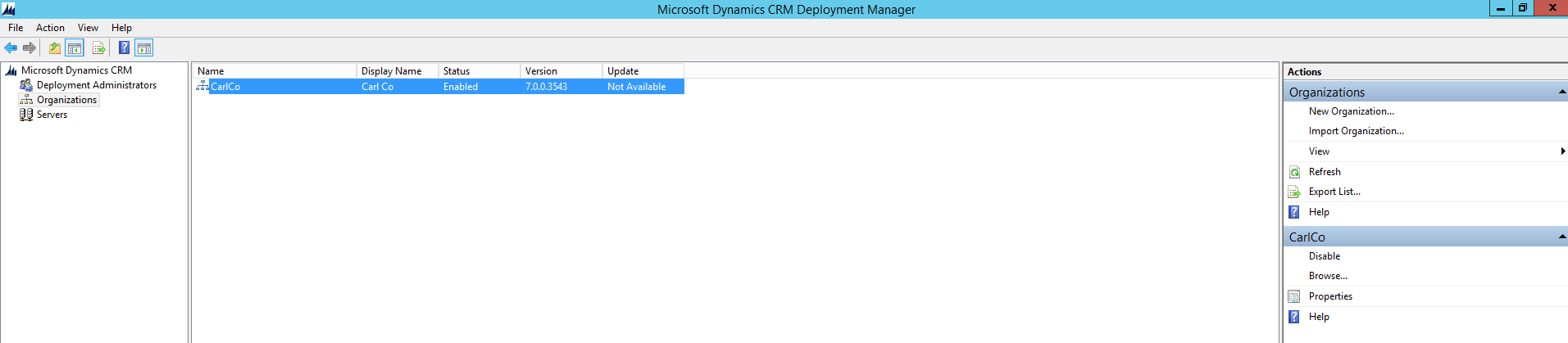
To delete a Dynamics CRM organization through Deployment Manager, first open Deployment Manager:
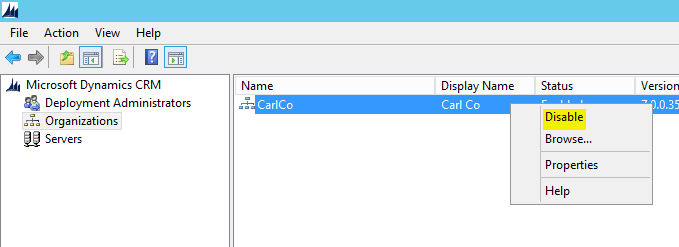
Select the organization, then right click and Disable:
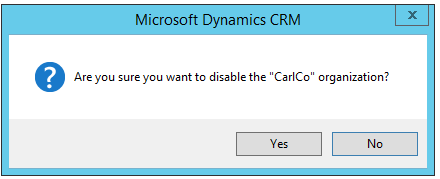
The status will change to Disabled:

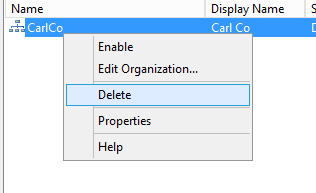
Now right click and select Delete:
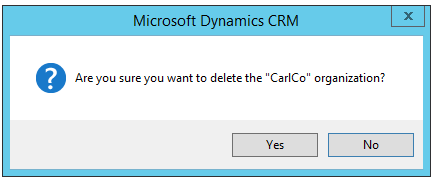
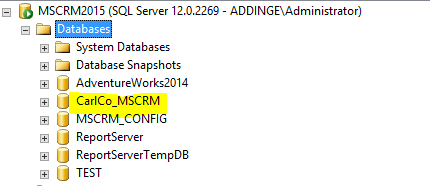
That’s it. You will still see the organization database in SQL Server. You can delete that separately, or keep it and then reimport it as a CRM Organization:

Keep learning. Keep building.
Explore AI, agents & Microsoft technology.
I share practical ideas, tutorials, and videos about AI, AI agents, Microsoft technologies, and the Power Platform.
Subscribe on YouTube →Carl de Souza Enterprise Architect at Microsoft · AI Technology Expert