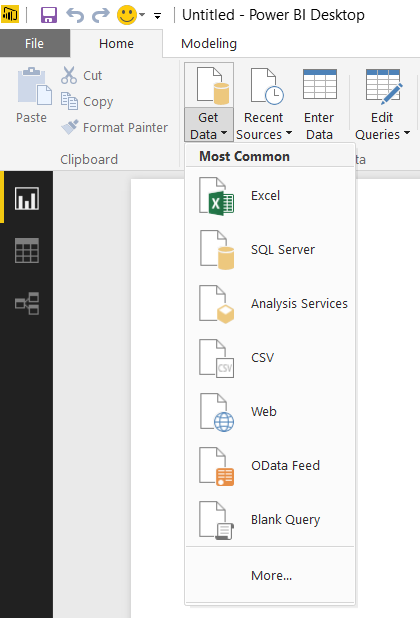
To connect Power BI Desktop to Dynamics CRM Online, open Power BI desktop click on Get Data:
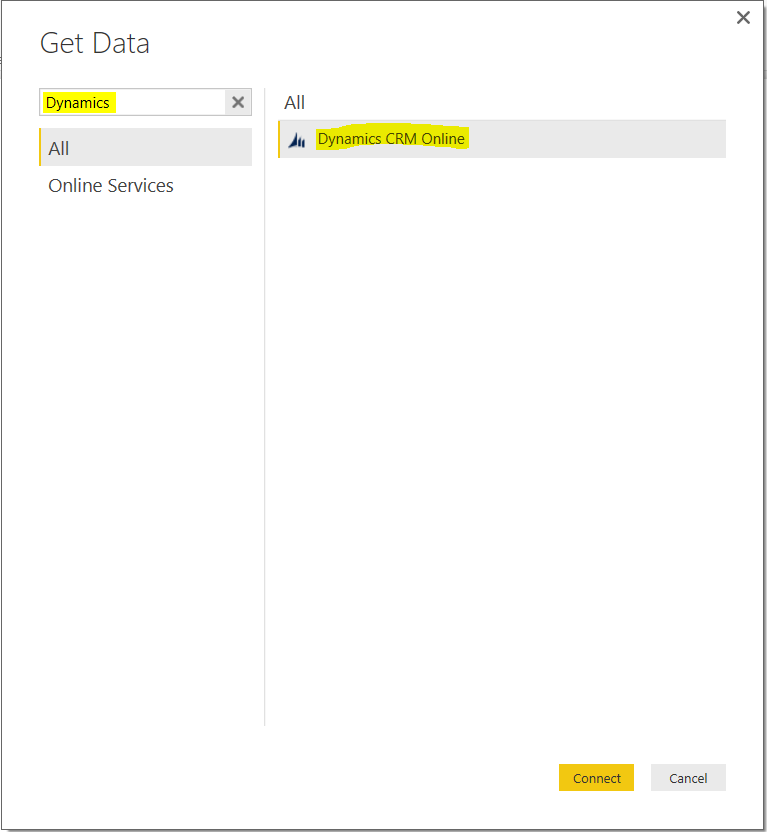
Filter by Dynamics and select “Dynamics CRM Online”:
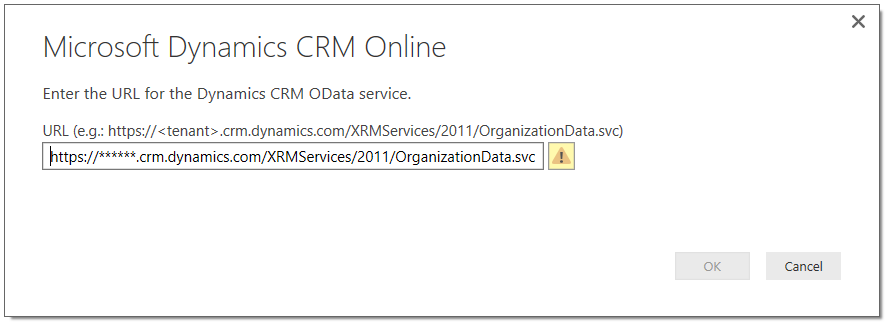
Enter your OData URL and click OK. This will be in the format: https://*****.crm.dynamics.com/XRMServices/2011/OrganizationData.svc
Select Organization Account and Sign In:
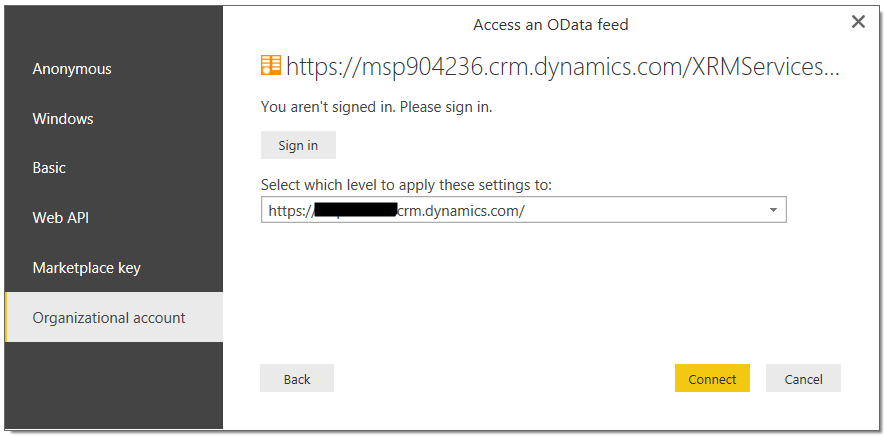
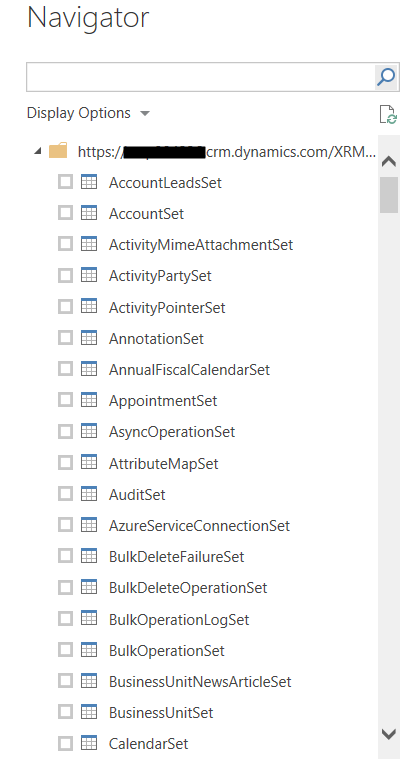
Then click Connect from the same screen. This will load the entities from CRM.

Keep learning. Keep building.
Explore AI, agents & Microsoft technology.
I share practical ideas, tutorials, and videos about AI, AI agents, Microsoft technologies, and the Power Platform.
Subscribe on YouTube →Carl de Souza Enterprise Architect at Microsoft · AI Technology Expert