There are scenarios where organizations do not want their agents real names to be displayed to customers in a virtual Omnichannel chat. In this post, we will look at how to configure this in Dynamics 365 Omnichannel.
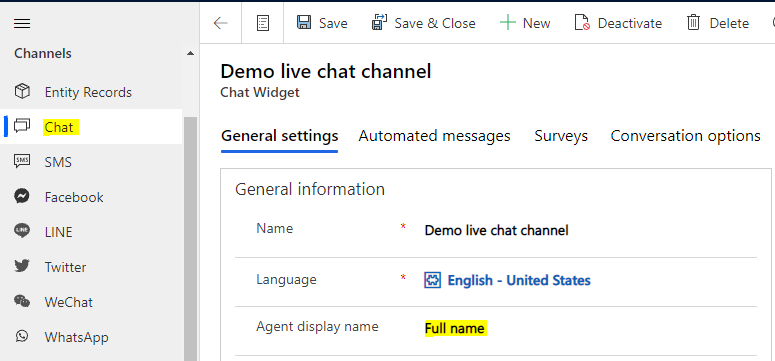
First, let’s look at the default setting for Omnichannel. In my chat setting, I have the Full Name being displayed:
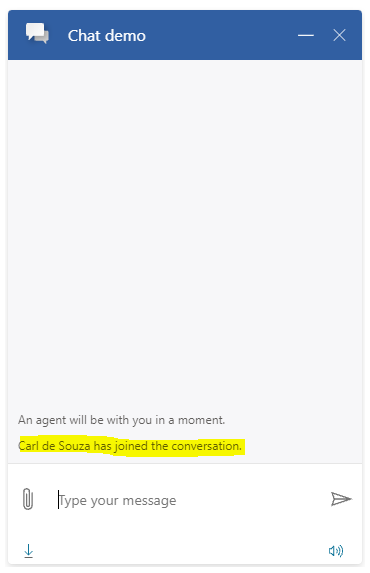
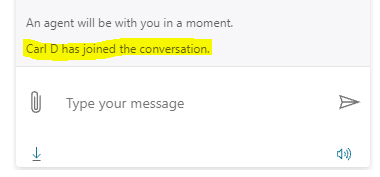
When a customer starts a chat, we see here as I am the agent, my name appears to the customer:
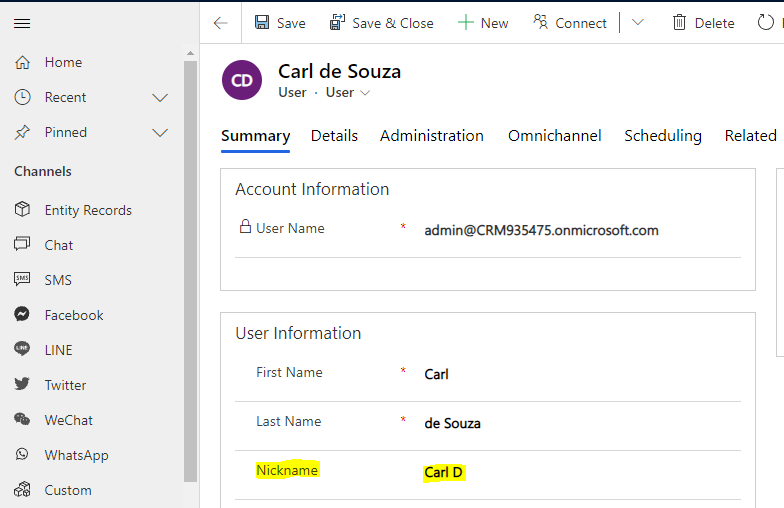
To assign a nickname, go to Users, select the user, and enter something in the Nickname field:
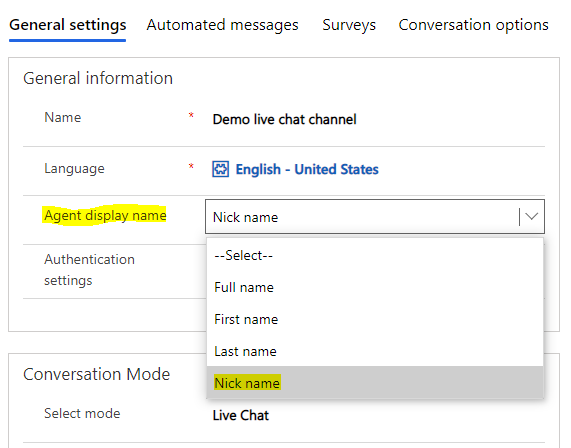
Now in Omnichannel settings, in your chat change the Agent display name to Nick Name. Note the other options of First name and Last Name:
We now see the nickname displayed to the customer:

Explore AI, agents & Microsoft technology.
I share practical ideas, tutorials, and videos about AI, AI agents, Microsoft technologies, and the Power Platform.
Subscribe on YouTube →