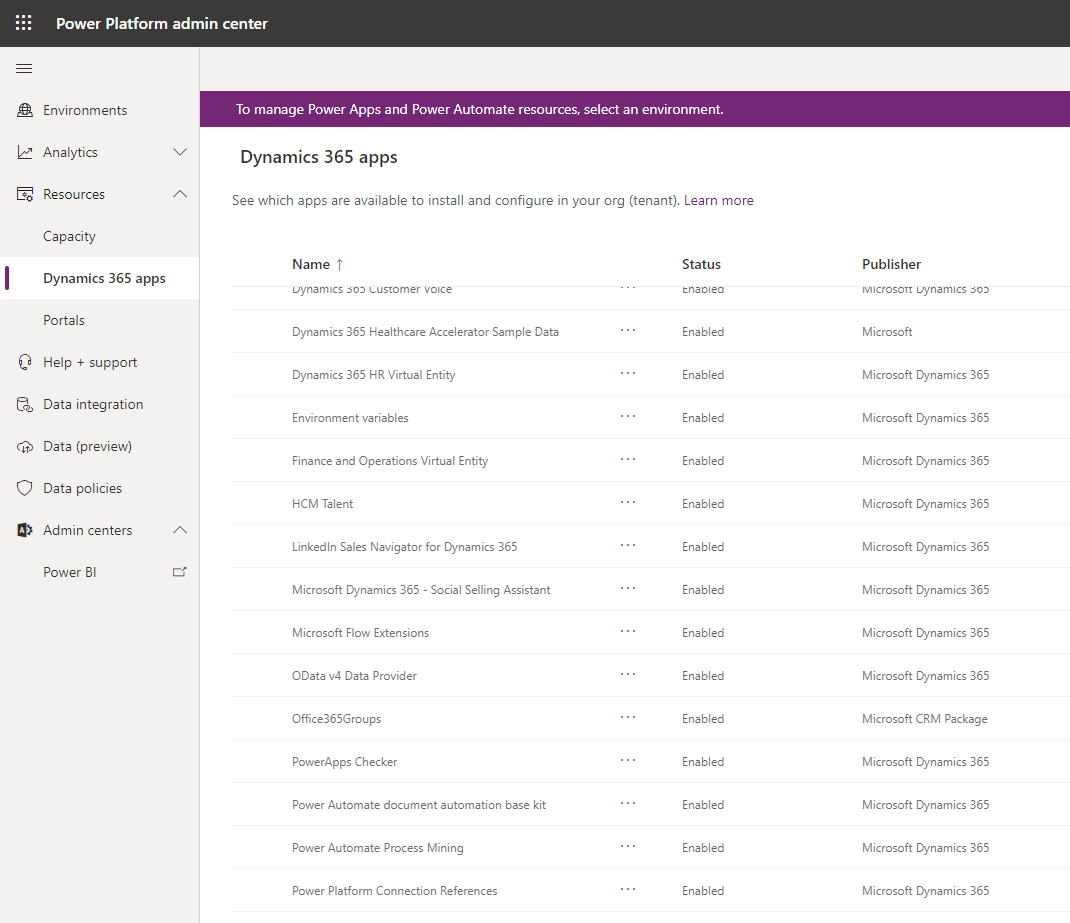
You may find that Omnichannel is missing from your list of Dynamics 365 Apps in the Power Platform Admin Center. For example, below is the Dynamics 365 Apps, but no Omnichannel:
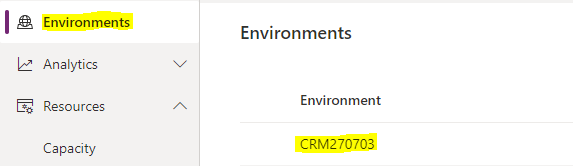
If this is the case, try selecting an org first by clicking on Environments, then the org:
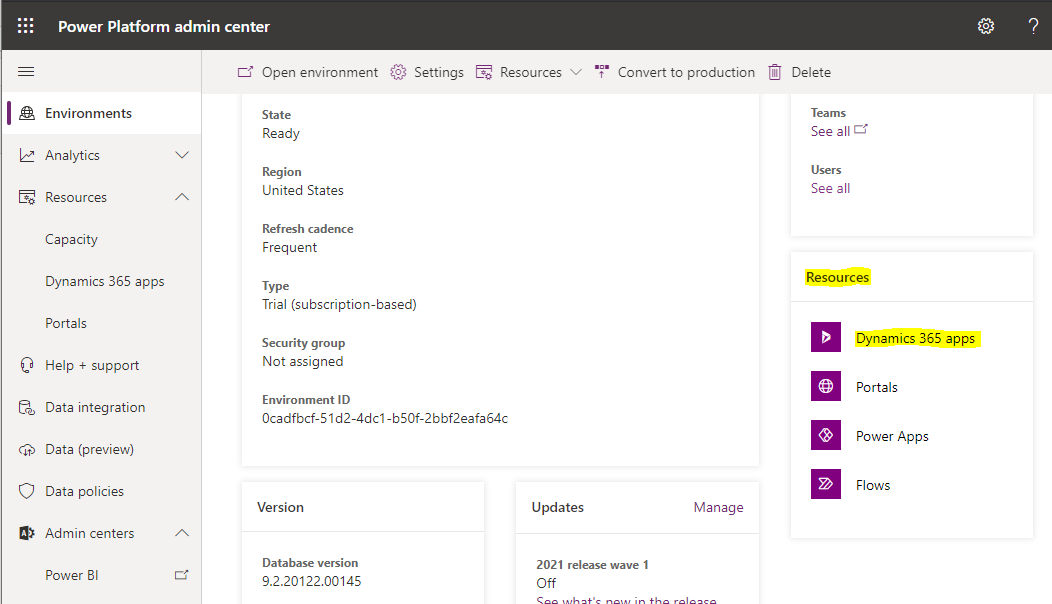
On the right, you will see Resources, then Dynamics 365 Apps:
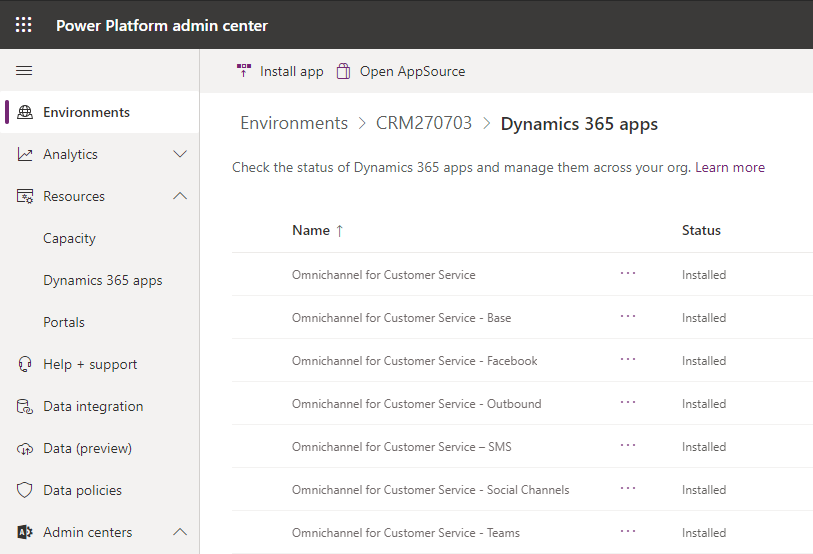
You are now under the Dynamics 365 Apps for this org, and can see Omnichannel:

Keep learning. Keep building.
Explore AI, agents & Microsoft technology.
I share practical ideas, tutorials, and videos about AI, AI agents, Microsoft technologies, and the Power Platform.
Subscribe on YouTube →Carl de Souza Enterprise Architect at Microsoft · AI Technology Expert
I still cant see the omncihnanel for customer service carl
Still facing the same issue.