One method to troubleshoot SQL Server Deadlocks is to use the SQL Profiler.
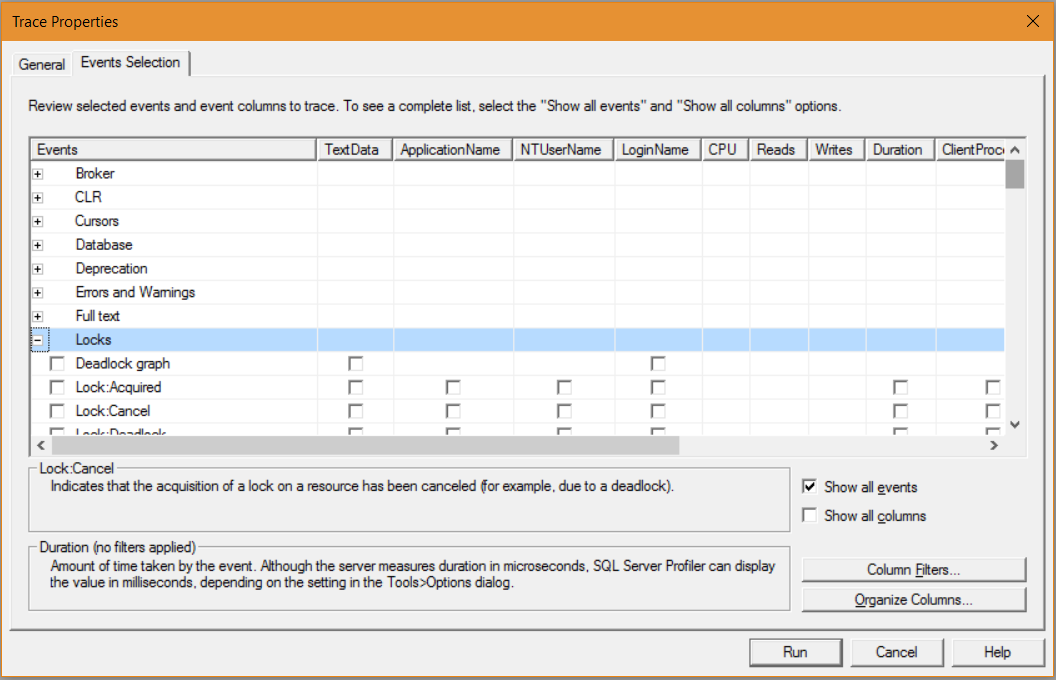
In SQL Profiler, in a new trace, select the Events Selection tab and expand Locks:
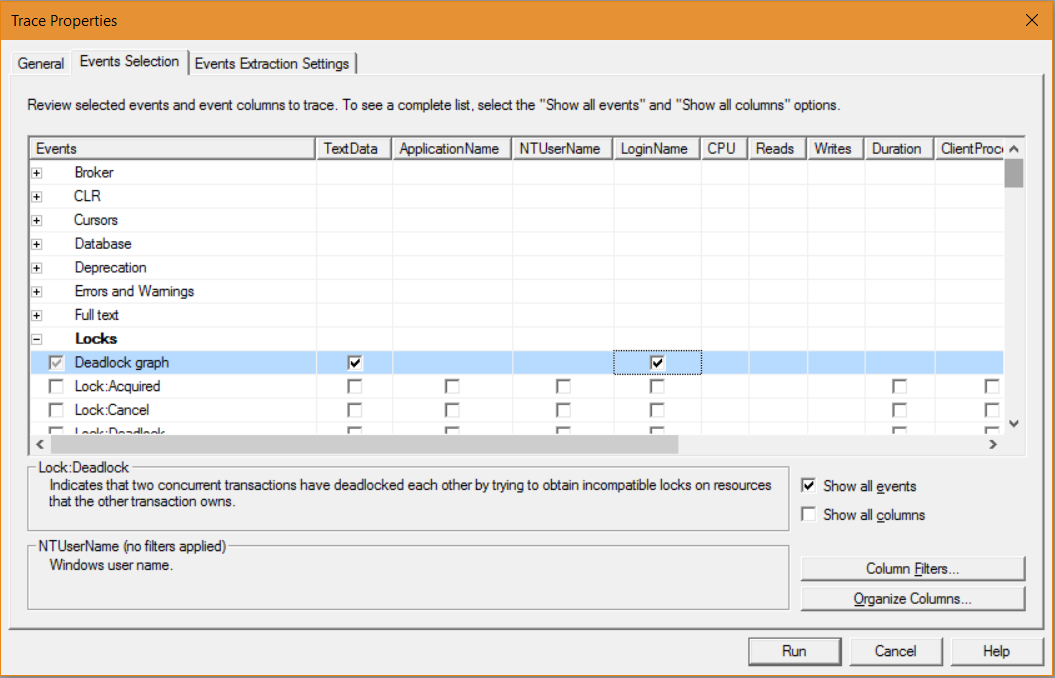
Select the Deadlock graph:
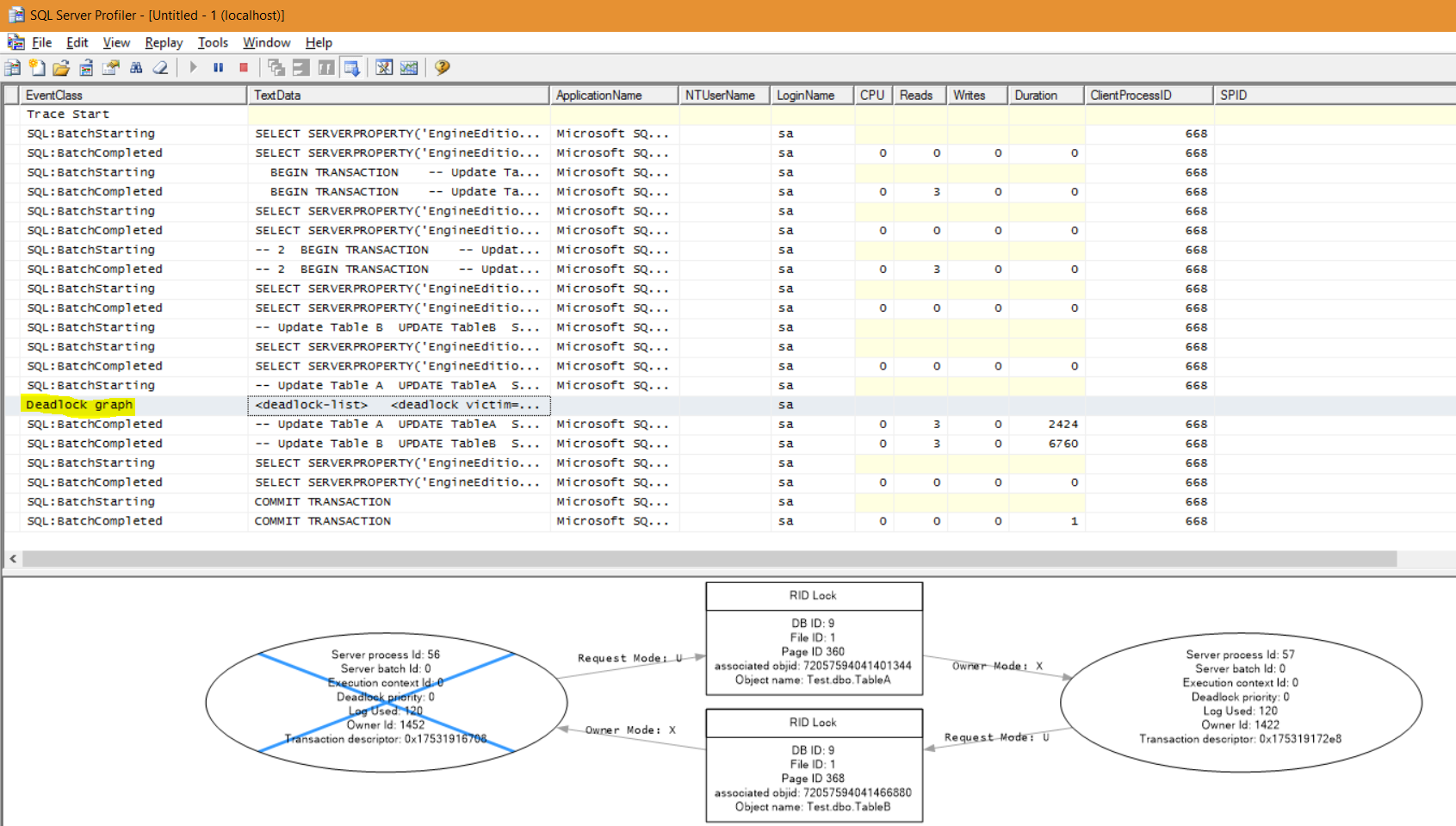
Run the code that causes a deadlock. In profiler, you will now see a line for the Deadlock graph. Selecting it will show the graph with the process that succeeded and did not succeed:
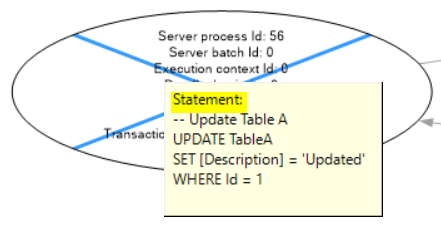
Hovering over the graph shows the SQL trying to be executed:
THANKS FOR READING. BEFORE YOU LEAVE, I NEED YOUR HELP.
I AM SPENDING MORE TIME THESE DAYS CREATING YOUTUBE VIDEOS TO HELP PEOPLE LEARN THE MICROSOFT POWER PLATFORM.
IF YOU WOULD LIKE TO SEE HOW I BUILD APPS, OR FIND SOMETHING USEFUL READING MY BLOG, I WOULD REALLY APPRECIATE YOU SUBSCRIBING TO MY YOUTUBE CHANNEL.
THANK YOU, AND LET'S KEEP LEARNING TOGETHER.
CARL
