To upgrade Unified Service Desk, go through the following steps.
First, download the latest Unified Service Desk from the Microsoft link:
https://www.microsoft.com/en-us/download/details.aspx?id=50355
Check the files and download:
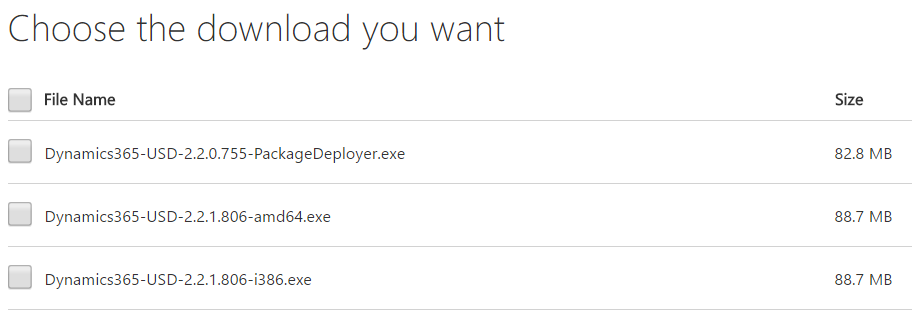
Open the executable (non-Package Deployer).
Click Next:
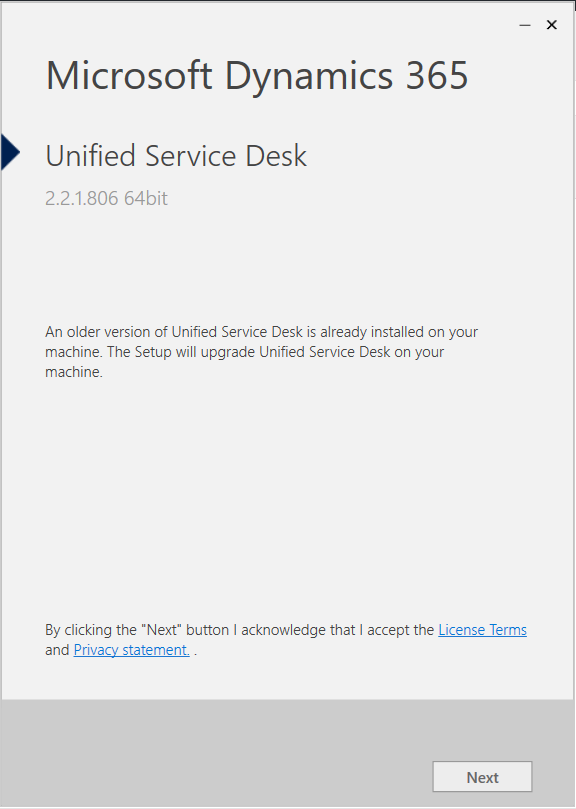
Keep the options checked and click Install:
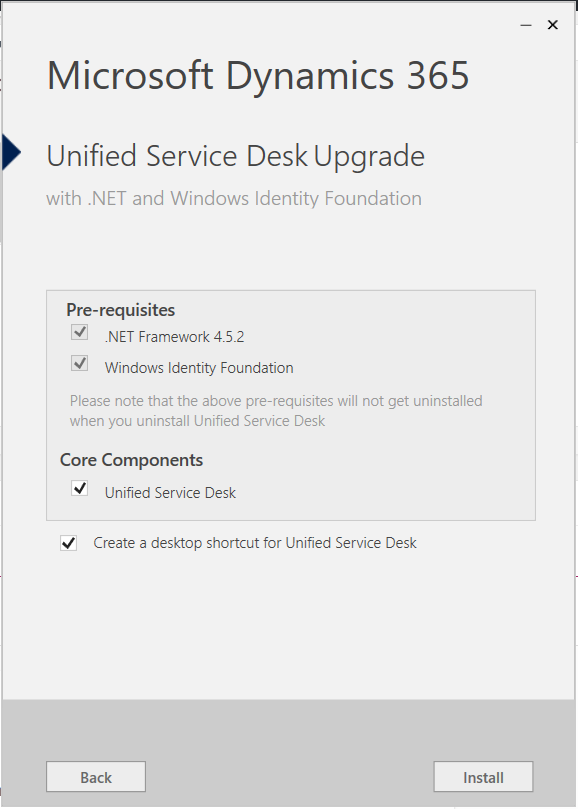
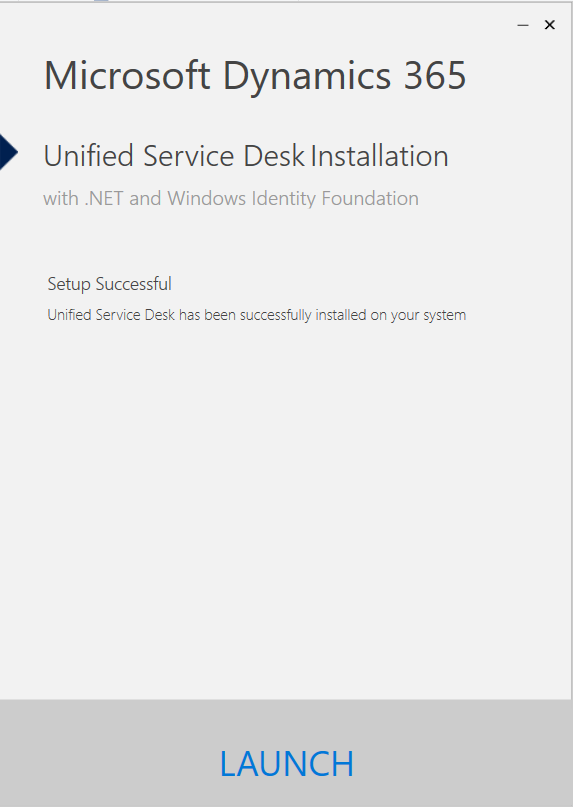
You will then get this message:
Clicking Settings->About and also the login window will show the new version:
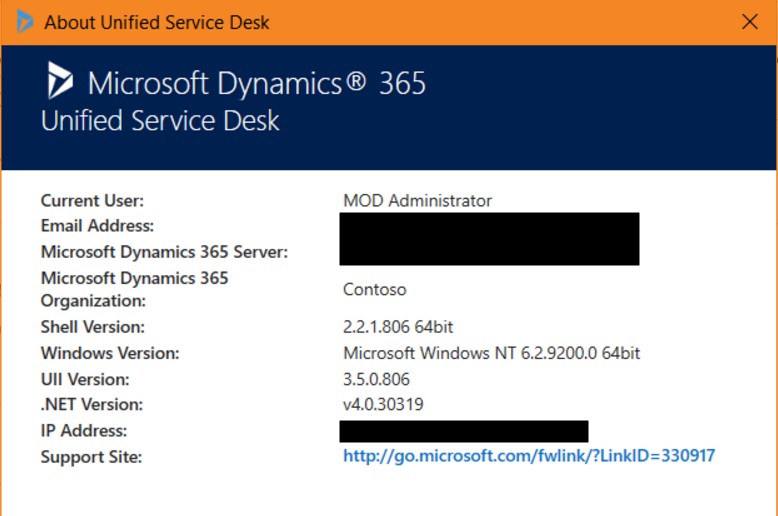
In Dynamics 365, we see the following solutions and versions for USD:

Run the package deployer:
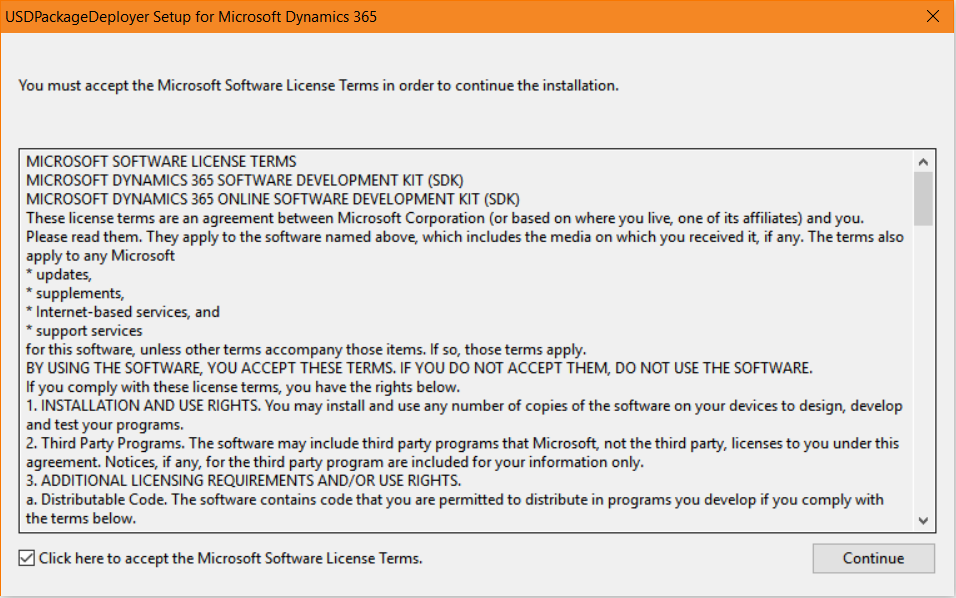
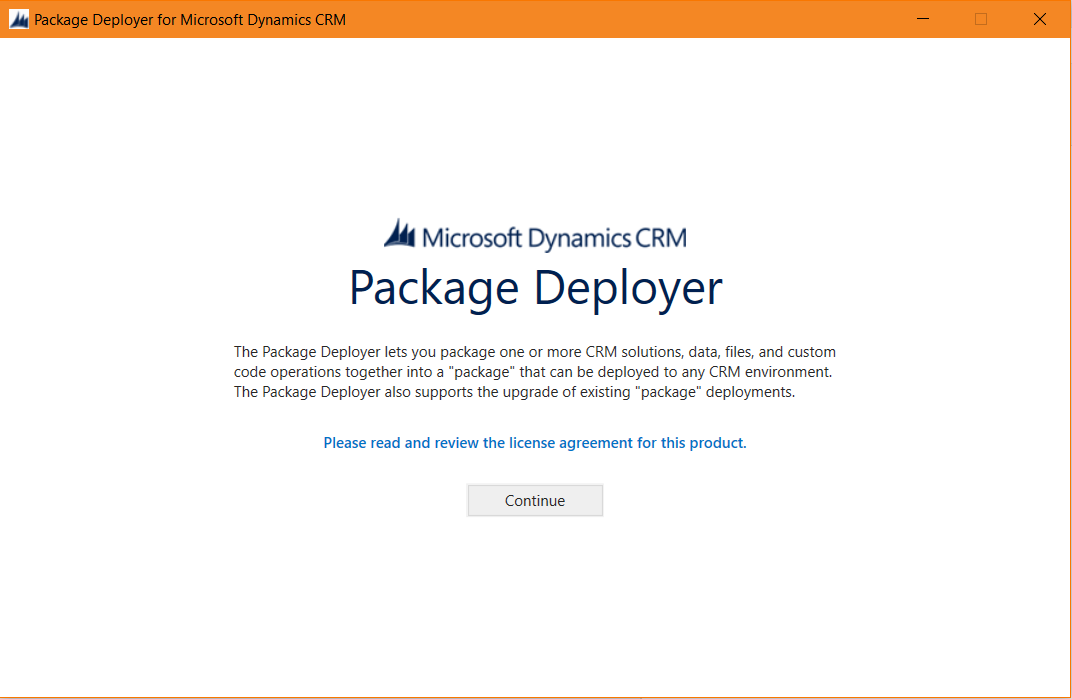
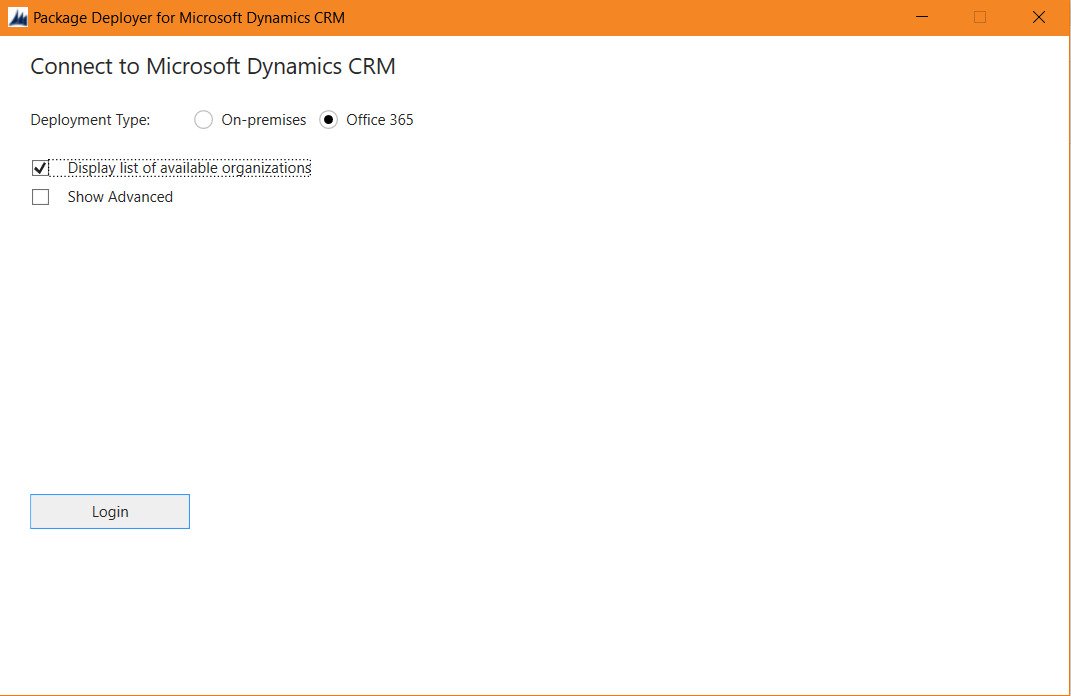
Choose Upgrade:

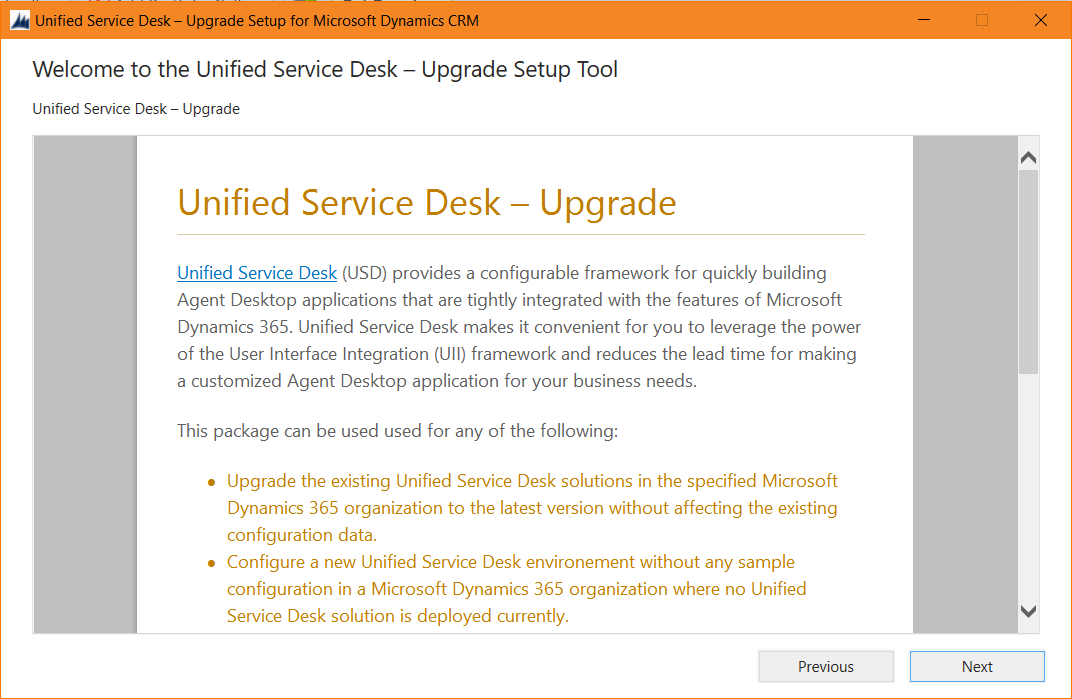
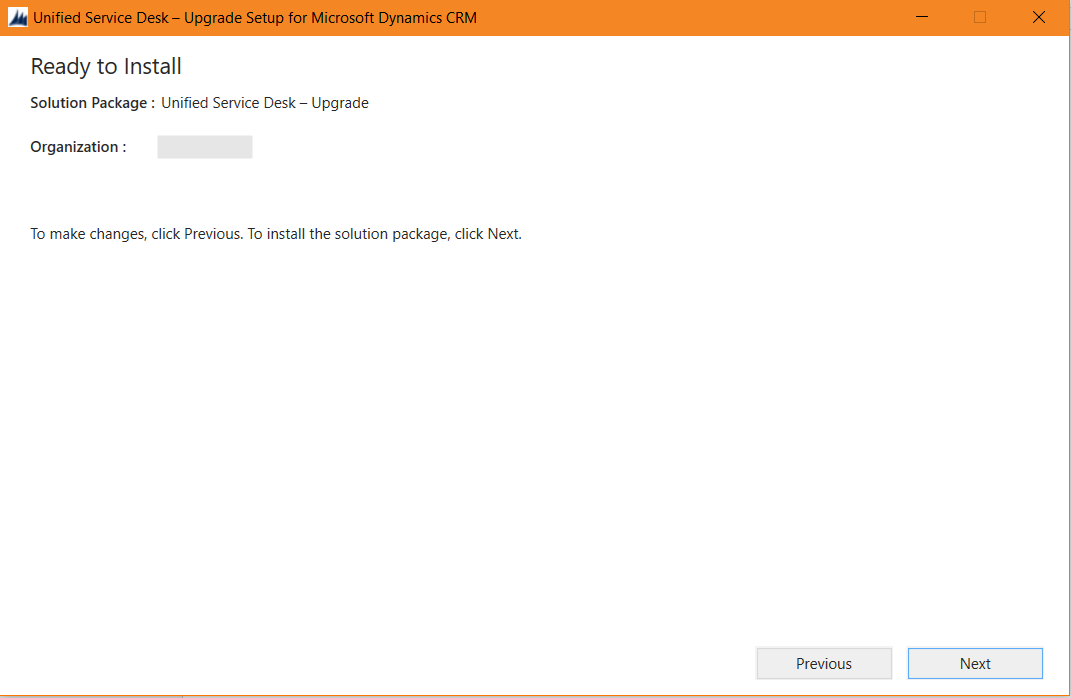
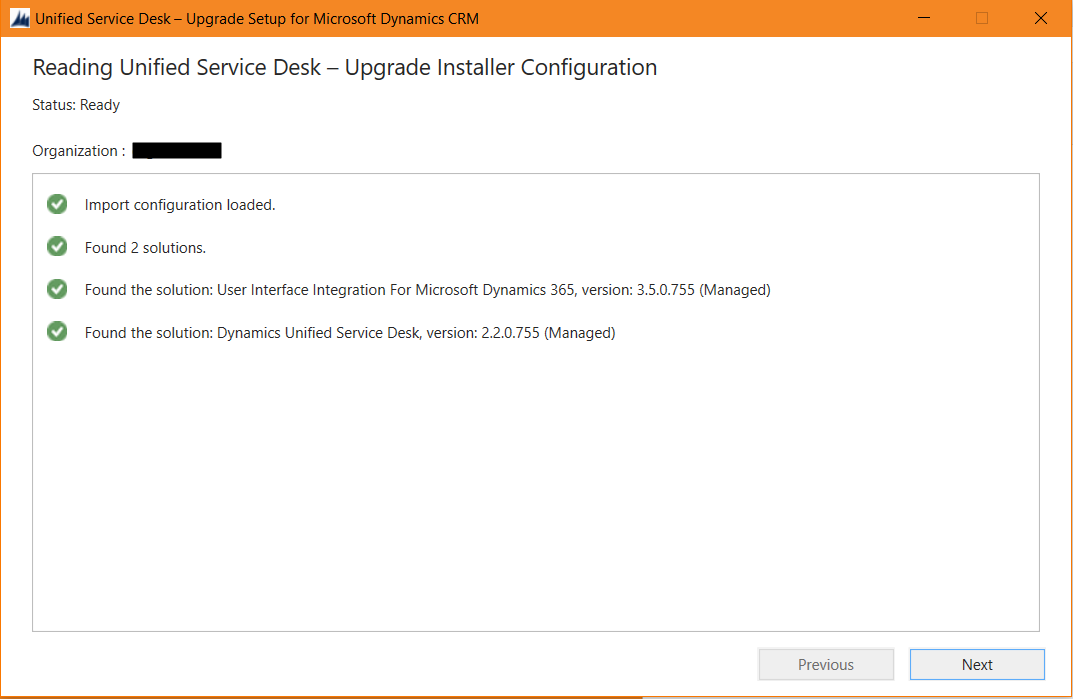
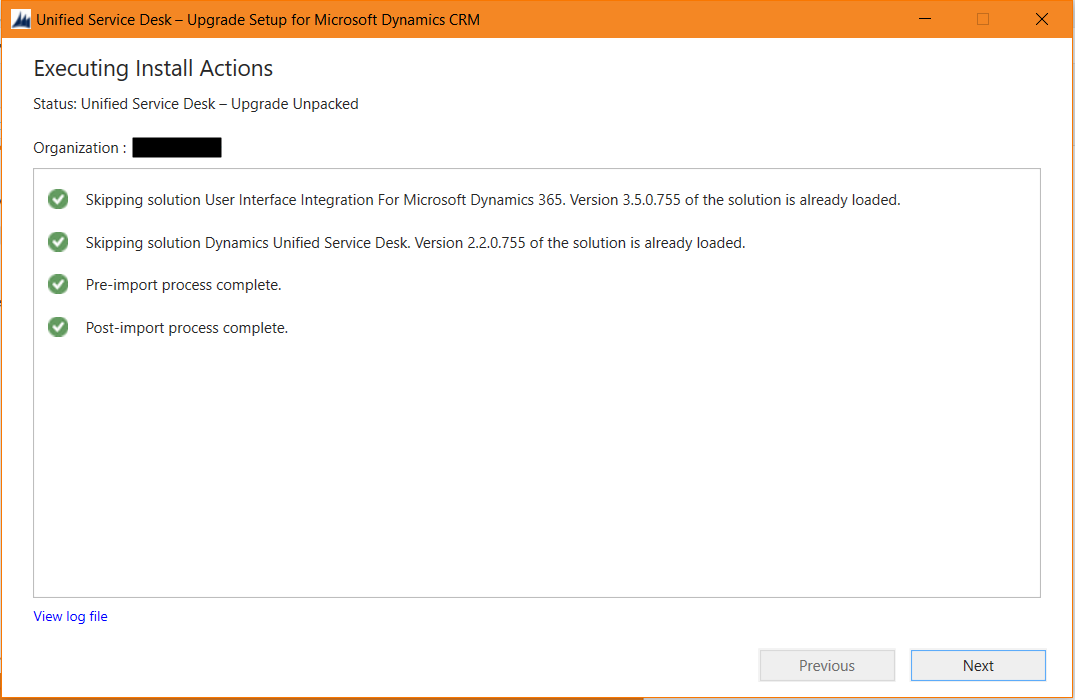
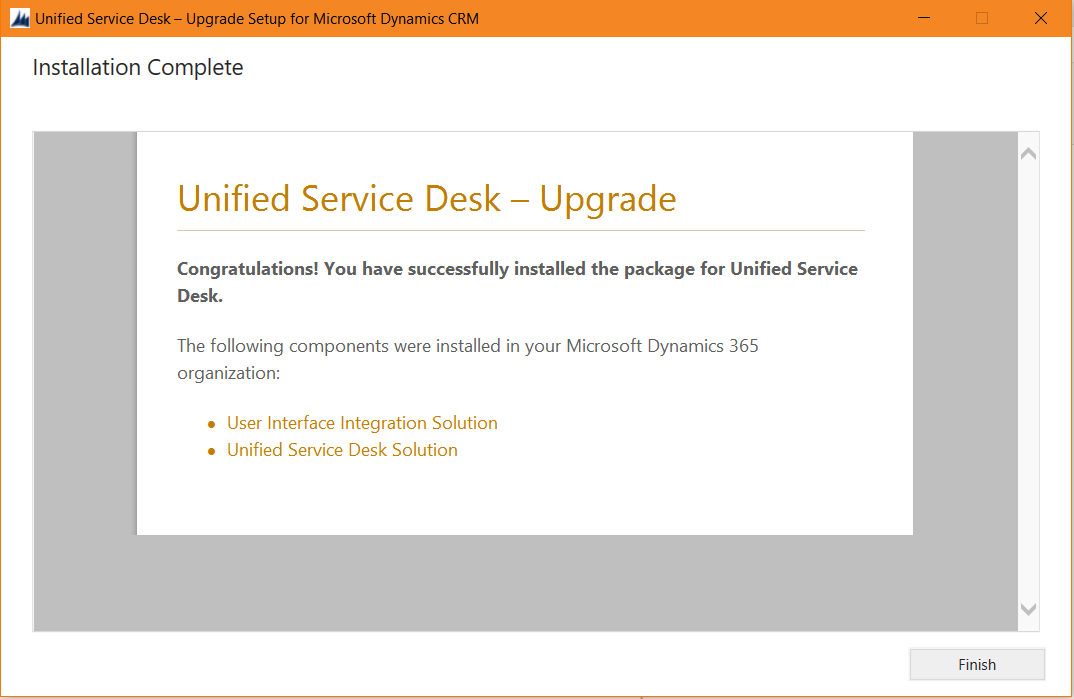
After upgrade, check the version numbers. In this case they are the same as the upgrade contained the same version:

I AM SPENDING MORE TIME THESE DAYS CREATING YOUTUBE VIDEOS TO HELP PEOPLE LEARN THE MICROSOFT POWER PLATFORM.
IF YOU WOULD LIKE TO SEE HOW I BUILD APPS, OR FIND SOMETHING USEFUL READING MY BLOG, I WOULD REALLY APPRECIATE YOU SUBSCRIBING TO MY YOUTUBE CHANNEL.
THANK YOU, AND LET'S KEEP LEARNING TOGETHER.
CARL
