Dynamics 365 has the ability to schedule data for deletion.
To do this, go to Settings->Data Management:
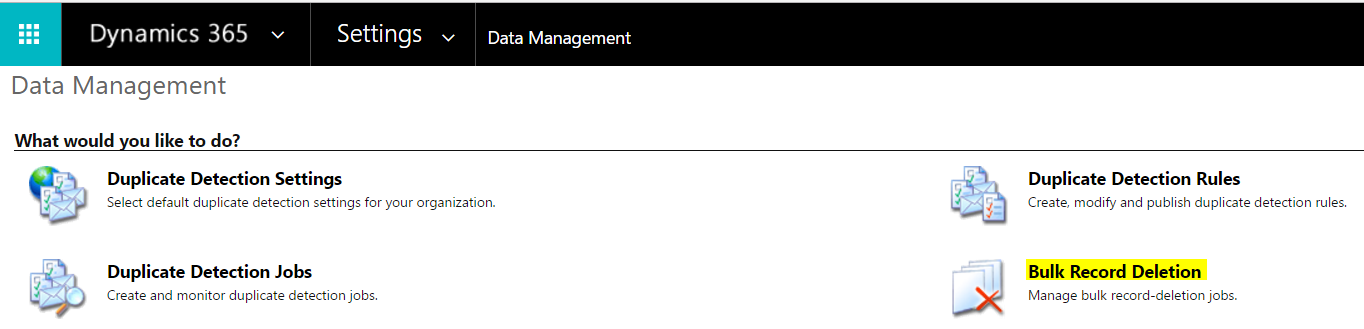
Select Bulk Record Deletion:
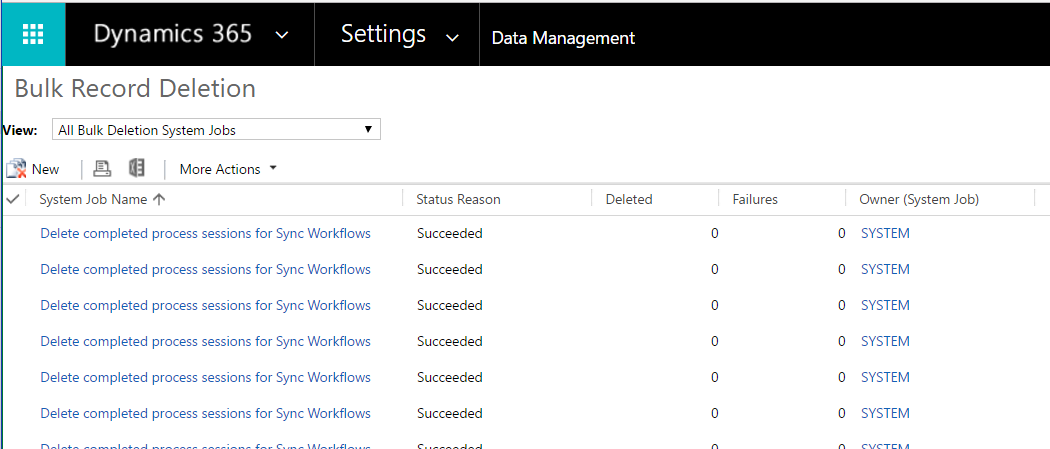
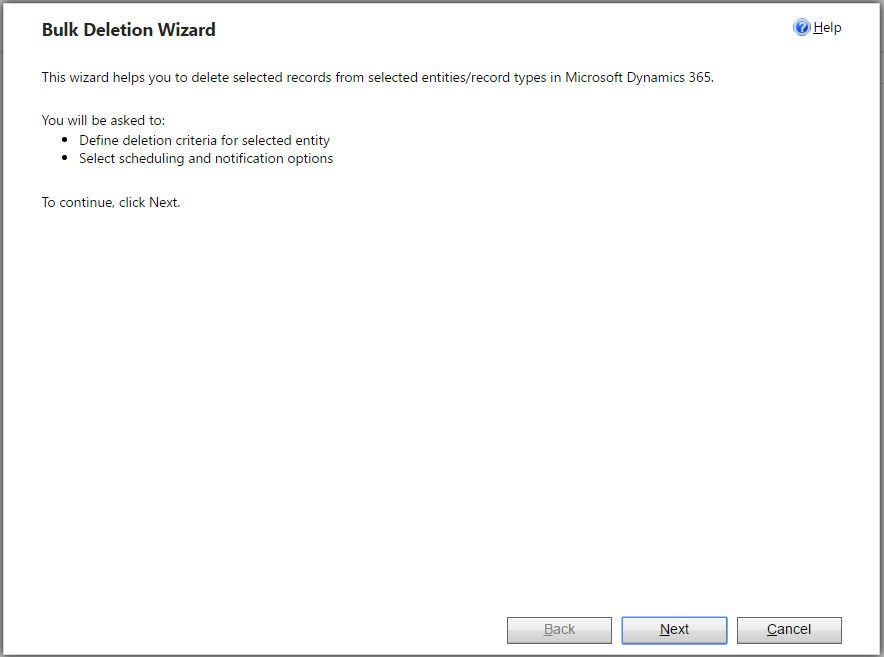
Click New and the Bulk Deletion Wizard will appear:
Select the entity whose records you want to delete. Enter any additional criteria:
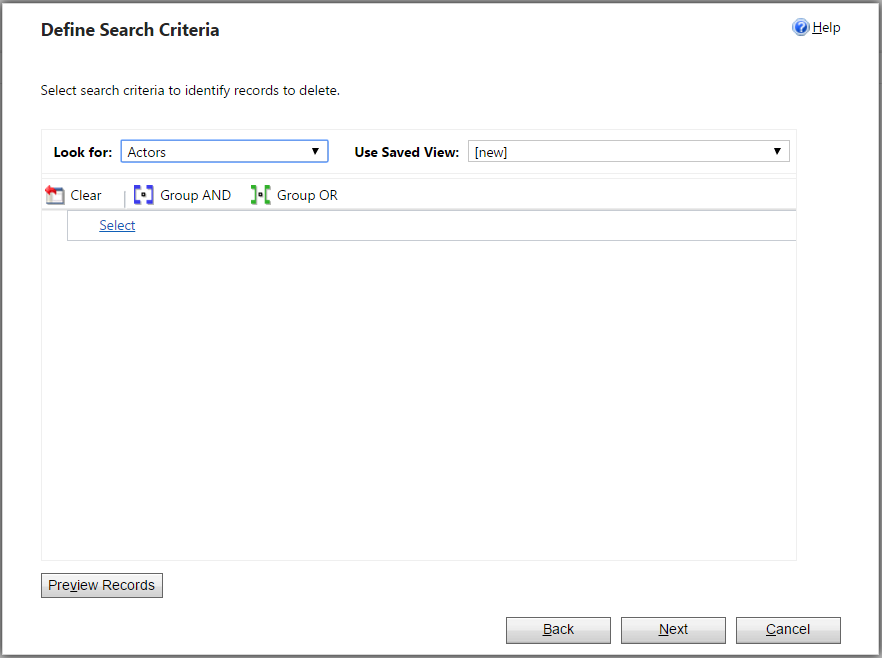
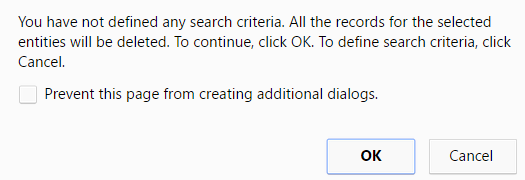
If you do not enter any additional criteria you will get this message:
Click Next:
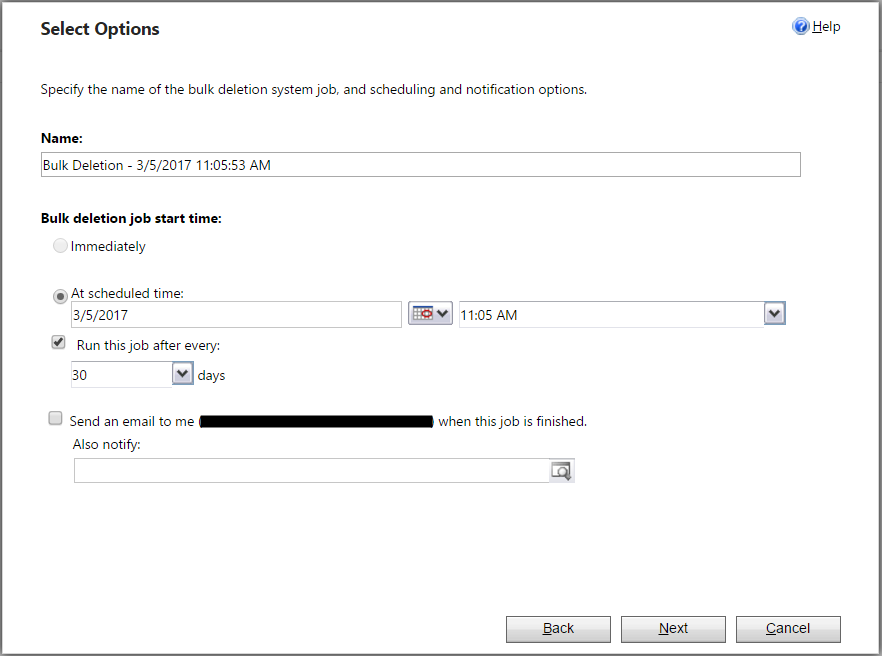
Note you can schedule when to repeat the job:
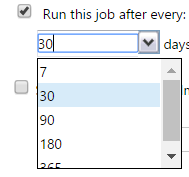
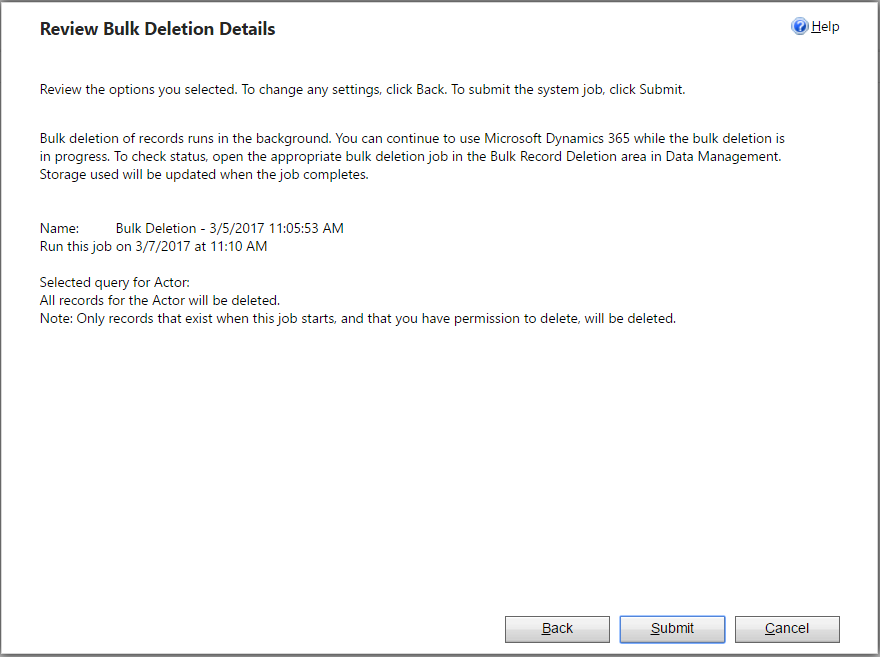
Click Next and Submit to finish setting up the job.

Keep learning. Keep building.
Explore AI, agents & Microsoft technology.
I share practical ideas, tutorials, and videos about AI, AI agents, Microsoft technologies, and the Power Platform.
Subscribe on YouTube →Carl de Souza Enterprise Architect at Microsoft · AI Technology Expert

[…] So please check whether the steps of Bulk Deletion jobs are correct: https://carldesouza.com/dynamics-365-bulk-delete-jobs/ […]
Hi,
Thank you for your deetailed tutorial it works like a charm.
I have a question.
When the job completes and deletes the desired records in my case more than 200k.
The question is. When will all the deleted records dissapear form D365. Beacuse it passed more than 10h since the job has completed succesfully and i still see them in CRM?
So what i am asking is how much needs to pass util the deleted recors wont be visible in the CRM?
Thank you in advance.
BR,
Lazar