To create a Power BI streaming dataset using PubNub, perform the following steps.
Firstly, log into powerbi.com. In the bottom left of the screen, select Streaming datasets:

Then select + Add Streaming Dataset:

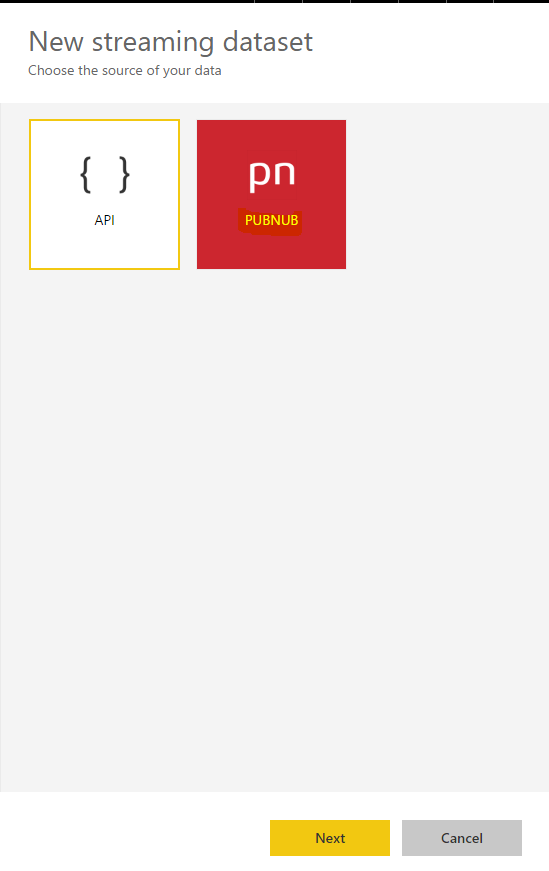
Select PubNub:
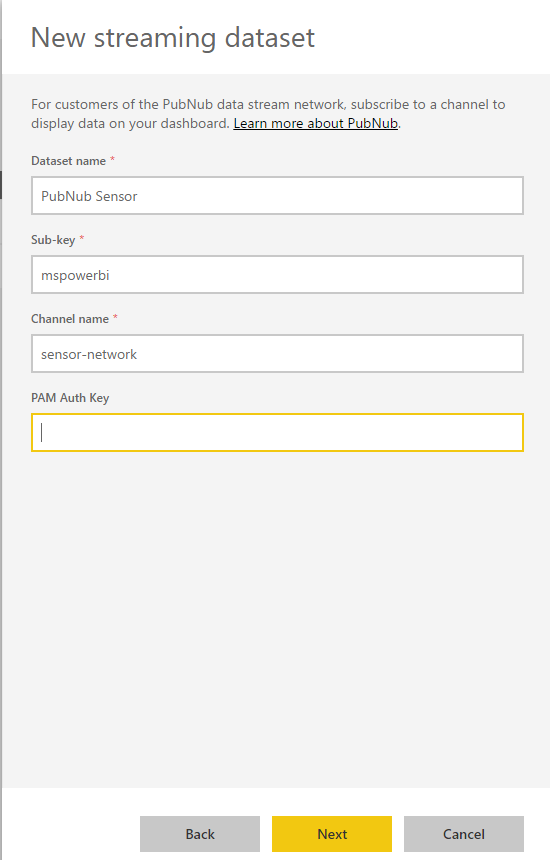
Enter in information to connect to PubNub:
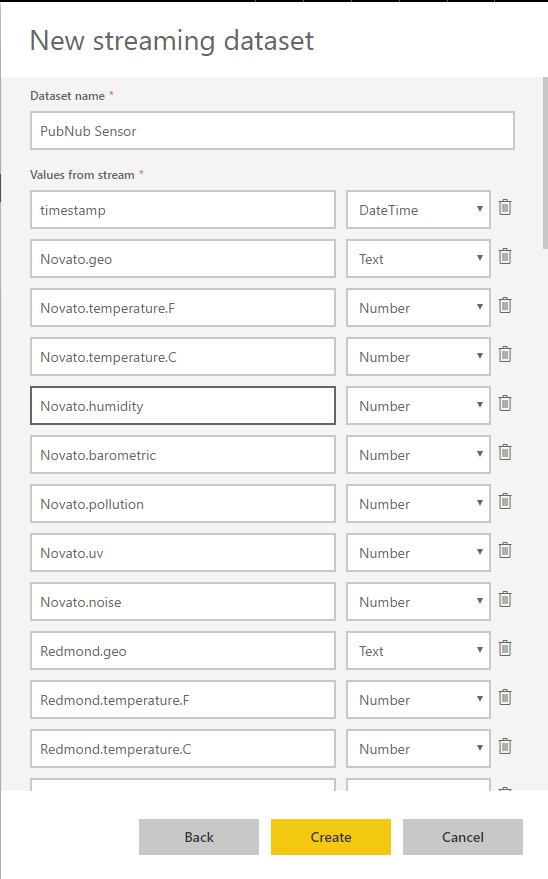
Click Create:
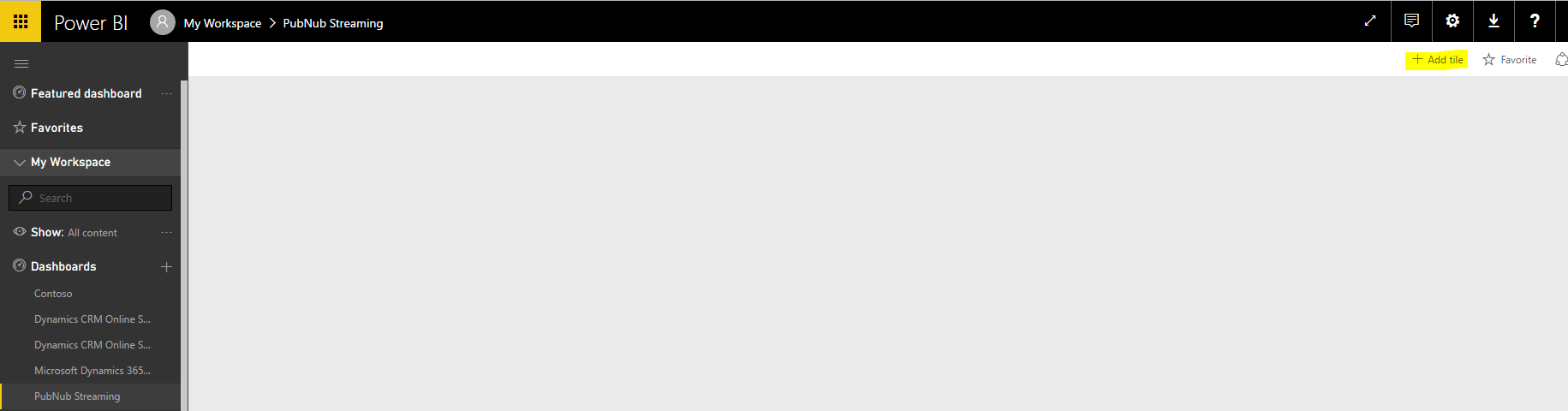
Go to the dashboard you want to see the data and select + Add tile:
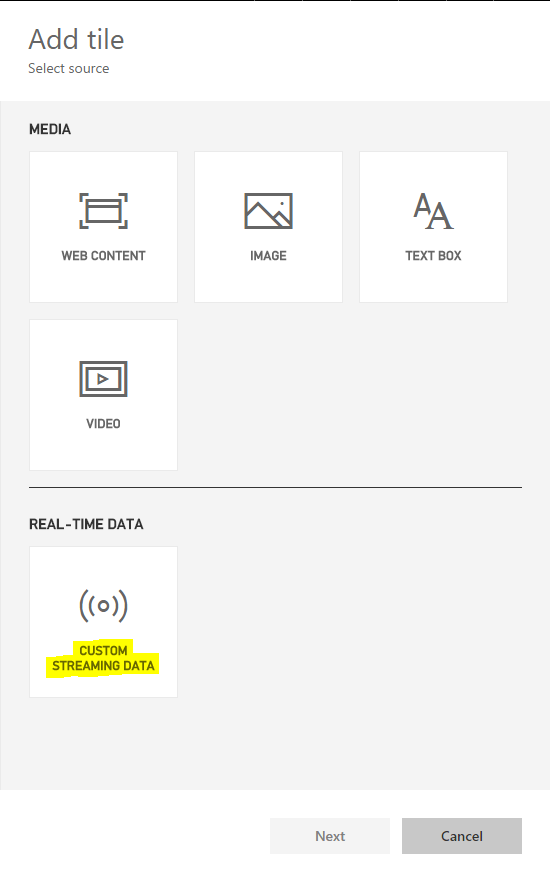
Select Custom Streaming Data:
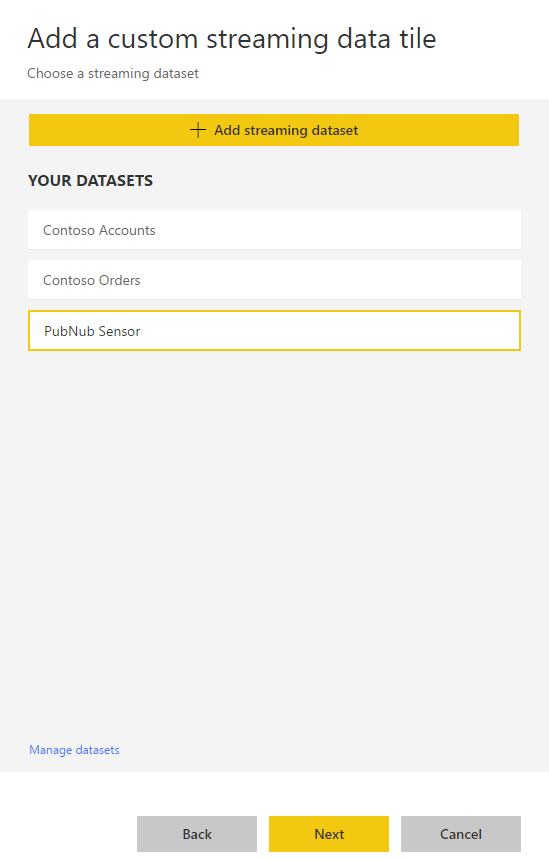
Select our dataset, PubNub Sensor and click Next:
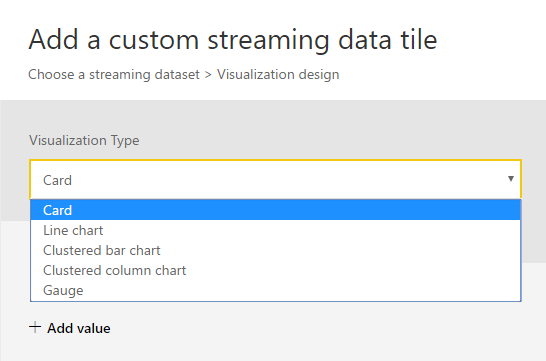
We have different options for tiles:
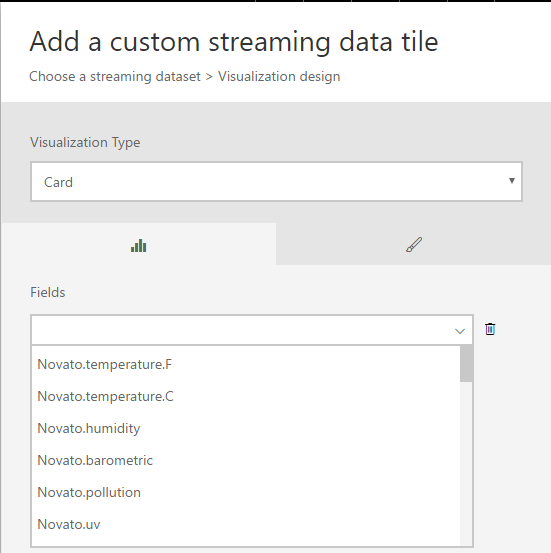
Select Card and then select the field to use:
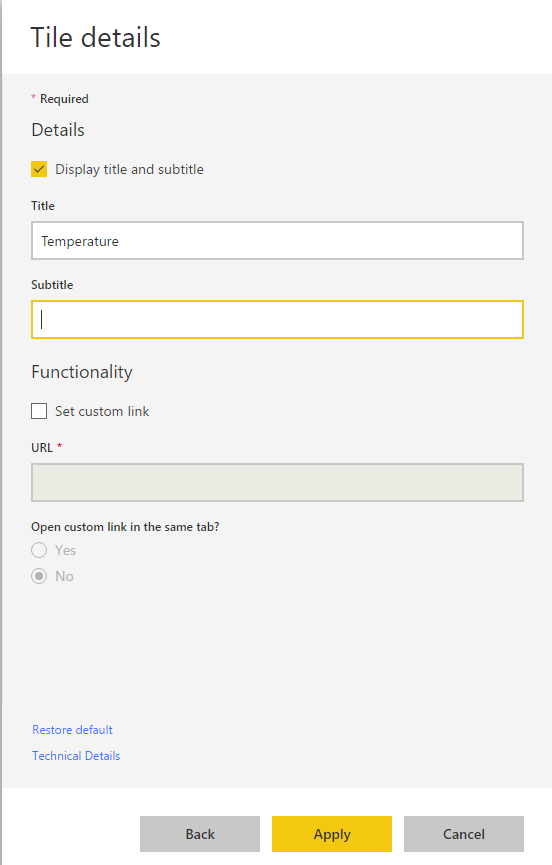
Provide tile details:
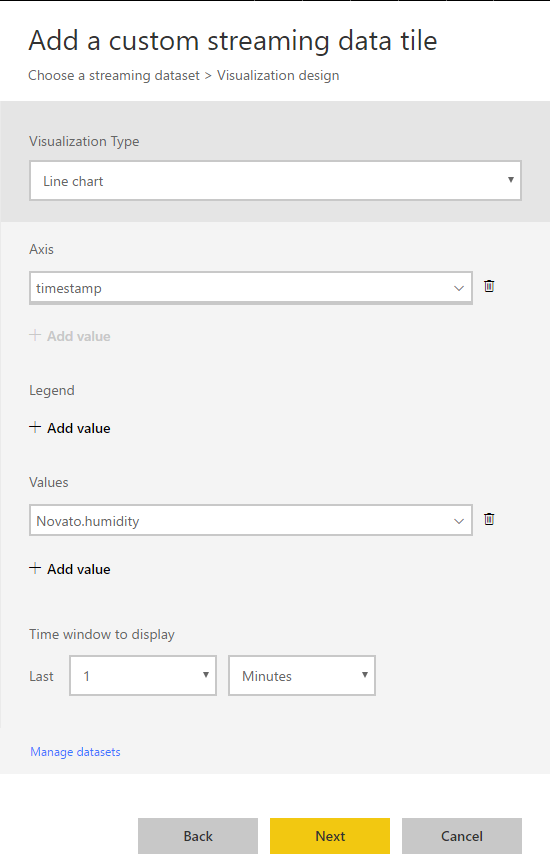
Repeat and add a line chart:
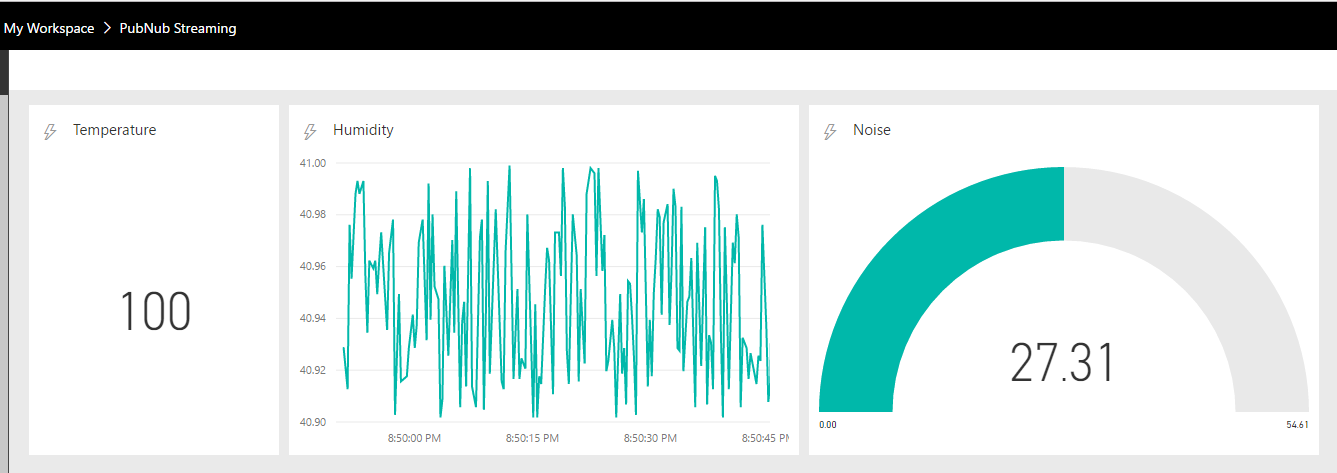
On your dashboard, you will see live streaming data:
I AM SPENDING MORE TIME THESE DAYS CREATING YOUTUBE VIDEOS TO HELP PEOPLE LEARN THE MICROSOFT POWER PLATFORM.
IF YOU WOULD LIKE TO SEE HOW I BUILD APPS, OR FIND SOMETHING USEFUL READING MY BLOG, I WOULD REALLY APPRECIATE YOU SUBSCRIBING TO MY YOUTUBE CHANNEL.
THANK YOU, AND LET'S KEEP LEARNING TOGETHER.
CARL
