In this post, we will look at Employee Self-Service portals in Power Apps.
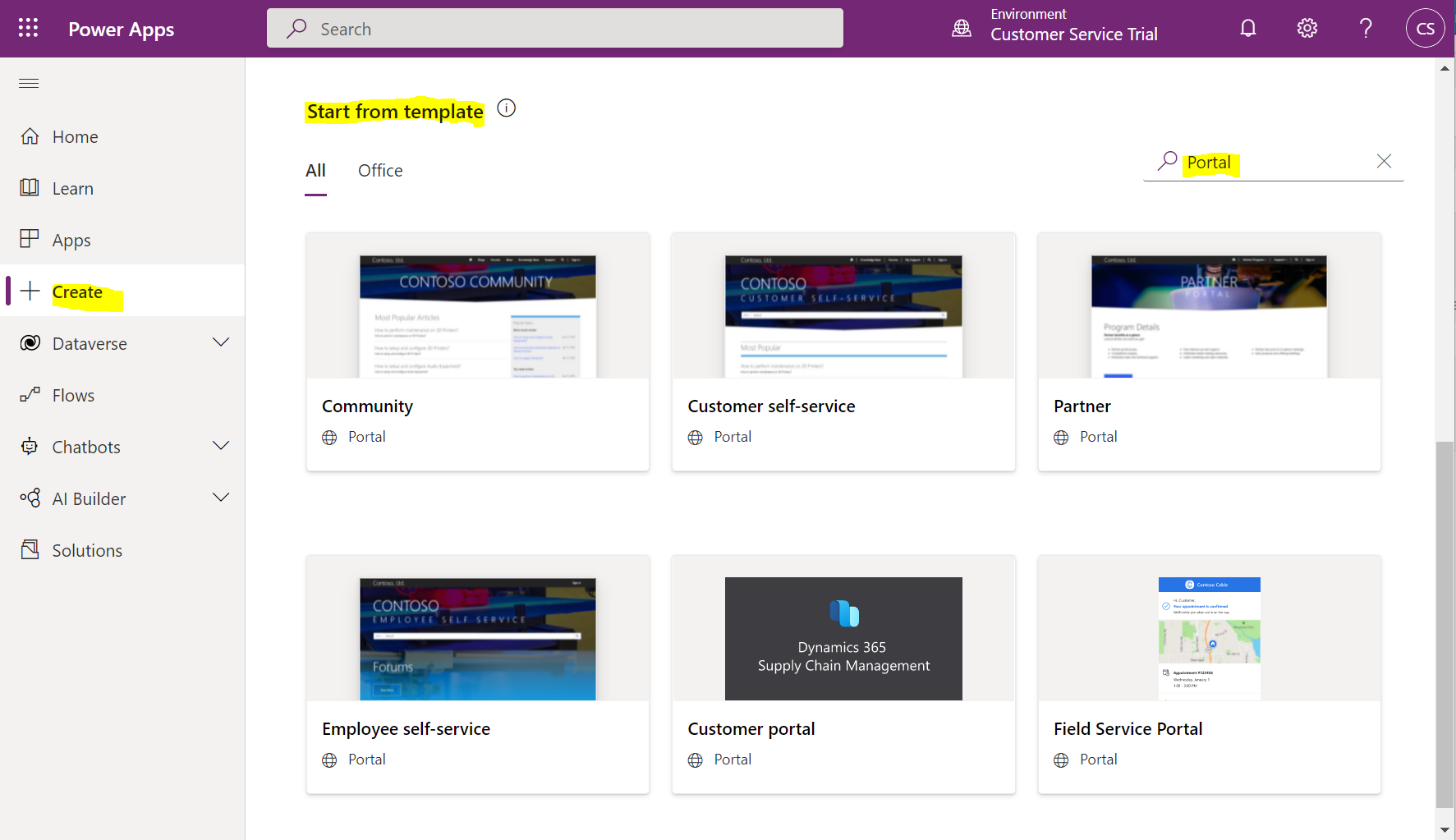
First, go to https://make.powerapps.com and create a new portal. We will need to go to Create, then Start from Template. Search for Portal, then choose the Employee self-service:
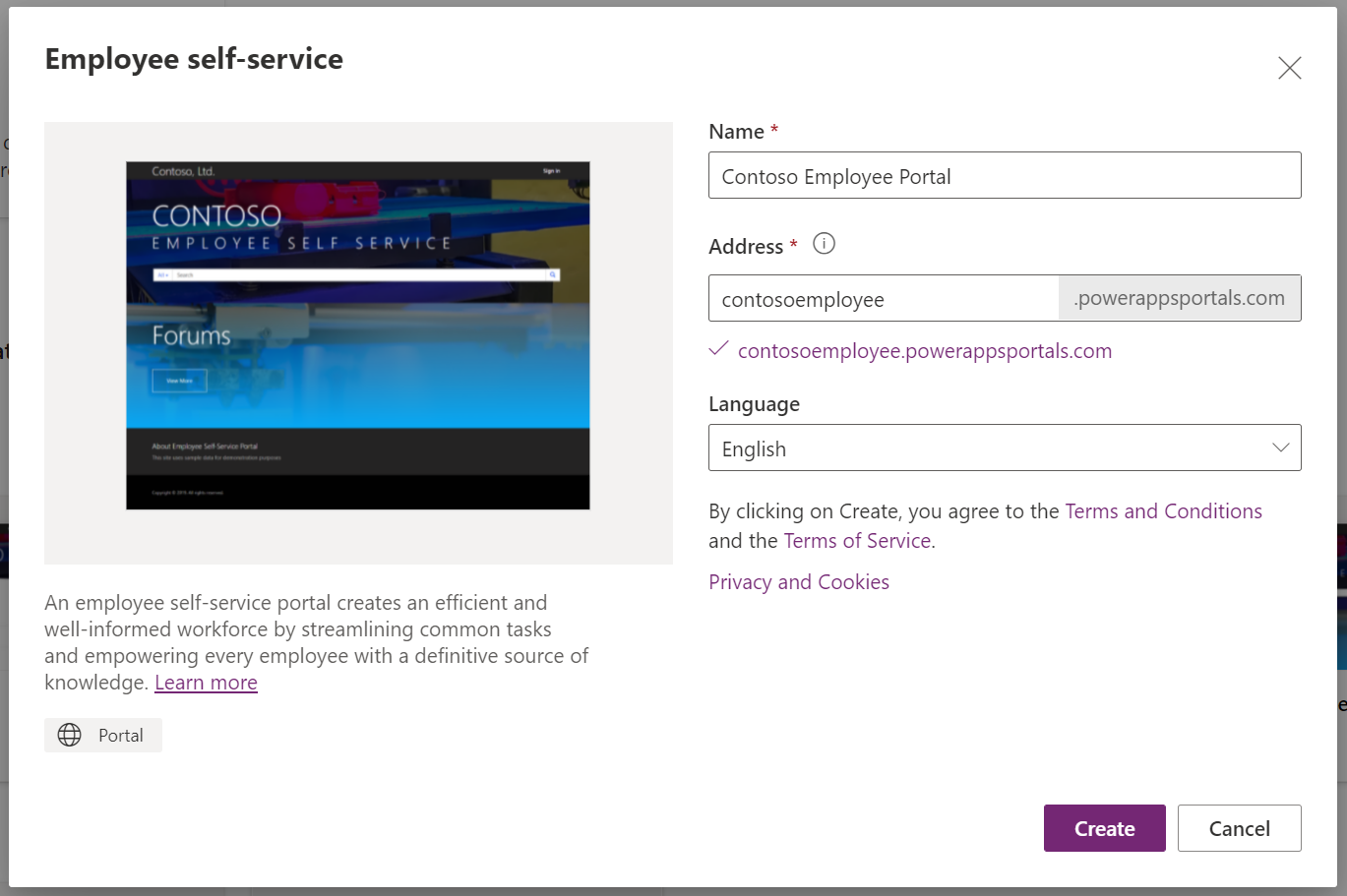
Enter a name and URL, then click Create:
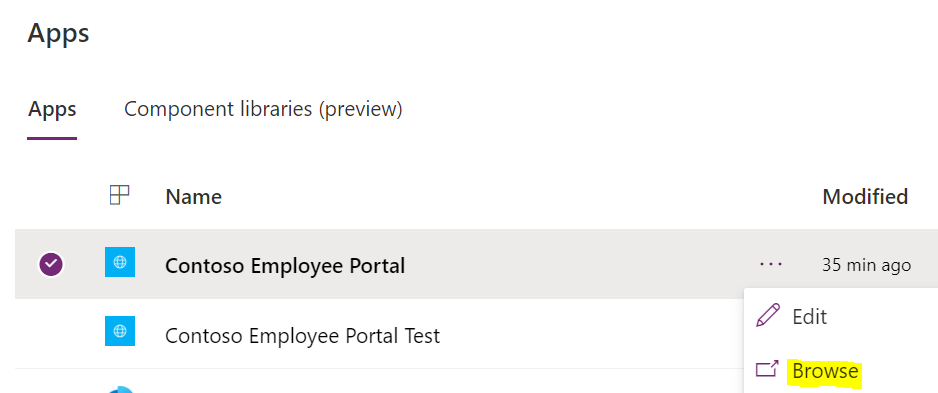
Once created, browse out to the portal:
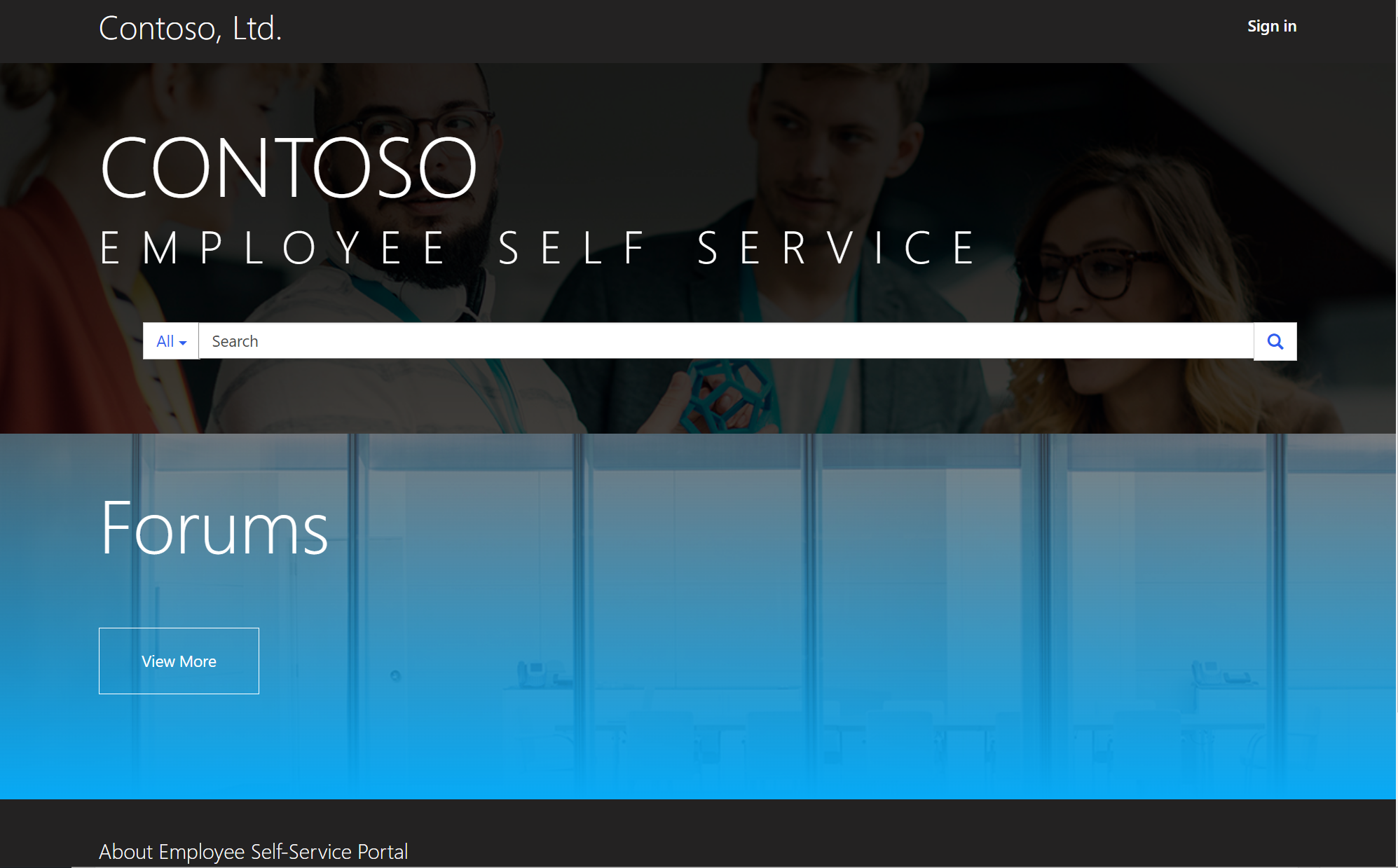
We see:
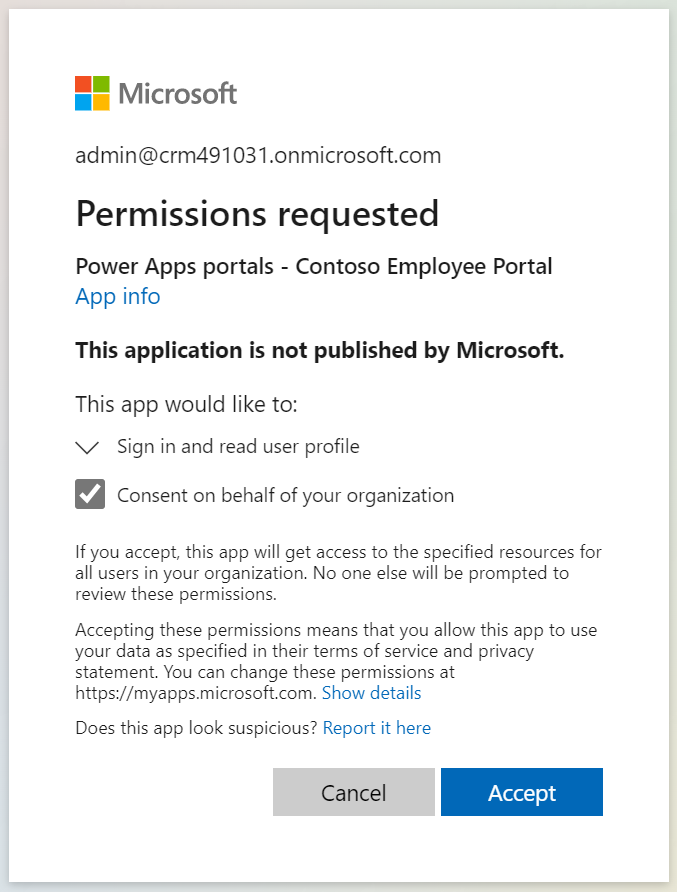
Clicking Sign-In, we get:
And we now see the portal content:
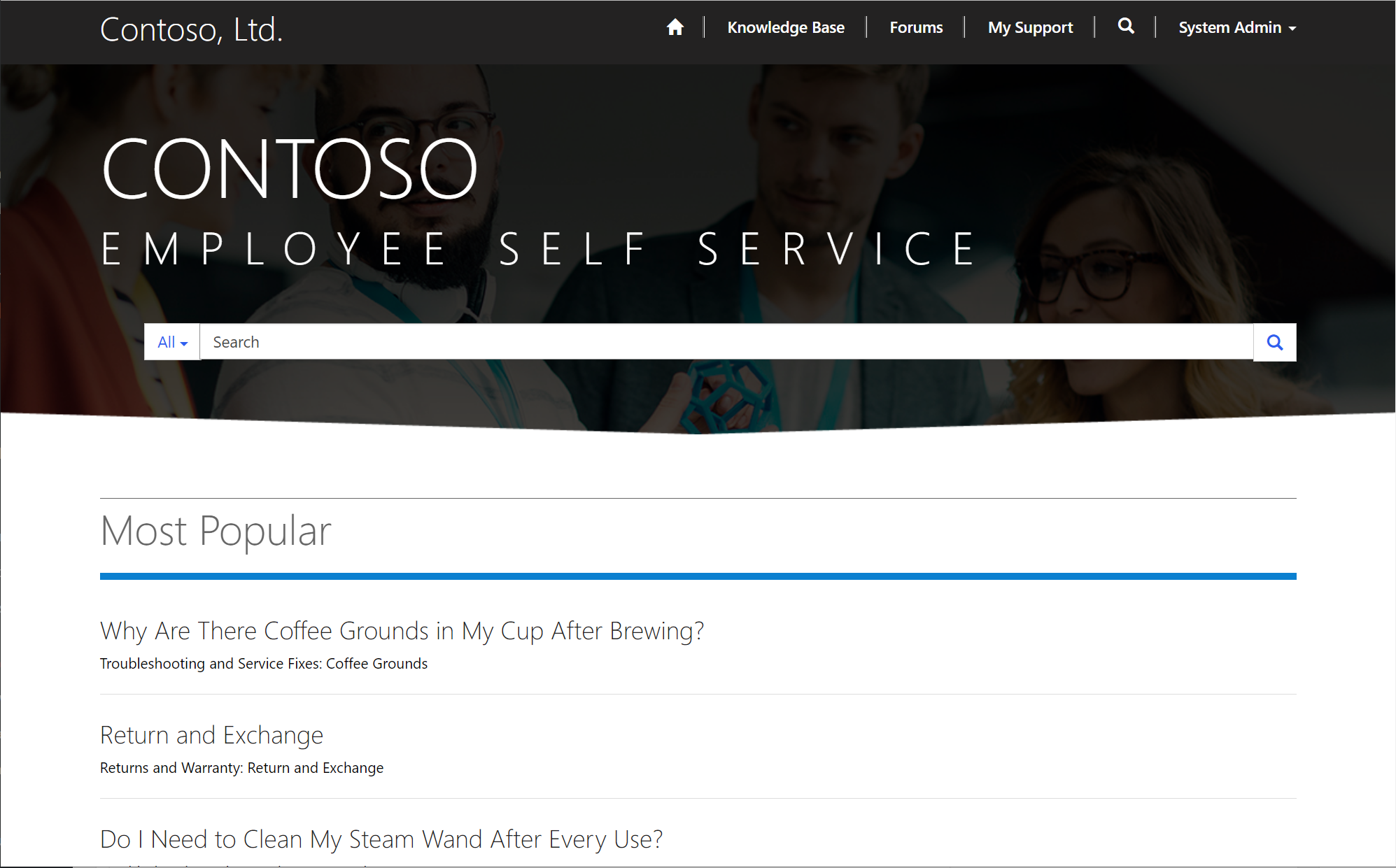
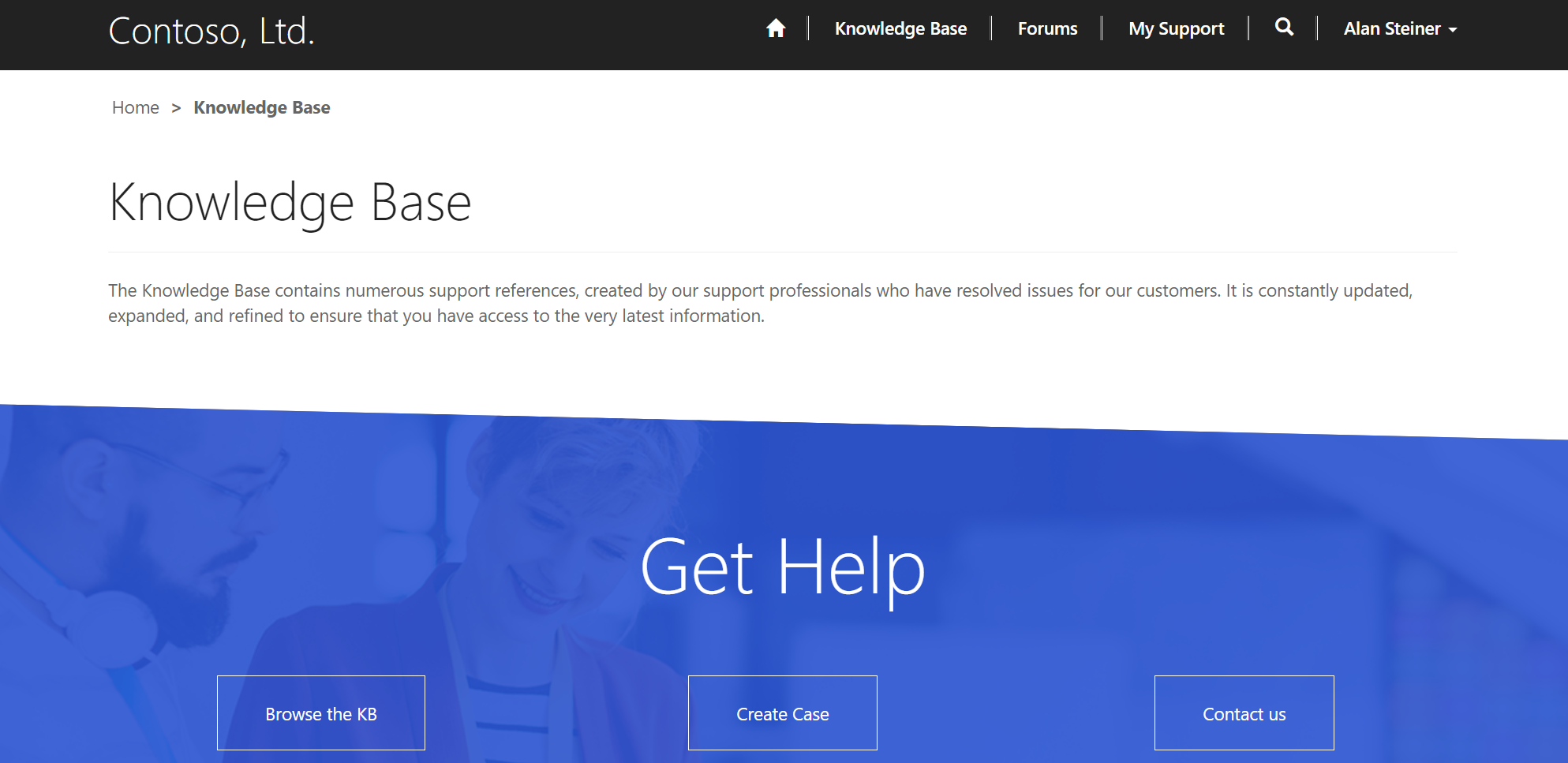
Other users can see the same content. Let’s look at Knowledge Base:
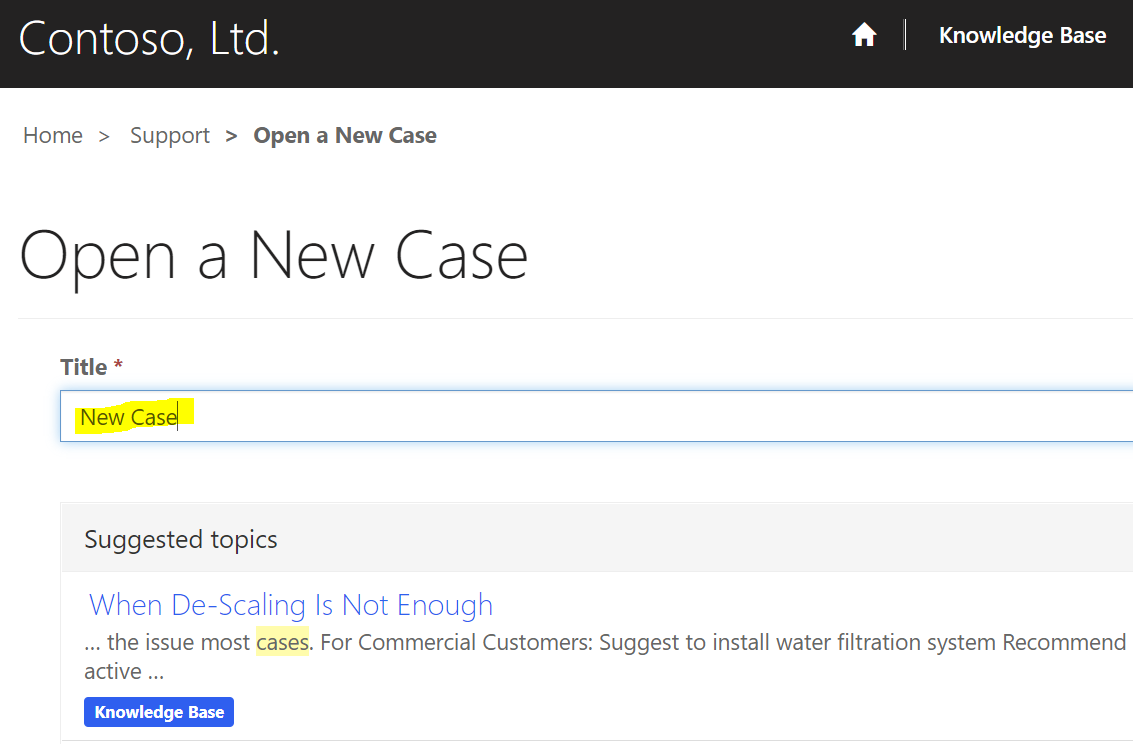
Clicking on New Case and entering a topic, it will search the KB automatically to try to find an answer first:
The user can proceed to submit the new case:
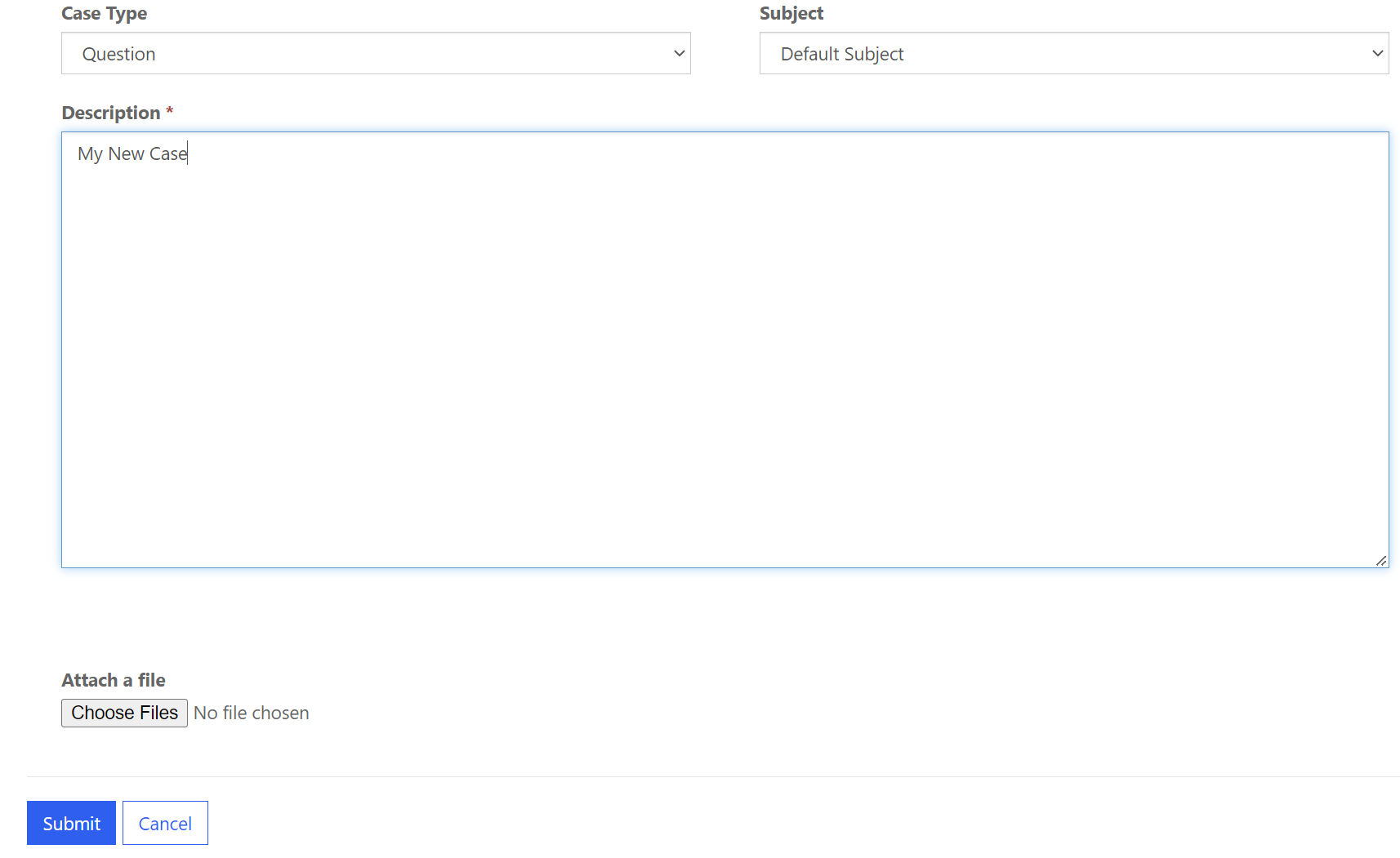
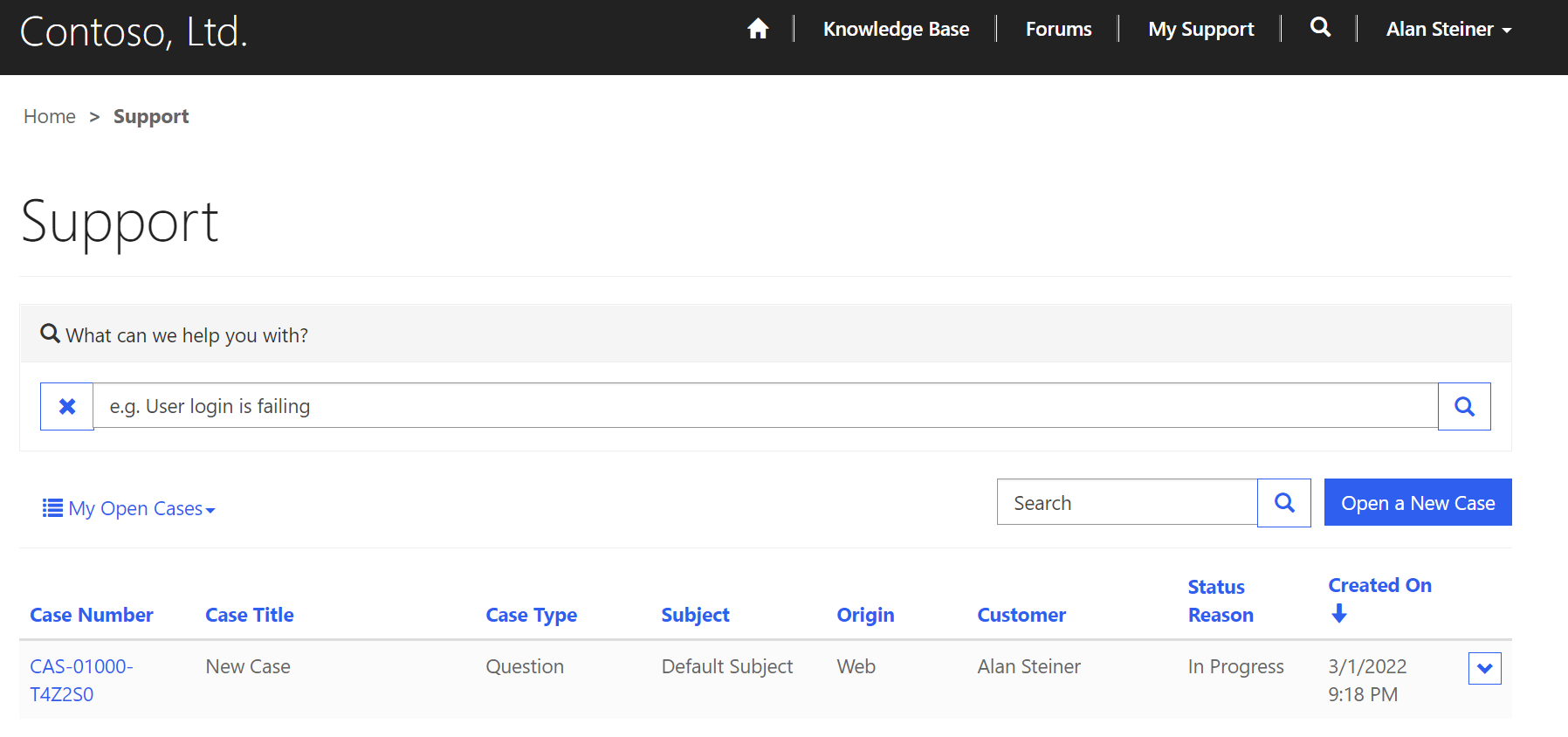
And we now see a list of cases with status. This page is also accessed through the My Support toolbar link:
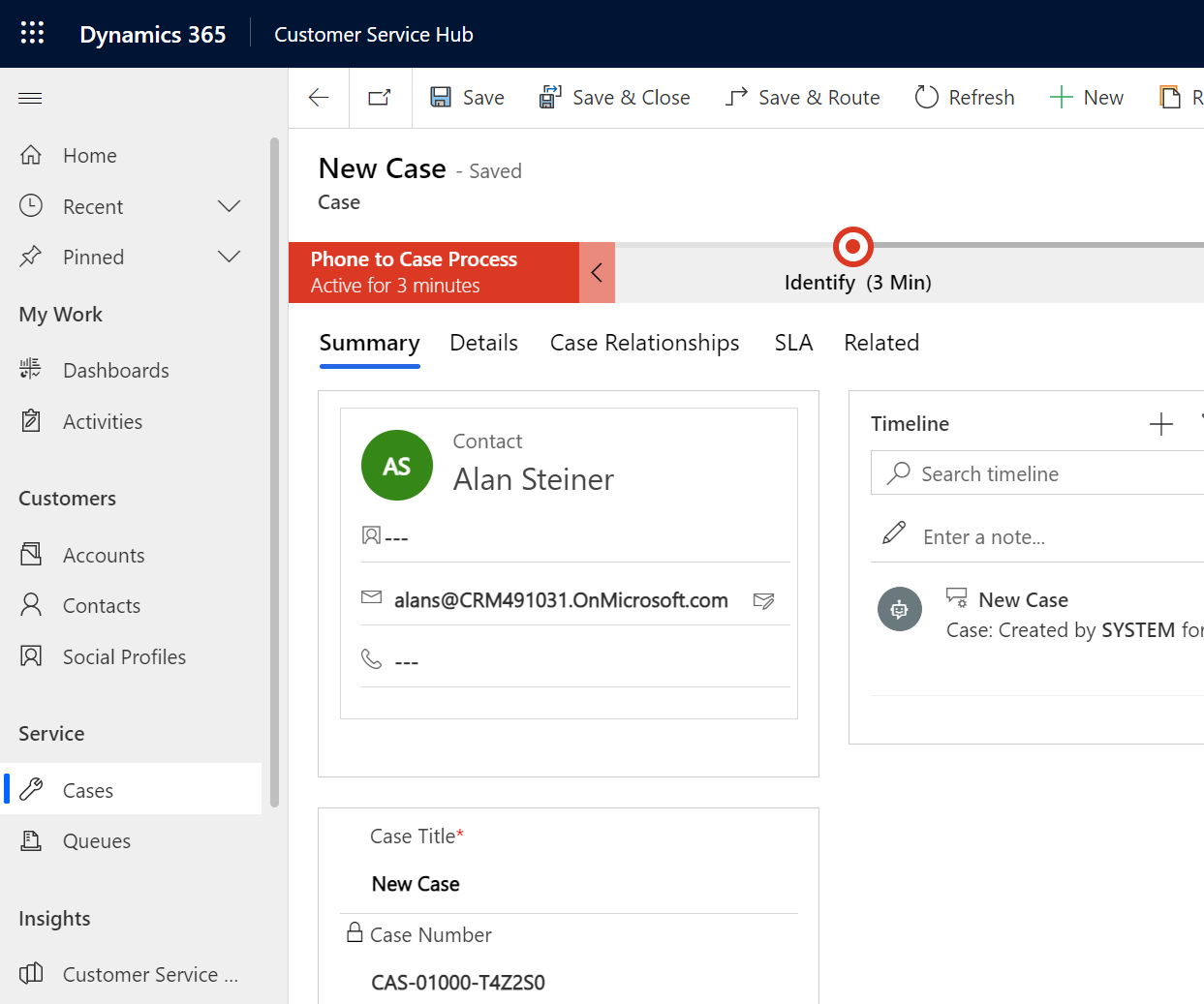
And in D365, we see the case:

Which can be handled like normal:
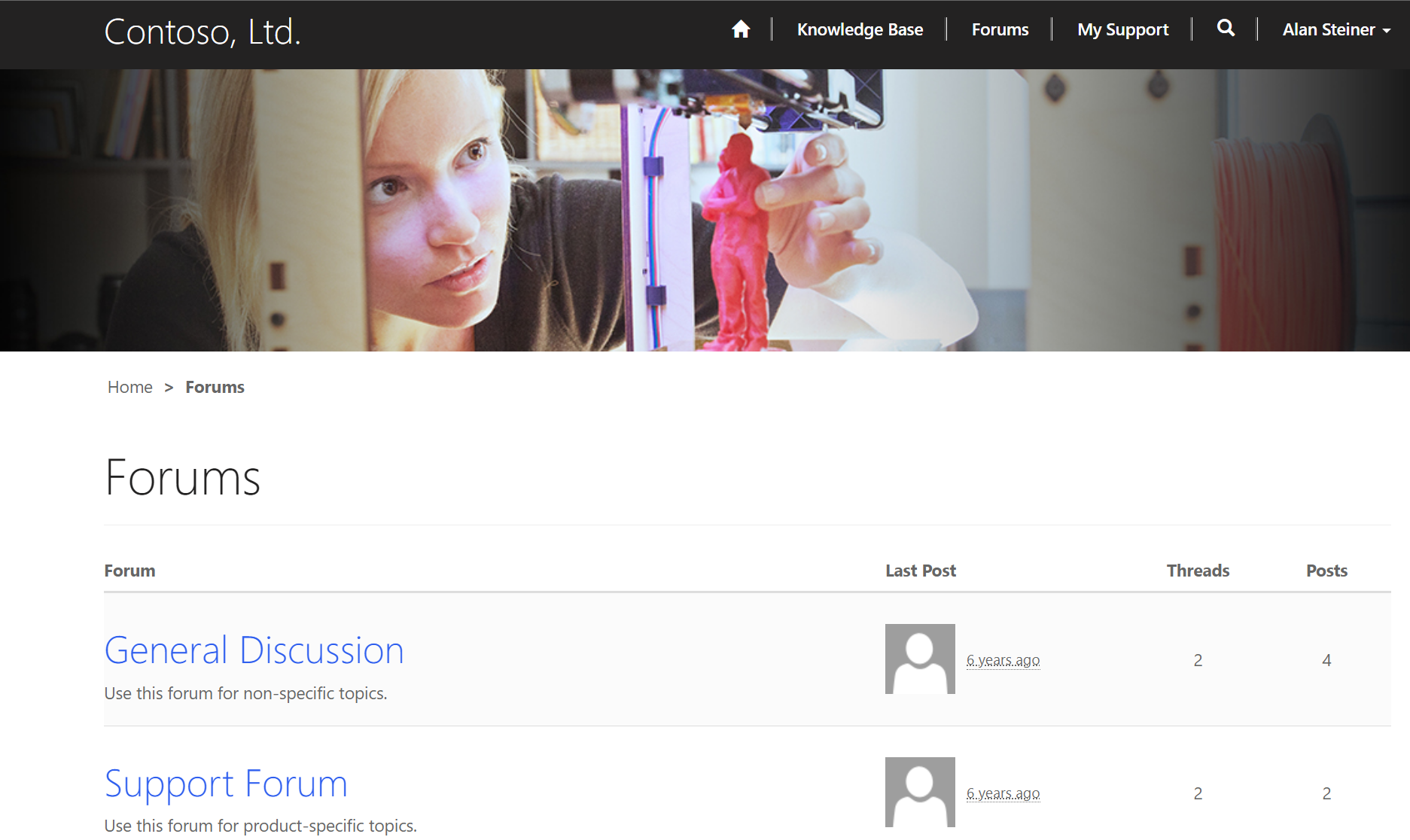
There are also Forums for employees to use:
I AM SPENDING MORE TIME THESE DAYS CREATING YOUTUBE VIDEOS TO HELP PEOPLE LEARN THE MICROSOFT POWER PLATFORM.
IF YOU WOULD LIKE TO SEE HOW I BUILD APPS, OR FIND SOMETHING USEFUL READING MY BLOG, I WOULD REALLY APPRECIATE YOU SUBSCRIBING TO MY YOUTUBE CHANNEL.
THANK YOU, AND LET'S KEEP LEARNING TOGETHER.
CARL
