In our previous post, we created a Web API app running in Azure with Application Insights enabled. In this post, we will show how to write custom events to App Insights using C#.
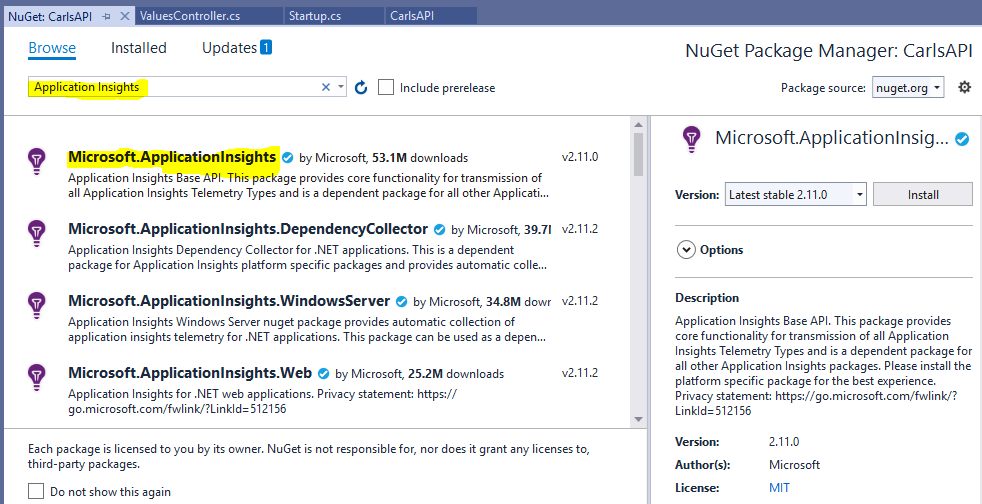
We will use the same Web API code we installed in the previous post. Open the project in Visual Studio and install the Microsoft.ApplicationInsights NuGet package:
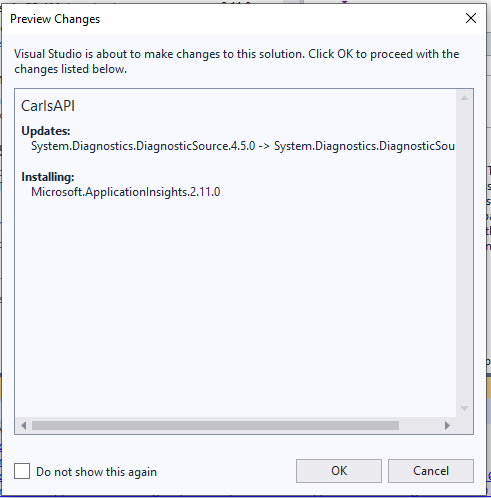
Click OK:
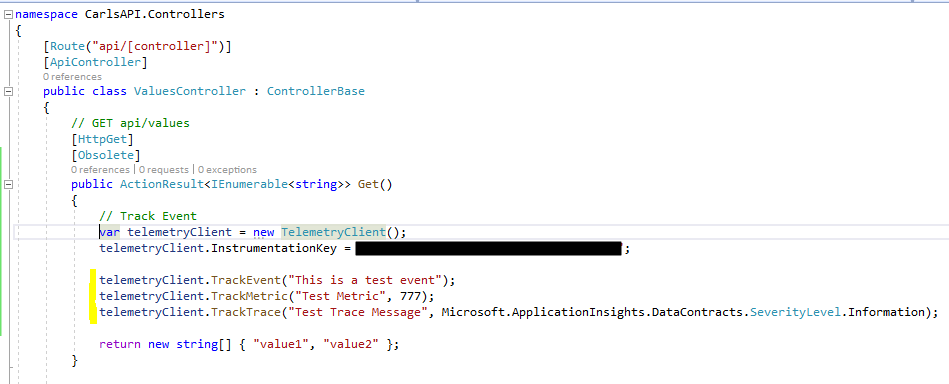
Now the code. Let’s add an Event, a Metric and a Trace. We will add it to the Get controller method: We will create a TelementryClient object and use TrackEvent, TrackMetric, and TrackTrace:
[sourcecode language=”CSharp”] // Track Eventvar telemetryClient = new TelemetryClient();
telemetryClient.InstrumentationKey = "your instrumentation key";
telemetryClient.TrackEvent("This is a test event");
telemetryClient.TrackMetric("Test Metric", 777);
telemetryClient.TrackTrace("Test Trace Message", Microsoft.ApplicationInsights.DataContracts.SeverityLevel.Information);
It should look like:
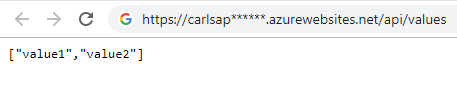
Now Publish your project so the cloud version has the latest code, then browse out to the API to make a call:
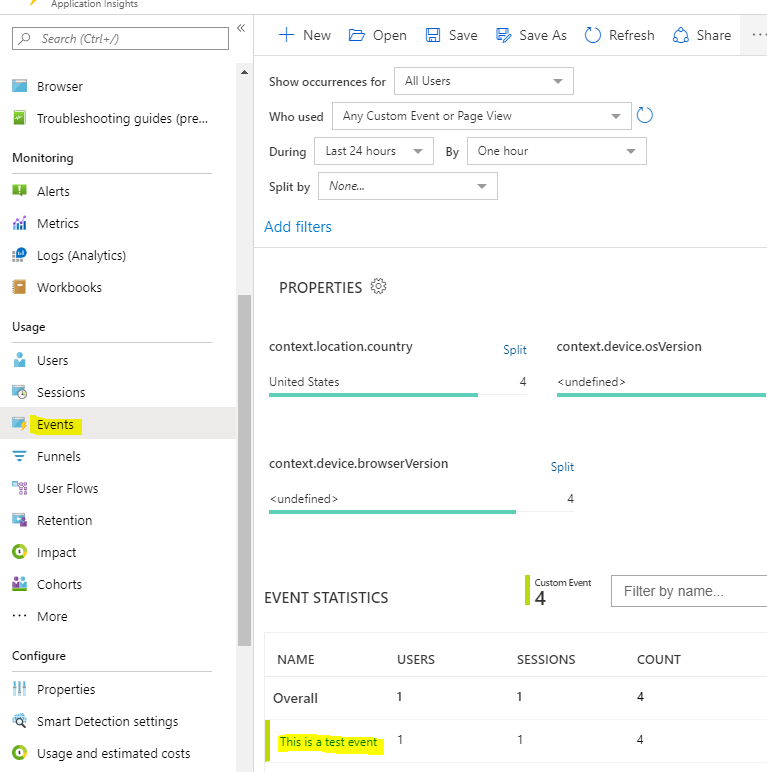
In the Azure portal, in App Insights go to Events to see the new event. Note this may take some time to appear:
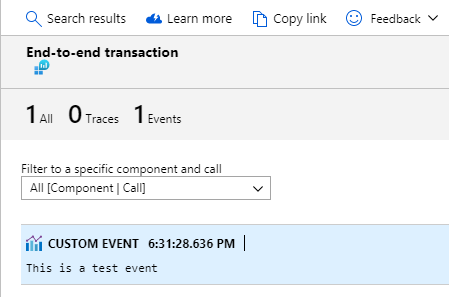
And selecting it:
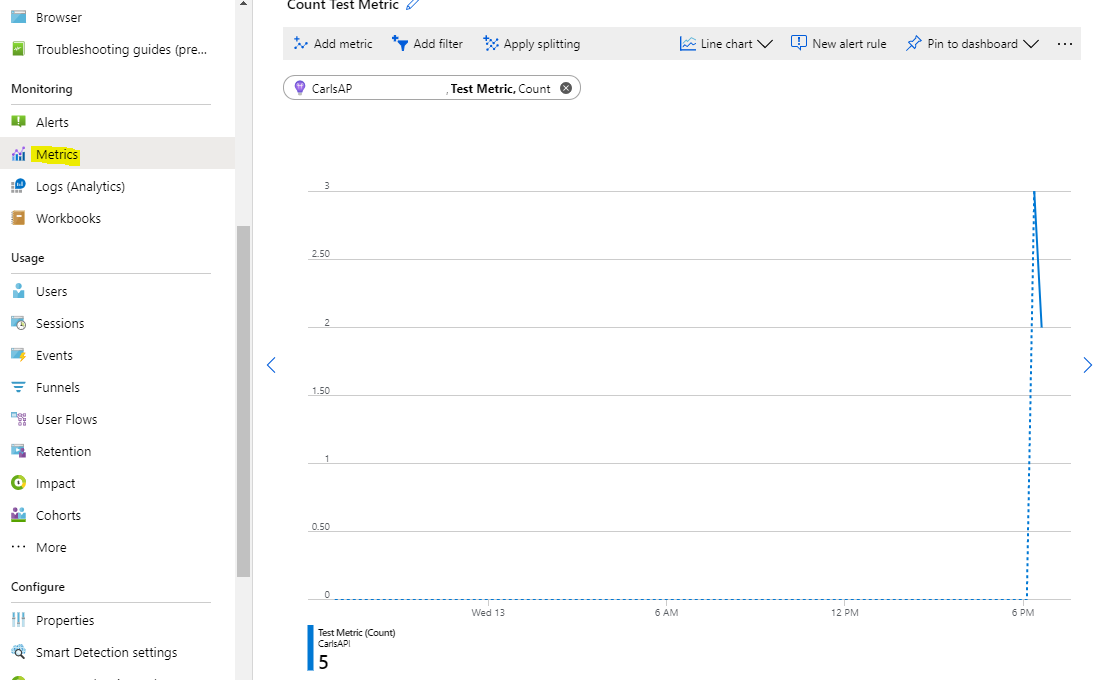
For the custom metric created, go to Metrics:
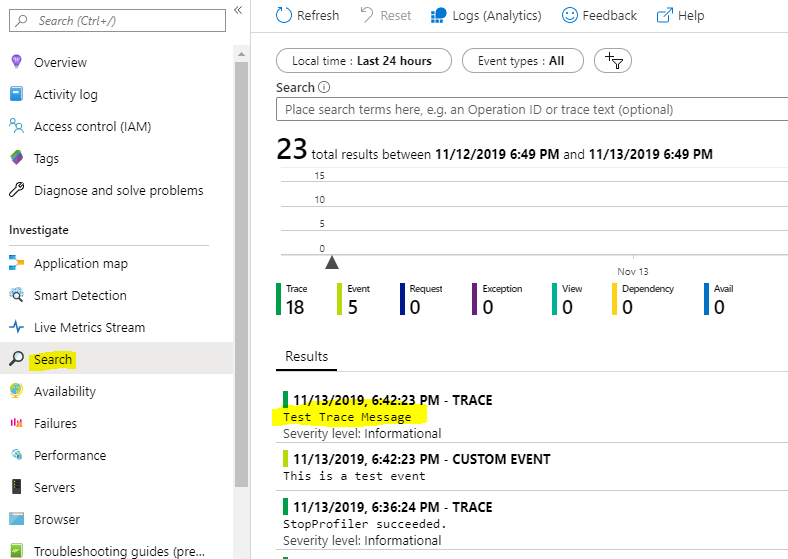
And for the Trace, we will go to Search:
I AM SPENDING MORE TIME THESE DAYS CREATING YOUTUBE VIDEOS TO HELP PEOPLE LEARN THE MICROSOFT POWER PLATFORM.
IF YOU WOULD LIKE TO SEE HOW I BUILD APPS, OR FIND SOMETHING USEFUL READING MY BLOG, I WOULD REALLY APPRECIATE YOU SUBSCRIBING TO MY YOUTUBE CHANNEL.
THANK YOU, AND LET'S KEEP LEARNING TOGETHER.
CARL

I would need to call telemetryClient.Flush() to see the data in App Insights.
If I run the app locally and it’s connected to App Insights, I’m able to see the data in App Insights just fine