In Dynamics 365, users have the ability to add notes and upload documents to records. For example, the Account record below has a Notes section:

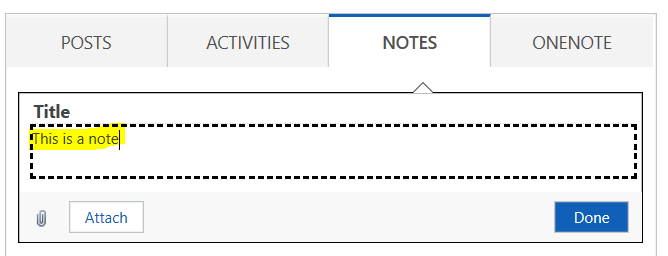
To enter a note, enter the text in the text box and click Done:
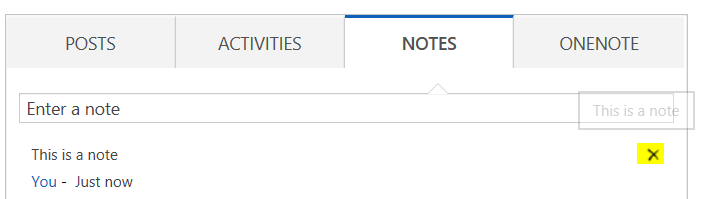
Once entered, if you have delete permissions, you will see the ability to delete a note:
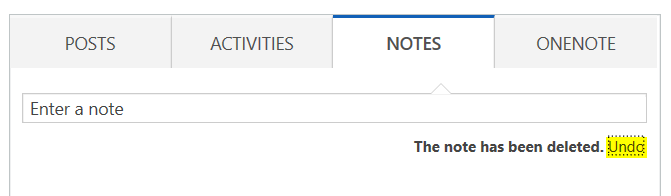
On deleting a note, you will have a few seconds to undo your delete:
To enter an attachment, click in the box and select Browse:

You will see the document uploaded:
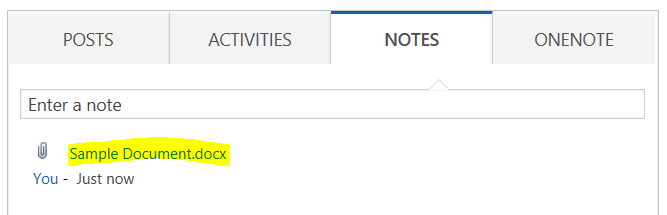
With the option to delete if you have delete privileges:

And the ability to undo the delete:

The Write, Delete and Append privileges on the Note entity under Core Records are:
- Write – update existing notes, either yours or someone else’s
- Delete – delete existing notes
- Create – create new notes

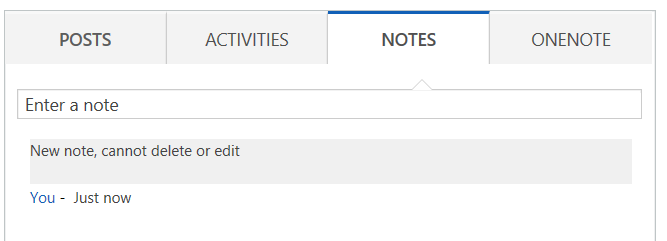
If you do not have delete privileges, you will not see the X option:
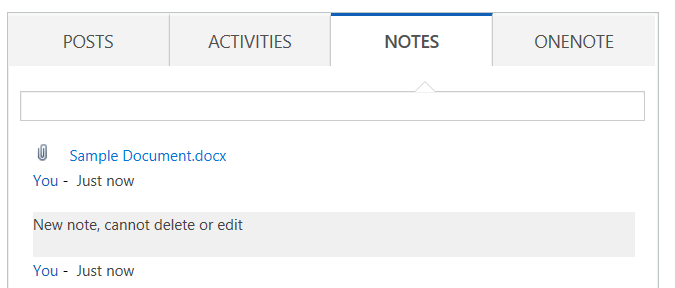
As with documents:
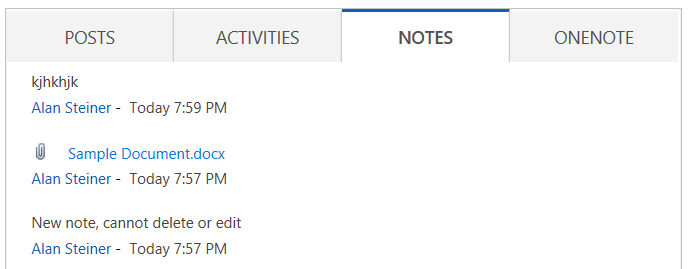
Without create privilege you will not see the option to enter notes:
I AM SPENDING MORE TIME THESE DAYS CREATING YOUTUBE VIDEOS TO HELP PEOPLE LEARN THE MICROSOFT POWER PLATFORM.
IF YOU WOULD LIKE TO SEE HOW I BUILD APPS, OR FIND SOMETHING USEFUL READING MY BLOG, I WOULD REALLY APPRECIATE YOU SUBSCRIBING TO MY YOUTUBE CHANNEL.
THANK YOU, AND LET'S KEEP LEARNING TOGETHER.
CARL
