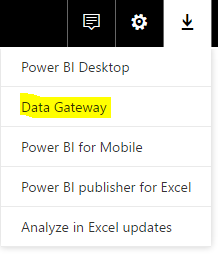
To use the Power BI Gateway, run the executable after downloading from Power BI:
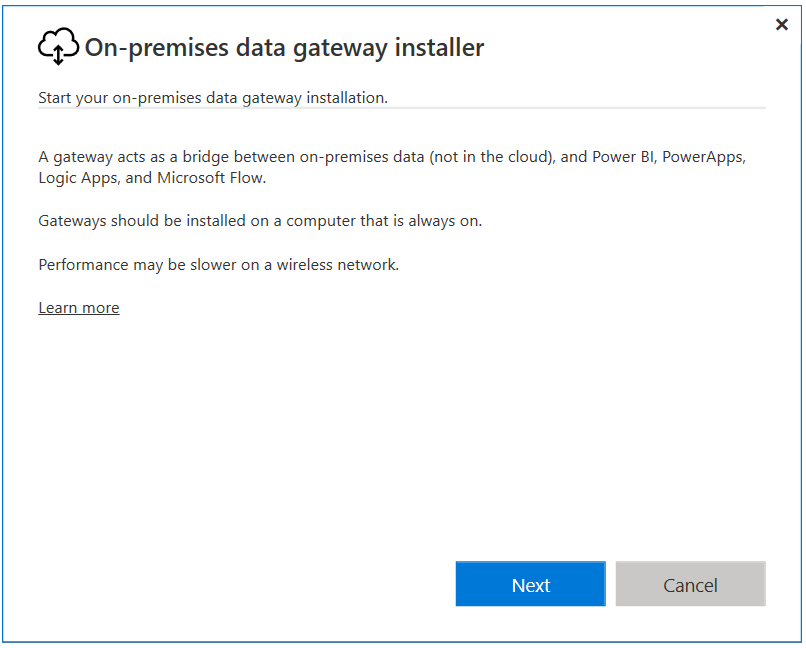
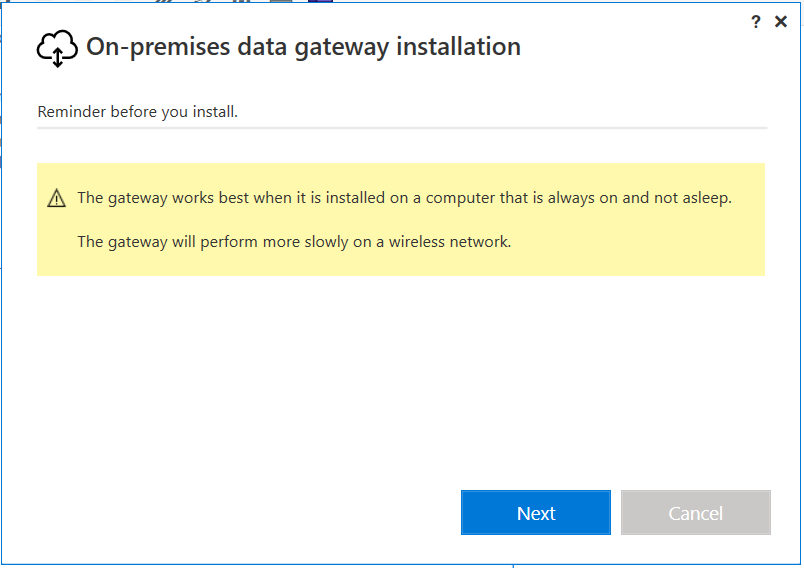
You will see this window below:
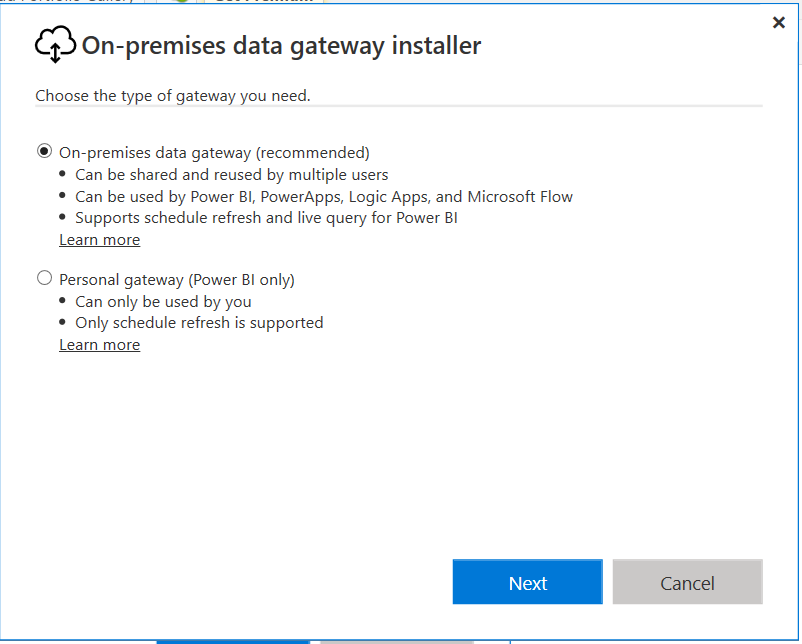
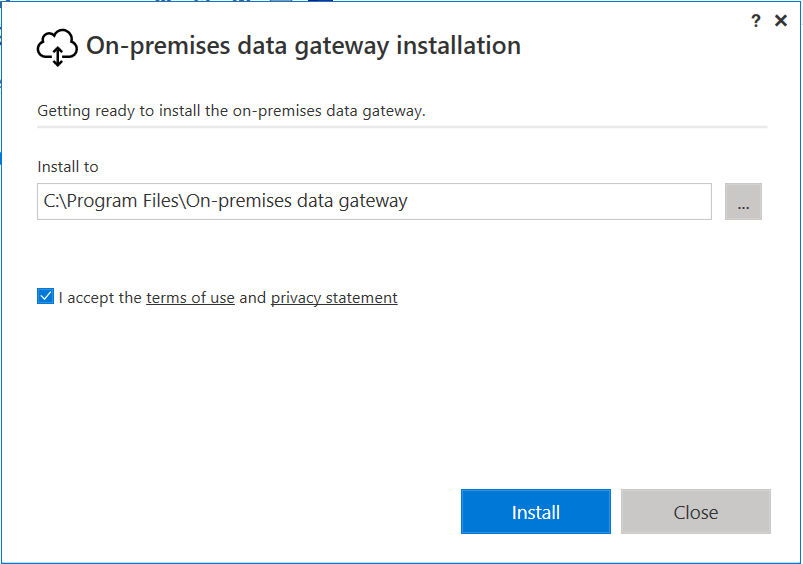
Click Next:
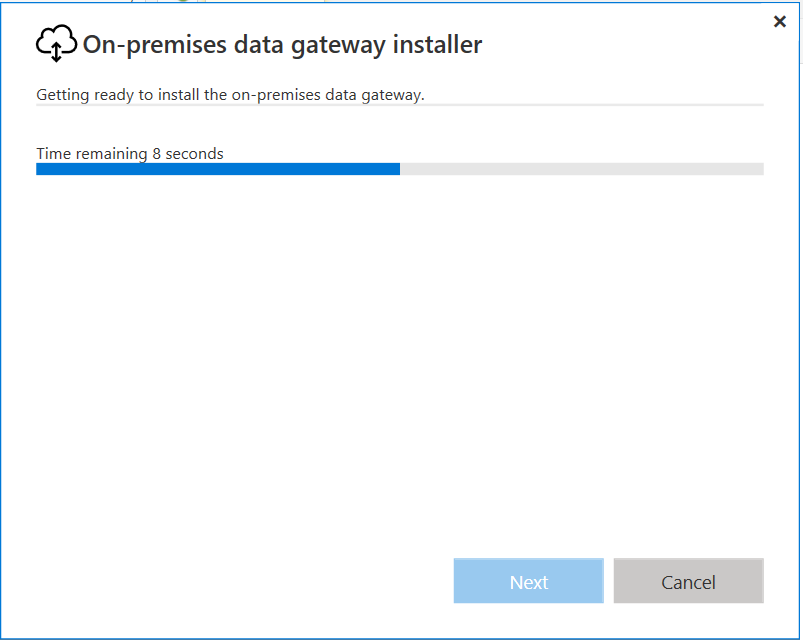
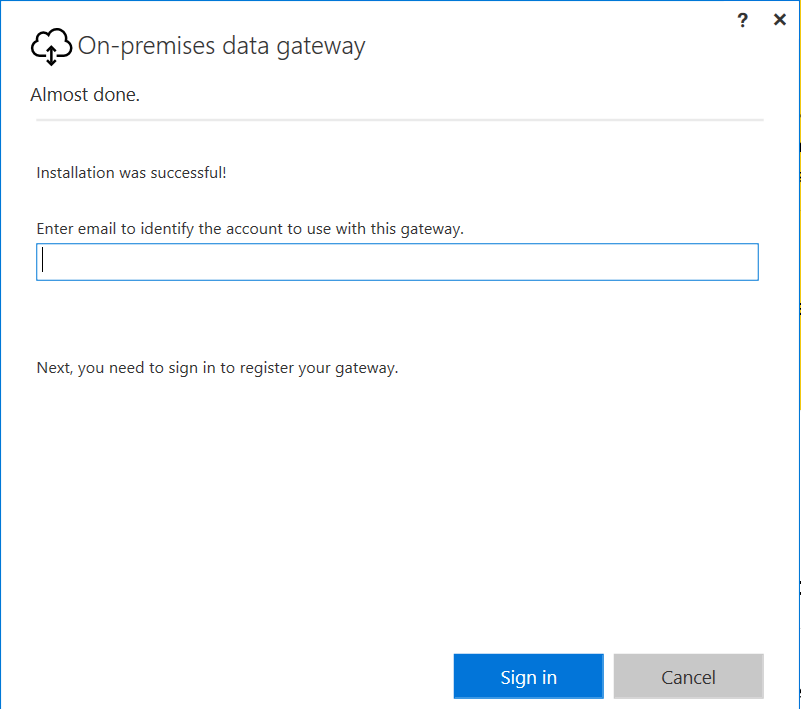
Enter email address to sign in:
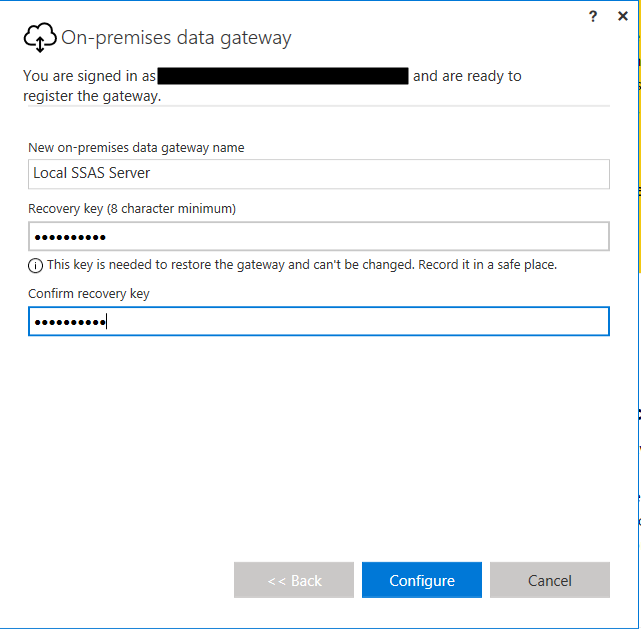
Add gateway name and key:
Gateway installed:
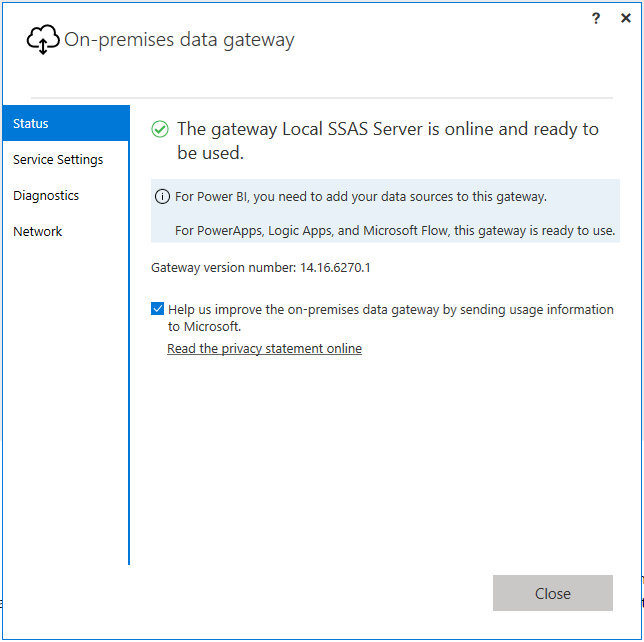
Service settings:
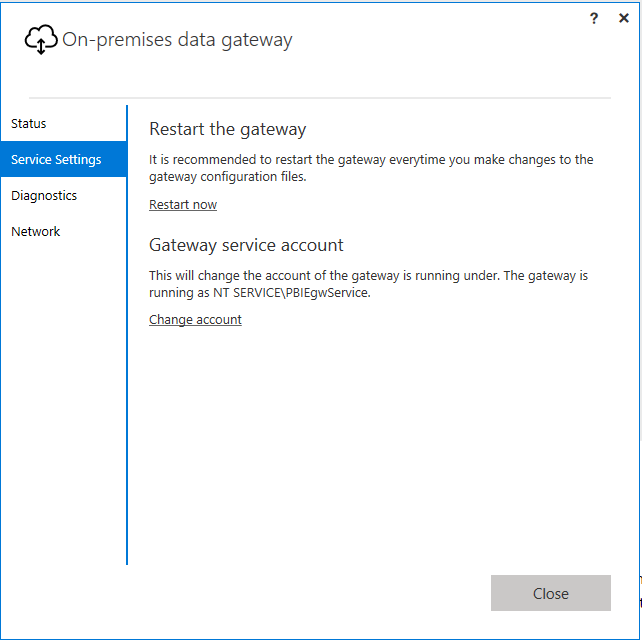
Diagnostics:
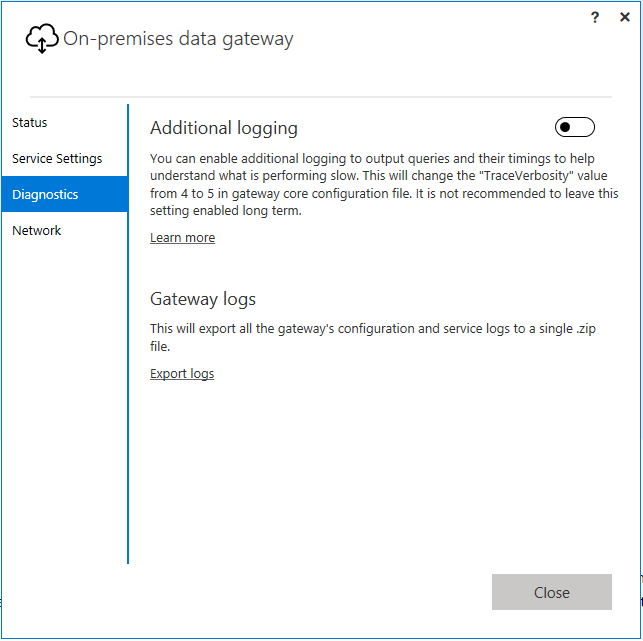
Network:
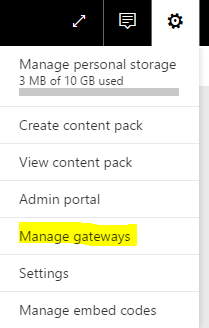
Now in PowerBI.com, go to Manage Gateways:
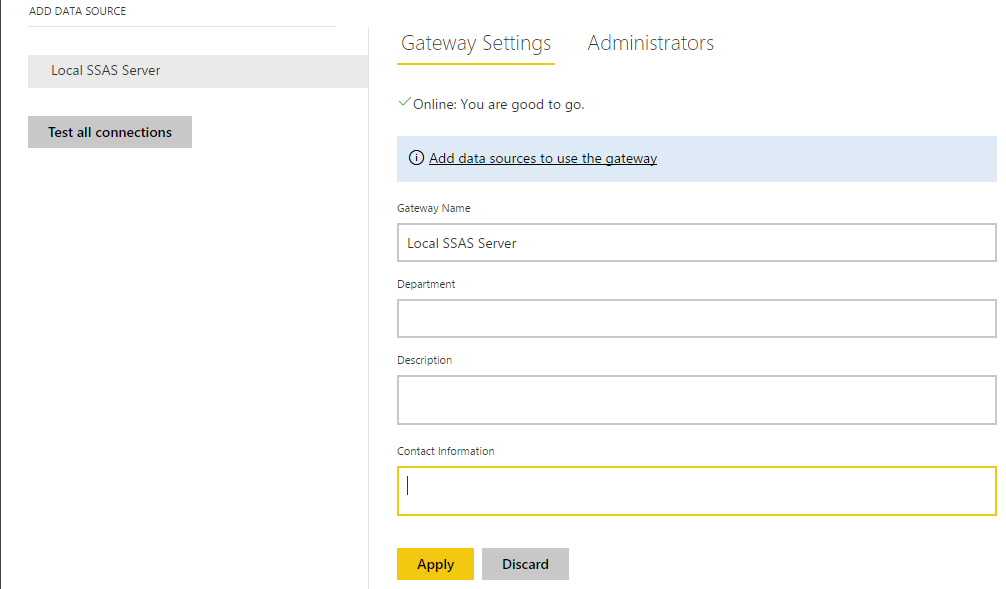
You can now see the new gateway:
Note the differences between the Personal Gateway and the On-Premise Data Gateway:
Personal gateway | On-premises data gateway |
|---|
| Cloud services it works with | Power BI | Power BI, PowerApps, Azure Logic Apps (Preview), Microsoft Flow |
| Import data and set up scheduled refresh | • | • |
| Run as an app for users who aren’t administrators on the computer | • | |
| Run as a single user with your credentials | • | |
| Serves multiple users with access control per data source | • | |
| Support for DirectQuery to SQL Server | • | |
| Support for a live connection to Analysis Services | • | |
| Monitoring and auditing for gateway and data sources | Coming soon |

Keep learning. Keep building.
Explore AI, agents & Microsoft technology.
I share practical ideas, tutorials, and videos about AI, AI agents, Microsoft technologies, and the Power Platform.
Subscribe on YouTube →Carl de Souza Enterprise Architect at Microsoft · AI Technology Expert