The Dynamics CRM developer toolkit allows you to manipulate JScript resources as well as other artifacts.
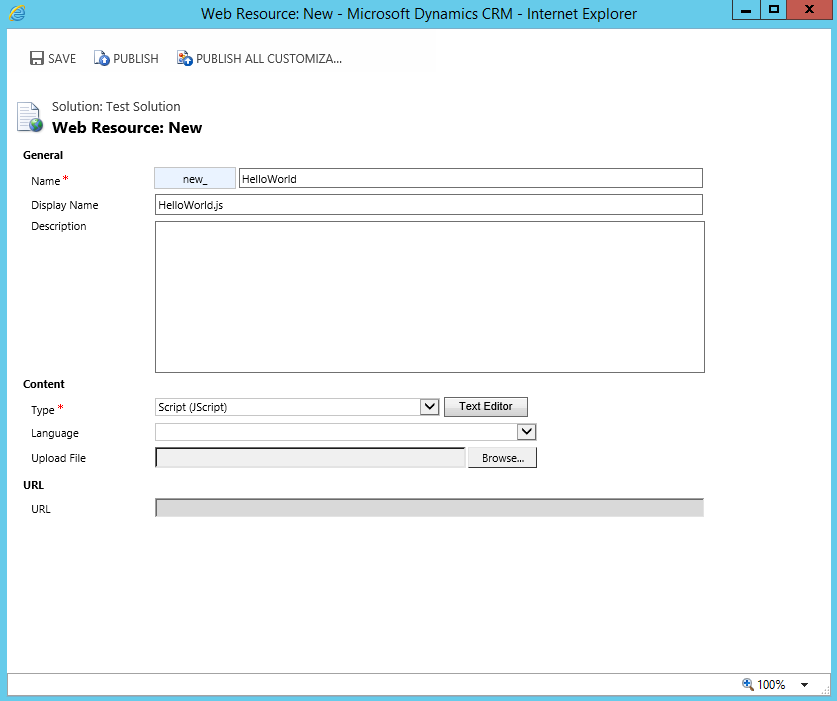
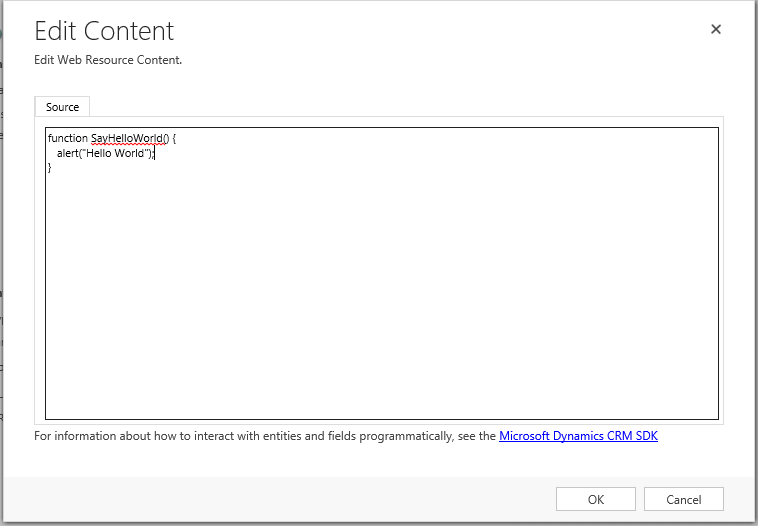
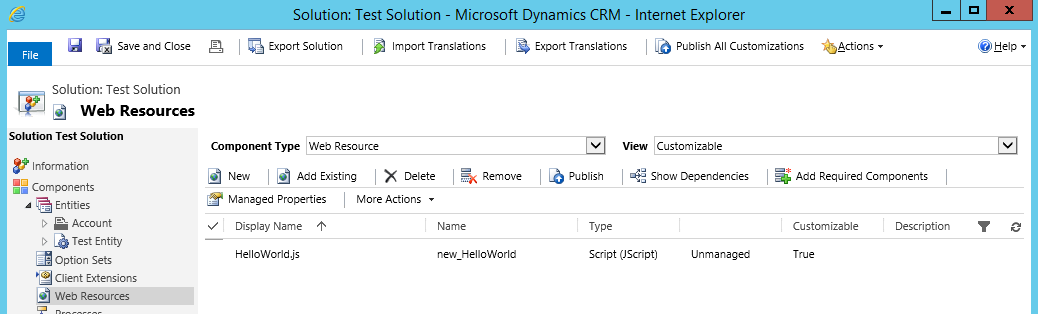
In Dynamics CRM, create a new solution and add a new Web Resource:
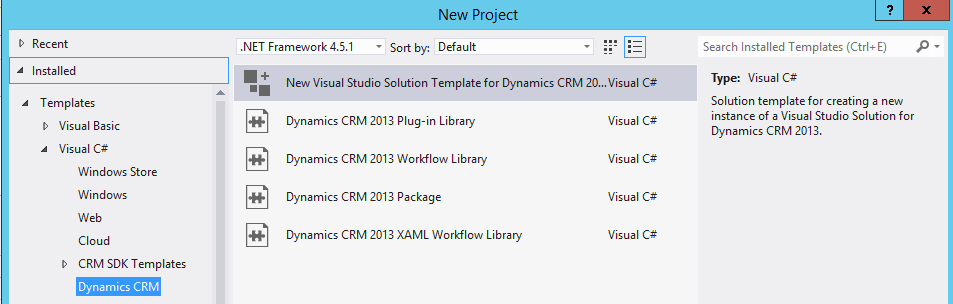
In Visual Studio, from the Developer Toolkit, create a new project:
Now in your project, right click and select Add to packaging project:
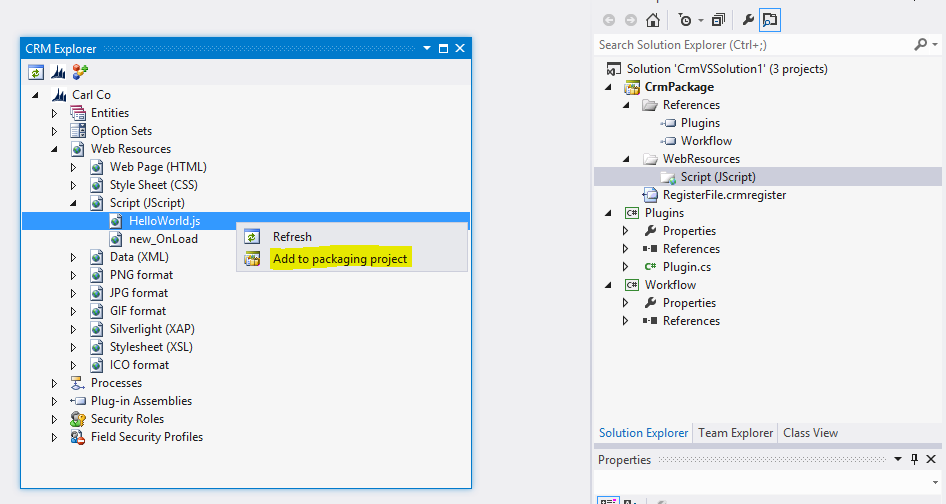
You can now add code to the file from within Visual Studio:
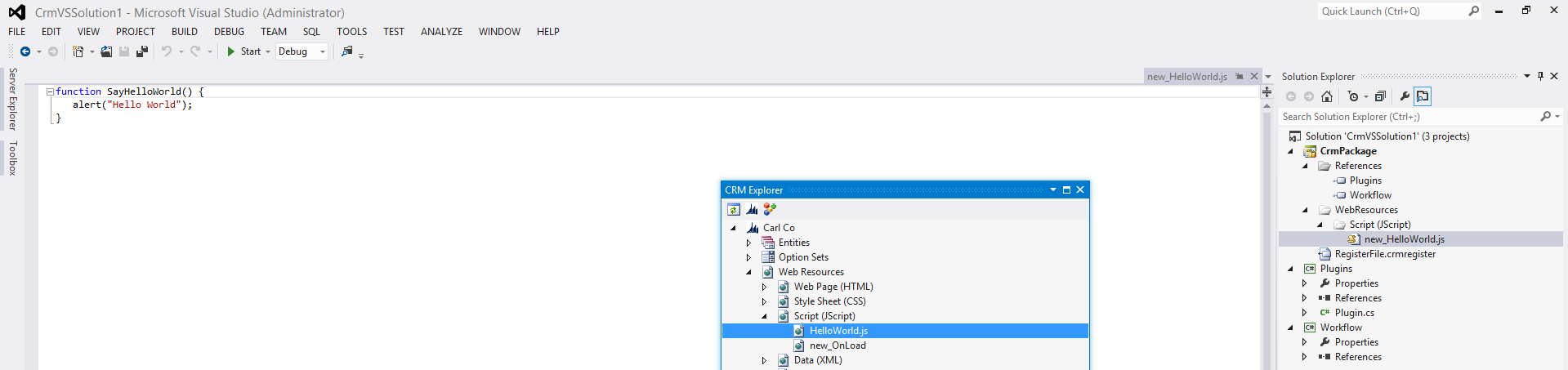
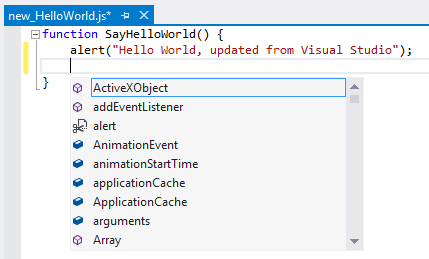
Update and save the .js file:

Note within Visual Studio you have access to intellisense:
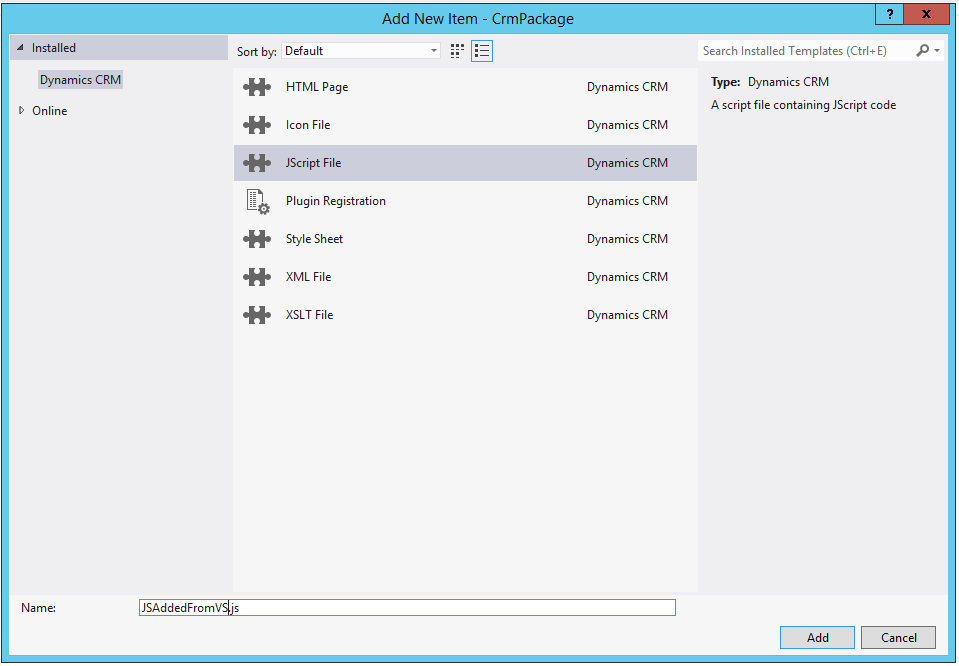
Right click to add a new item:
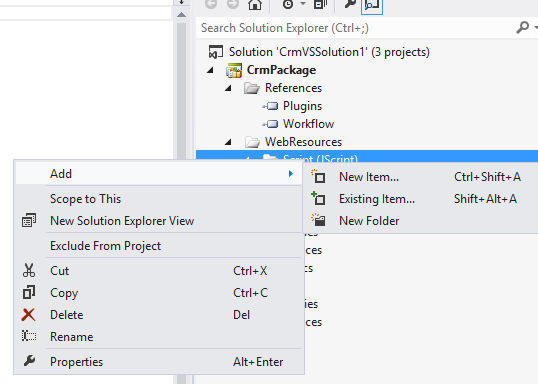
Note the file options. Click to add a new JS file:
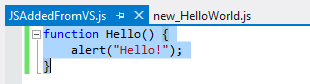
Add a new function and save:
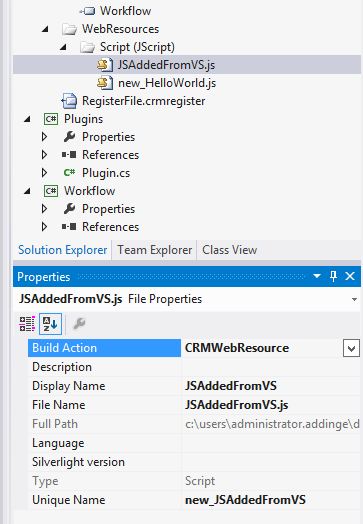
Note the unique name given:
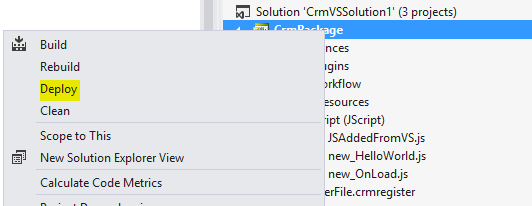
To add this to CRM, right click and select Deploy:
You may need to sign the assembly to get the code to compile.
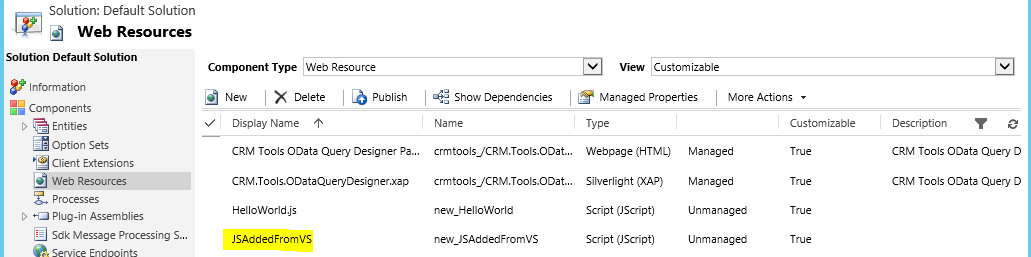
Now, you will see the JavaScript file in CRM:
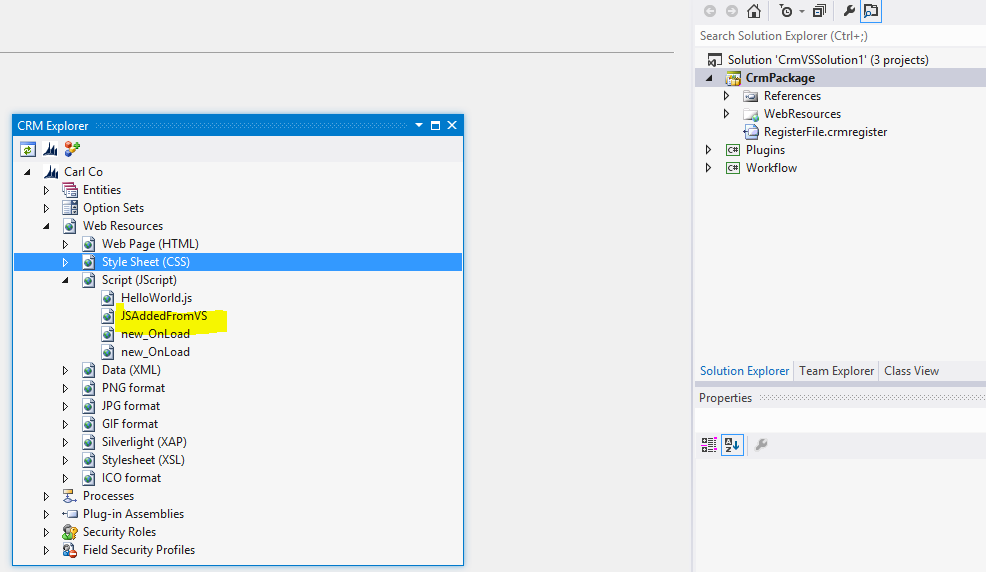
From here, you can add the resource to your solution, forms etc:

Explore AI, agents & Microsoft technology.
I share practical ideas, tutorials, and videos about AI, AI agents, Microsoft technologies, and the Power Platform.
Subscribe on YouTube →