Every now and then, Microsoft Teams will be down. What this means is the Microsoft Teams service from Microsoft is down, and there’s not a whole lot you can do. There’s several reasons behind the scenes why the service may be down, such as Microsoft applying a patch that didn’t turn out as expected. Here’s what you should do to confirm the service is down or if you’re experiencing a problem just to yourself.
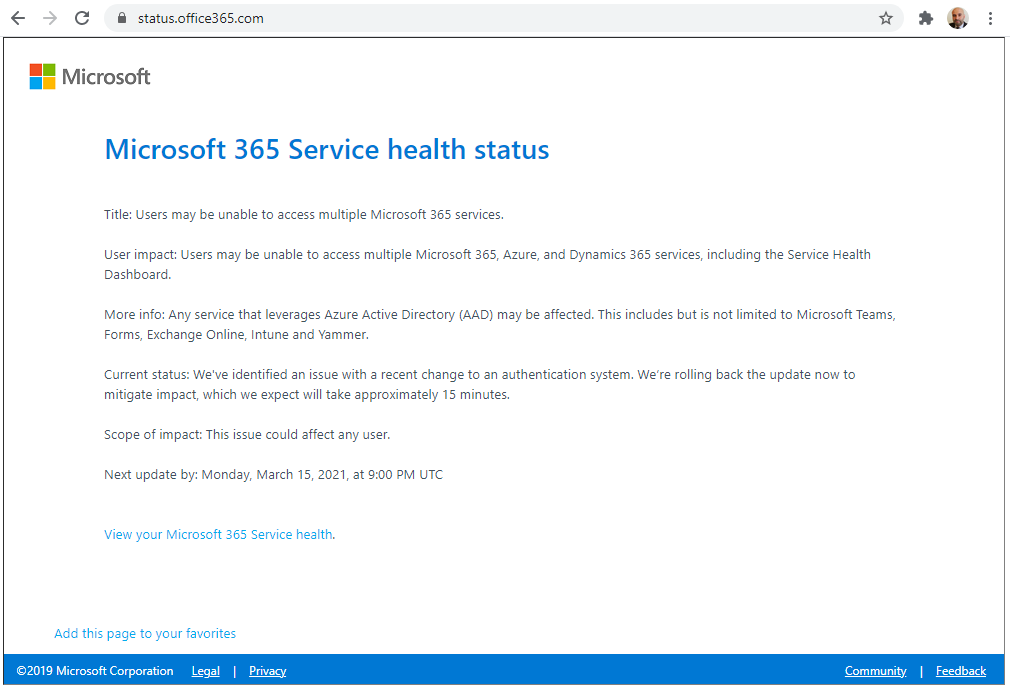
First, go to https://status.office365.com. This will tell you the status of Office 365 apps, and if you’re experiencing an issue it’s possible it is Office 365 wide and affecting other cloud apps as well. We can see below an Azure Active Directory outage based on a Microsoft update that went out that affects Microsoft Teams:
The next place to check is is the @MSFT365Status account on Twitter. This will give you up to date status on Microsoft 365 services:
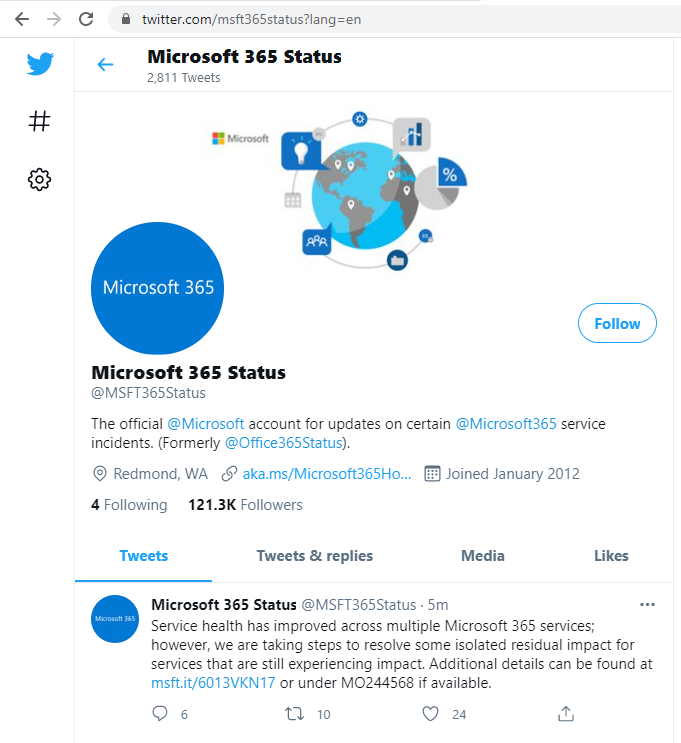
I find the above account is more likely to report issues than the actual Microsoft Teams (@MicrosoftTeams) account, which is used more for hearing about Microsoft Teams features:

If you’re not seeing issues from above, you may be experiencing localized issues, in which case restart Teams, restart your computer, clear your Teams cache, etc.
Good luck!

Explore AI, agents & Microsoft technology.
I share practical ideas, tutorials, and videos about AI, AI agents, Microsoft technologies, and the Power Platform.
Subscribe on YouTube →