In this post I will show how to build SSRS reports in Dynamics AX 2012 R3.
Let’s modify the Purchase Order Report.
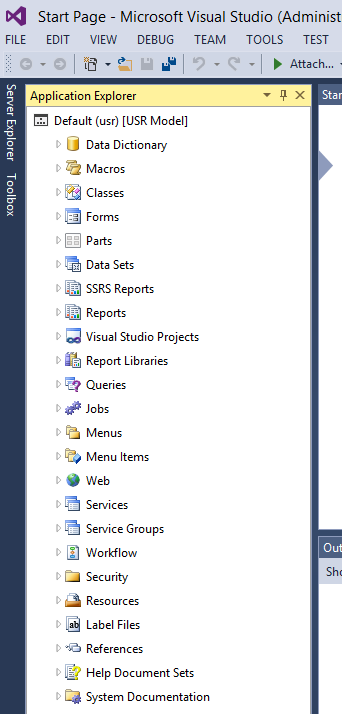
Firstly, open Visual Studio and make sure the Application Explorer is open (View->Application Explorer):
Expand SSRS Reports and find the Purchase Order Report:
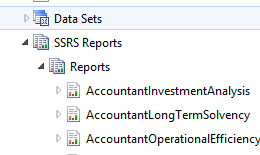
Double click the report to open it and create a new SSRS project.
Rename the project from the generic name it provides to something more meaningful, e.g. PurchaseOrderReport.
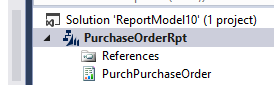
The project created adds the data sources and the report.

Double click on Report->Designs to open the report in design view.
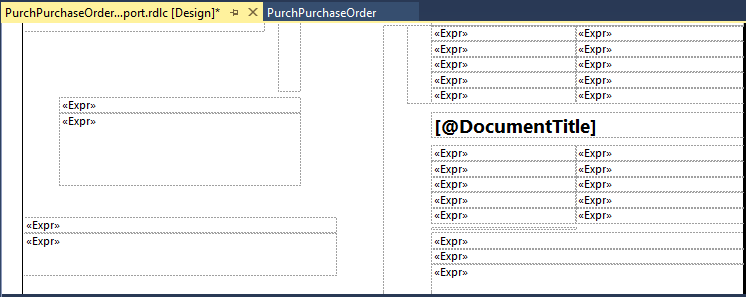
Here we can begin to make changes to the report. Let’s do a simple example and add a new label to the report.
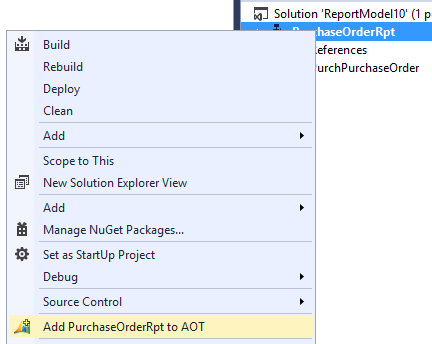
Firstly, right click the project to add it to the AOT:
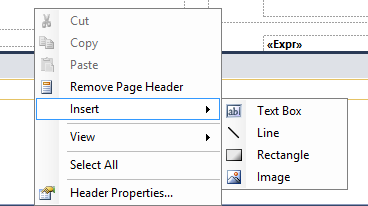
Then, right click the design view and select Insert->Text Box.
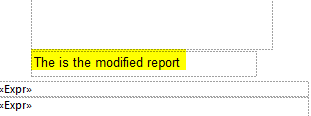
Add text to the text box, for example like below:
We are now ready to publish the report up to Dynamics AX.
Right click the project and click Deploy:
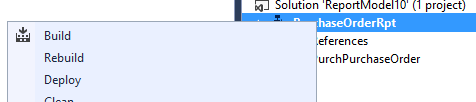
You should see something like the following:
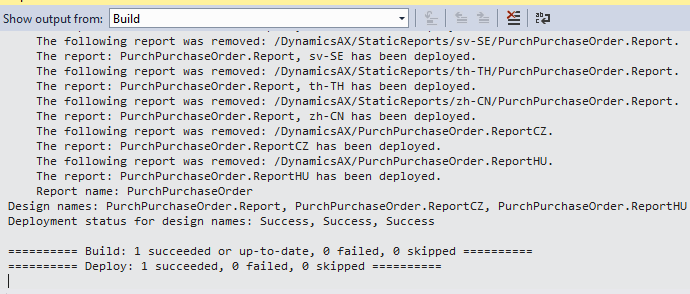
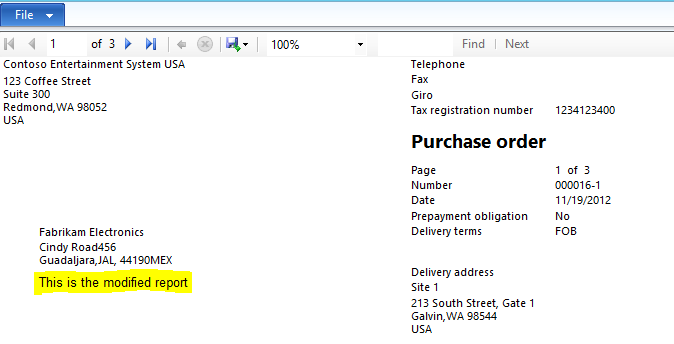
Next, run the report in Dynamics AX. You will see the newly added label on the report.
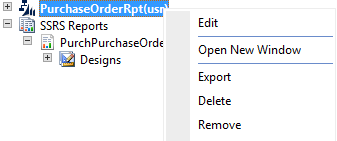
If you want to edit the report after closing Visual Studio, right click the Visual Studio Project in Dynamics AX and select Edit to open Visual Studio:

Explore AI, agents & Microsoft technology.
I share practical ideas, tutorials, and videos about AI, AI agents, Microsoft technologies, and the Power Platform.
Subscribe on YouTube →