In Dynamics CRM, you have the ability to hook onto the OnLoad and OnSave events of an entity. We will go through a simple example.
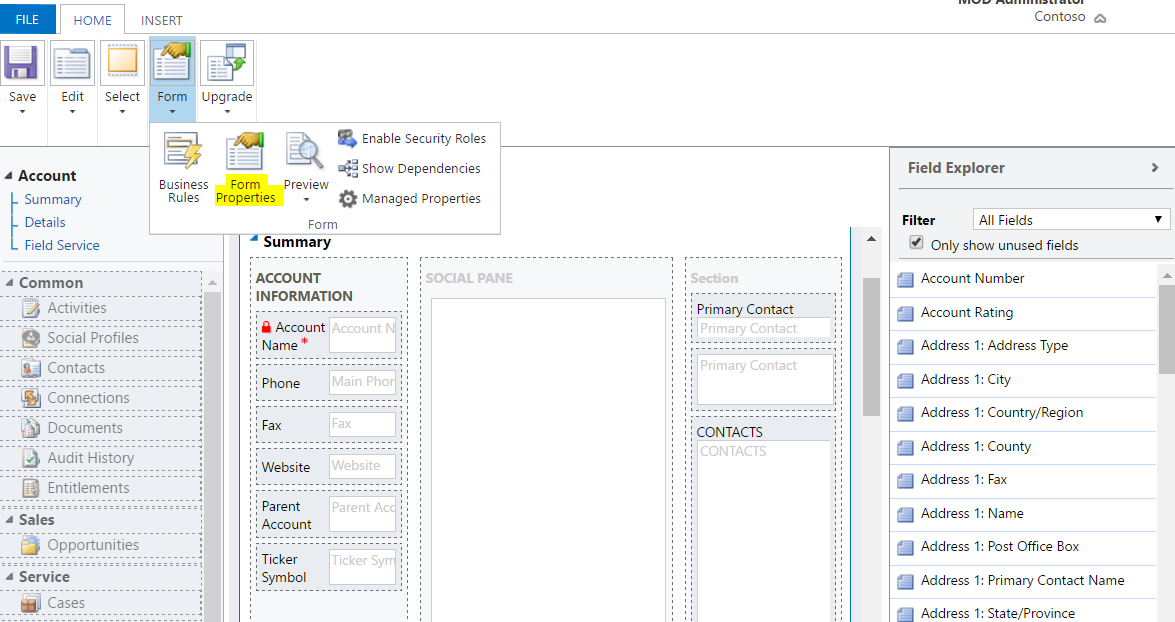
Open the entity in Customizations. Let’s do this with Accounts. Go to Form Properties:
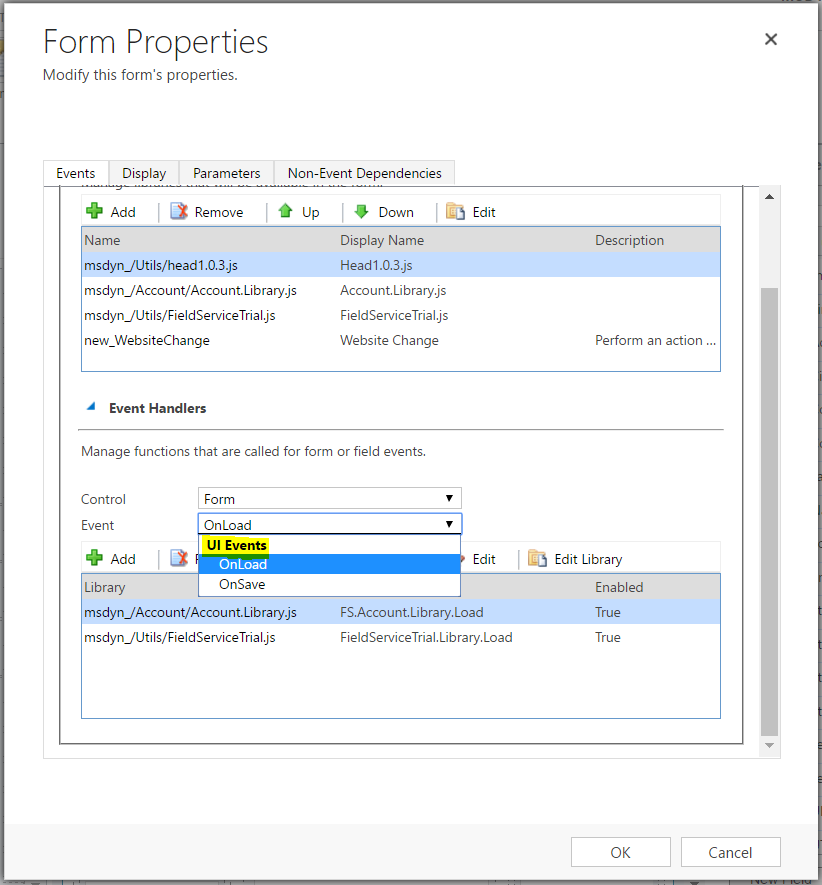
Under UI Events, you will see the two options for OnLoad and OnSave.
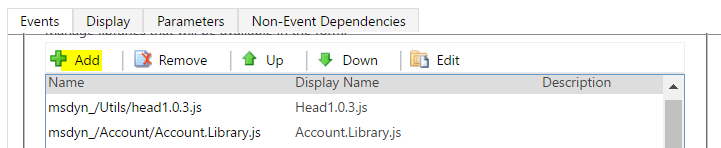
Let’s start with adding a new JavaScript library. Select Add:
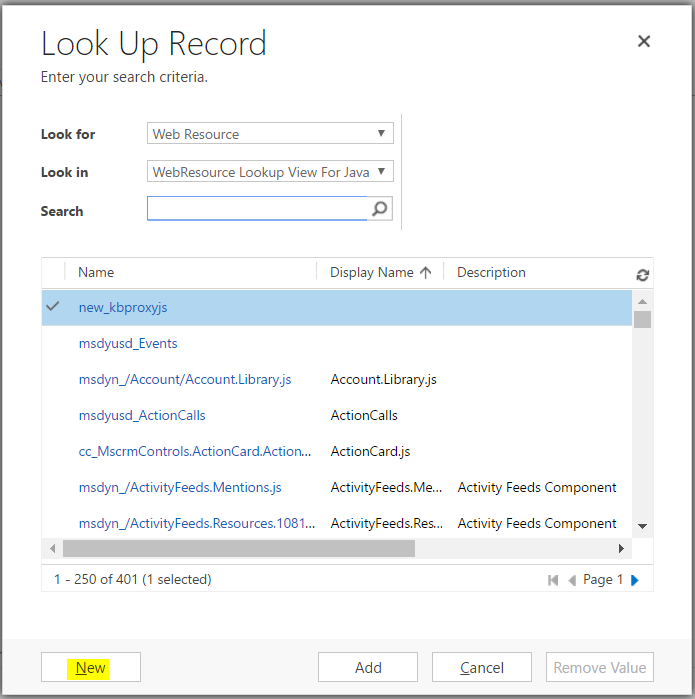
And then New:
Enter a name and select JScript:
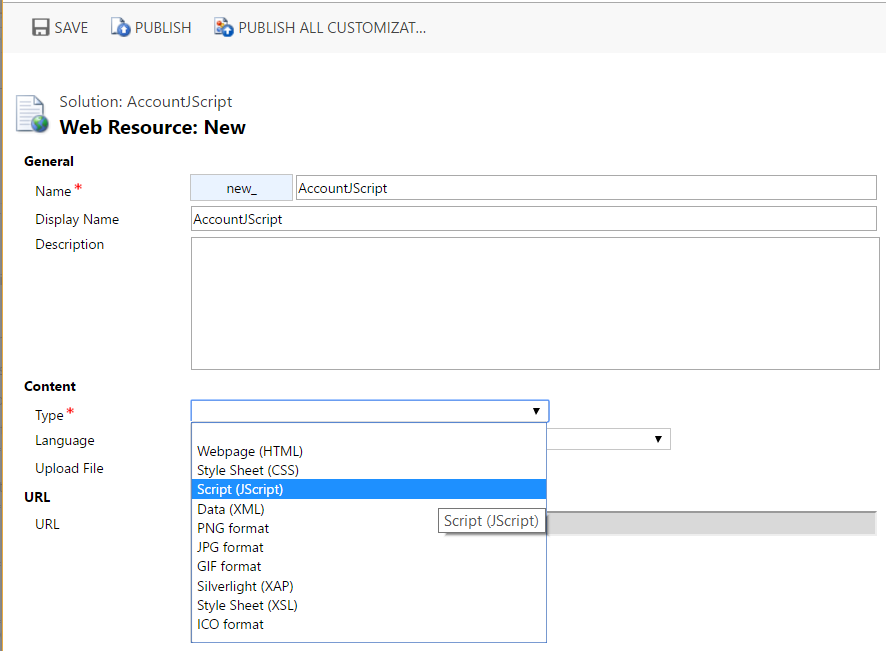
Select Text Editor:

Add the following code. We will have 2 functions for OnLoad and OnSave:
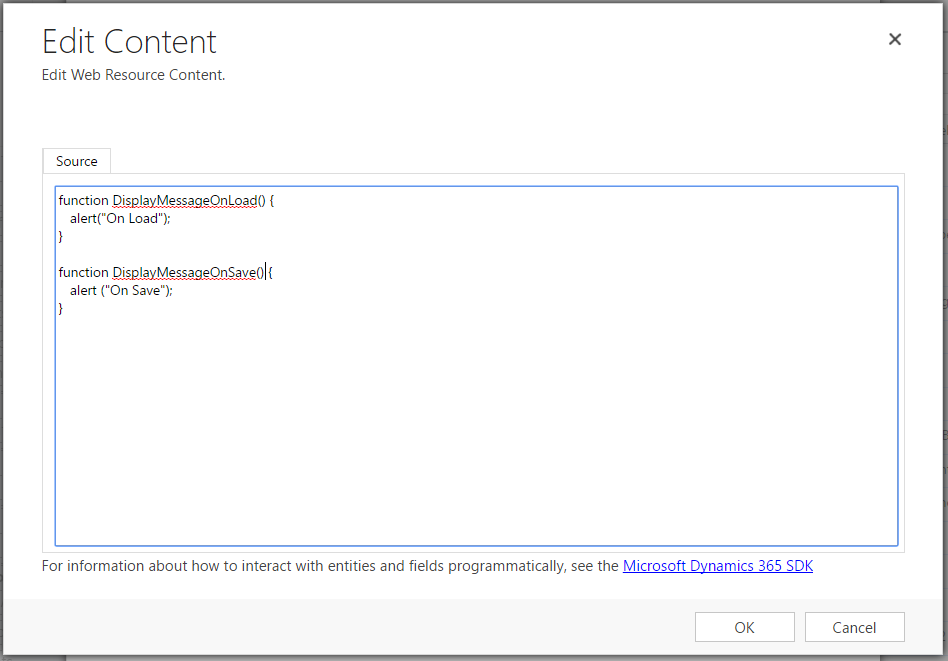
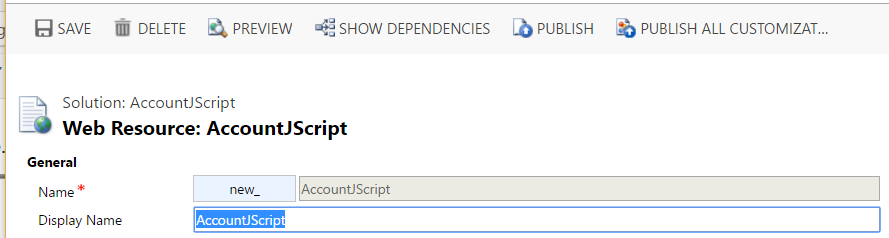
Save and Publish the JavaScript resource:
Click Add:
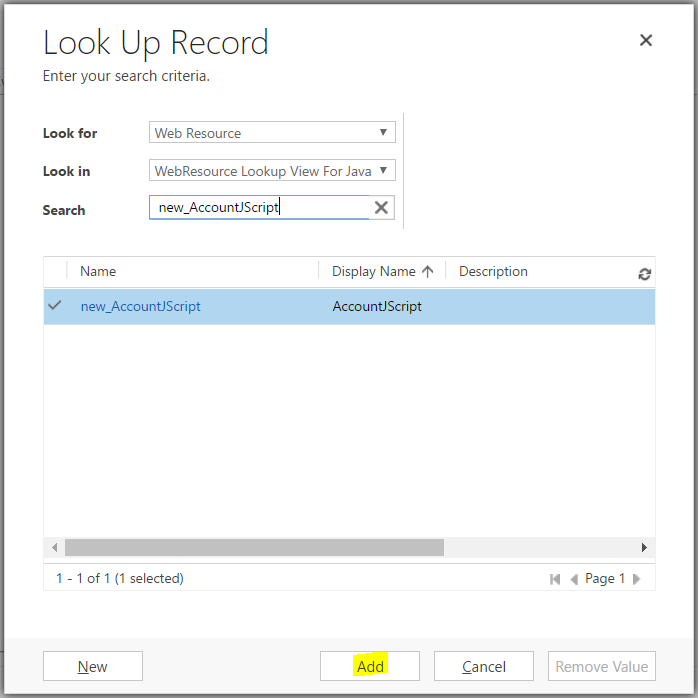
We now have our JavaScript script in our library available to the Account form:
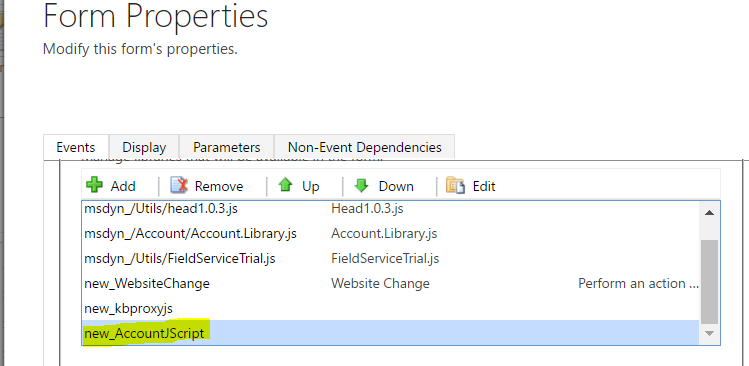
Next, let’s add the functions to the OnLoad and OnSave events.
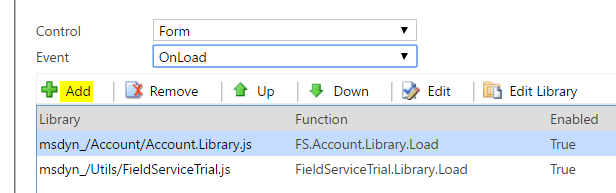
Let’s start with OnLoad.
Click Add:
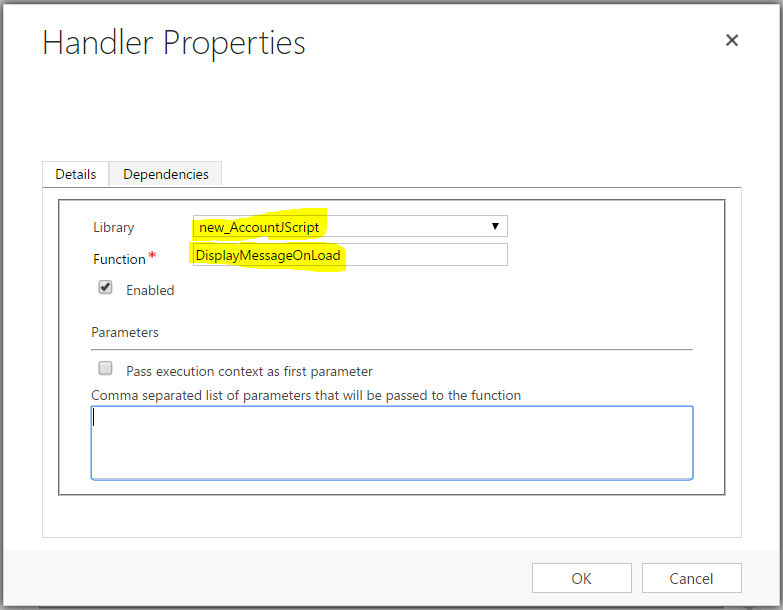
Select the JavaScript library and enter the function created above:
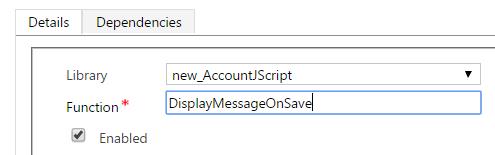
Repeat with OnSave:
Save and publish the form customizations.
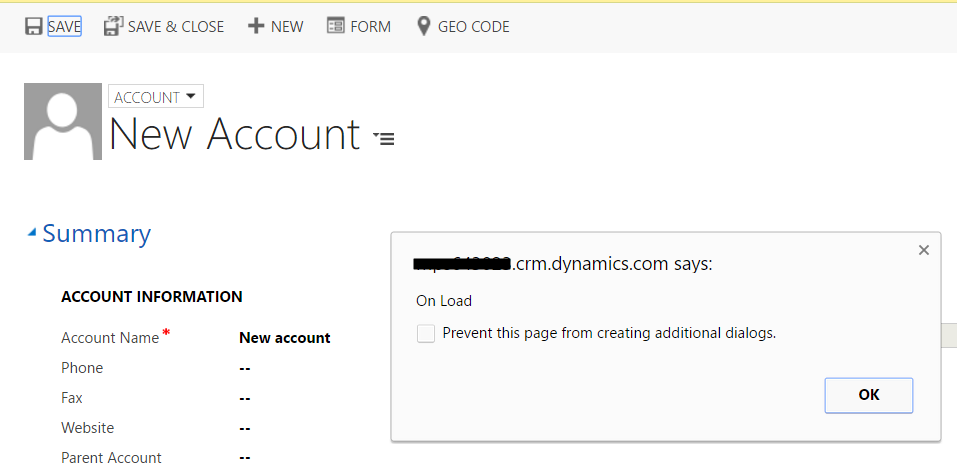
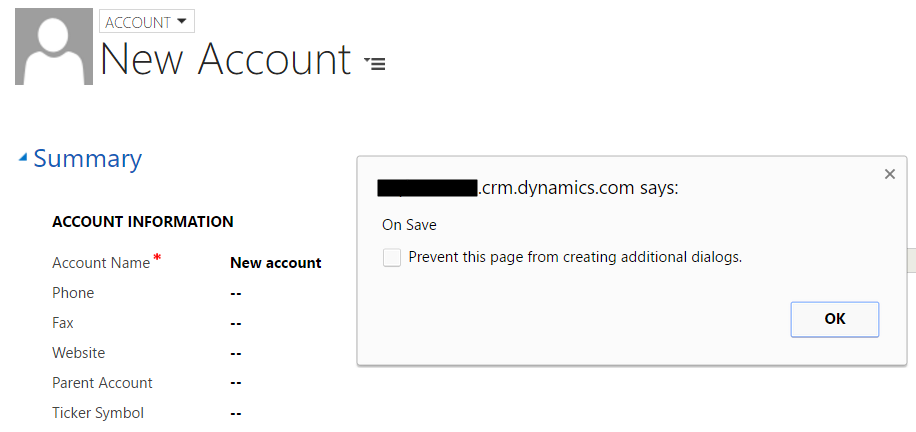
Create a new account. The OnLoad and OnSave will actually run before anything else is done – you will see the alerts displayed. Now, enter some details and press Save. Again we see the OnLoad event runs first, then OnSave:

Explore AI, agents & Microsoft technology.
I share practical ideas, tutorials, and videos about AI, AI agents, Microsoft technologies, and the Power Platform.
Subscribe on YouTube →