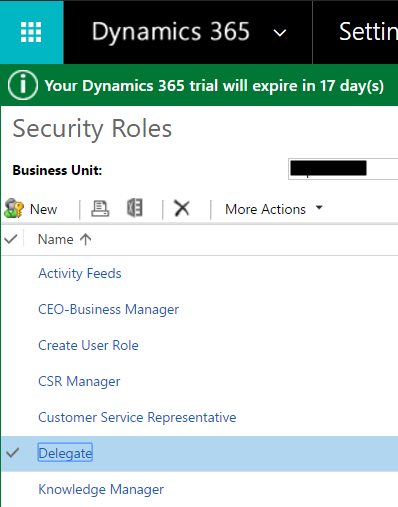
Security roles can be copied in Dynamics 365. To do this, go to Settings->Security and select a role to copy:
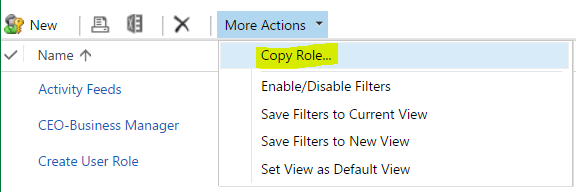
Select More Actions->Copy Role:
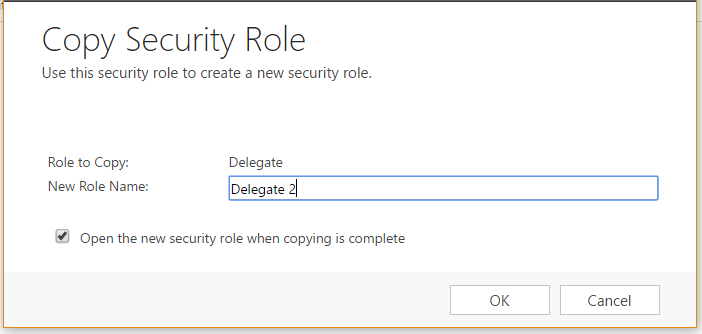
Enter a new role name and click OK:
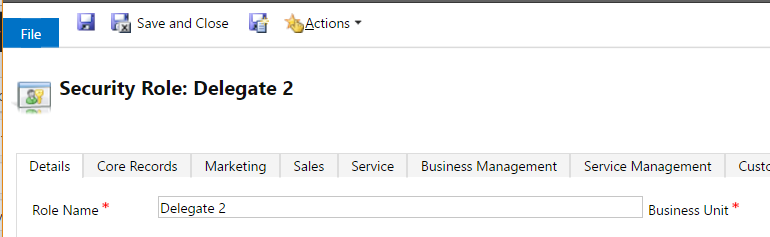
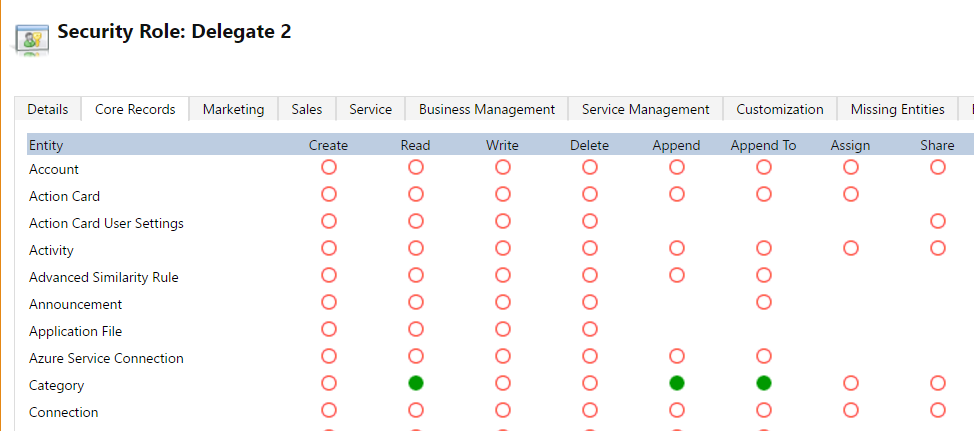
A new role is created with the original permissions:

Keep learning. Keep building.
Explore AI, agents & Microsoft technology.
I share practical ideas, tutorials, and videos about AI, AI agents, Microsoft technologies, and the Power Platform.
Subscribe on YouTube →Carl de Souza Enterprise Architect at Microsoft · AI Technology Expert