To create a D3 “Hello World”, do the following.
Go to the d3js.org website and find the latest D3 version:
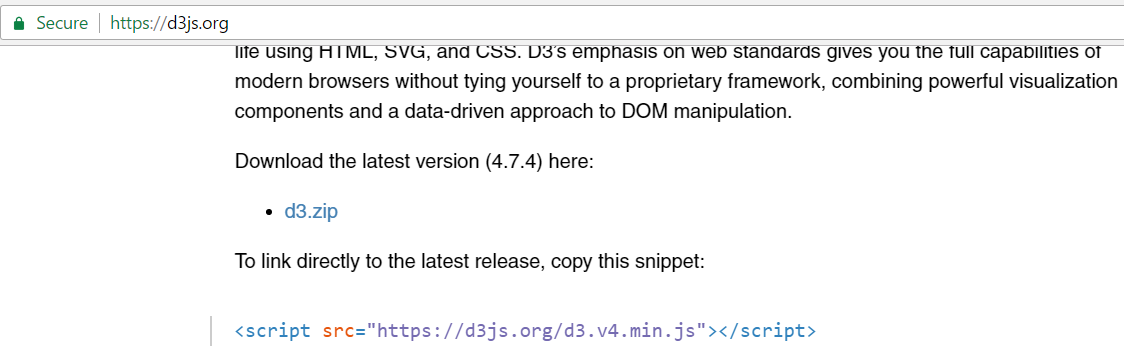
Copy the link to the latest release:
<script src="https://d3js.org/d3.v4.min.js"></script>Create an HTML page and add the following code, with the link above:
<!DOCTYPE html>
<meta charset="utf-8">
<body>
<script src="https://d3js.org/d3.v4.min.js"></script>
<script>

d3.select("body").append("span")
 .text("Hello world");

</script>
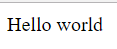
Run the page:

Keep learning. Keep building.
Explore AI, agents & Microsoft technology.
I share practical ideas, tutorials, and videos about AI, AI agents, Microsoft technologies, and the Power Platform.
Subscribe on YouTube →Carl de Souza Enterprise Architect at Microsoft · AI Technology Expert