To create a new entity in Dynamics CRM, go to the Customizations area and create a new solution.
Let’s go through an example of creating a Movies entity in a fictional Xrm solution.
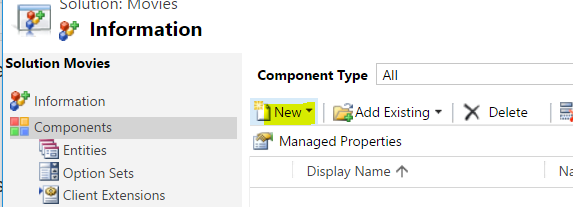
Under Entities, select New:
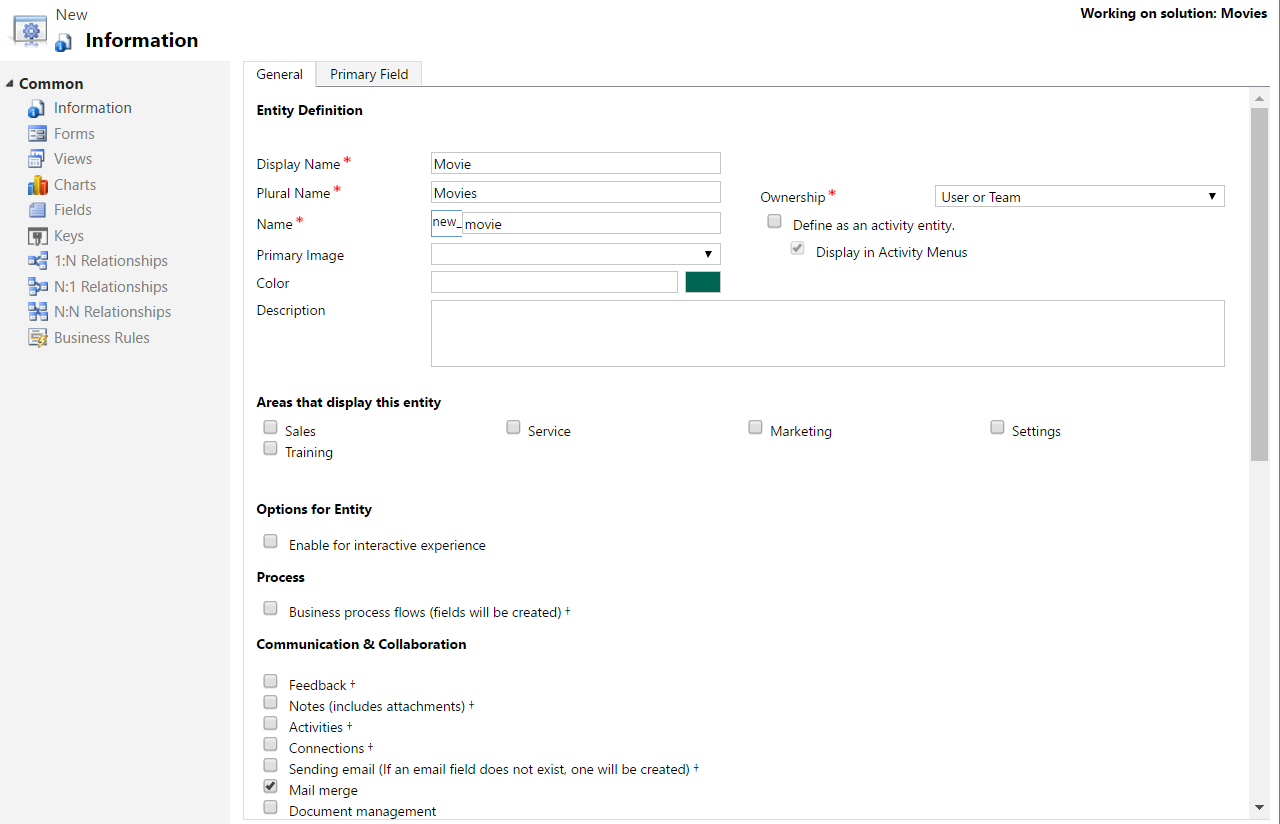
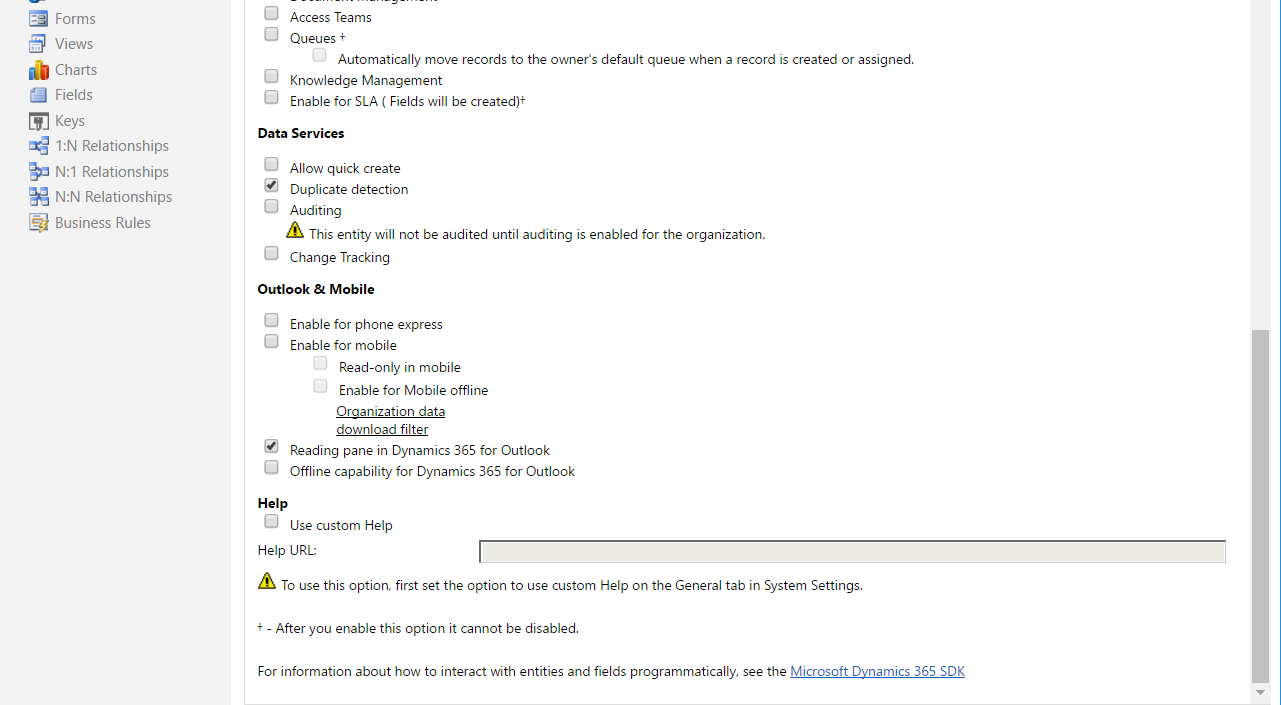
You will see the window below. Enter data. In our case, we will create a Movies entity:
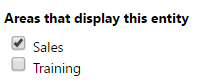
We will add this entity to the Sales menu area:
Save and publish the solution:

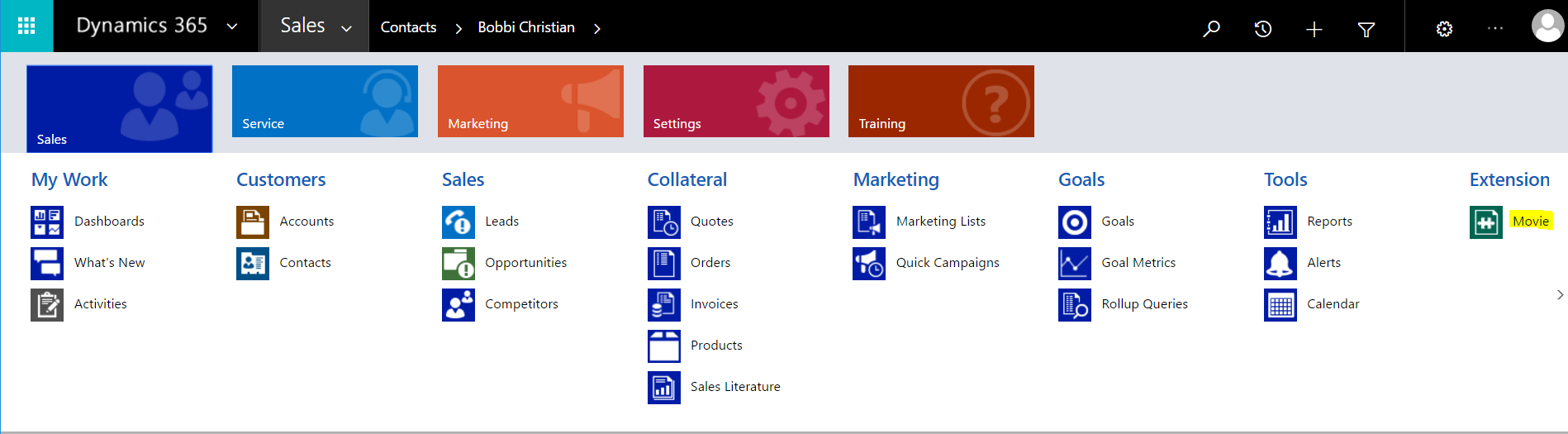
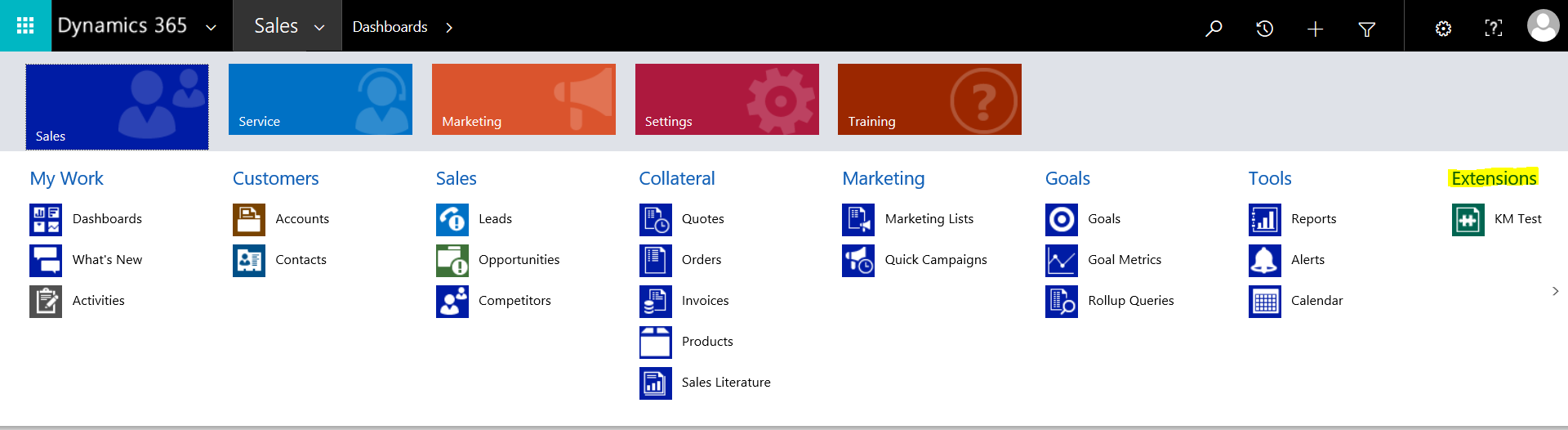
The entity will appear under Extension in the Sales menu:
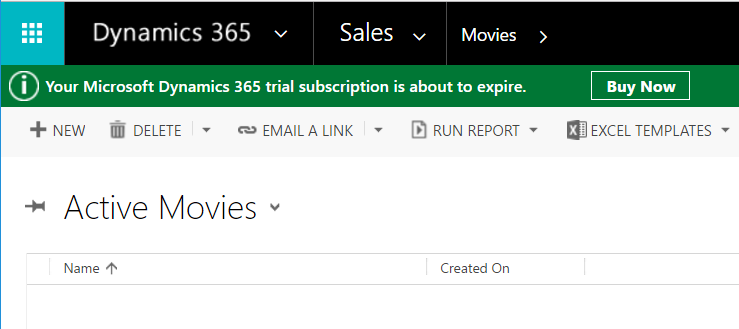
Now let’s add some fields to the form.
In the solution, select Fields:
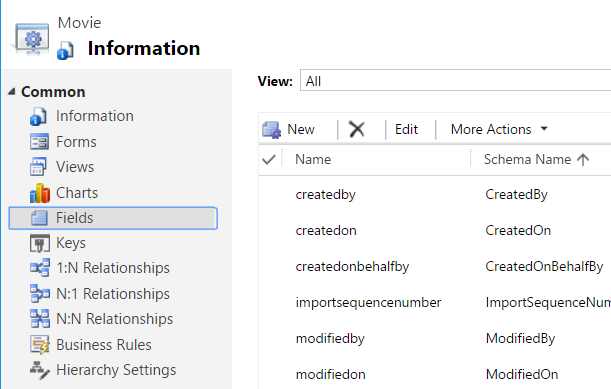
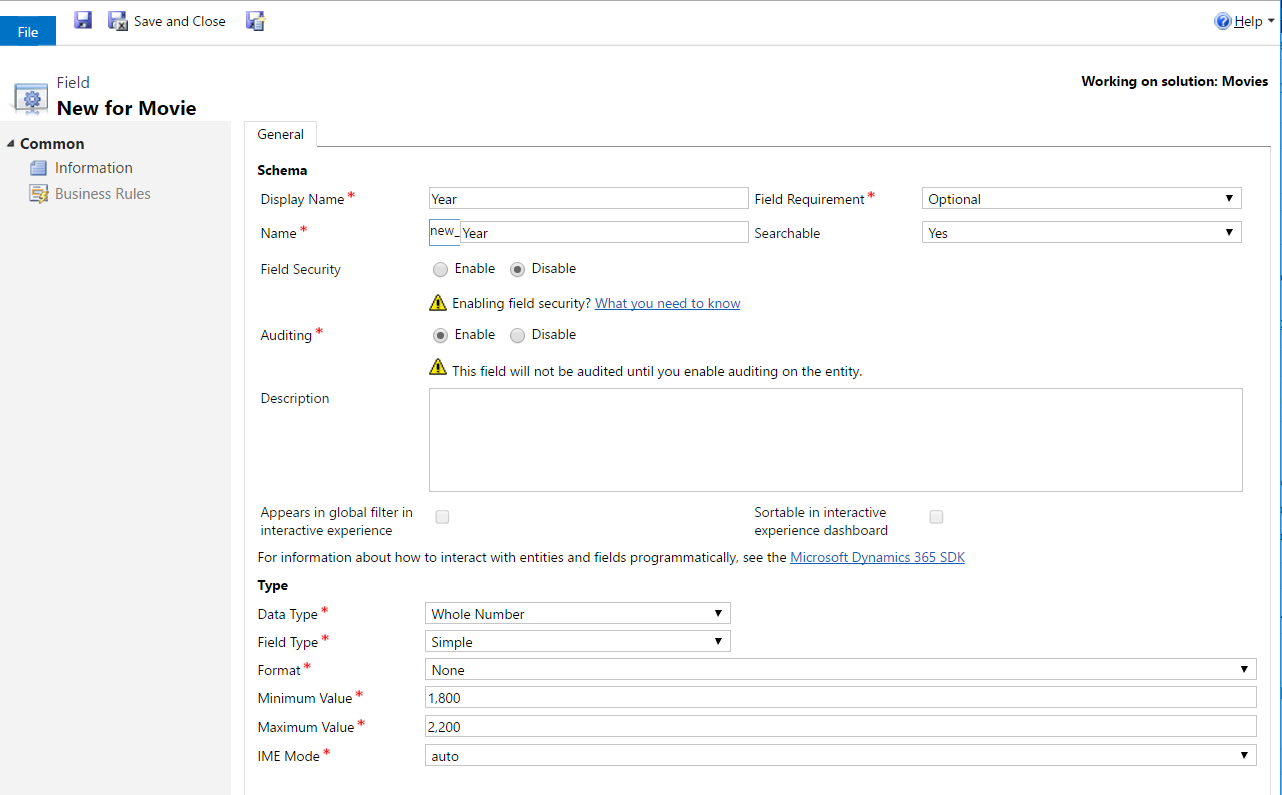
Add a new field for the year of the movie:
And an Option Set field for Genre:
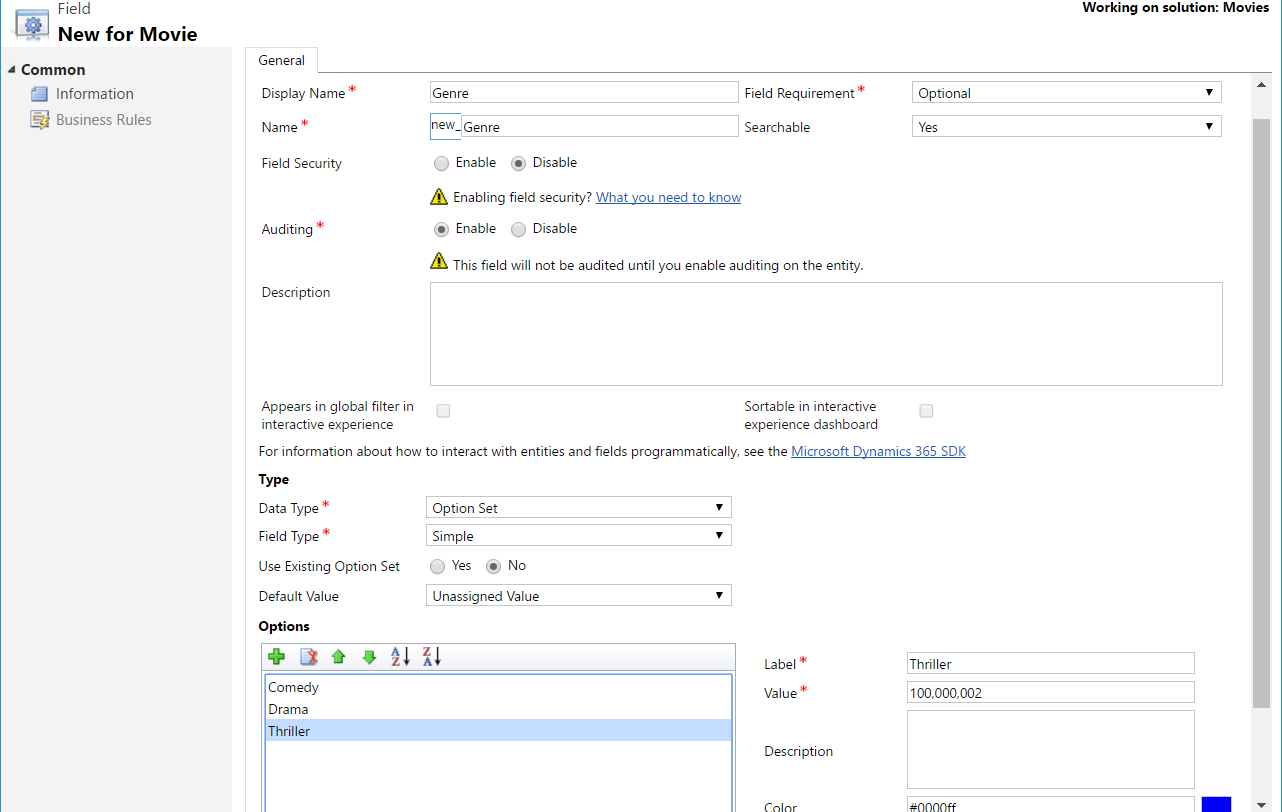
Now let’s put these fields on the form. Open the Main form:
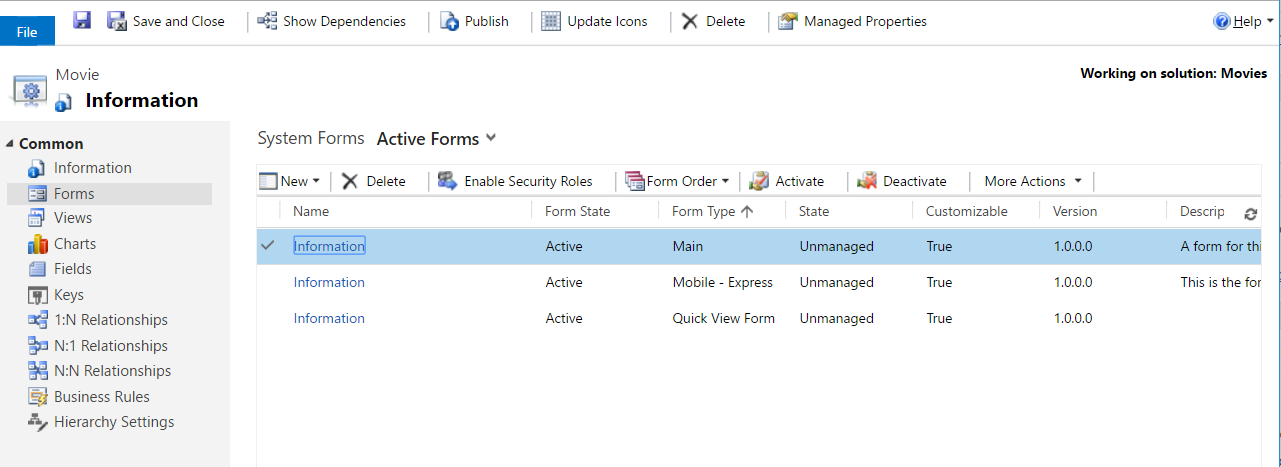
The default layout looks like below:
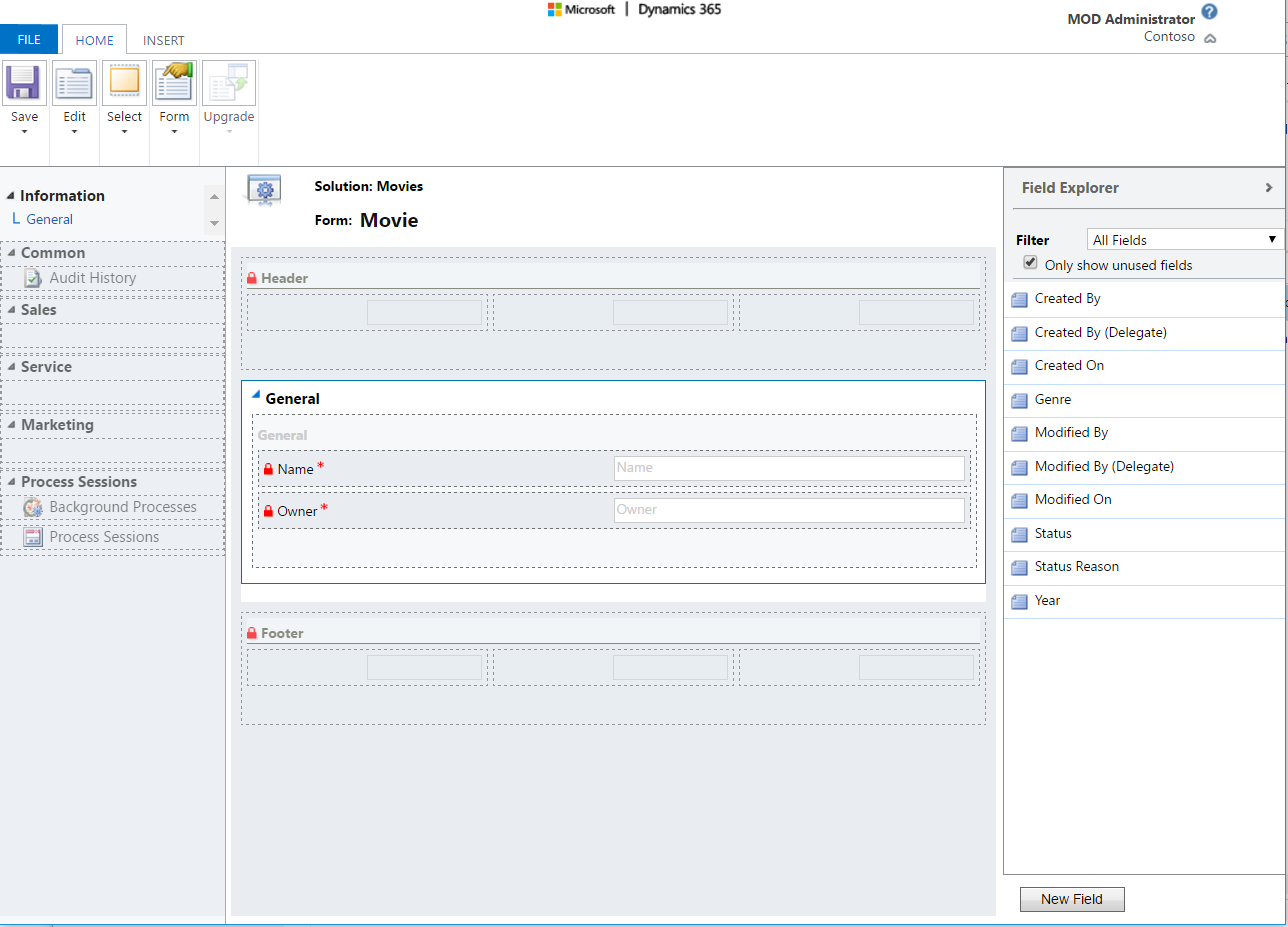
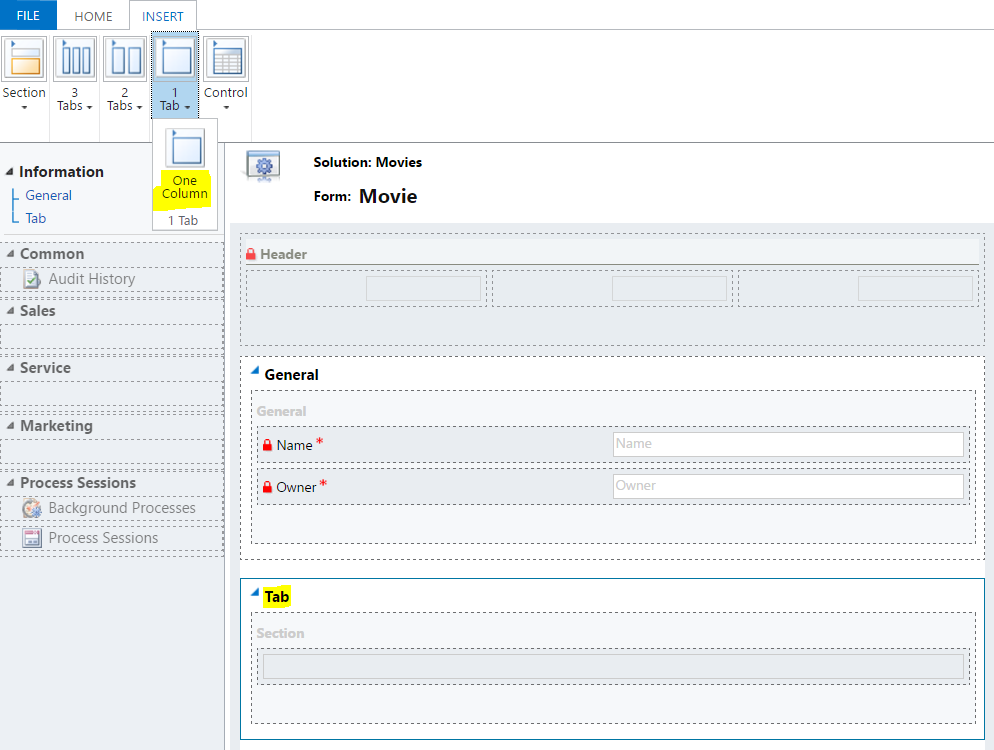
We have options to add sections, tabs and controls.
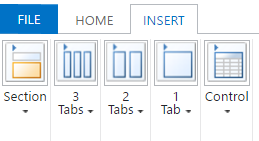
Let’s start with a single column tab:
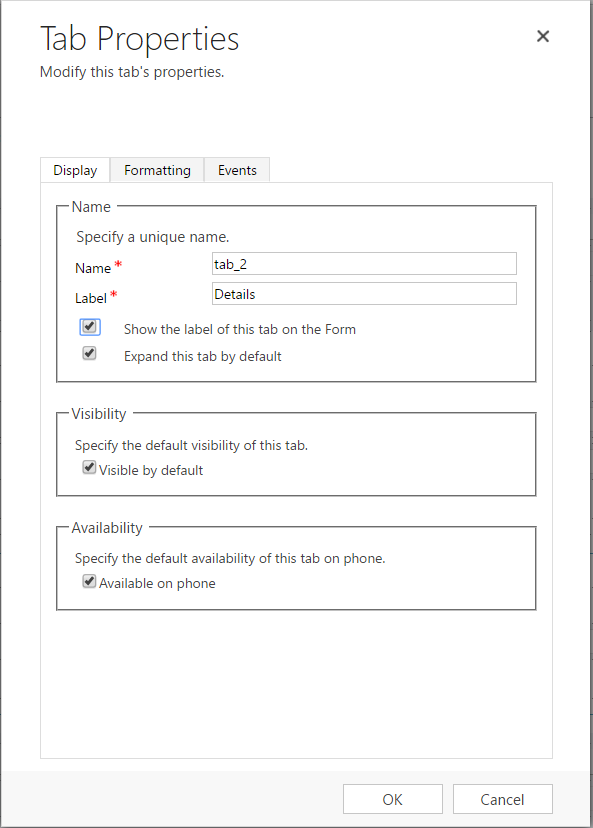
Double click the tab to open the properties. Rename to Details:
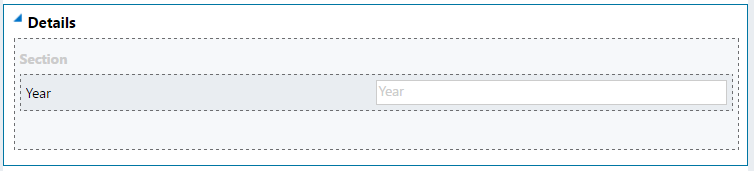
Add the Year field to the tab:
Now add a new section:
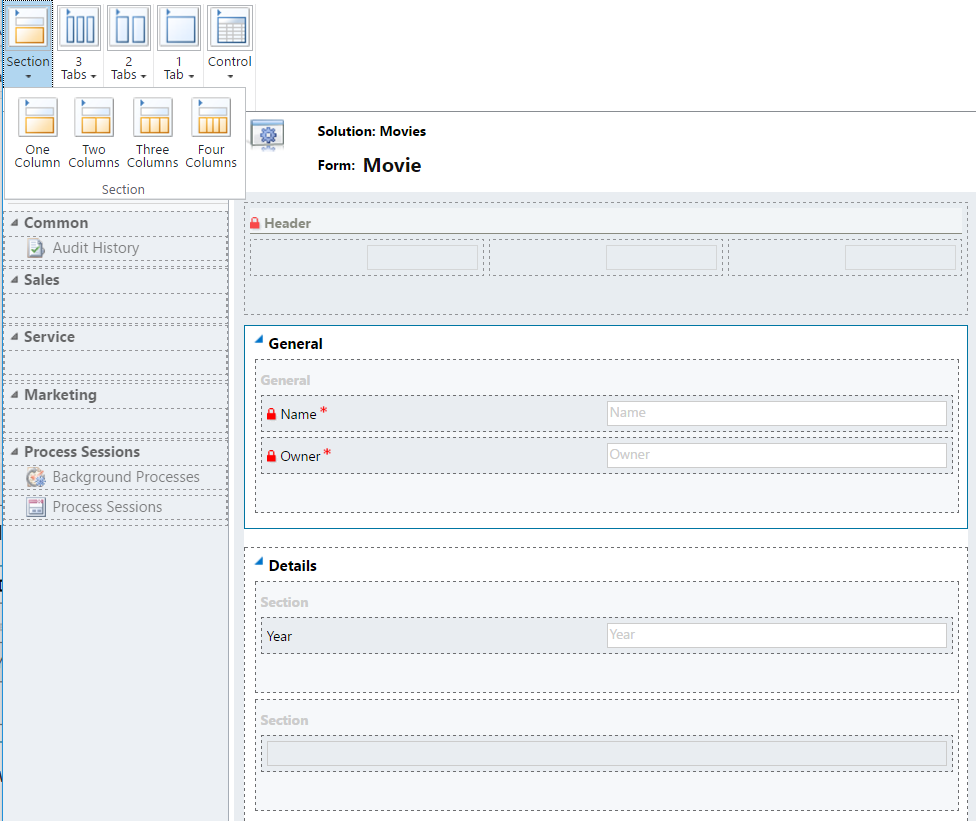
Call this Additional Details:
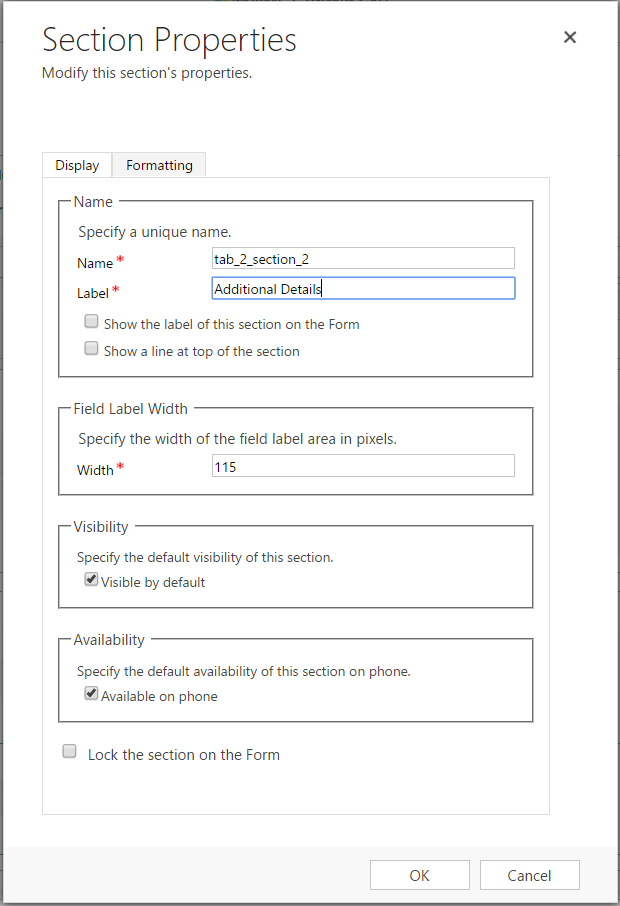
Put the Genre field in this section:

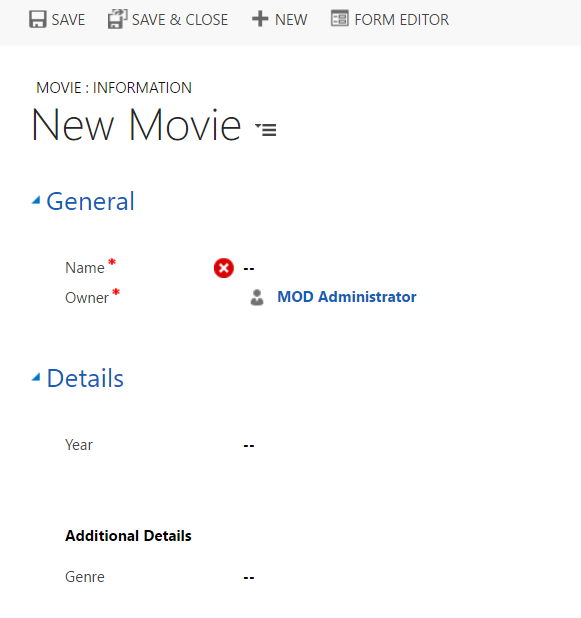
Publish the solution. In CRM, go to the new Movies form. Note Details is a collapsible tab and there is a section for Additional Details:
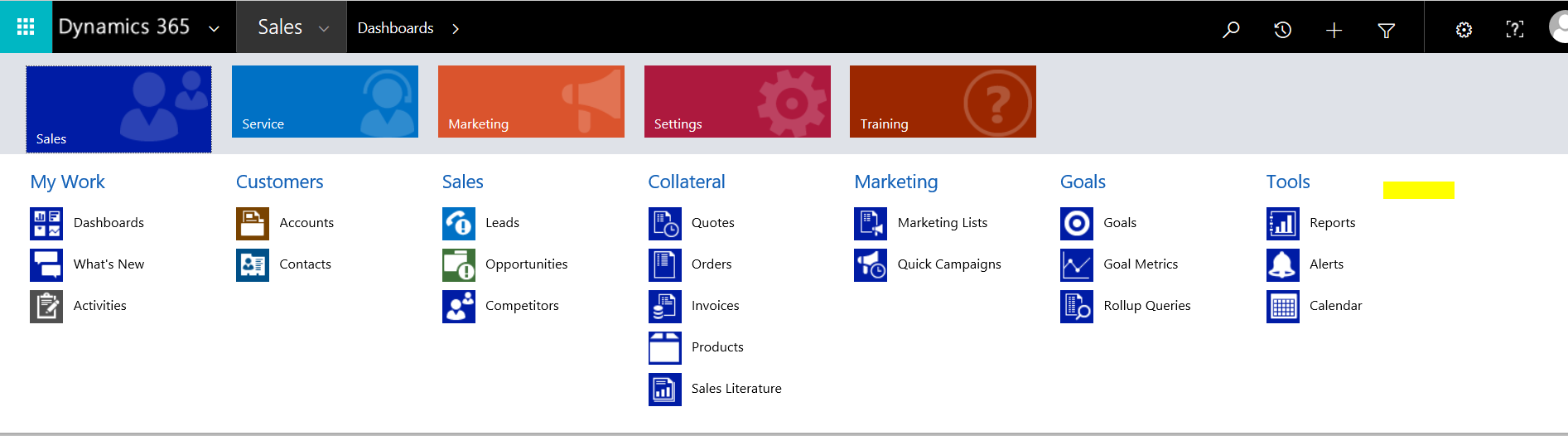
Note users will not have access to the new entity unless you grant access for their security role. For example, the user will not see the entity (or potentially customization area in the menu) in Dynamics 365, unless they have access to the entity. Below we can see the custom entity is missing:
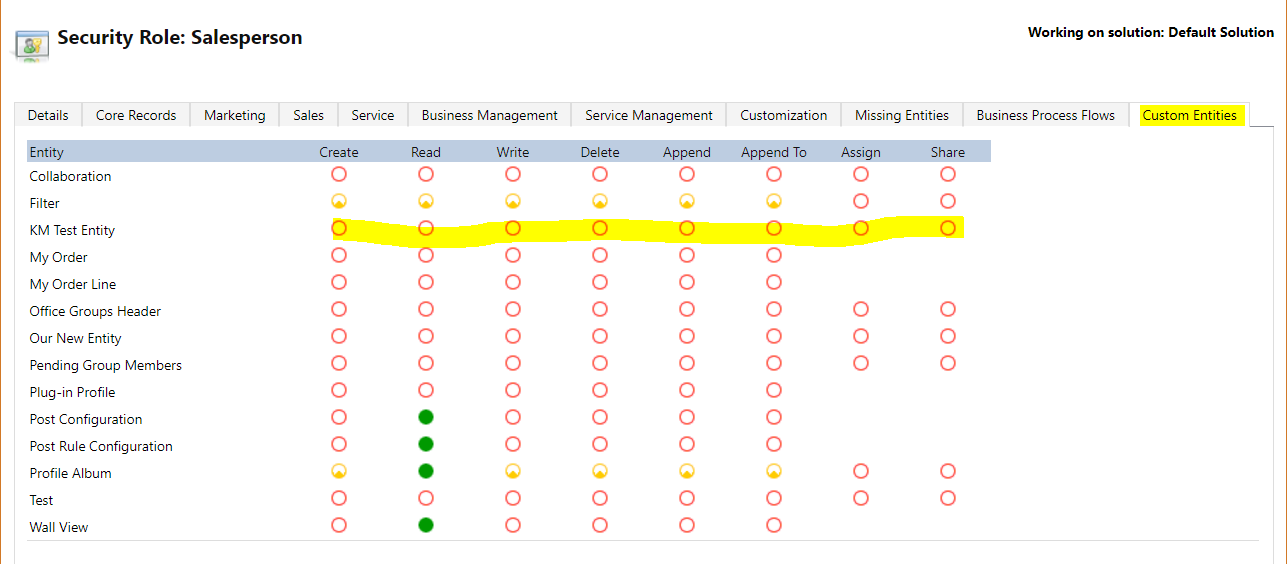
To grant access, open a security role and select the Custom Entities tab. Select the entities you would like to grant access to:
Save the role, and the user can now view the entity in the menu:

Explore AI, agents & Microsoft technology.
I share practical ideas, tutorials, and videos about AI, AI agents, Microsoft technologies, and the Power Platform.
Subscribe on YouTube →