In this post, we will look at how to set up a quick create form in Dynamics 365 / Power Apps. In my environment, I have 2 entities – Entity A and Entity B:
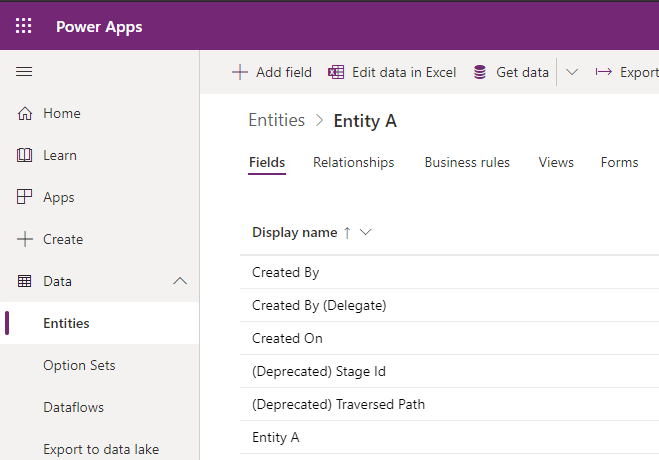
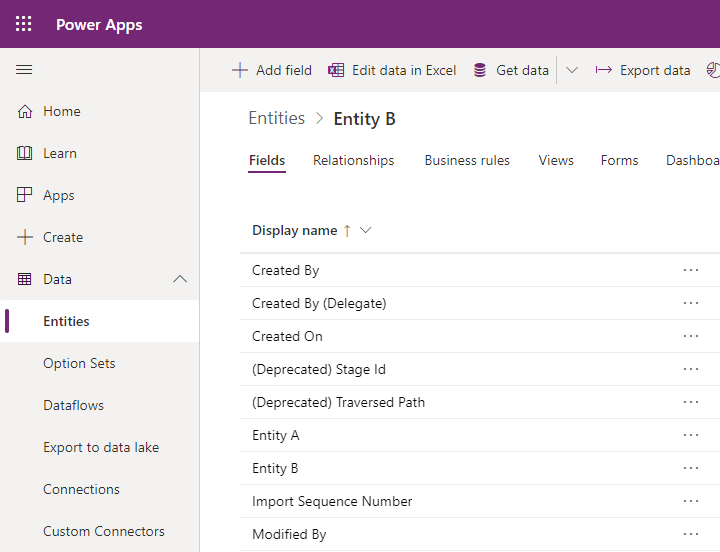
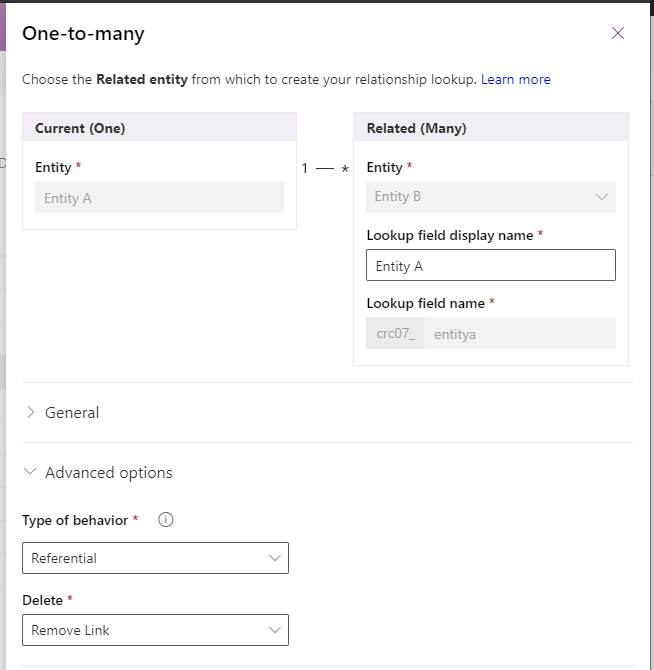
Entity A has a one-to-many relationship with Entity B:
So we can add a subgrid to the Entity A form to display records for Entity B:
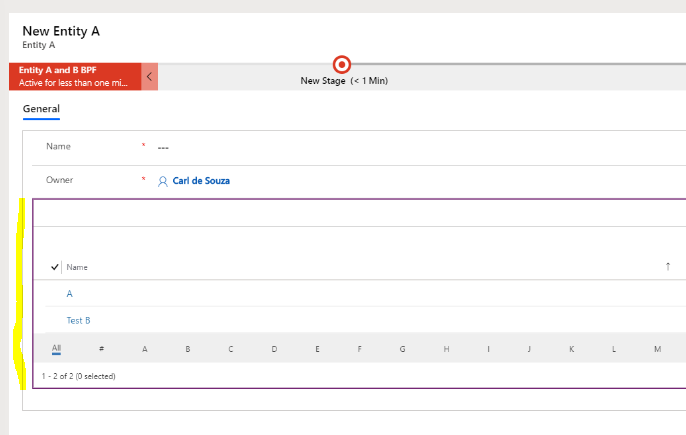
We have a + Entity B button:
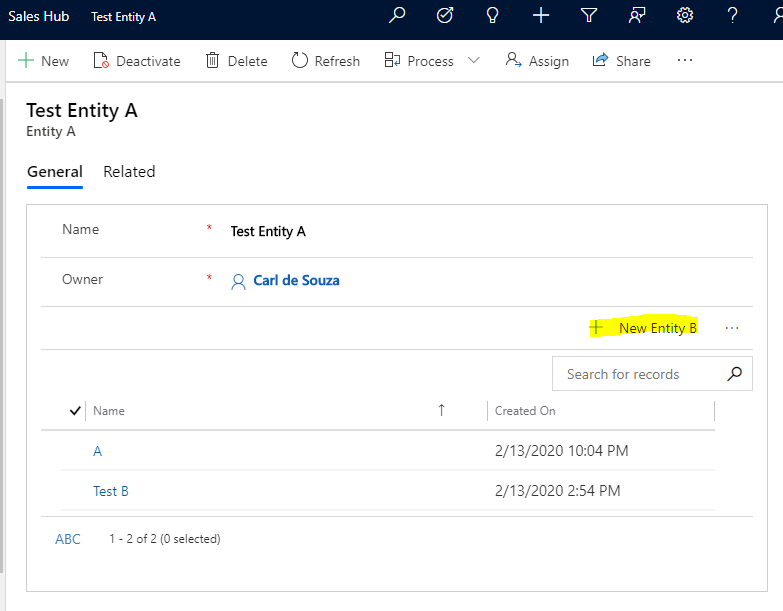
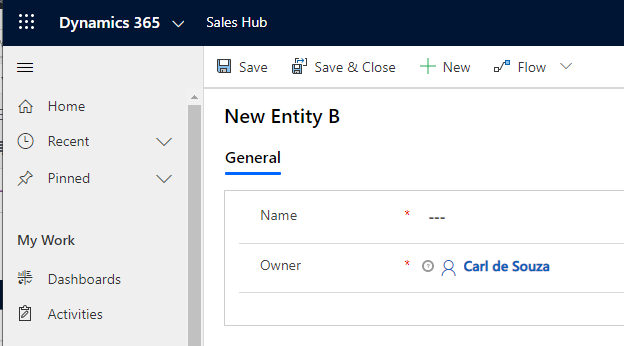
If we click this link, it will open an Entity B form:
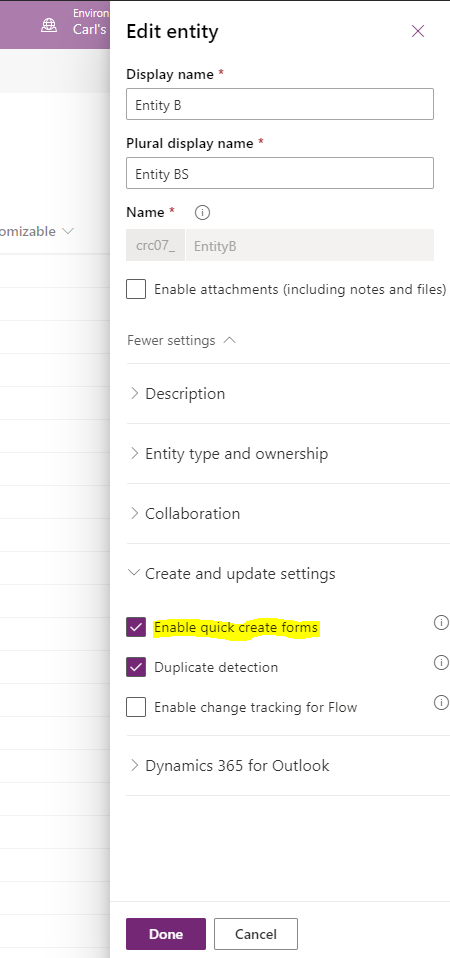
Let’s set up the Quick Create form, so it will open inside Entity B. Go to the settings of Entity B and click Enable Quick Create forms:
Now if we clicked on New Record now, it will still open in its own window. We need to create a new Quick Create form for Entity B:
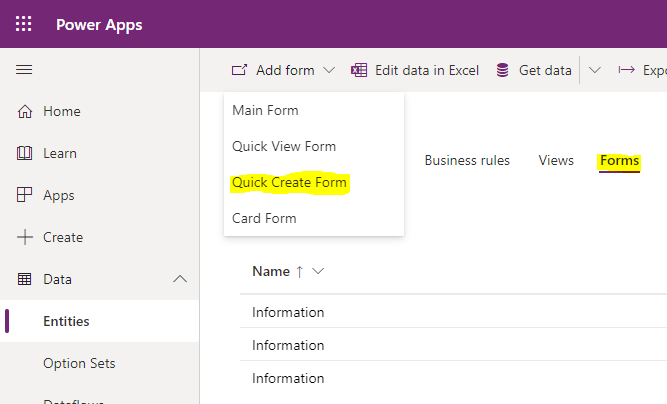
We see:
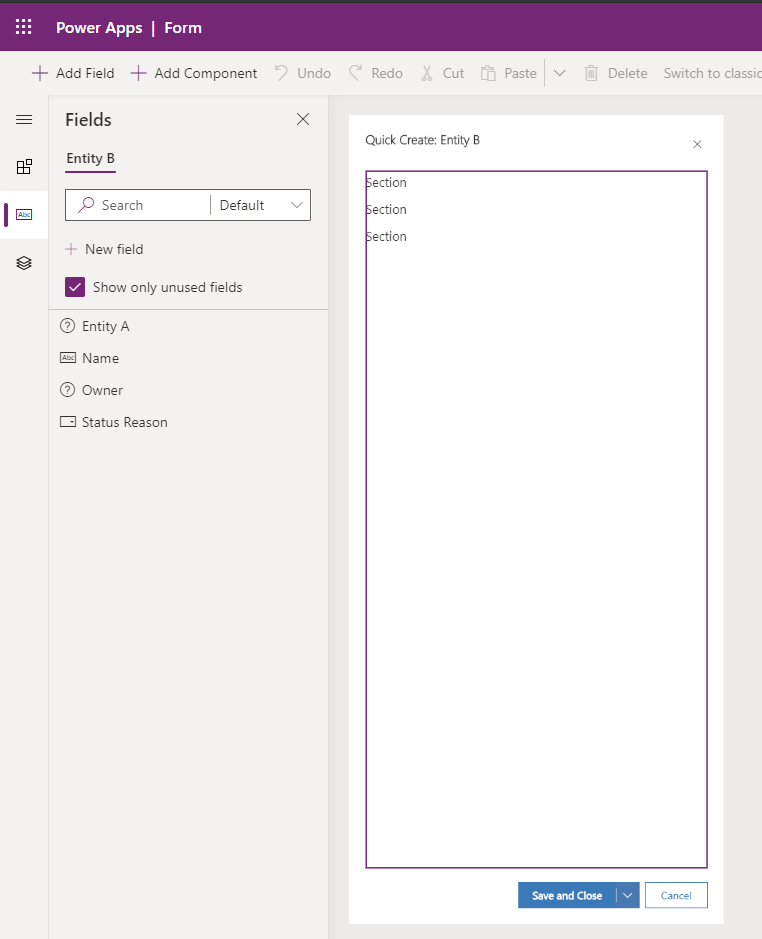
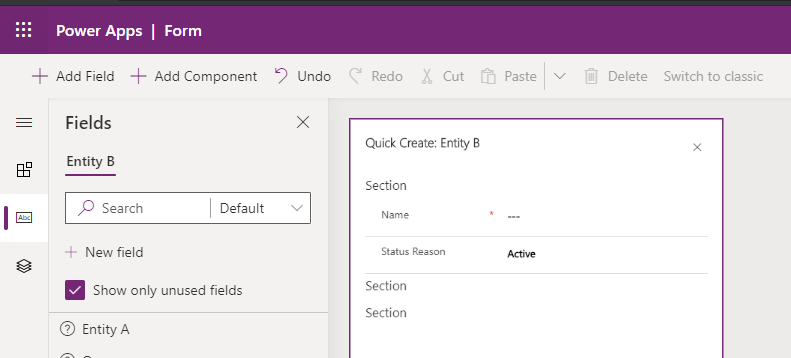
Make some changes, and Save and Publish the form.
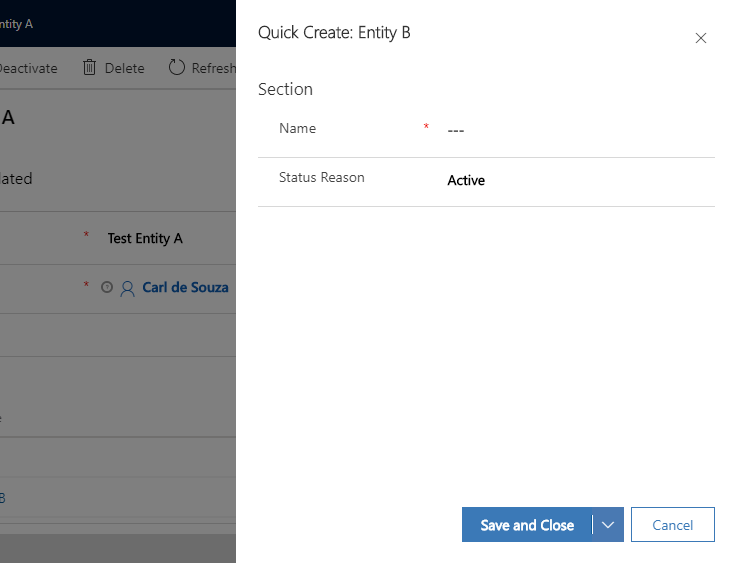
Now when you click on New Entity B, the Quick Create form will open:

Explore AI, agents & Microsoft technology.
I share practical ideas, tutorials, and videos about AI, AI agents, Microsoft technologies, and the Power Platform.
Subscribe on YouTube →