Dynamics CRM comes with pre-packaged reports. You can also create your own reports using SSRS. Here we will go through examples of doing this.
Open Visual Studio. Ensure SQL Server Data Tools are installed and the Report Authoring Extensions are installed.
Create a new report project:
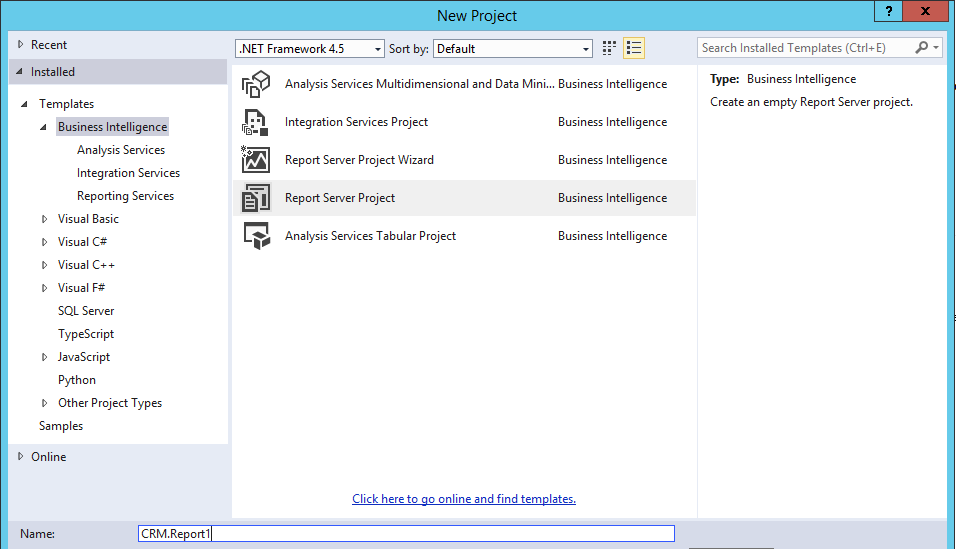
This will create a blank project:
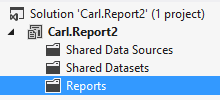
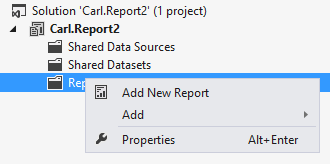
Right click Reports and add a new report:
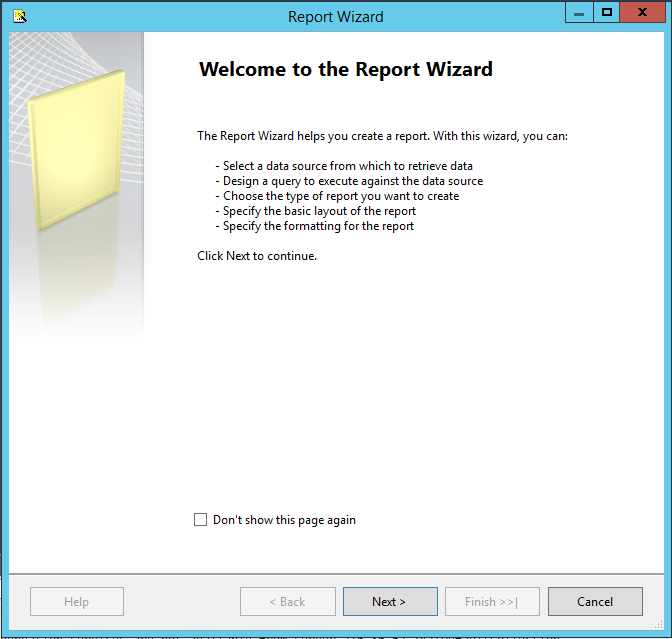
This will open the Report Wizard. Click Next:
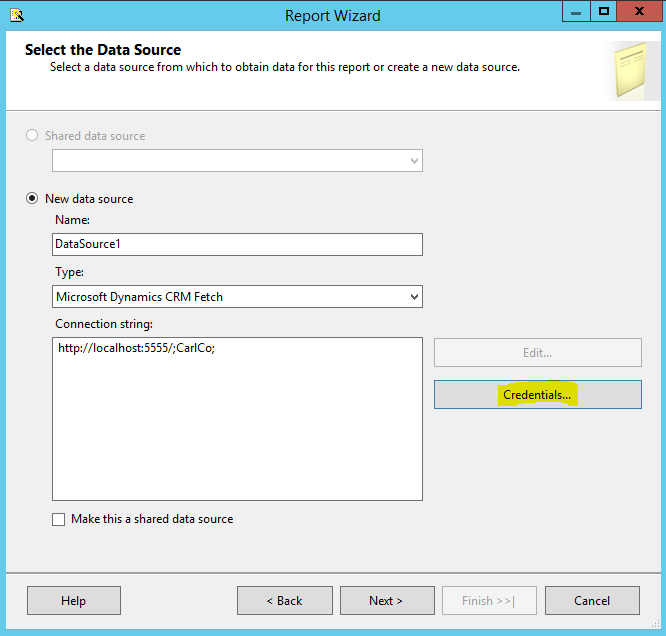
Enter the CRM connection string in the following format:
http://crmurl;organizationname;
For example:
http://localhost:5555/;CarlCo;
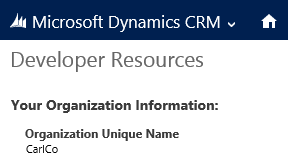
The organization name you can get from Developer Resources in CRM:
Select credentials:
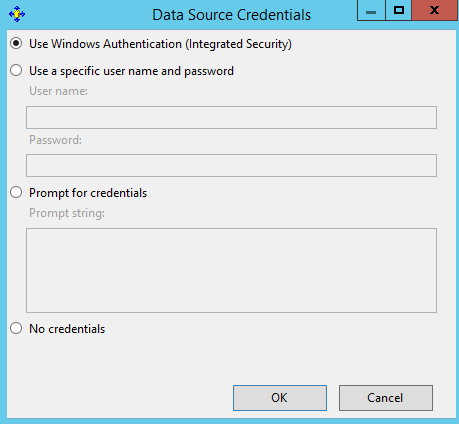
Choose a credential type:
Select and click Next.
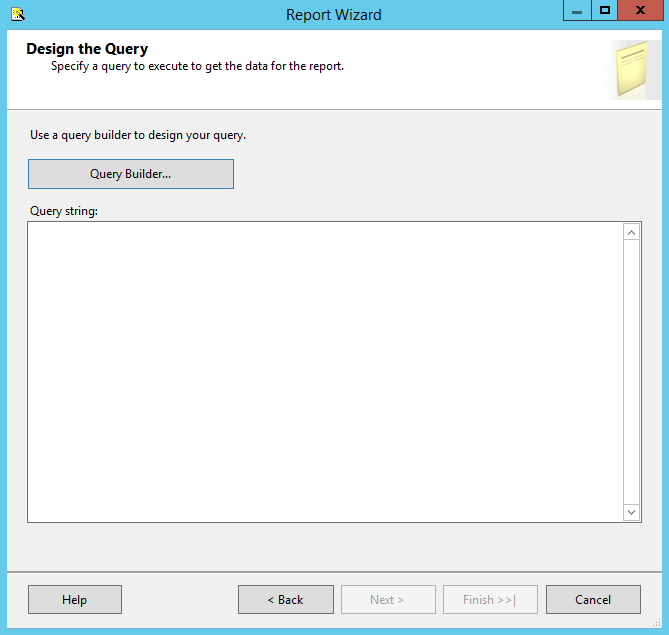
Select the Query Builder. The query is expecting FetchXML. For the exercise, download the FetchXML from an Advanced Find query:
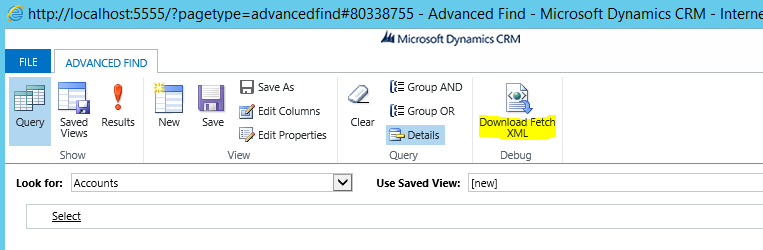
<?xml version=”1.0″?>
<fetch distinct=”false” mapping=”logical” output-format=”xml-platform” version=”1.0″>
<entity name=”account”>
<attribute name=”name”/>
<attribute name=”primarycontactid”/>
<attribute name=”telephone1″/>
<attribute name=”accountid”/>
<order descending=”false” attribute=”name”/>
</entity>
</fetch>
Execute it:
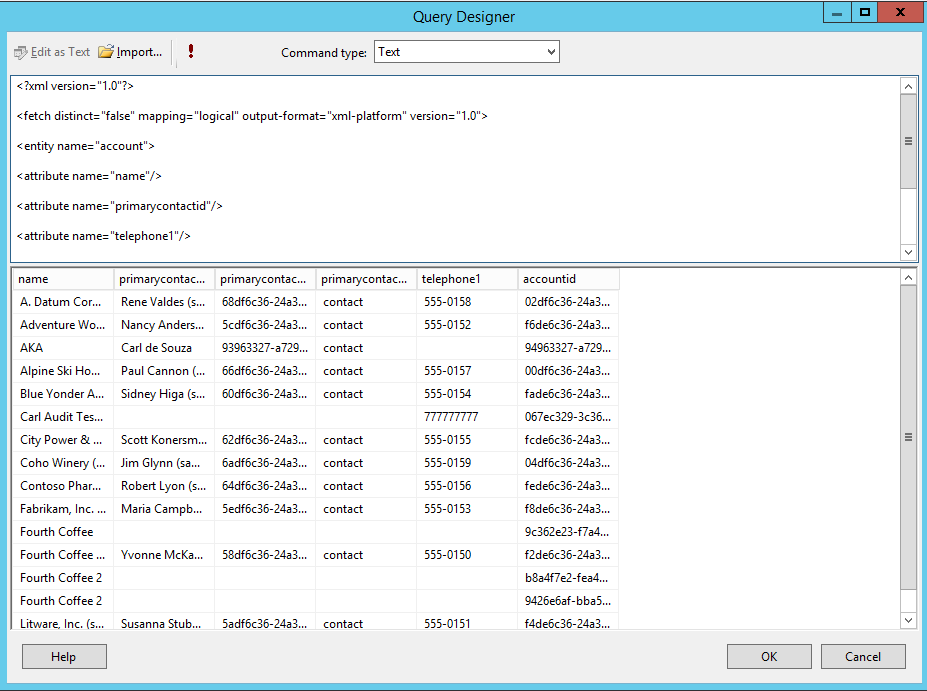
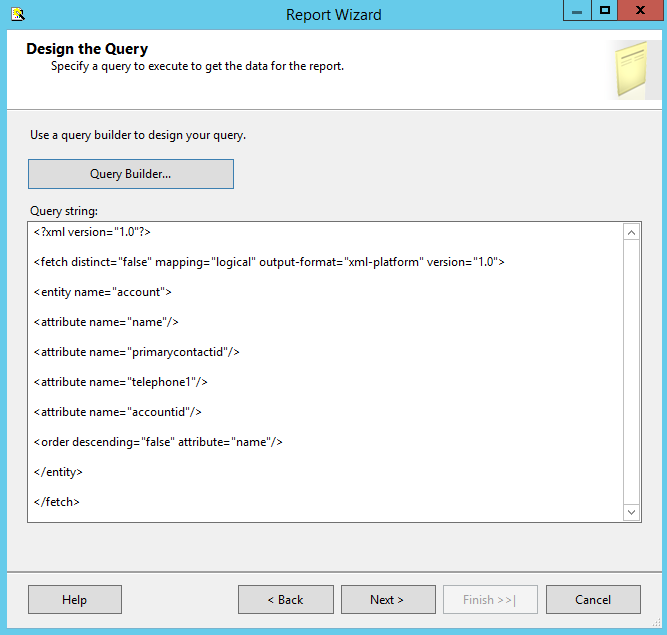
Click OK and Next:
Select the report type:
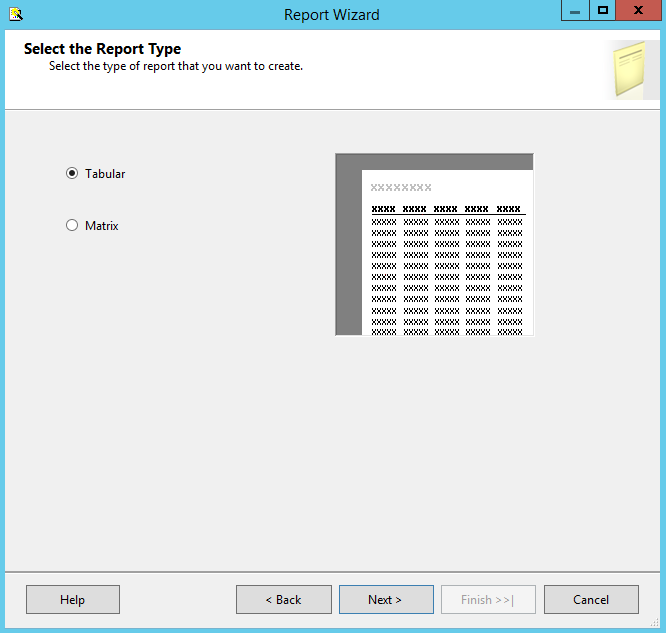
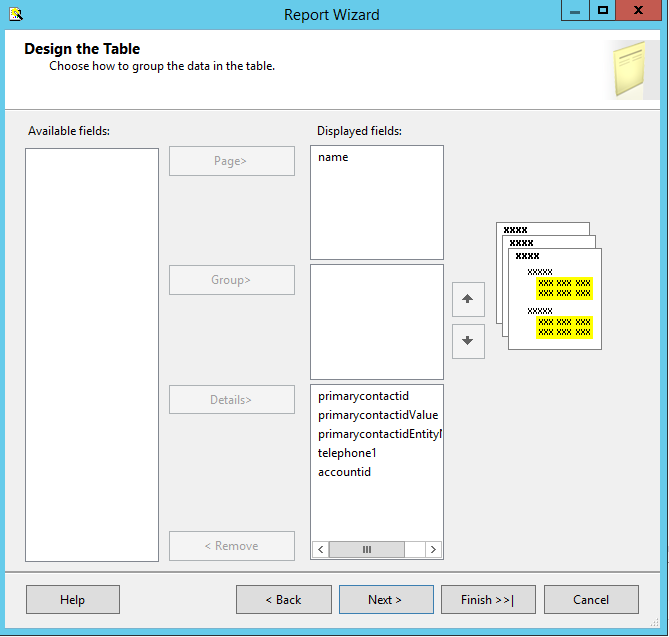
Table style:
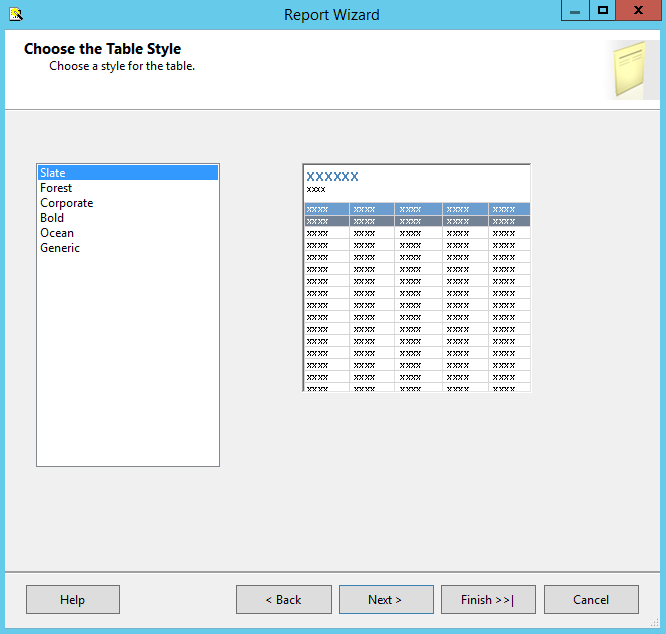
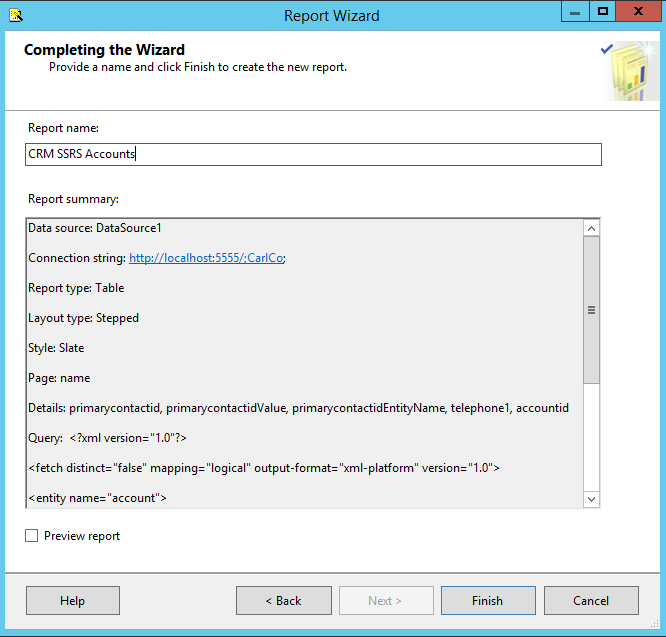
Check Preview or click on the Preview tab to view the report:
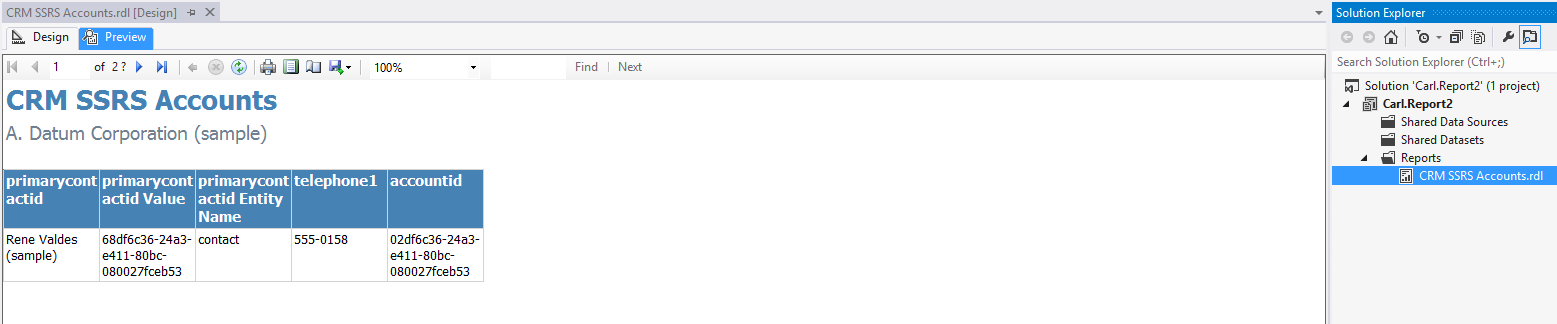
Go back to the design tab to view the report design:
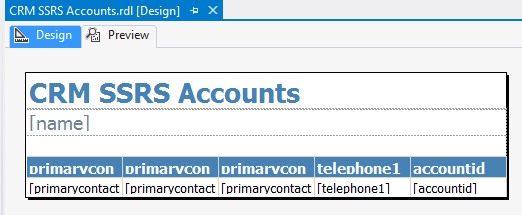
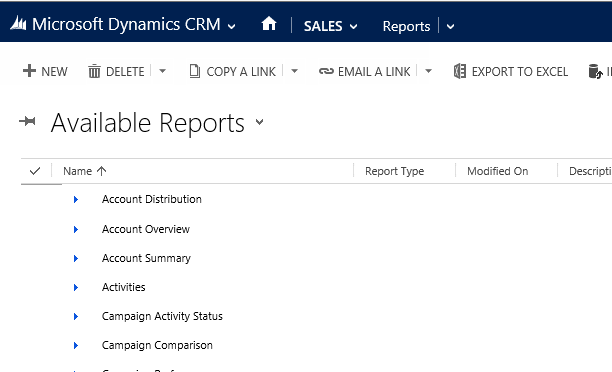
To deploy, in CRM go to Reports and select New:
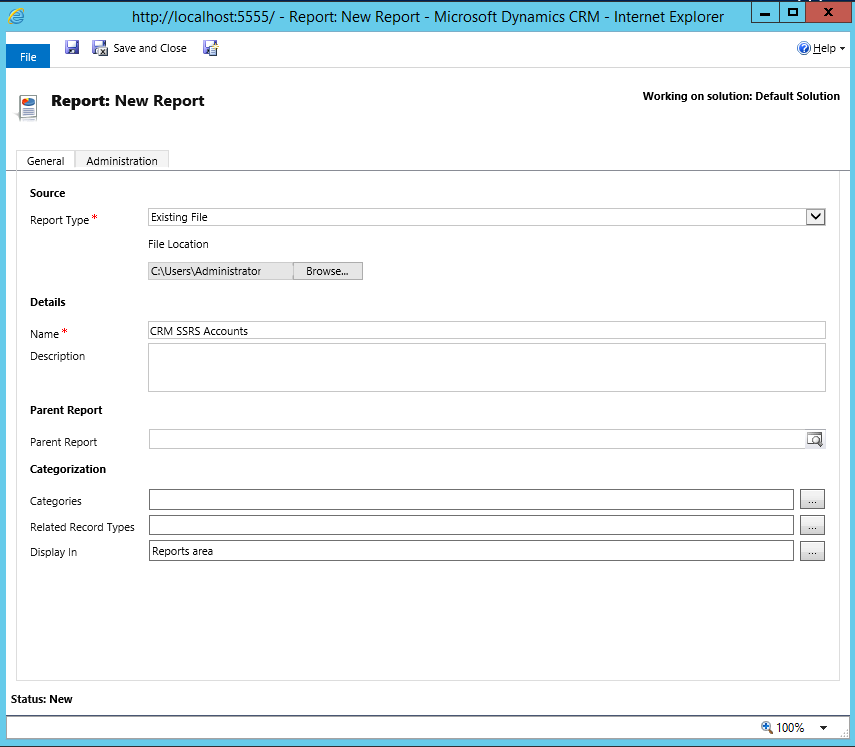
Select Existing File and select the RDL file from the Visual Studio project above:
Press Save. The report appears in the list. Click Run Report:
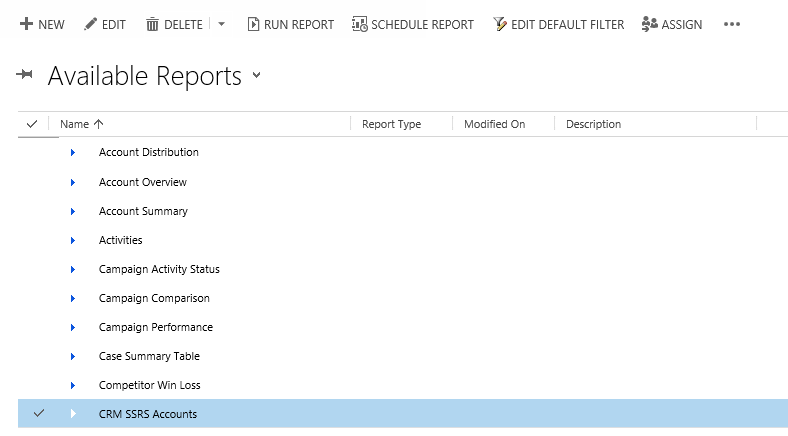
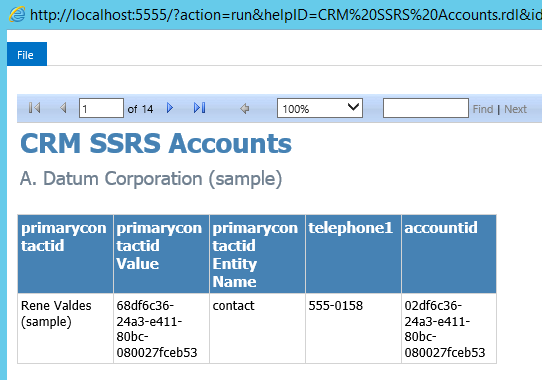
The report is run in CRM:

Explore AI, agents & Microsoft technology.
I share practical ideas, tutorials, and videos about AI, AI agents, Microsoft technologies, and the Power Platform.
Subscribe on YouTube →