To create reports in SSRS for Dynamics CRM, you need to install the report authoring extension. To do this, download from the link below (Visual Studio 2012, CRM 2015):
https://www.microsoft.com/en-us/download/details.aspx?id=45013
Run the EXE to extract the files:
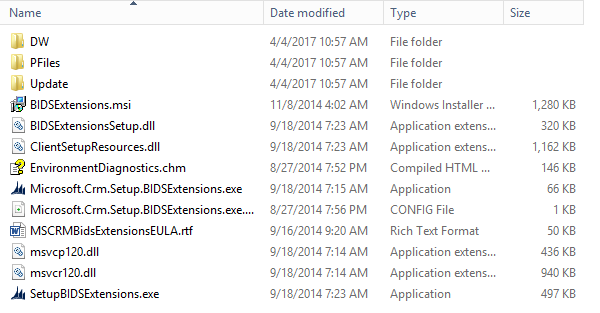
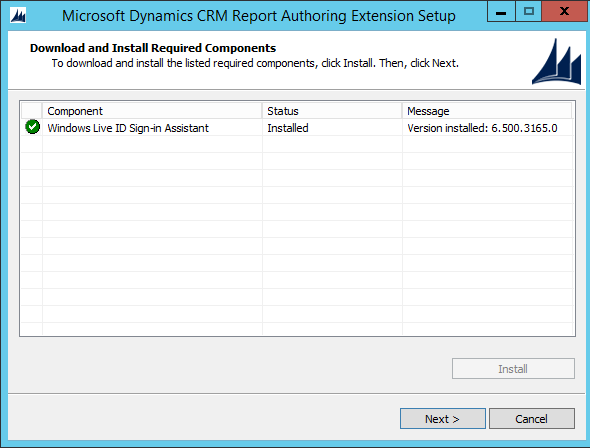
The wizard will open:
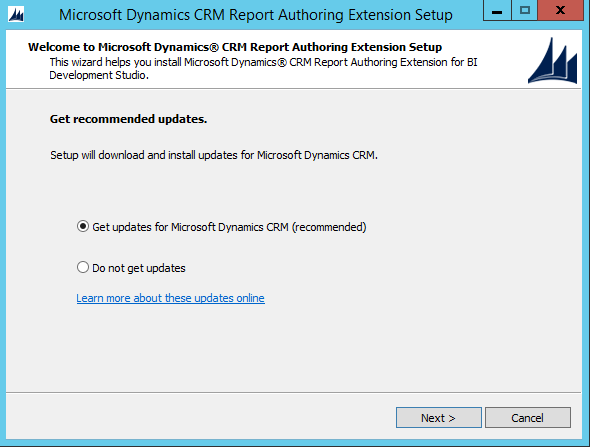
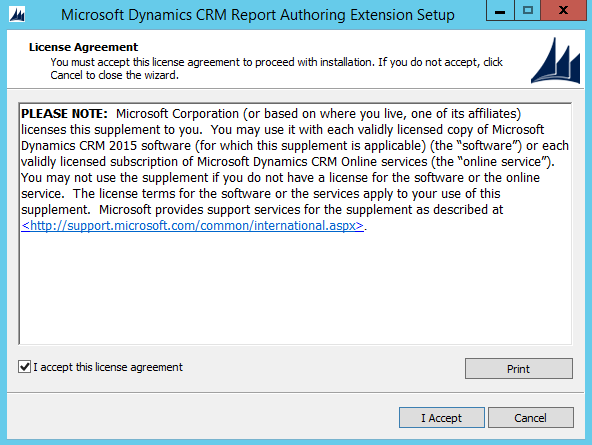
Press Install:
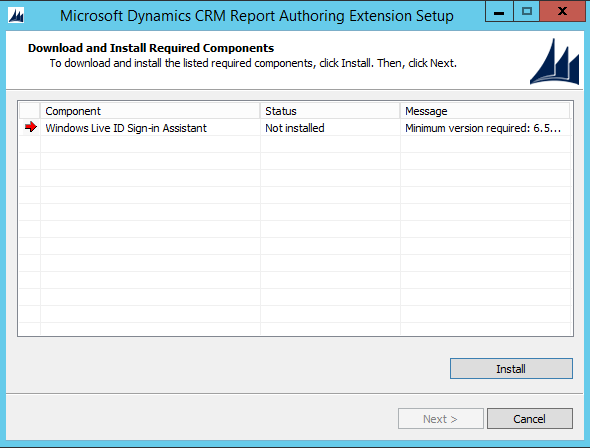
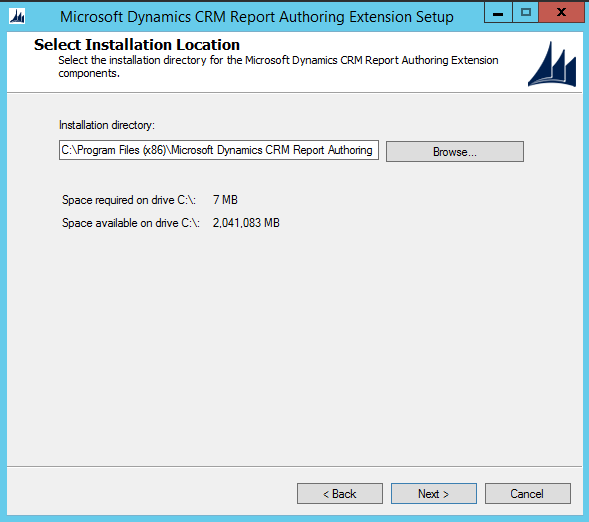
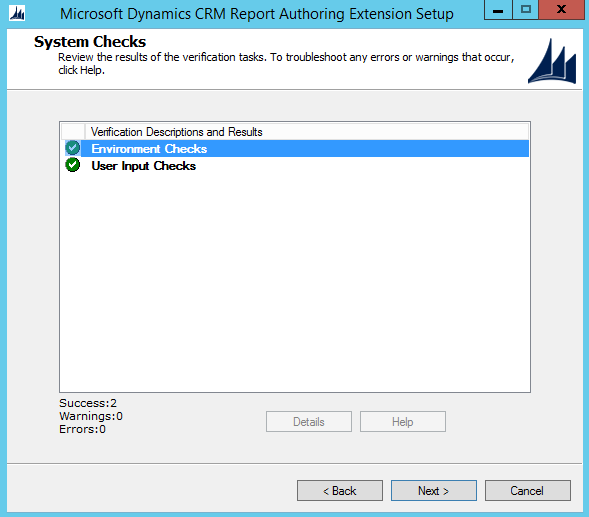
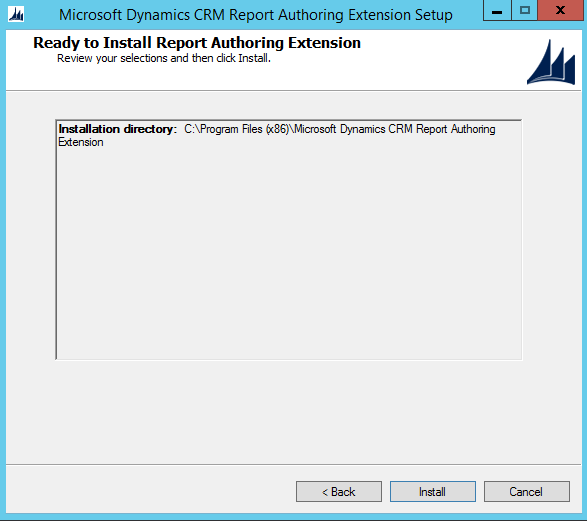
Click Next:
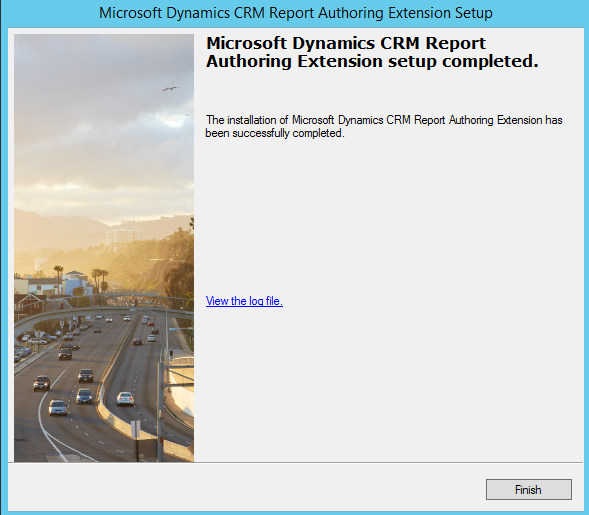
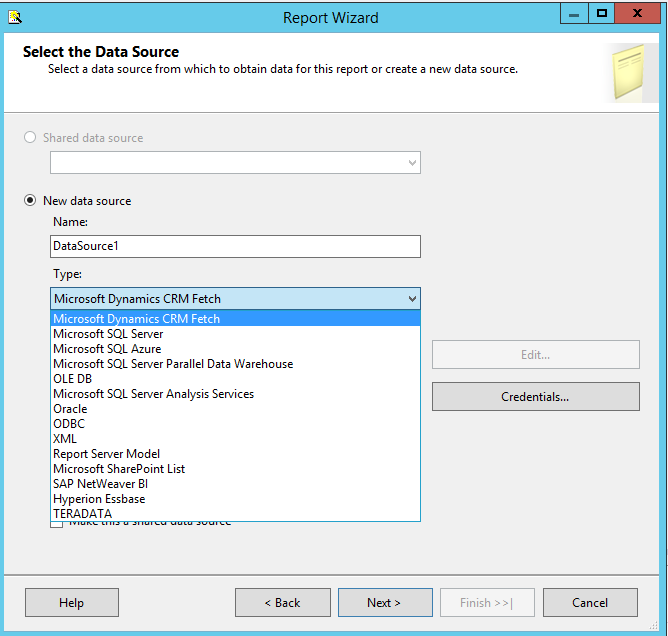
Now, when you start Visual Studio you will see the option appear:

Keep learning. Keep building.
Explore AI, agents & Microsoft technology.
I share practical ideas, tutorials, and videos about AI, AI agents, Microsoft technologies, and the Power Platform.
Subscribe on YouTube →Carl de Souza Enterprise Architect at Microsoft · AI Technology Expert
