Azure blobs can be interacted with through Visual Studio. Here we will go through an example of interacting with a blob in a C# console app.
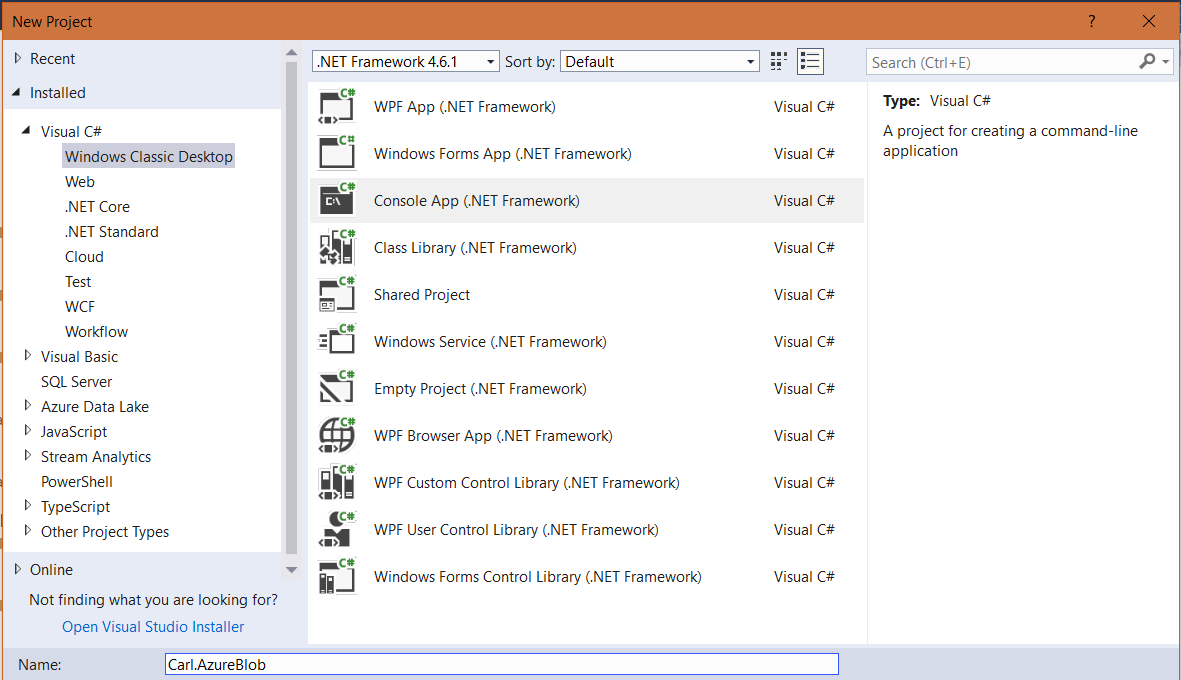
First, create a new console app:
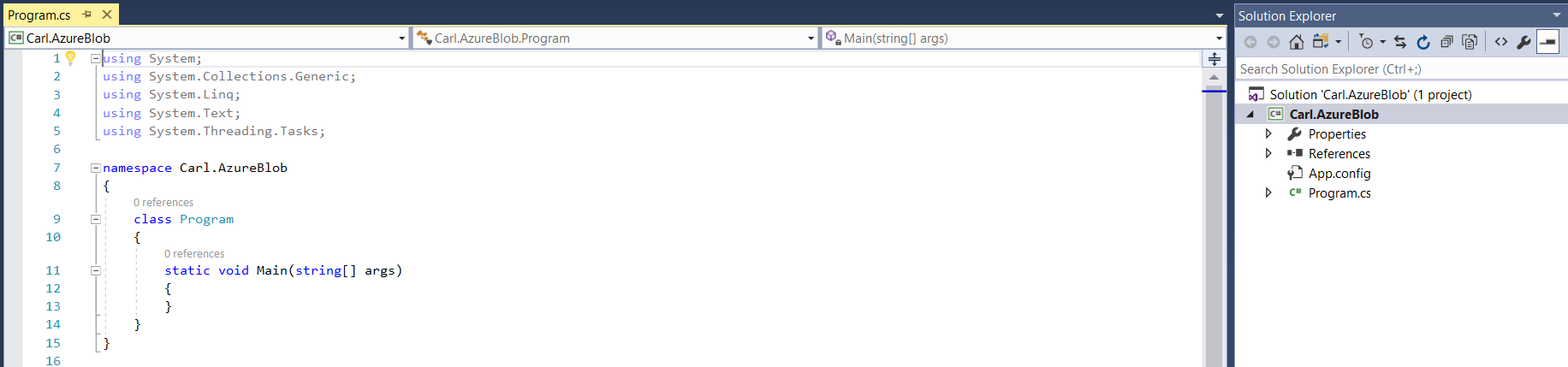
This will create:
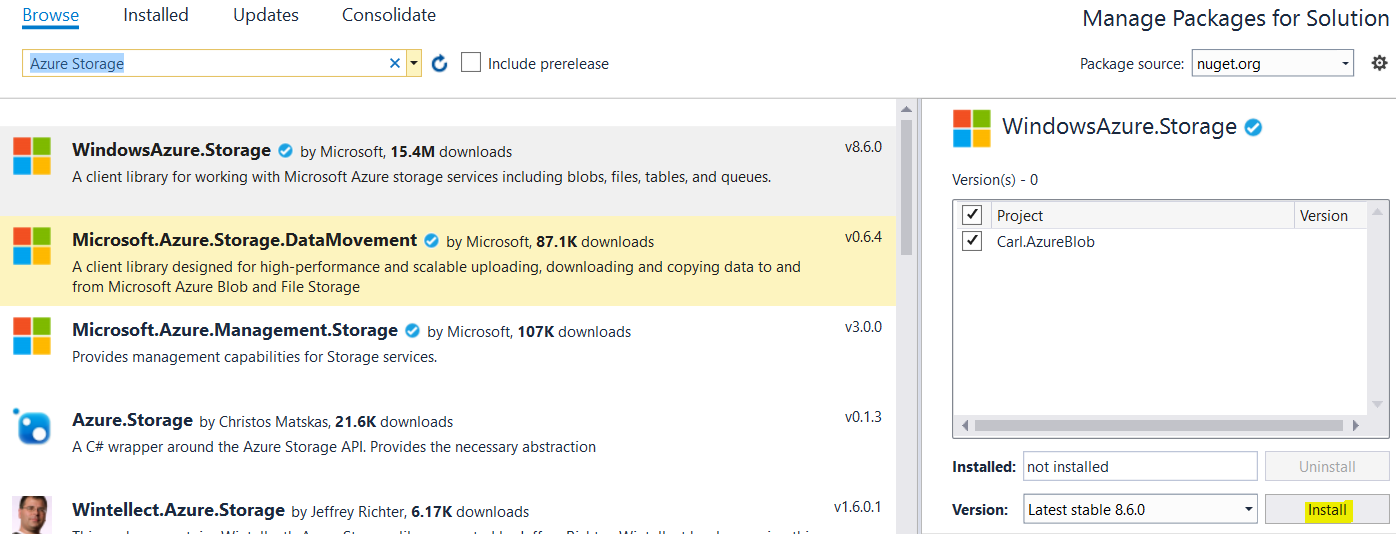
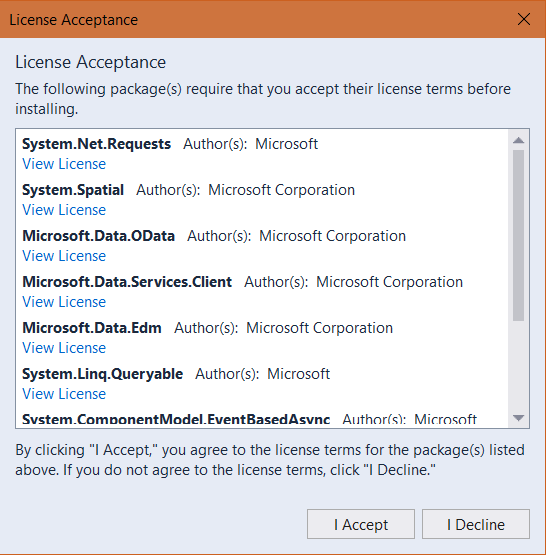
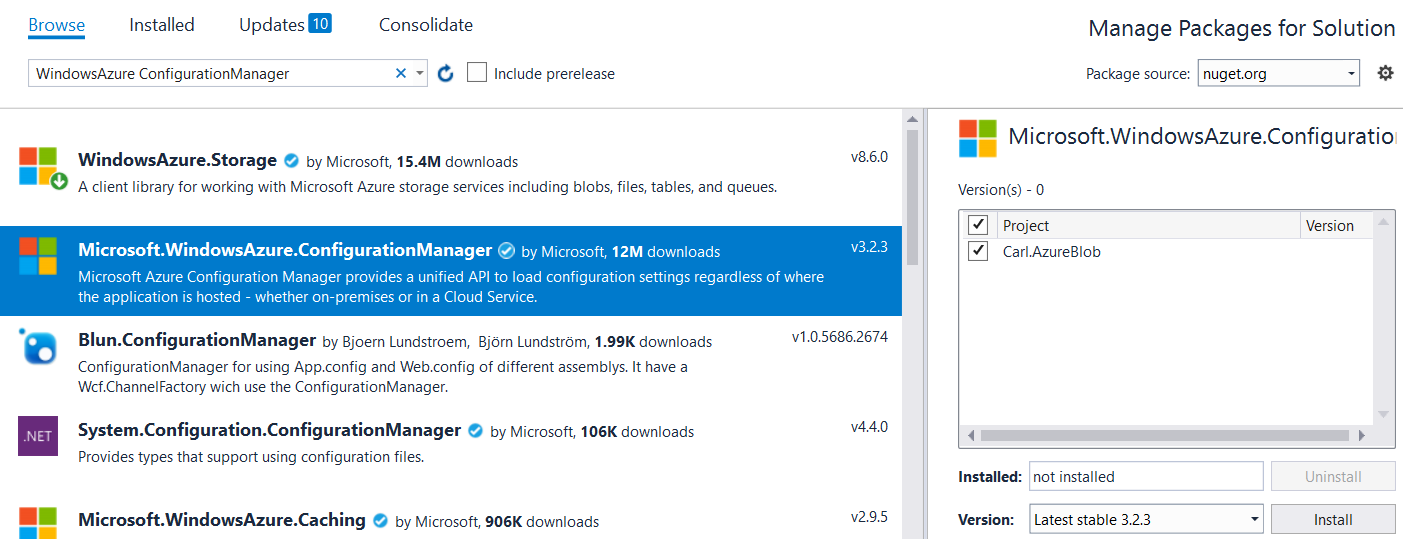
We will add 2 NuGet packages:
- WindowsAzure.Storage
- Microsoft.WindowsAzure.Configuration Manager
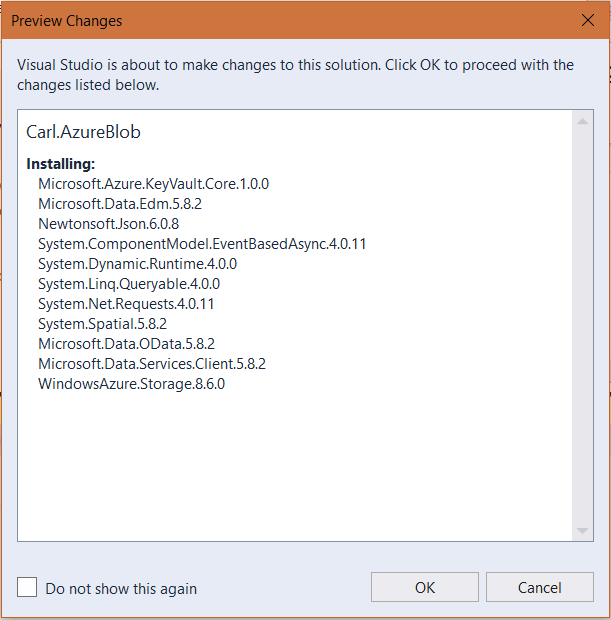
And:
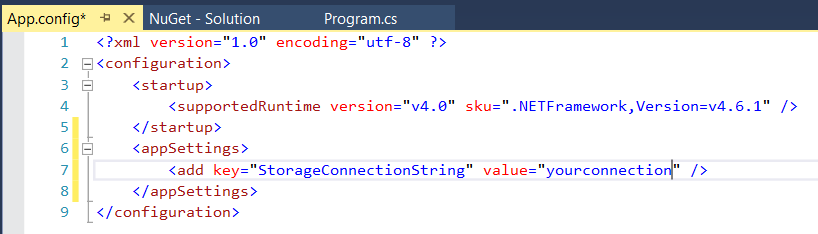
In the app.settings, add the key below, with the value of your storage account:
<appSettings>
   <add key="StorageConnectionString" value="yourconnection" />
</appSettings>
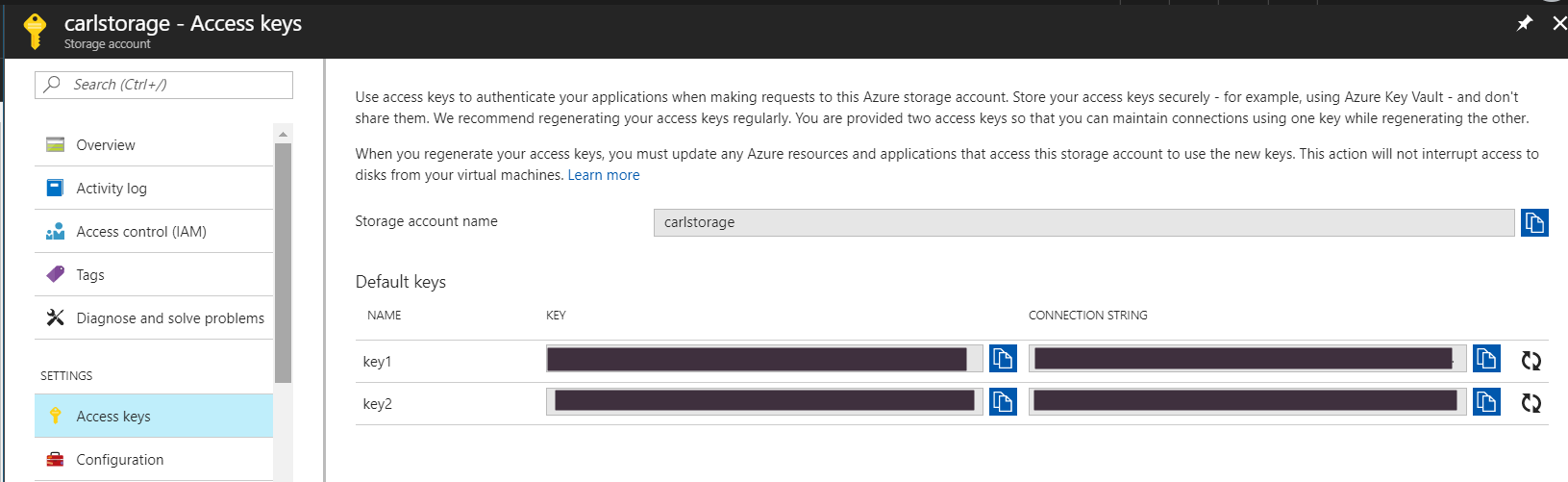
To get the value, go to your storage account in Azure and add the connection string information, for example:
Now in the code, add the directives:
using Microsoft.WindowsAzure;
using Microsoft.WindowsAzure.Storage;
using Microsoft.WindowsAzure.Storage.Blob;
And add the code:
[sourcecode langauage=”csharp”] using System;using System.Collections.Generic;
using System.Linq;
using System.Text;
using System.Threading.Tasks;
using Microsoft.WindowsAzure;
using Microsoft.WindowsAzure.Storage;
using Microsoft.WindowsAzure.Storage.Blob;
namespace Carl.AzureBlob
{
class Program
{
static void Main(string[] args)
{
try
{
CloudStorageAccount storageAccount = CloudStorageAccount.Parse(
Microsoft.Azure.CloudConfigurationManager.GetSetting("StorageConnectionString"));
CloudBlobClient blobClient = storageAccount.CreateCloudBlobClient();
CloudBlobContainer container = blobClient.GetContainerReference("newcontainerthroughcode");
Console.WriteLine("Creating new container");
container.CreateIfNotExists();
Console.WriteLine("Complete");
}
catch (Exception ex)
{
Console.WriteLine(ex.ToString());
}
Console.ReadLine();
}
}
}
[/sourcecode]
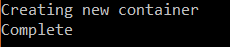
This produces:
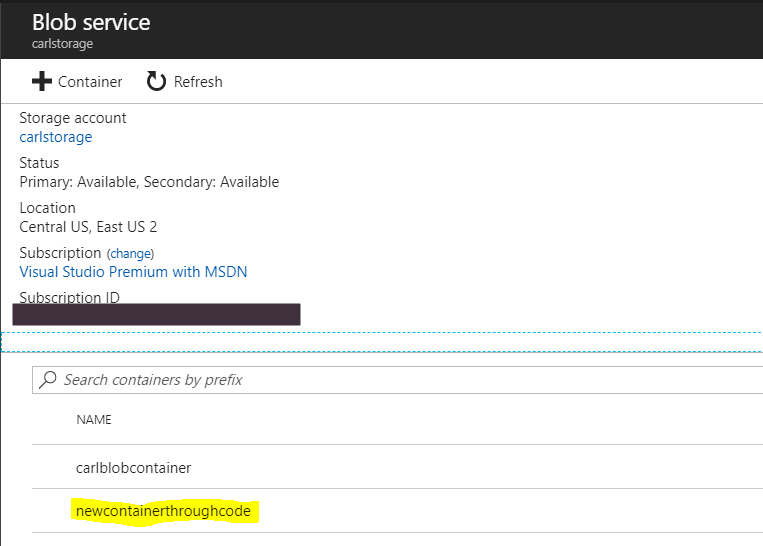
And the container is created in the portal:
From here, you can perform several different blob operations, including:
- Upload a blob to a container
- Listing blobs in containers
- Downloading blobs
- Deleting blobs
- Write to an append blob such as a log
I AM SPENDING MORE TIME THESE DAYS CREATING YOUTUBE VIDEOS TO HELP PEOPLE LEARN THE MICROSOFT POWER PLATFORM.
IF YOU WOULD LIKE TO SEE HOW I BUILD APPS, OR FIND SOMETHING USEFUL READING MY BLOG, I WOULD REALLY APPRECIATE YOU SUBSCRIBING TO MY YOUTUBE CHANNEL.
THANK YOU, AND LET'S KEEP LEARNING TOGETHER.
CARL
