In Power Apps, when we create a model-driven app, get the option to add Sample Apps. Let’s take a quick look at what this means.
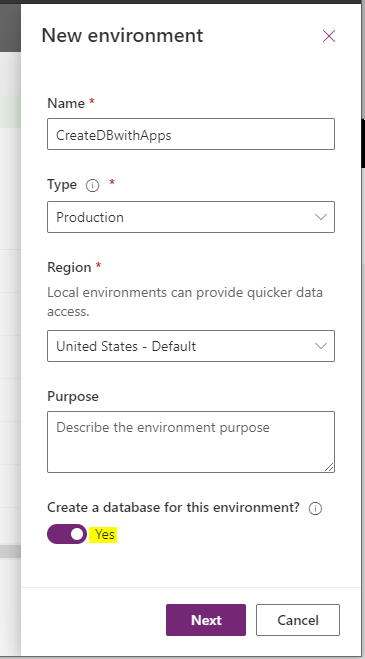
Let’s create a model-driven app with a database:
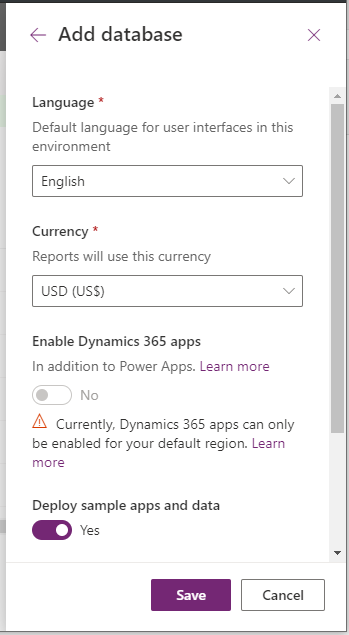
We get the option to Deploy sample apps and data: Let’s click Yes:
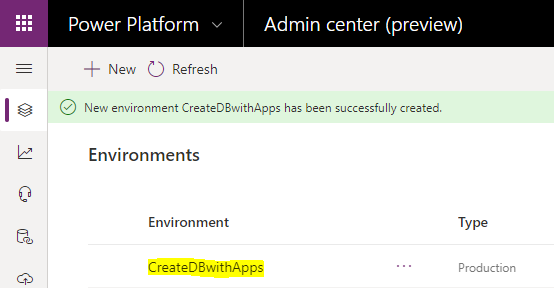
Our new environment is created:
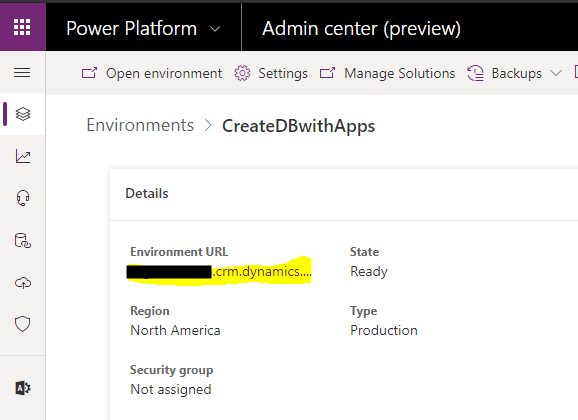
Let’s click on the URL to take us to the new environment:
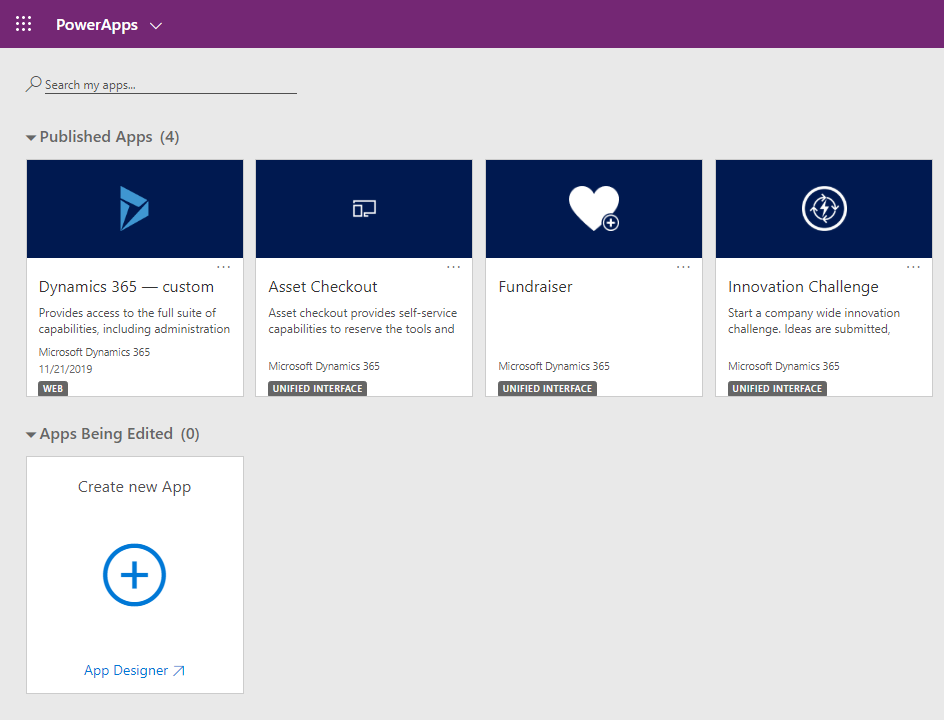
Clicking on the link, we see Sample Apps installed, including Asset Checkout, Fundraiser, and Innovation Challenge:
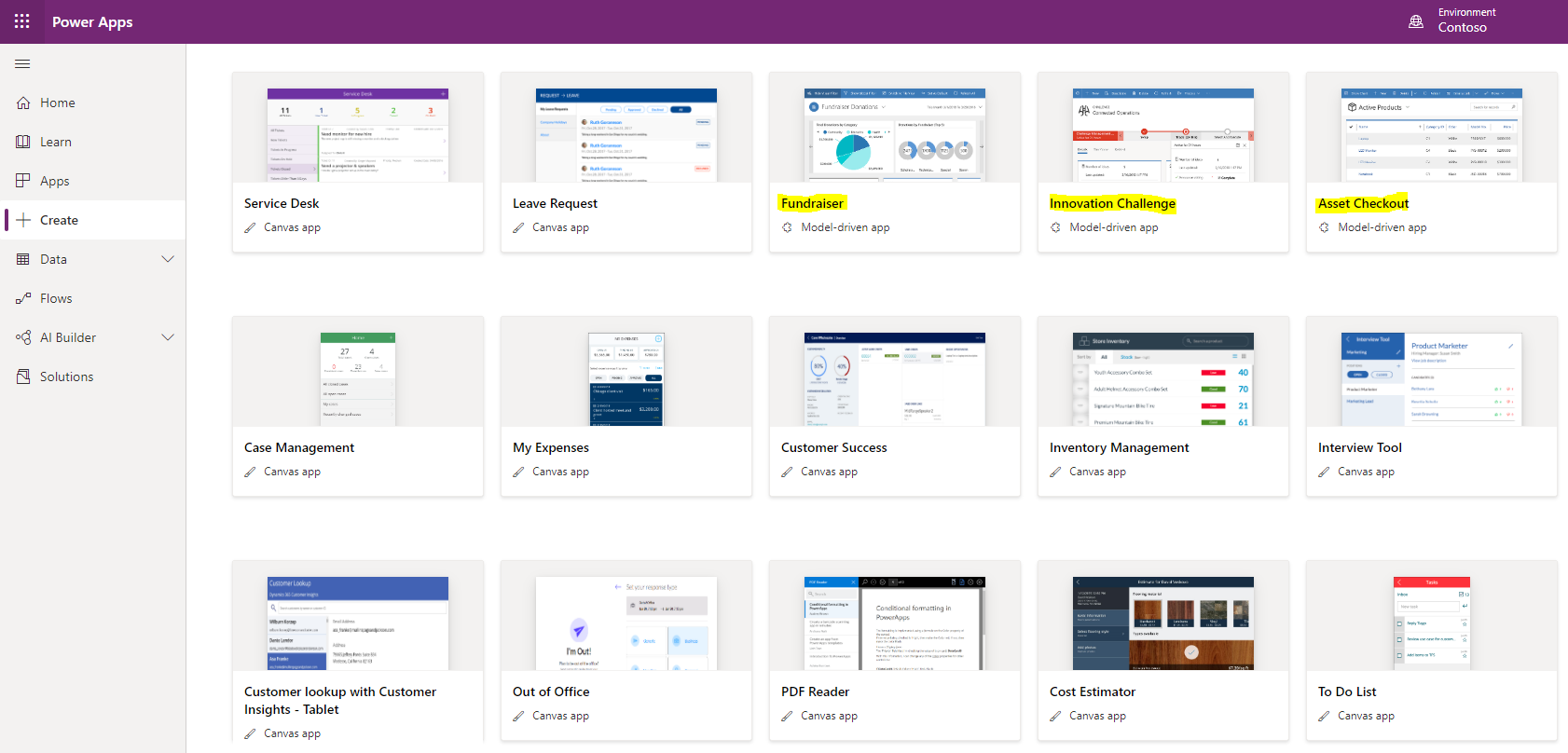
If we go to https://make.powerapps.com, and select Create, we can see the model-driven app templates available include the same sample apps we just saw installed:
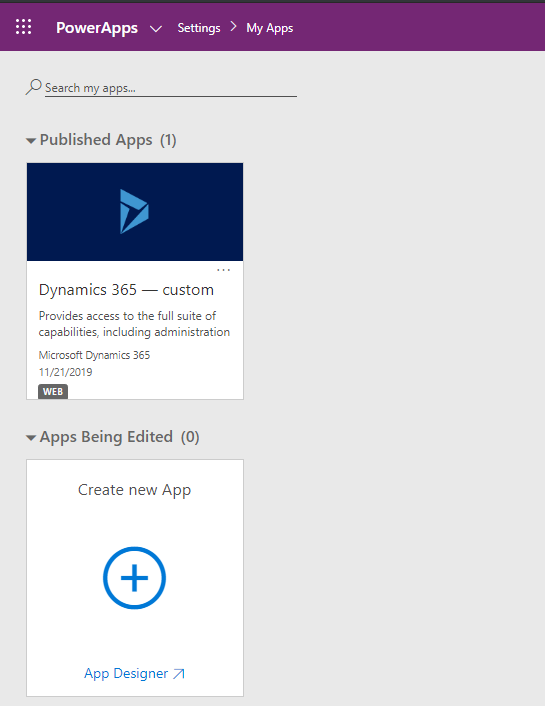
Now, if we had set Deploy sample apps and data to No, we would not see any sample apps installed, i.e. like below:
I AM SPENDING MORE TIME THESE DAYS CREATING YOUTUBE VIDEOS TO HELP PEOPLE LEARN THE MICROSOFT POWER PLATFORM.
IF YOU WOULD LIKE TO SEE HOW I BUILD APPS, OR FIND SOMETHING USEFUL READING MY BLOG, I WOULD REALLY APPRECIATE YOU SUBSCRIBING TO MY YOUTUBE CHANNEL.
THANK YOU, AND LET'S KEEP LEARNING TOGETHER.
CARL
