In our last post, we installed R for Power BI. Let’s now install RStudio, which is an IDE for R.
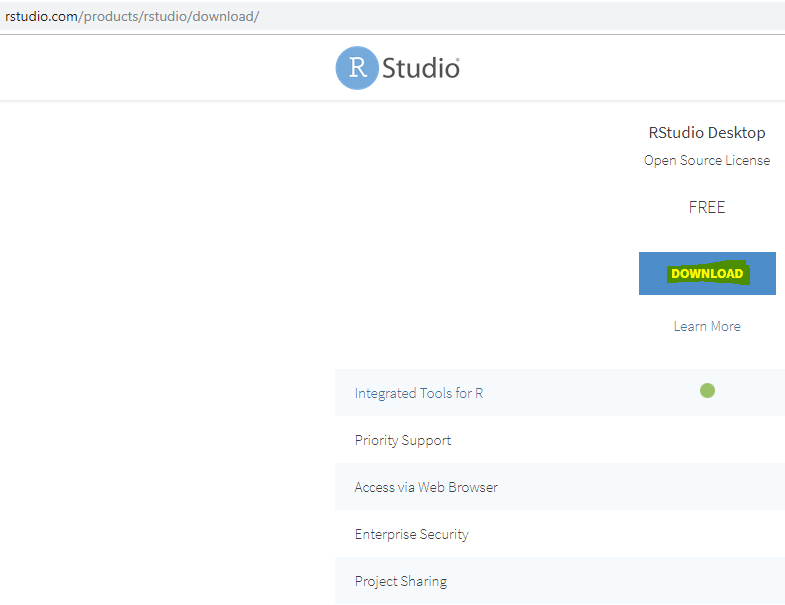
First, download R Studio from https://www.rstudio.com/products/rstudio/download/. We will install the free version:
Select the Windows installer:
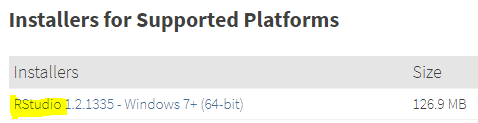
This downloads the file below. Open it:

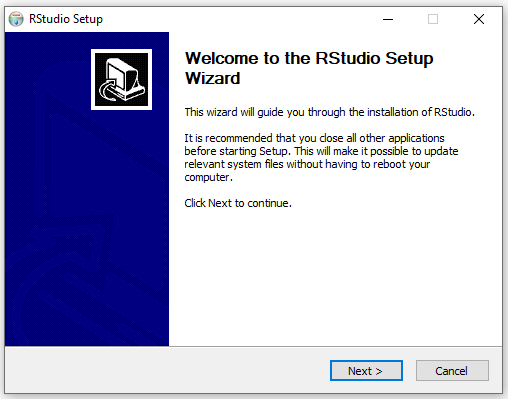
Click Next:
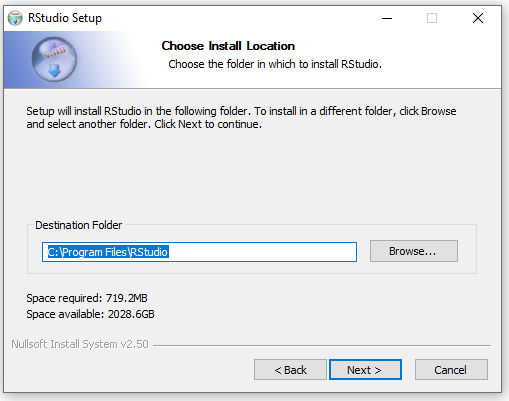
Select a path and click Next:
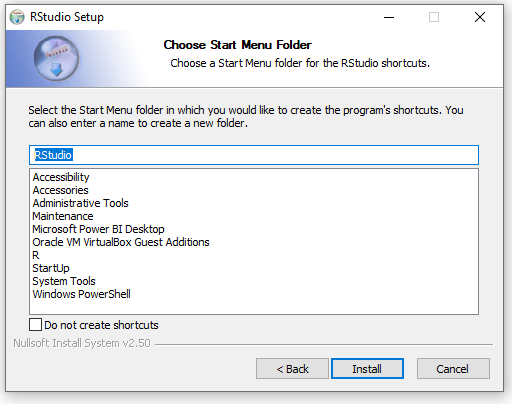
Click Install:
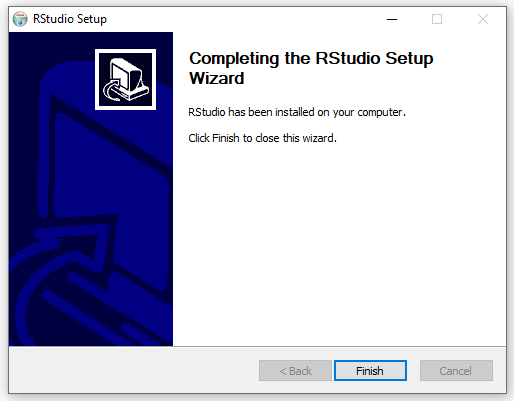
Click Finish:
In Windows Start menu, we see the new RStudio folder with RStudio:
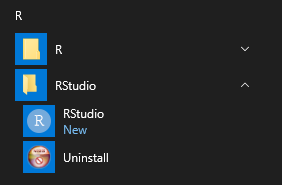
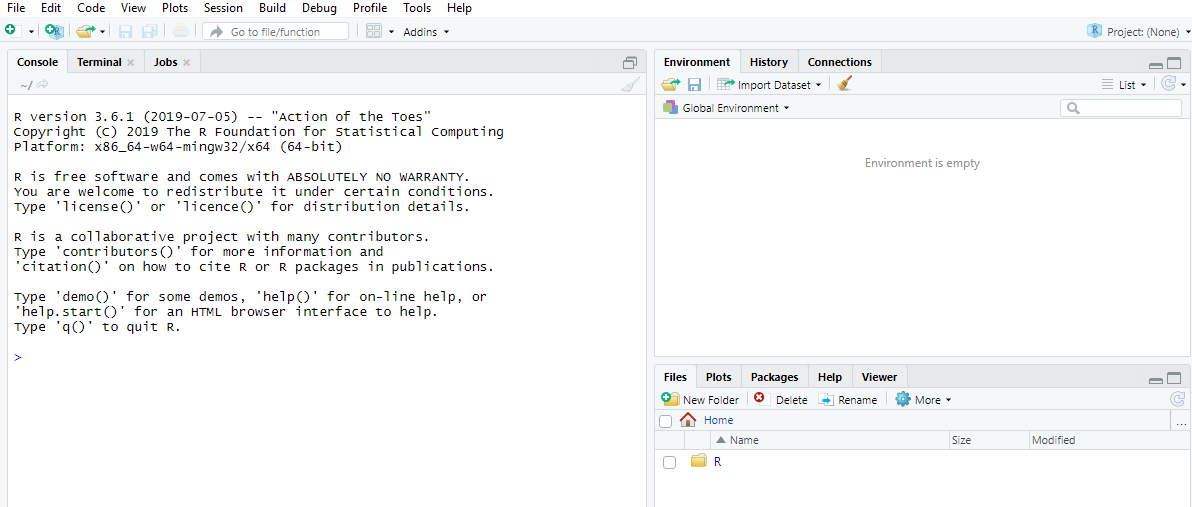
Select it to open RStudio:
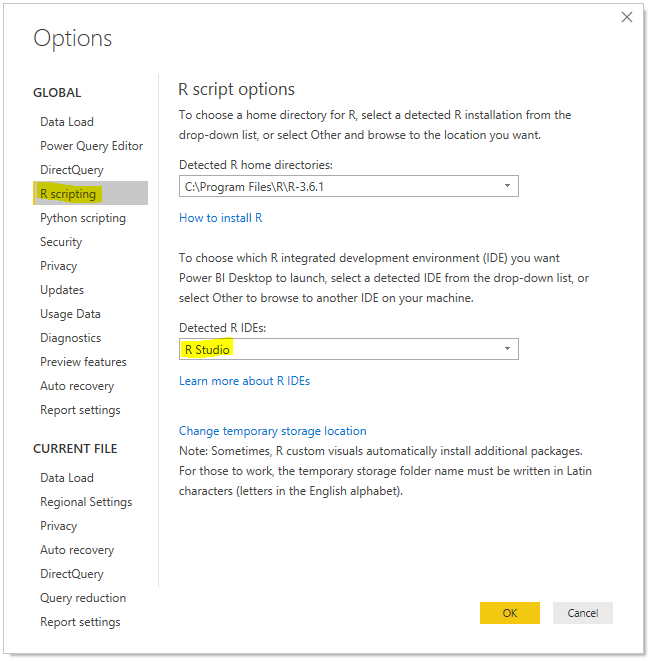
In our Power BI Desktop Options, we see it has detected RStudio as an R IDE and selected it:
Next, we will look at using a marketplace Power BI R Visualization.
I AM SPENDING MORE TIME THESE DAYS CREATING YOUTUBE VIDEOS TO HELP PEOPLE LEARN THE MICROSOFT POWER PLATFORM.
IF YOU WOULD LIKE TO SEE HOW I BUILD APPS, OR FIND SOMETHING USEFUL READING MY BLOG, I WOULD REALLY APPRECIATE YOU SUBSCRIBING TO MY YOUTUBE CHANNEL.
THANK YOU, AND LET'S KEEP LEARNING TOGETHER.
CARL
