Power BI Report Builder is a downloadable Windows application that allows you to build paginated reports. In this post we will show how to download and install it.
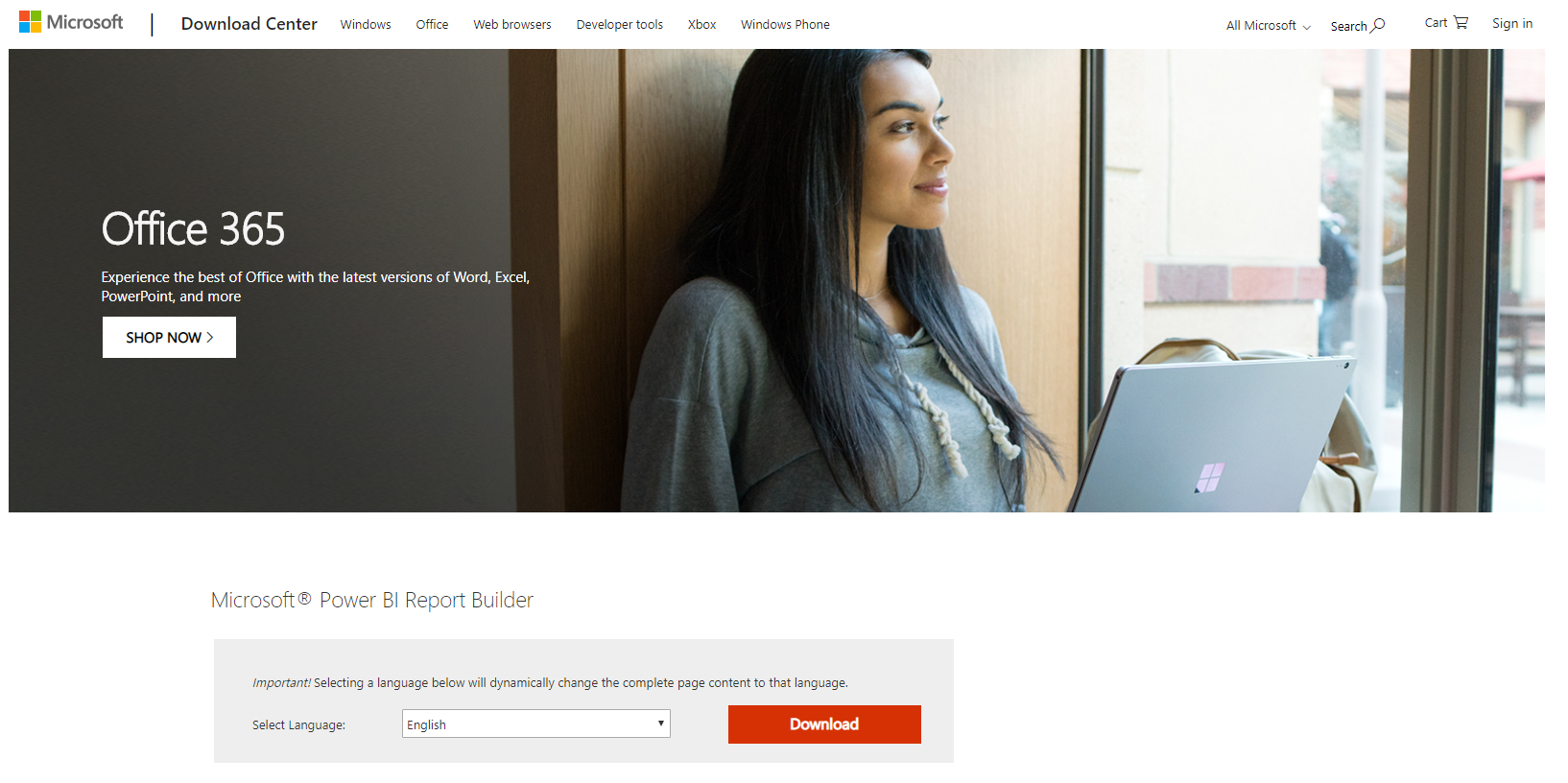
First download Power BI Report Builder at: https://www.microsoft.com/en-us/download/details.aspx?id=58158 and click Download:
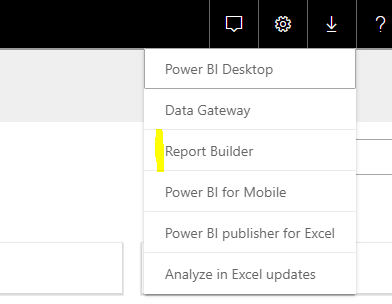
Note you can also download it from the Power BI Service:
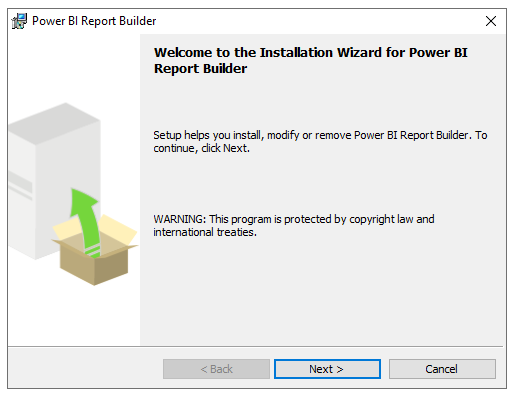
Open the downloaded PowerBiReportBuilder.msi file:

Click Next:
Click Next:
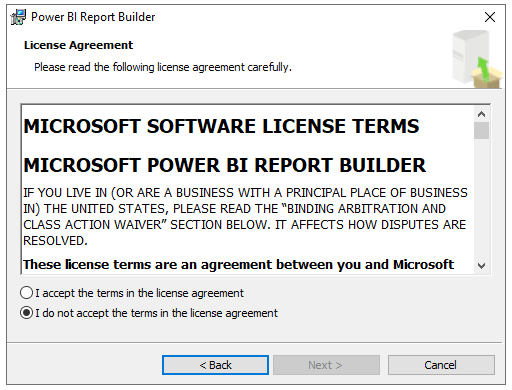
Click Next:
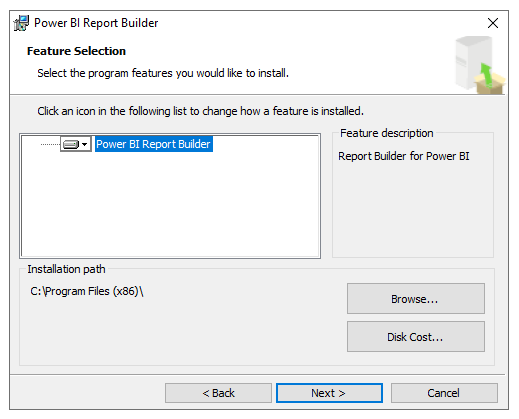
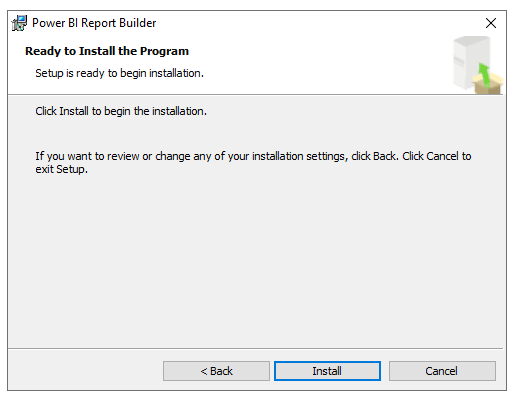
Click Install:
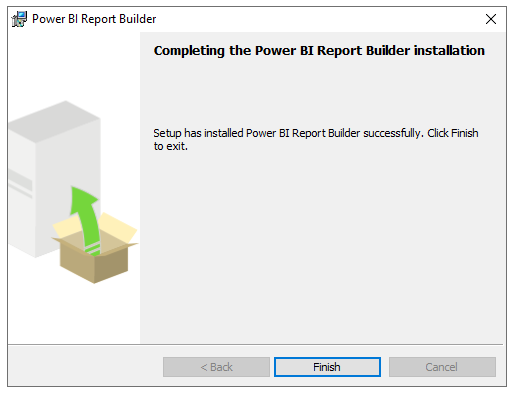
Click Finish:
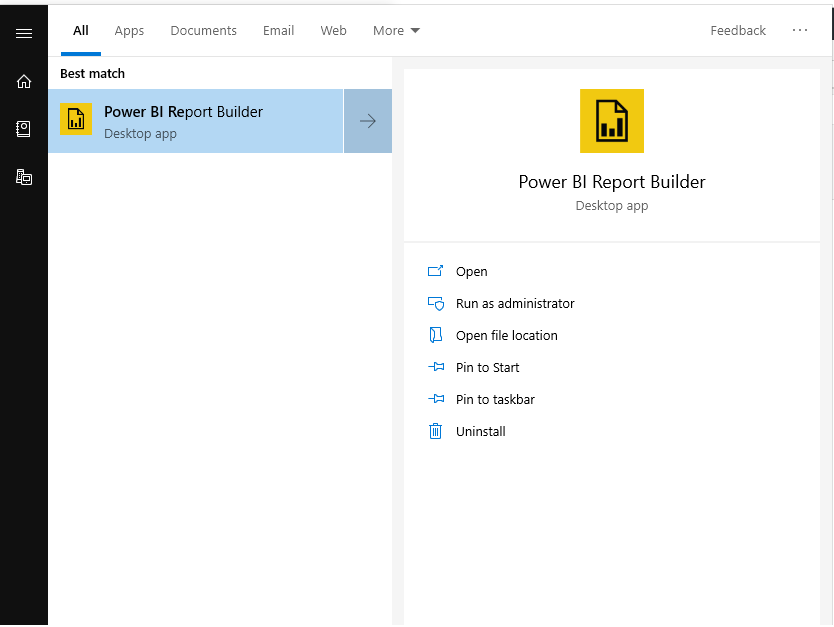
Open Power BI Report Builder:
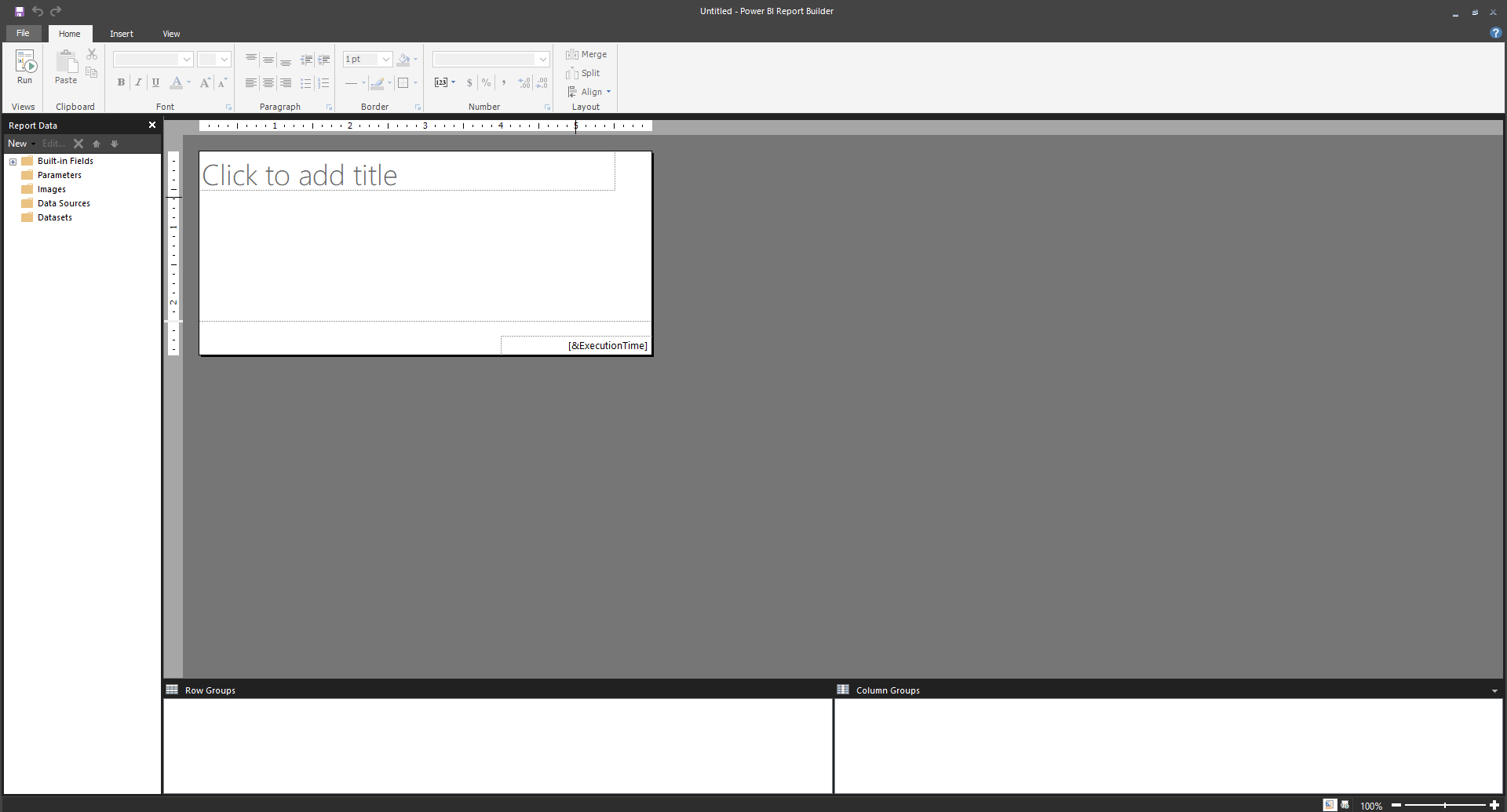
Report Builder will open:
I AM SPENDING MORE TIME THESE DAYS CREATING YOUTUBE VIDEOS TO HELP PEOPLE LEARN THE MICROSOFT POWER PLATFORM.
IF YOU WOULD LIKE TO SEE HOW I BUILD APPS, OR FIND SOMETHING USEFUL READING MY BLOG, I WOULD REALLY APPRECIATE YOU SUBSCRIBING TO MY YOUTUBE CHANNEL.
THANK YOU, AND LET'S KEEP LEARNING TOGETHER.
CARL
