Go to https://www.visualstudio.com/downloads/ and download the version you require. Run the download. I will install Professional.
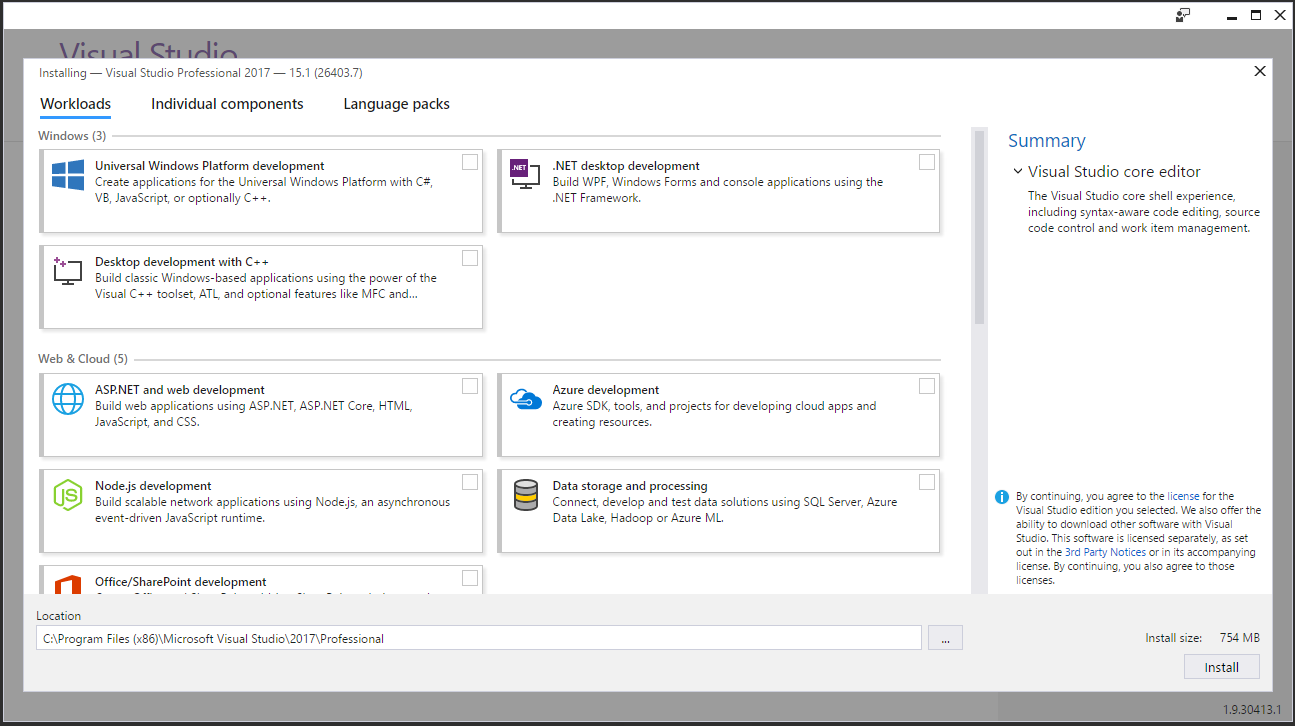
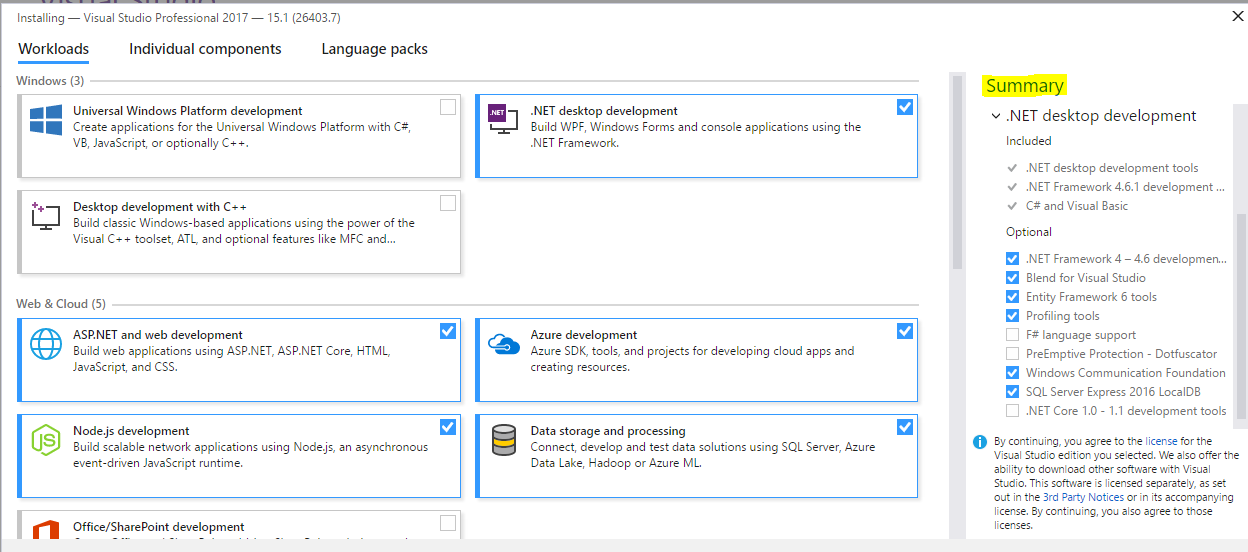
Select the components you would like to install and note the additional components in the Summary when you select a workload:
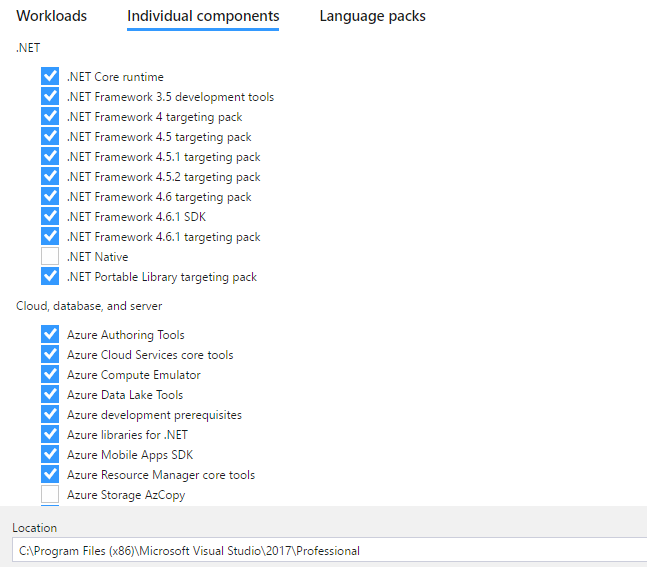
Select Individual Components to install additional software:
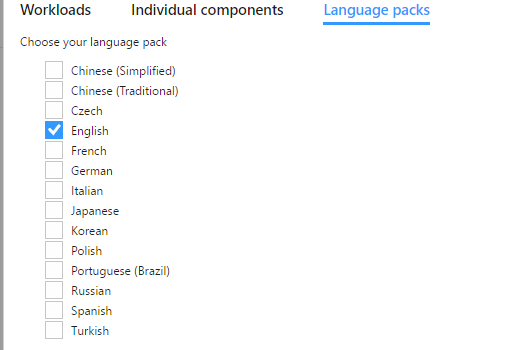
And Language Packs if required:
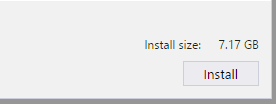
Select Install on the bottom right:
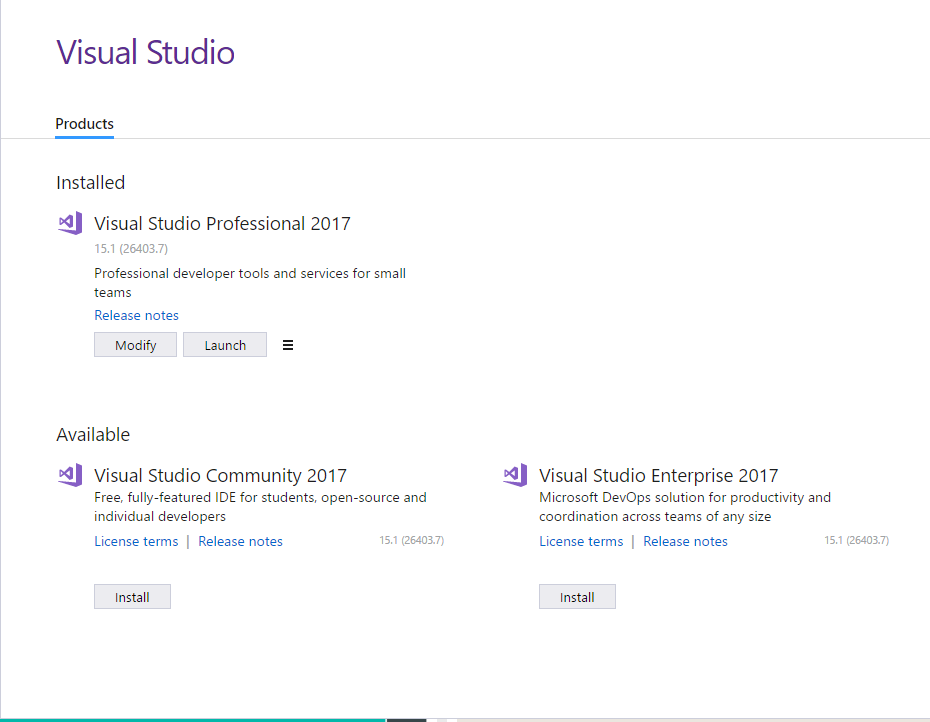
Once completed:
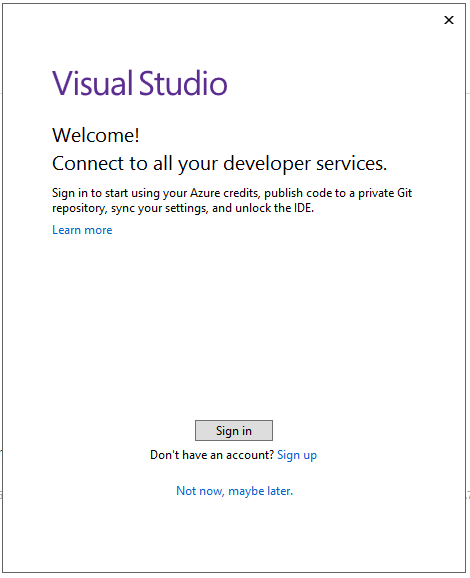
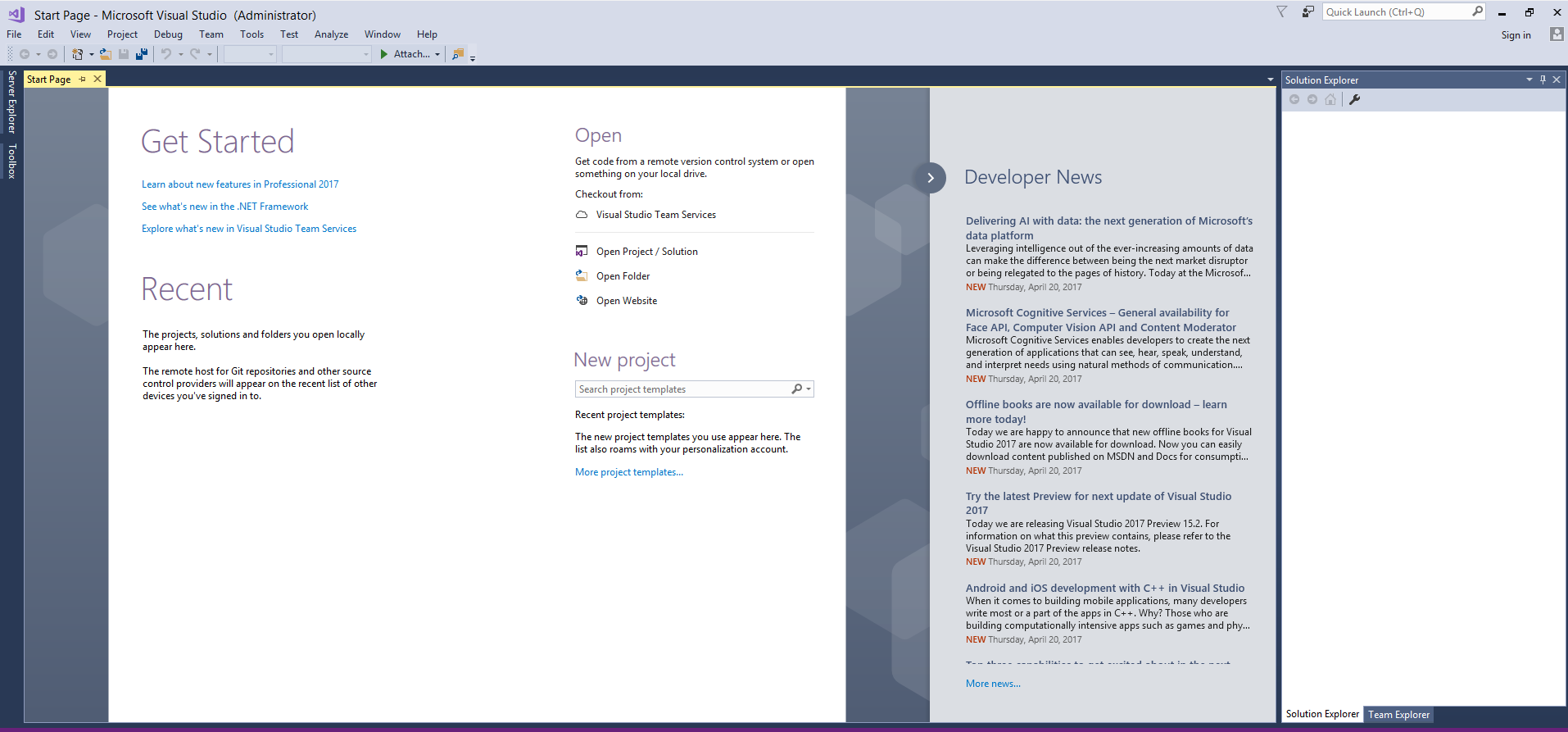
Visual Studio will open:
THANKS FOR READING. BEFORE YOU LEAVE, I NEED YOUR HELP.
I AM SPENDING MORE TIME THESE DAYS CREATING YOUTUBE VIDEOS TO HELP PEOPLE LEARN THE MICROSOFT POWER PLATFORM.
IF YOU WOULD LIKE TO SEE HOW I BUILD APPS, OR FIND SOMETHING USEFUL READING MY BLOG, I WOULD REALLY APPRECIATE YOU SUBSCRIBING TO MY YOUTUBE CHANNEL.
THANK YOU, AND LET'S KEEP LEARNING TOGETHER.
CARL
