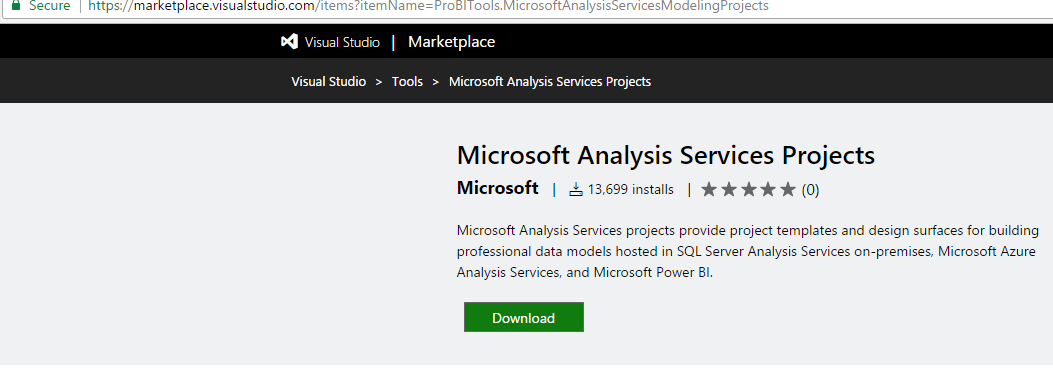
If you try to open old Analysis Services smproj or Reporting Services projects in Visual Studio 2017 you may run into an unsupported error. To install the required templates, go to:
Select the Download link:
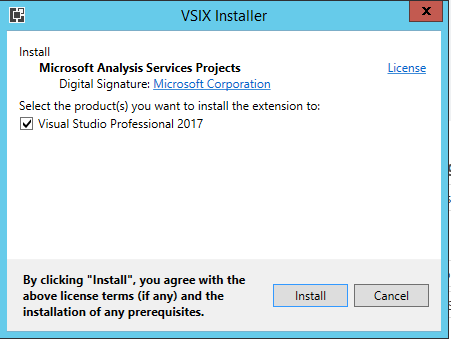
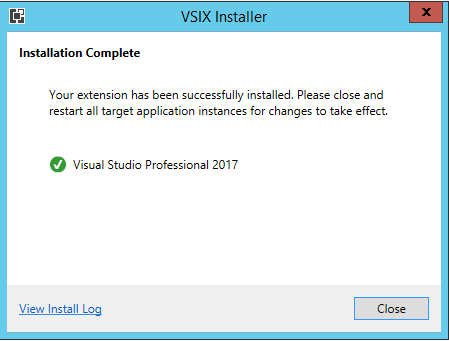
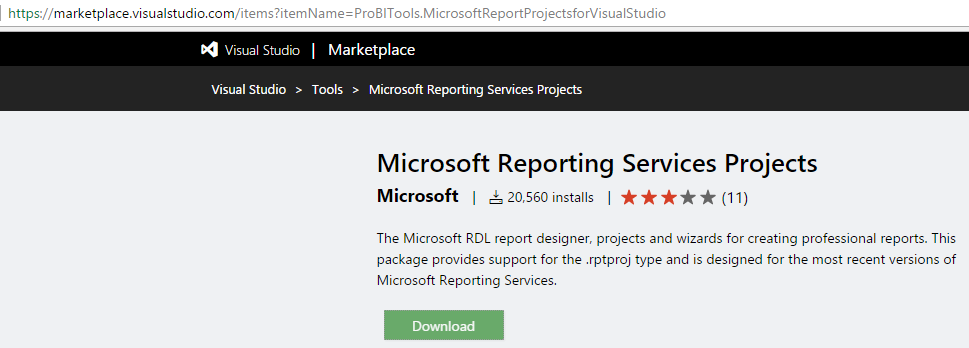
Then for Reporting Services go to: https://marketplace.visualstudio.com/items?itemName=ProBITools.MicrosoftReportProjectsforVisualStudio
Select Download:
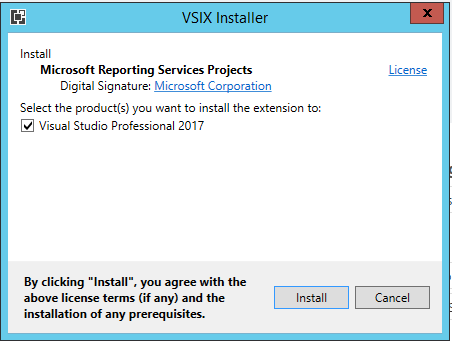
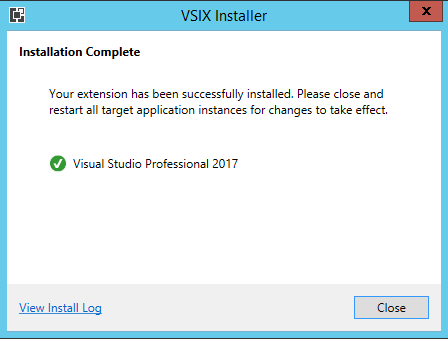
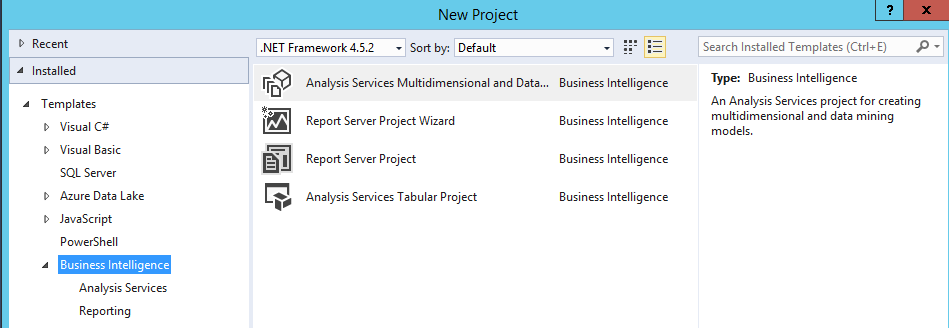
You will now be able to create and load analysis services and reporting services projects in Visual Studio:

Keep learning. Keep building.
Explore AI, agents & Microsoft technology.
I share practical ideas, tutorials, and videos about AI, AI agents, Microsoft technologies, and the Power Platform.
Subscribe on YouTube →Carl de Souza Enterprise Architect at Microsoft · AI Technology Expert
