Following on from Querying Dynamics CRM through JavaScript using the OrganizationService, we will now go through an example using the new Web API.
We will use this URL to get the full web service URL:
var url = Xrm.Page.context.getClientUrl() + "/api/data/v8.1/";
We will use the Id of the record:
var Id = Xrm.Page.data.entity.getId();
Our Web API filter is constructed like below:
https://yourcrm.crm.dynamics.com/api/data/v8.1/leads?$select=lastname
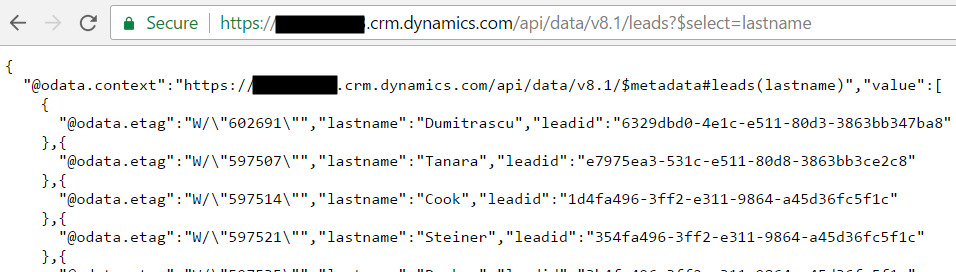
To filter the LeadId our query will be (note no quotes or brackets):
https://yourcrm.crm.dynamics.com/api/data/v8.1/leads?$filter=leadid eq id
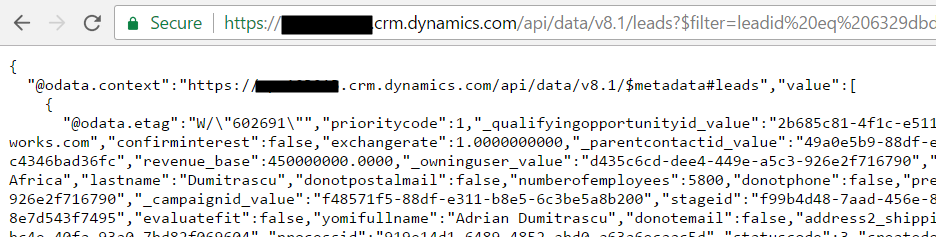
Now, we will use XMLHttpRequest to post to the web service and get our response back as JSON. We will confirm we have an http status of 200 (OK).
function QueryCRM() {

var Id = Xrm.Page.data.entity.getId().substring(1, 37);
var url = Xrm.Page.context.getClientUrl() + "/api/data/v8.1/leads(" + Id + ")";

 var req = new XMLHttpRequest();

 req.open("GET", url, false);
 req.setRequestHeader("Accept", "application/json");
 req.setRequestHeader("Content-Type", "application/json; charset=utf-8");
 req.send();


 if (req.readyState == 4 /* complete */) {
 //Success
 if (req.status == 200) {
 alert(req.responseText);
 }
 //Failure
 else {
 alert("Error: " + req.responseText);
 }
 }

}
When we run the page we see:
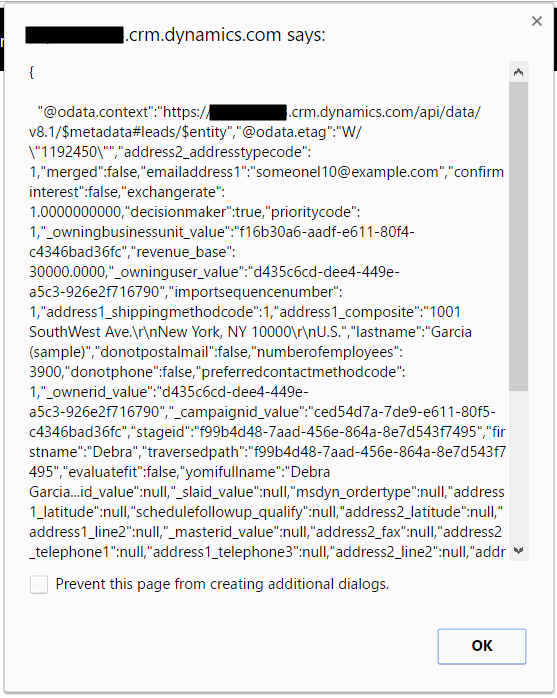
We can also use JSON.parse to parse the results:
JSON.parse(retrieveReq.responseText).d;
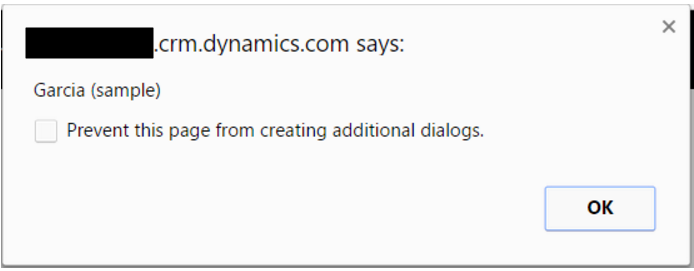
If we want to get the value of a field, we can use:
var res = JSON.parse(req.responseText);
var LastName = res.lastname;
alert (LastName);
If there are errors, debug using:
debugger;

Explore AI, agents & Microsoft technology.
I share practical ideas, tutorials, and videos about AI, AI agents, Microsoft technologies, and the Power Platform.
Subscribe on YouTube →
Hi,
I’m facing 401 error. can you please help me on that