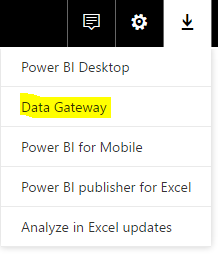
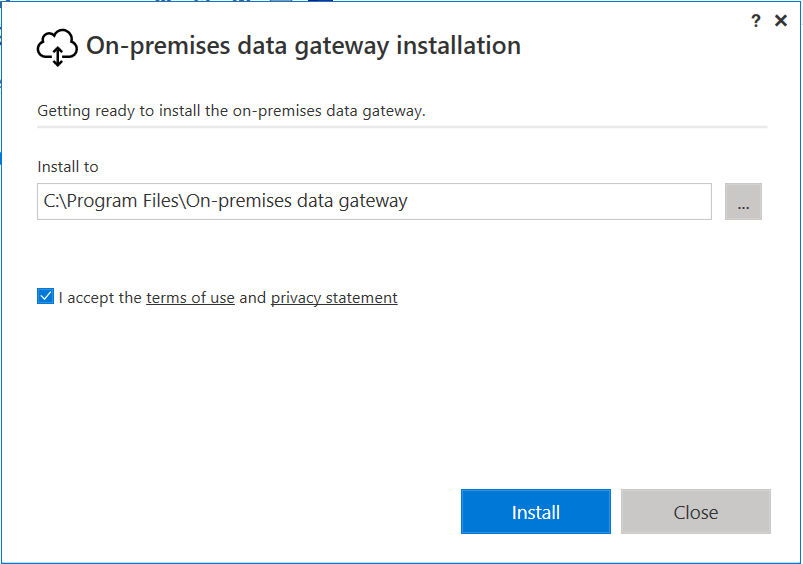
To use the Power BI Gateway, run the executable after downloading from Power BI:
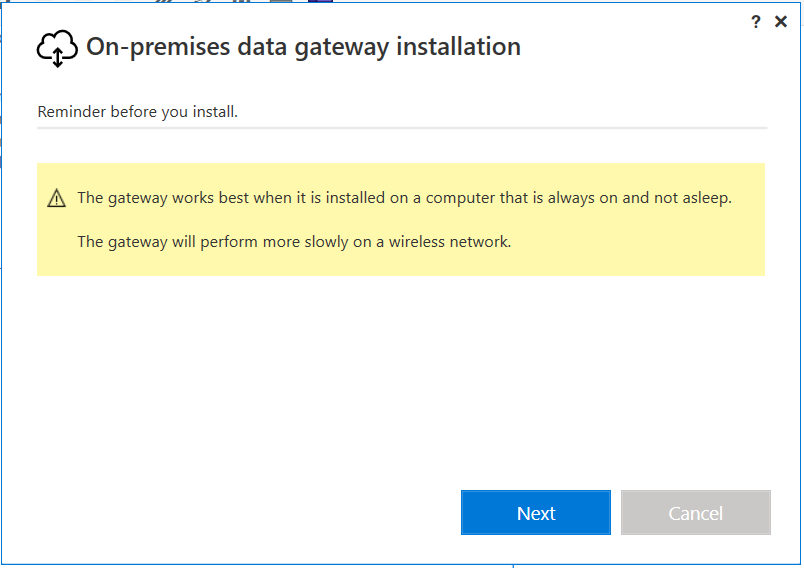
You will see this window below:
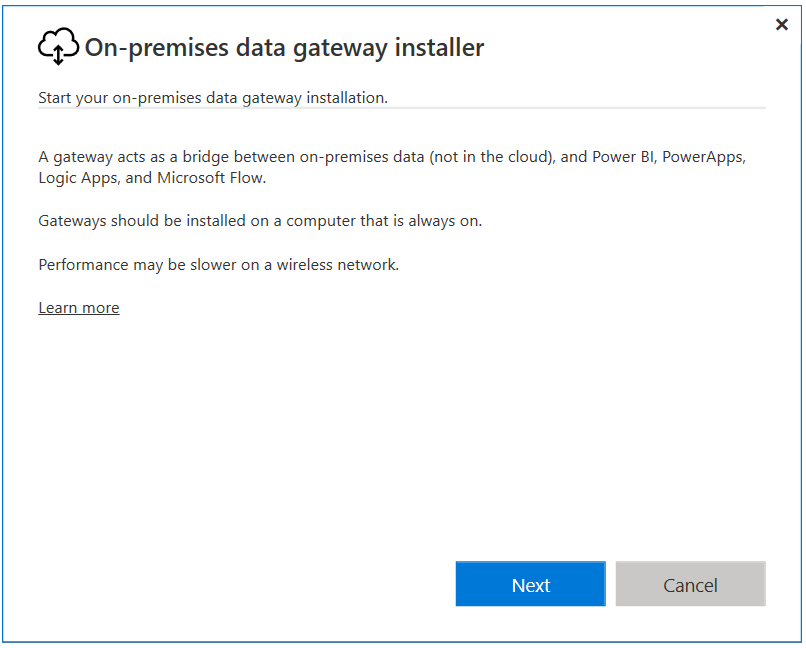
Click Next:
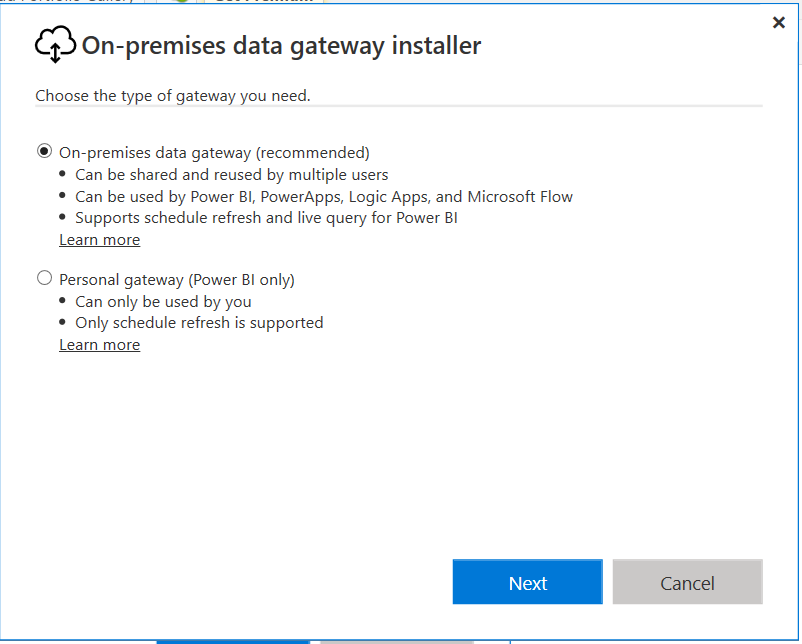
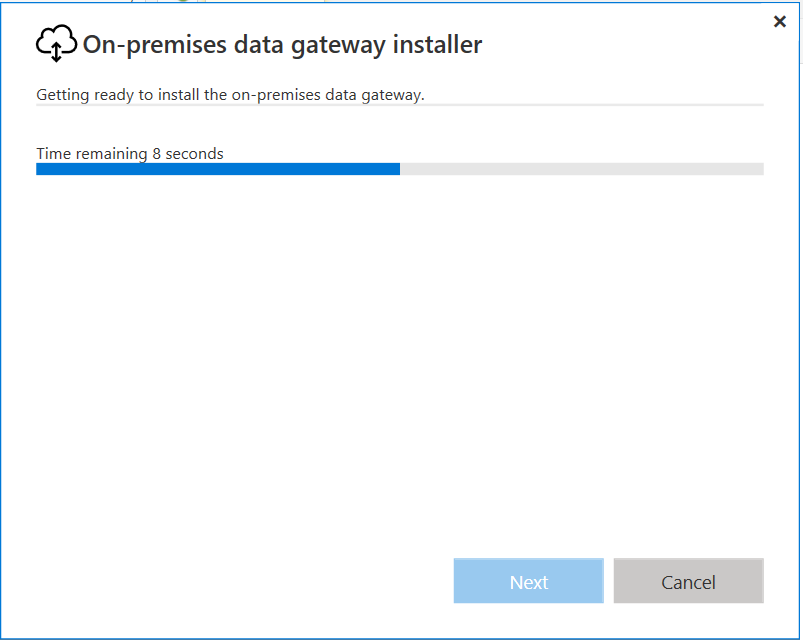
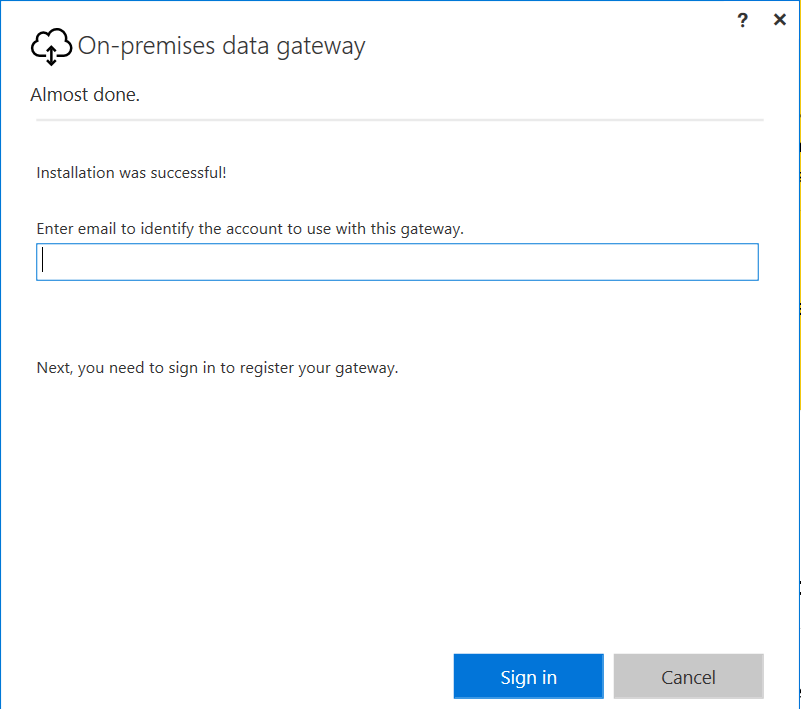
Enter email address to sign in:
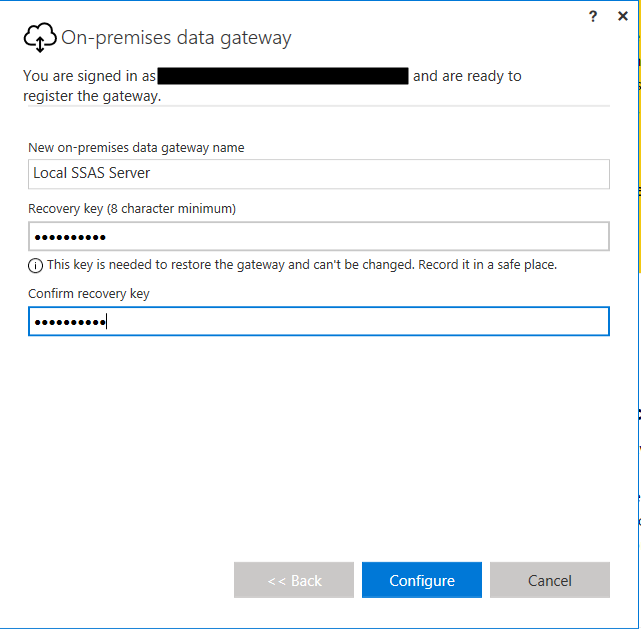
Add gateway name and key:
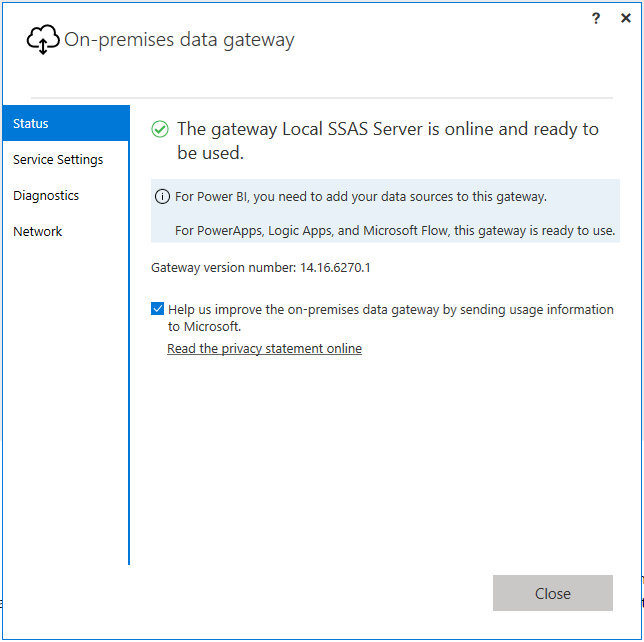
Gateway installed:
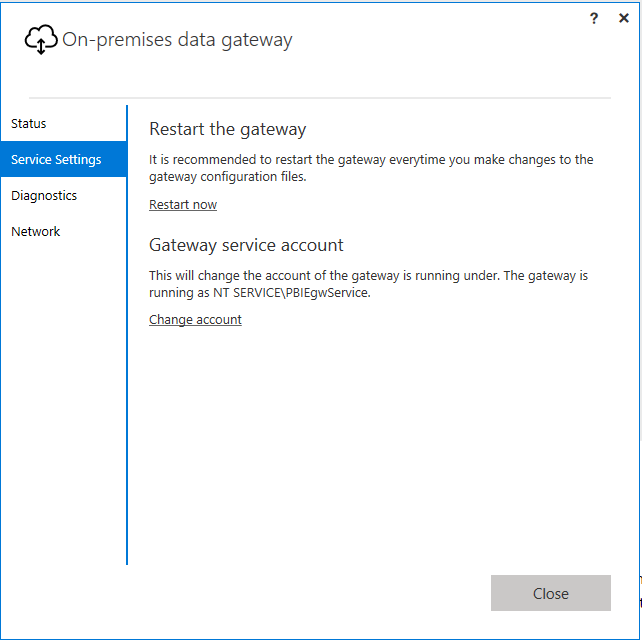
Service settings:
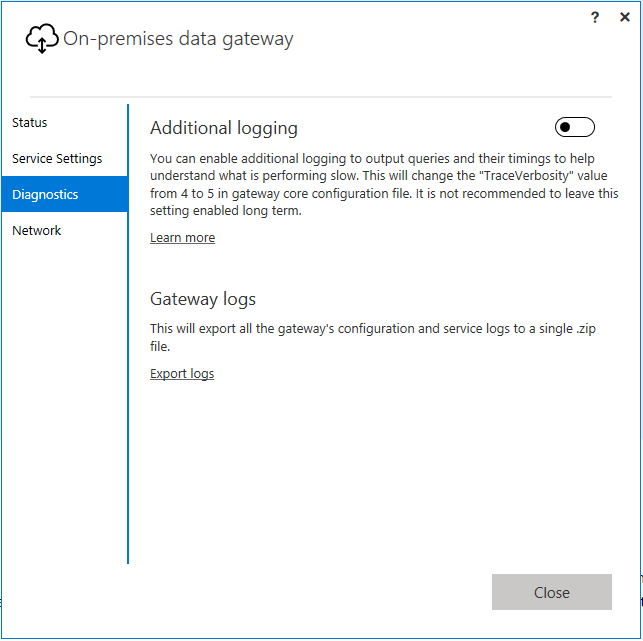
Diagnostics:
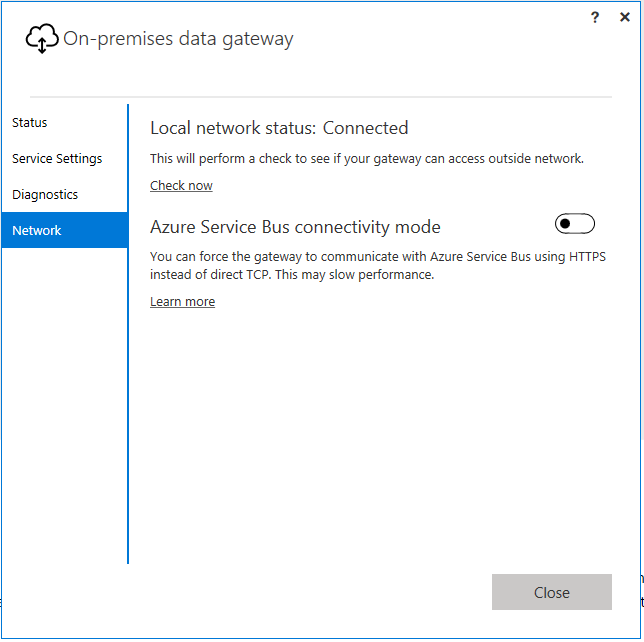
Network:
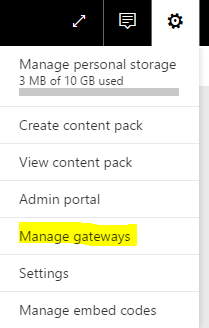
Now in PowerBI.com, go to Manage Gateways:
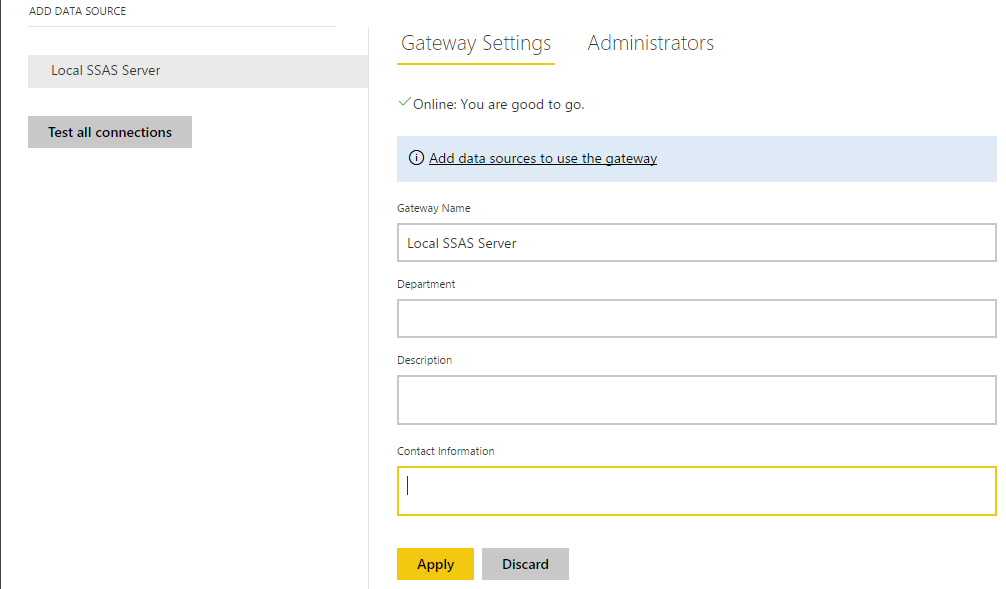
You can now see the new gateway:
Note the differences between the Personal Gateway and the On-Premise Data Gateway:
Personal gateway | On-premises data gateway |
|---|
| Cloud services it works with | Power BI | Power BI, PowerApps, Azure Logic Apps (Preview), Microsoft Flow |
| Import data and set up scheduled refresh | • | • |
| Run as an app for users who aren’t administrators on the computer | • | |
| Run as a single user with your credentials | • | |
| Serves multiple users with access control per data source | • | |
| Support for DirectQuery to SQL Server | • | |
| Support for a live connection to Analysis Services | • | |
| Monitoring and auditing for gateway and data sources | Coming soon |
THANKS FOR READING. BEFORE YOU LEAVE, I NEED YOUR HELP.
I AM SPENDING MORE TIME THESE DAYS CREATING YOUTUBE VIDEOS TO HELP PEOPLE LEARN THE MICROSOFT POWER PLATFORM.
IF YOU WOULD LIKE TO SEE HOW I BUILD APPS, OR FIND SOMETHING USEFUL READING MY BLOG, I WOULD REALLY APPRECIATE YOU SUBSCRIBING TO MY YOUTUBE CHANNEL.
THANK YOU, AND LET'S KEEP LEARNING TOGETHER.
CARL
