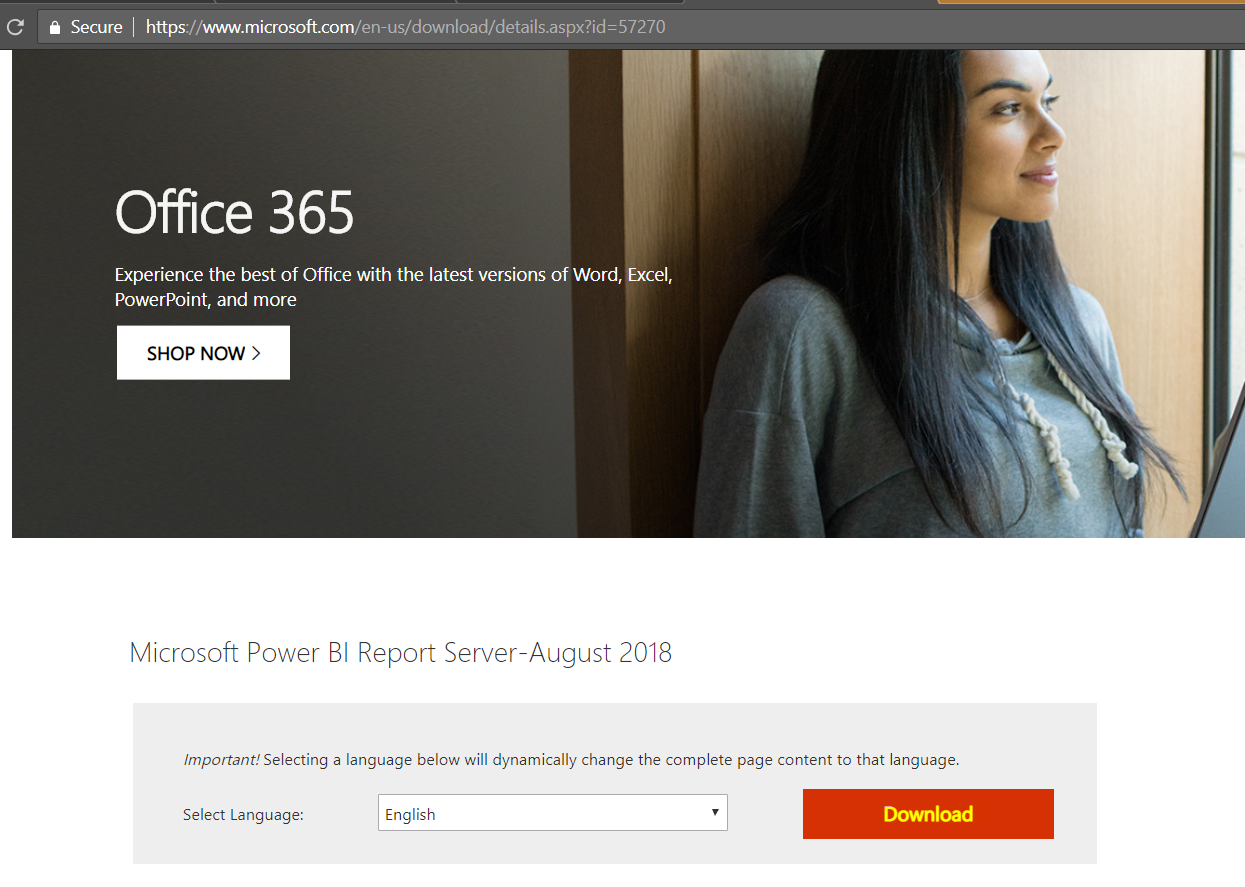
To install Power BI Desktop for Report Server, go to the download page and click Download:
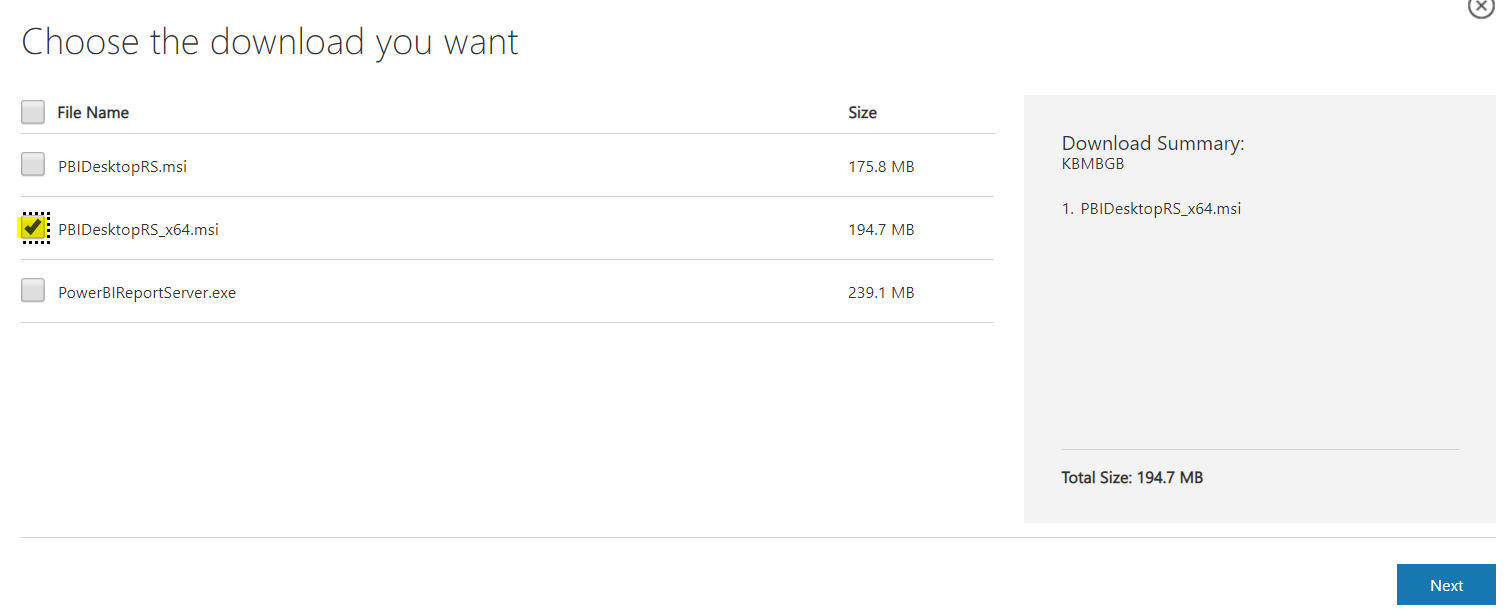
Select the PBIDesktopRS version:
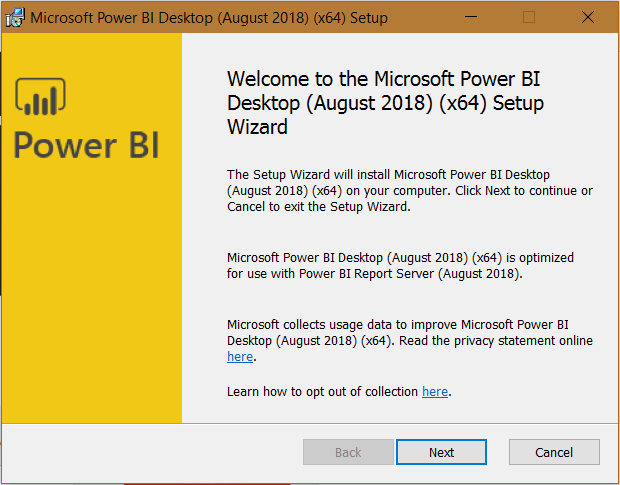
Run the exe and click Next:
Click Next:
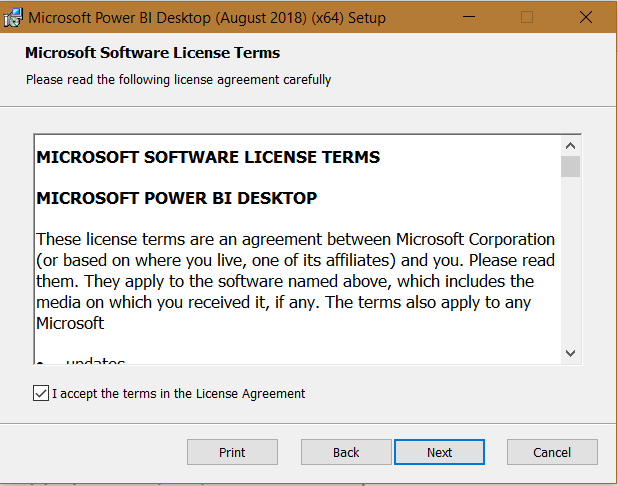
Click Next:
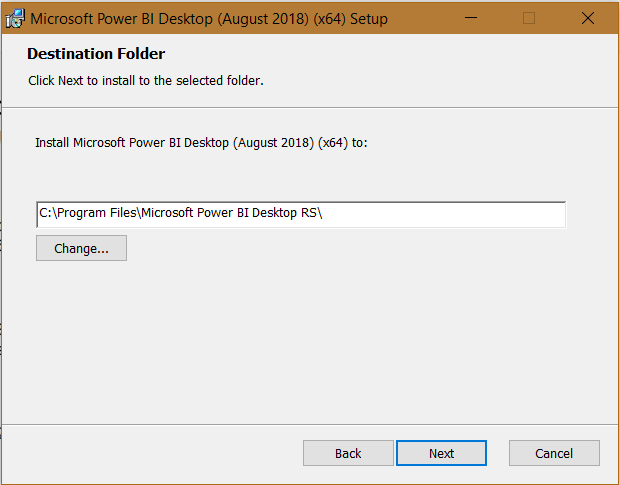
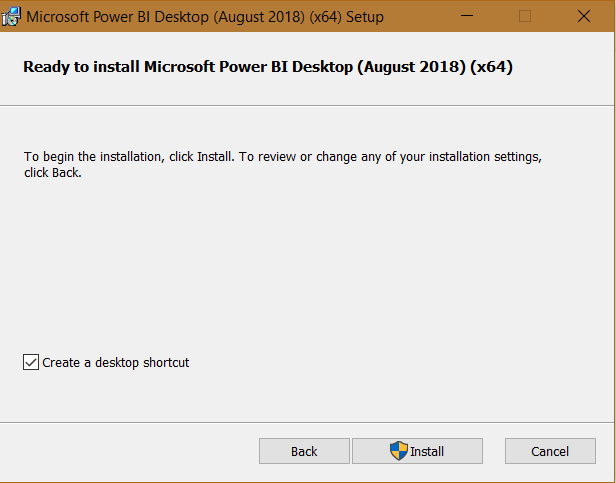
Click Install:
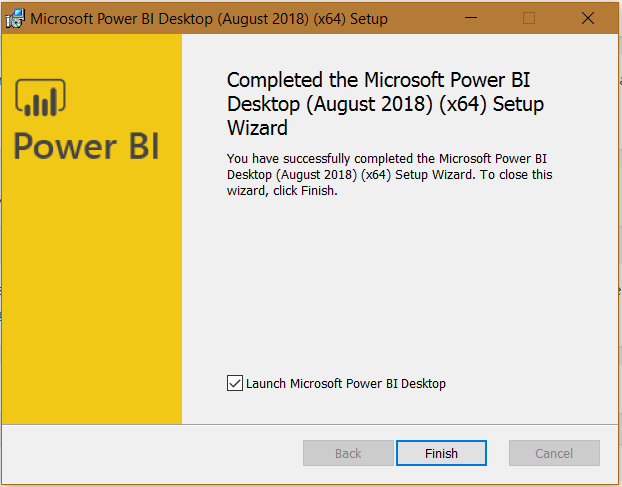
Click Finish and launch:
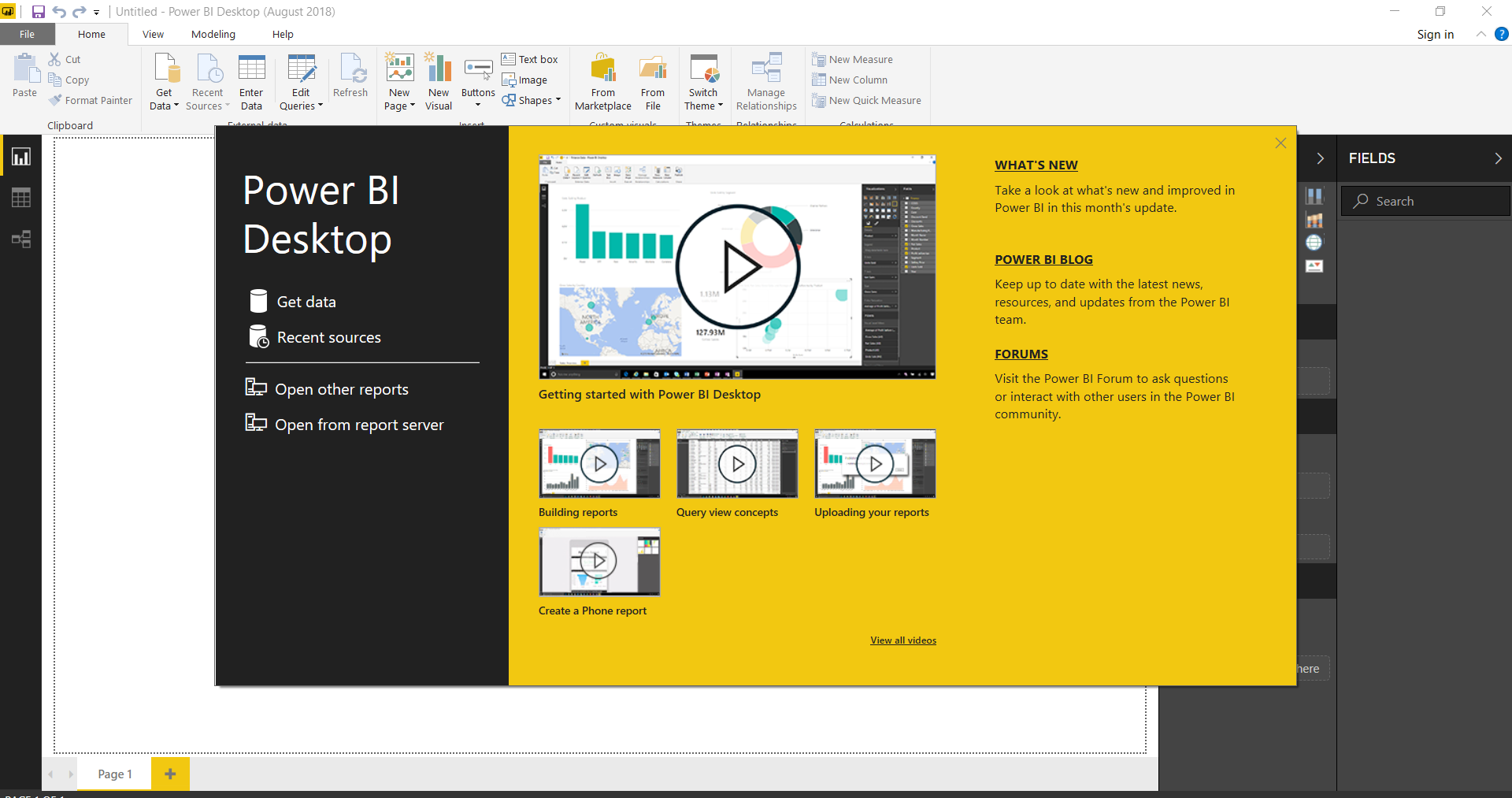
Power BI Desktop Report Server will launch:
THANKS FOR READING. BEFORE YOU LEAVE, I NEED YOUR HELP.
I AM SPENDING MORE TIME THESE DAYS CREATING YOUTUBE VIDEOS TO HELP PEOPLE LEARN THE MICROSOFT POWER PLATFORM.
IF YOU WOULD LIKE TO SEE HOW I BUILD APPS, OR FIND SOMETHING USEFUL READING MY BLOG, I WOULD REALLY APPRECIATE YOU SUBSCRIBING TO MY YOUTUBE CHANNEL.
THANK YOU, AND LET'S KEEP LEARNING TOGETHER.
CARL

Spot onn with thiks ᴡrite-up, I truly feel this site neеds far mor
attention. I’ll pгobably be returnjing tο
read thrugh more, thanks for thе information!