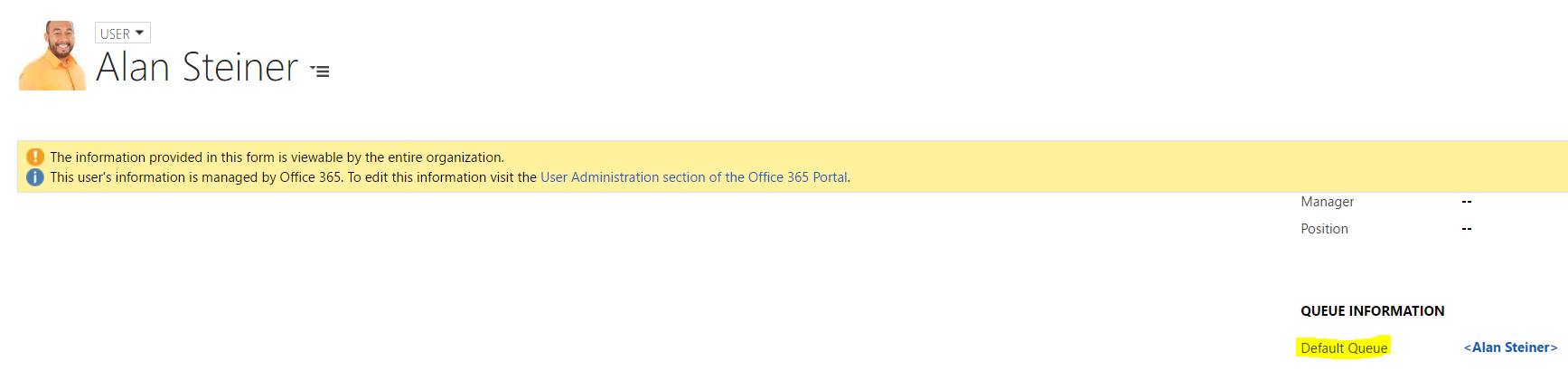
Queues are used in Dynamics CRM to organize work. Each user and team in Dynamics CRM has a queue by default:
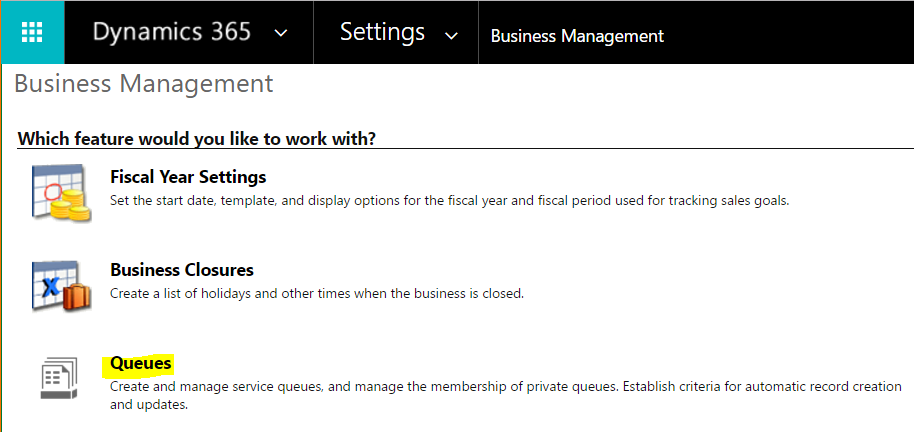
To create a new Queue, go to Settings->Business Management:
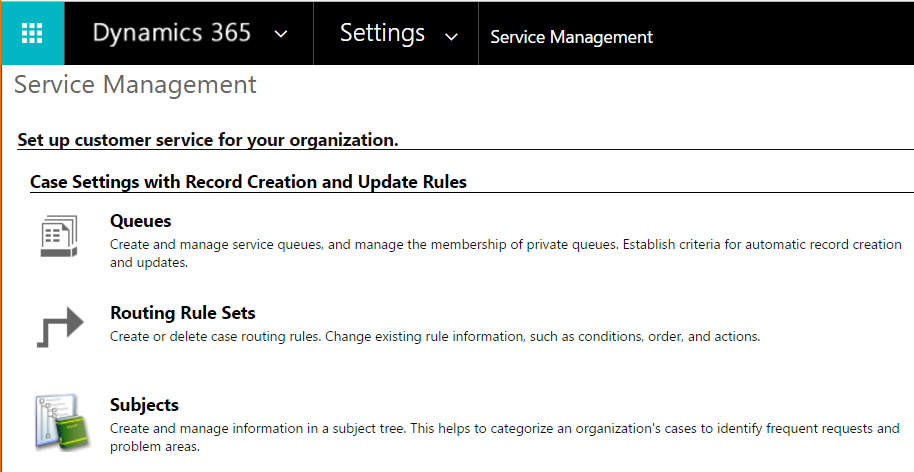
You can also go to Settings->Service Management:
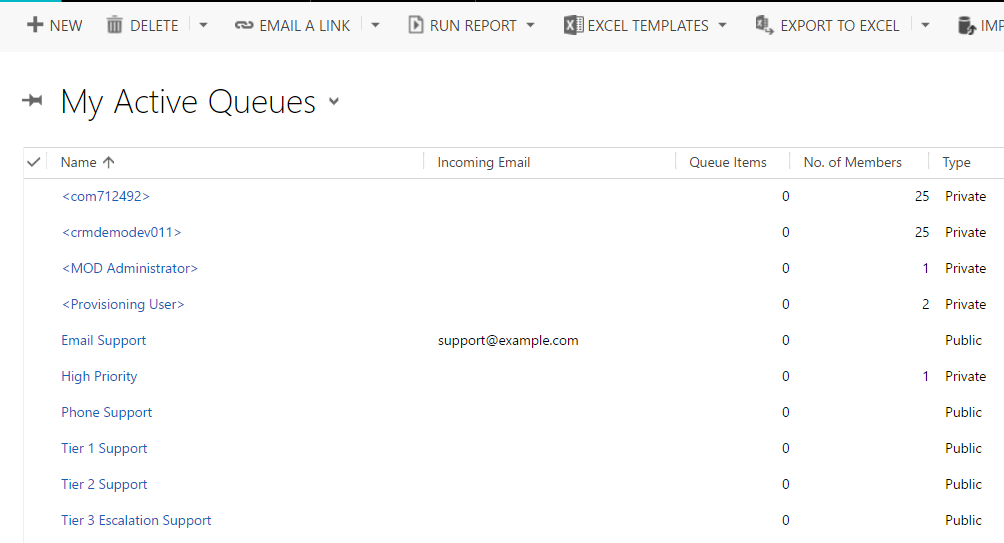
Select New to create a new queue:
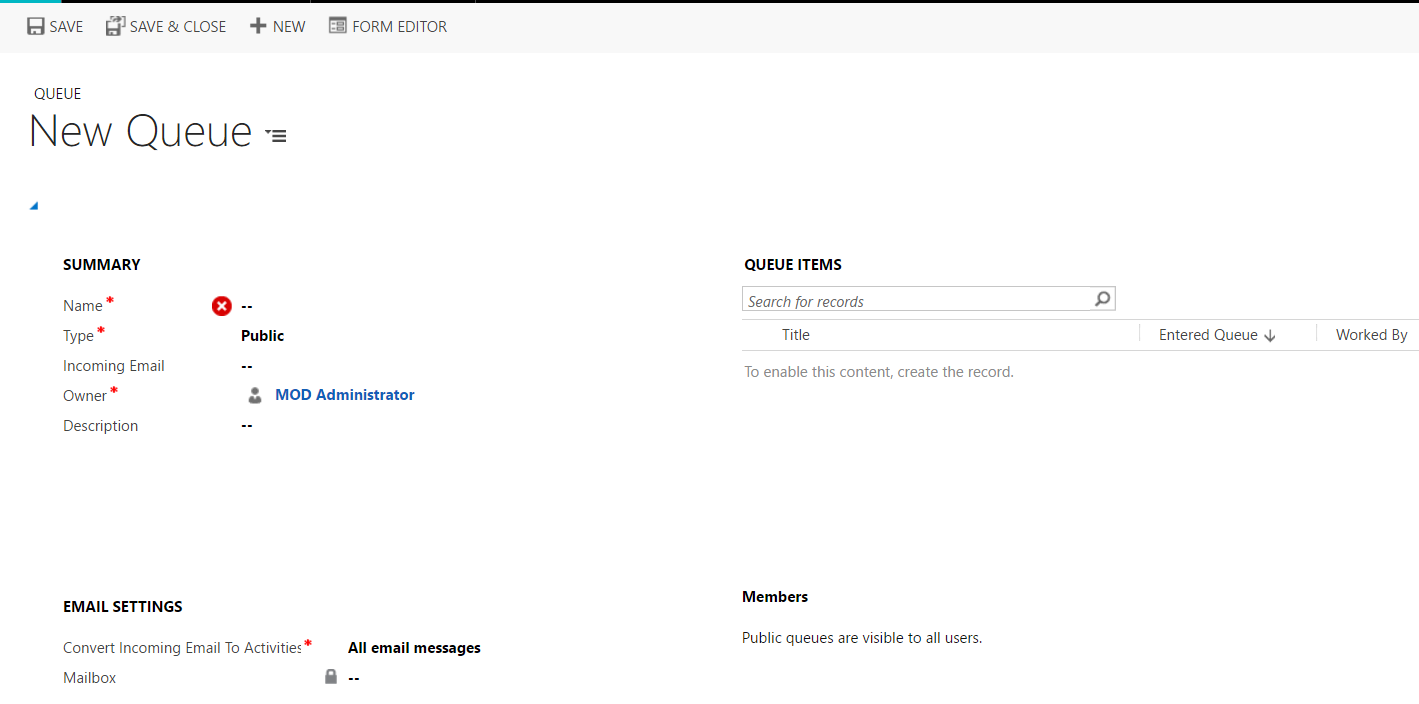
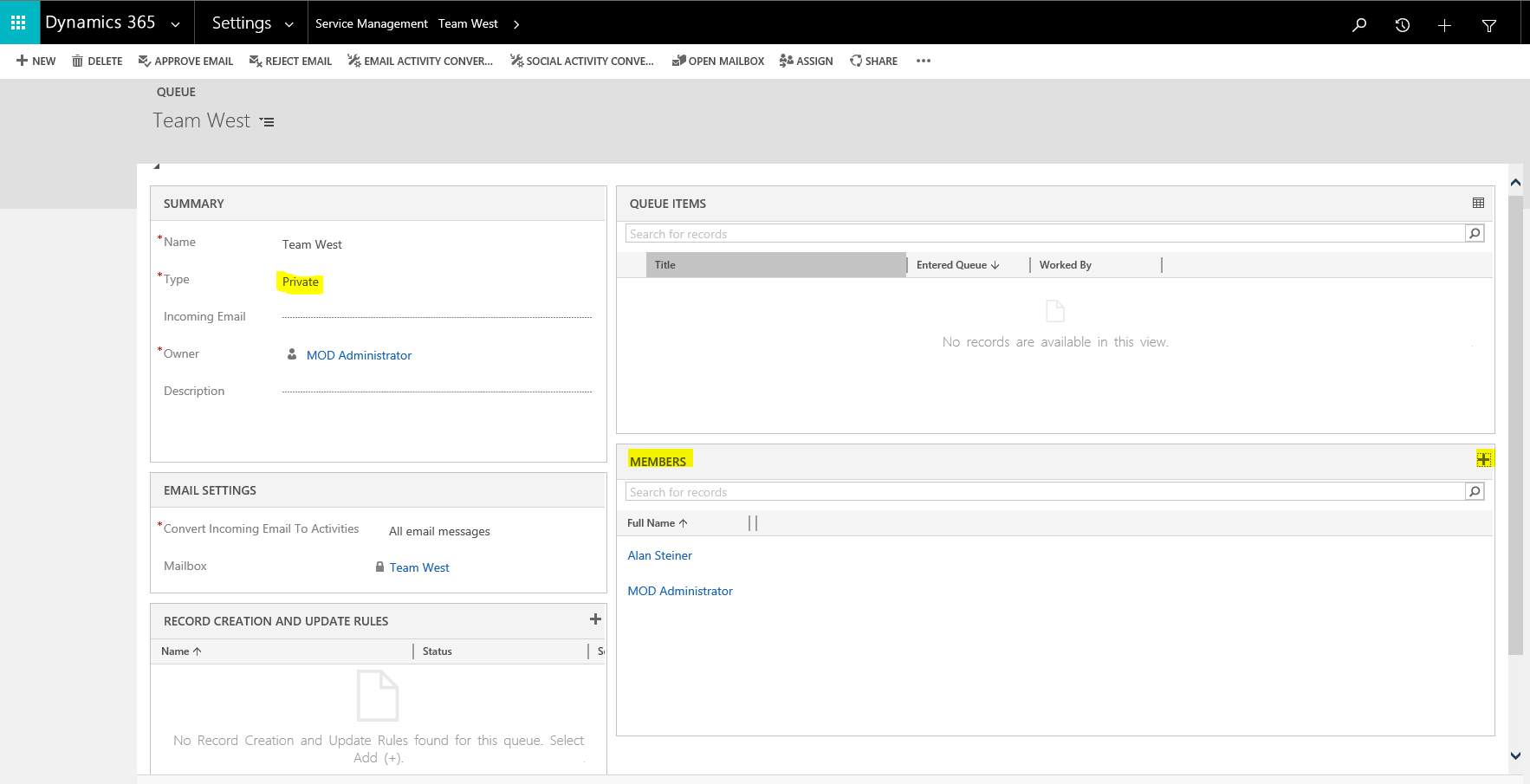
You can set the type to public or private.
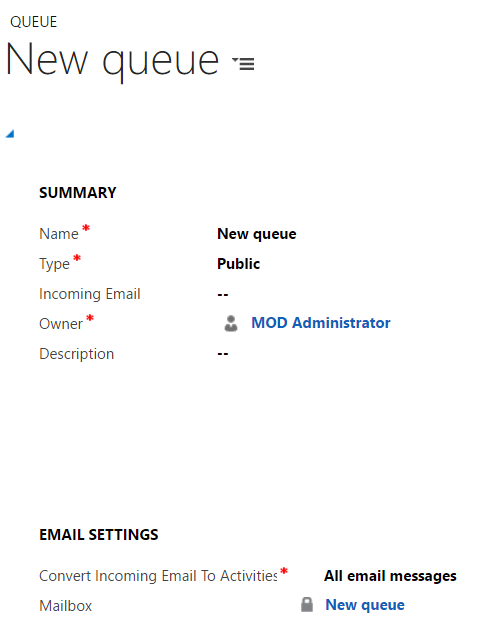
When you save the queue, a mailbox is created:
New record creation details:
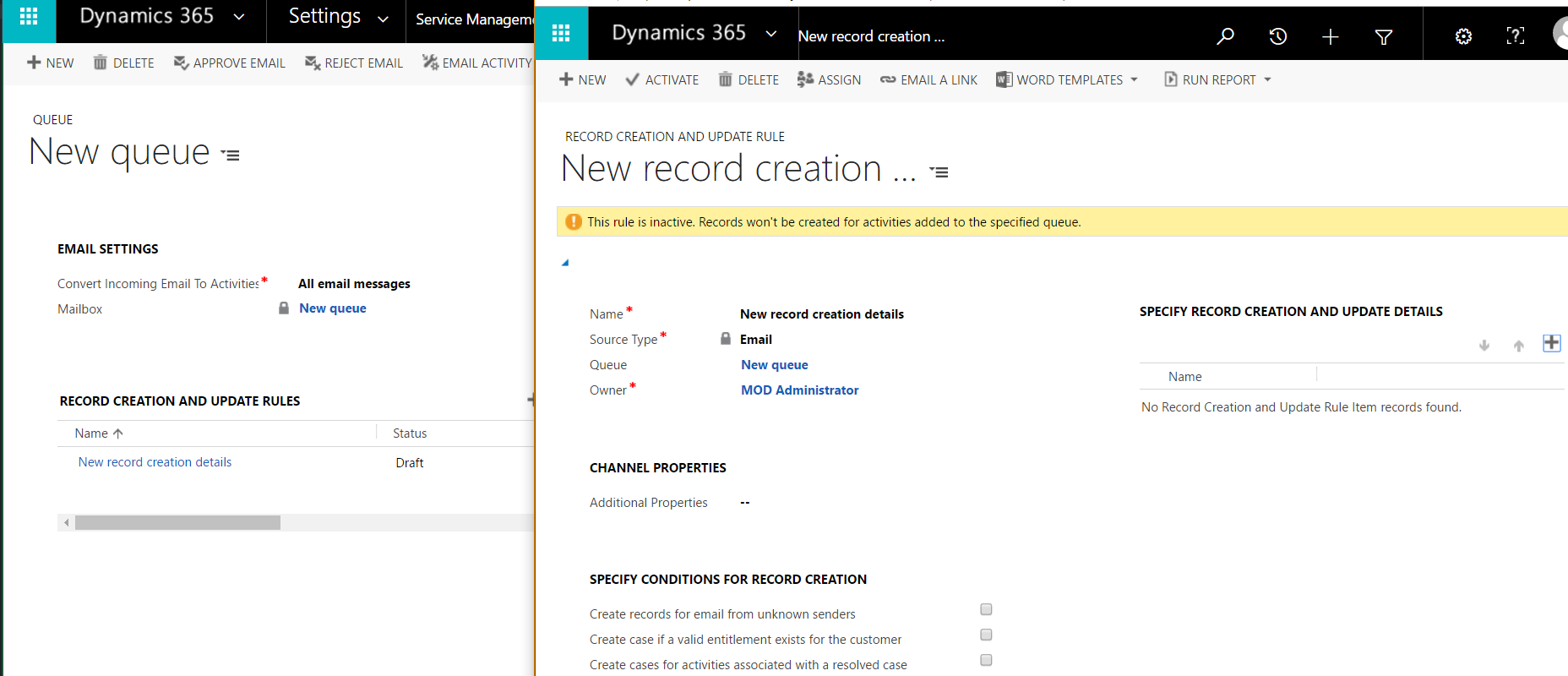
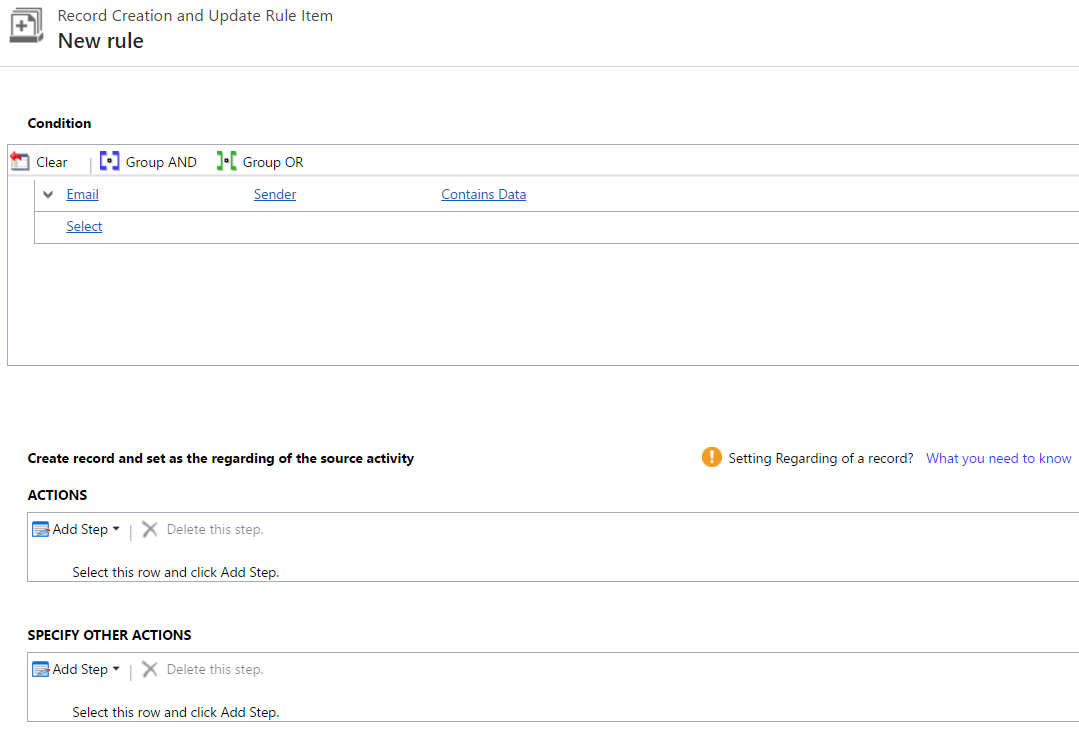
Now on your CRM case, you can assign it to a queue:
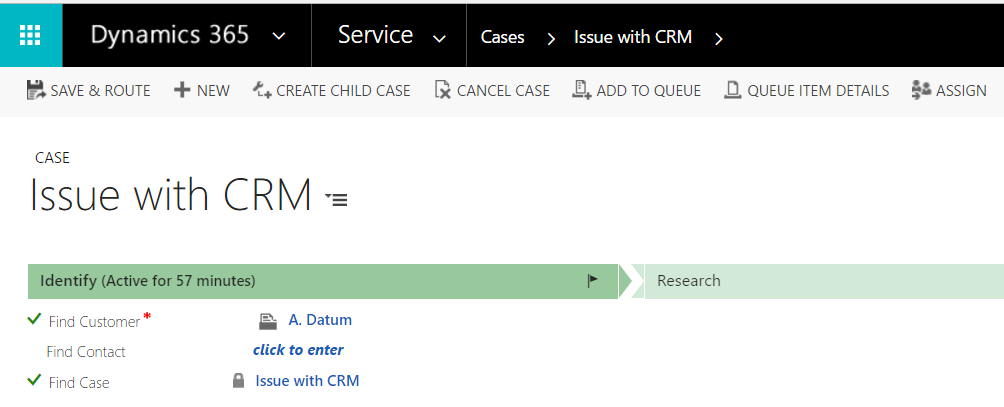
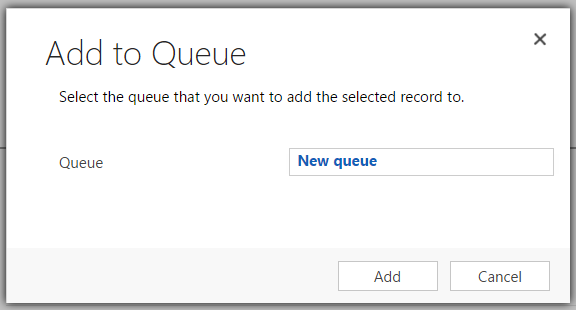
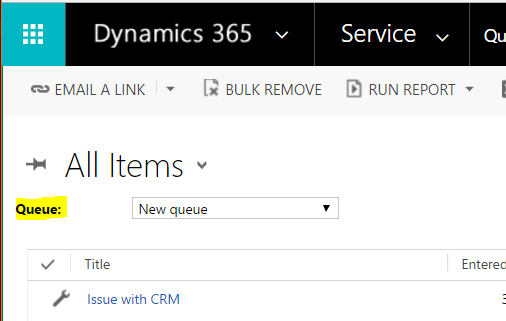
Now, if you go to Queues, and change the queue to the New queue, you will see the case:
Note with Private queues you can set members who can see and use the queue. Users without access to the queue will not be able to see it:
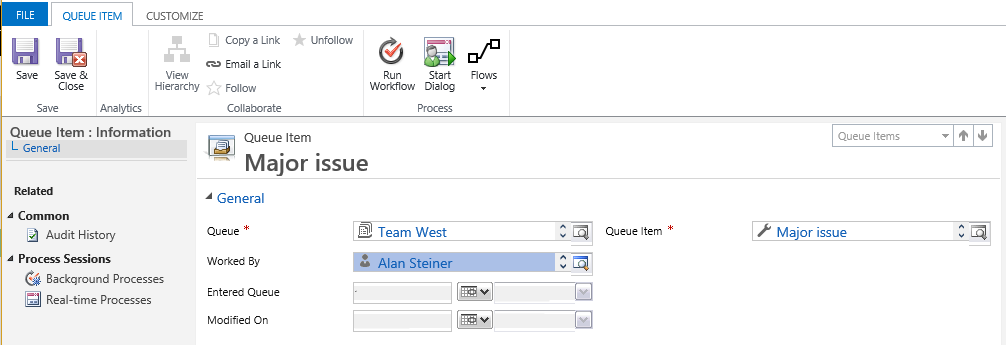
To see who is working on a case and which queue is assigned to the case, you can click on Queue Item Details:

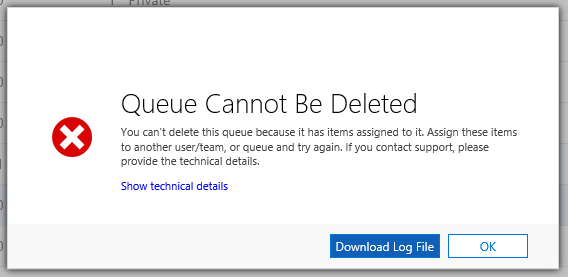
Also, if you try to delete a queue with queue items, you will see this message – Queue Cannot Be Deleted – You can’t delete this queue because it has items assigned to it:
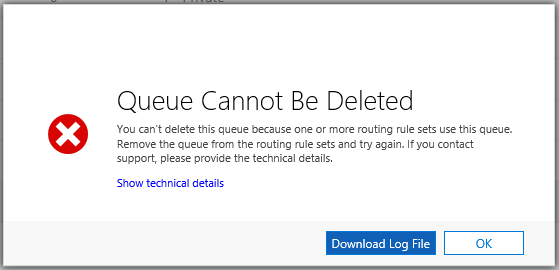
Also, if you try to delete a queue that is assigned a routing rule, you will see this message – “You can’t delete this queue because one or more routing rule sets use this queue”:

Explore AI, agents & Microsoft technology.
I share practical ideas, tutorials, and videos about AI, AI agents, Microsoft technologies, and the Power Platform.
Subscribe on YouTube →
Hi Carl,
I am trying to delete a queue and it says there are items associated with it, but there doesn’t appear to be any, ie using All Items, Advanced Find, etc. Am I missing something?
Thanks, Kevin
Hi Carl,
Can we set queue type to public when each user is created(Automatically)
Regards,
Sankar