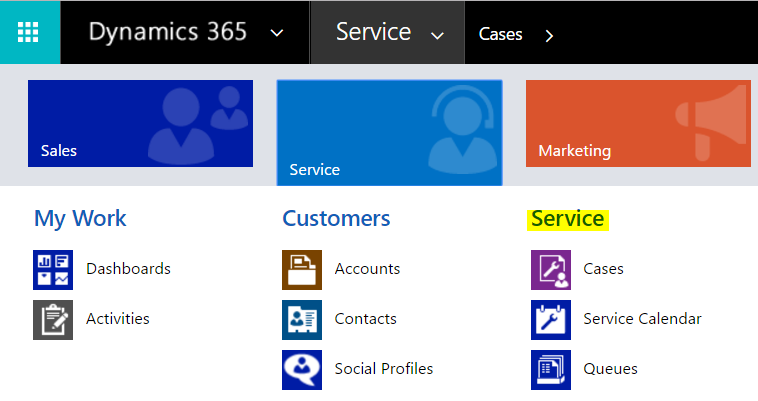
To create a new case, or issue, in Dynamics 365, go to the Services menu and select Cases:
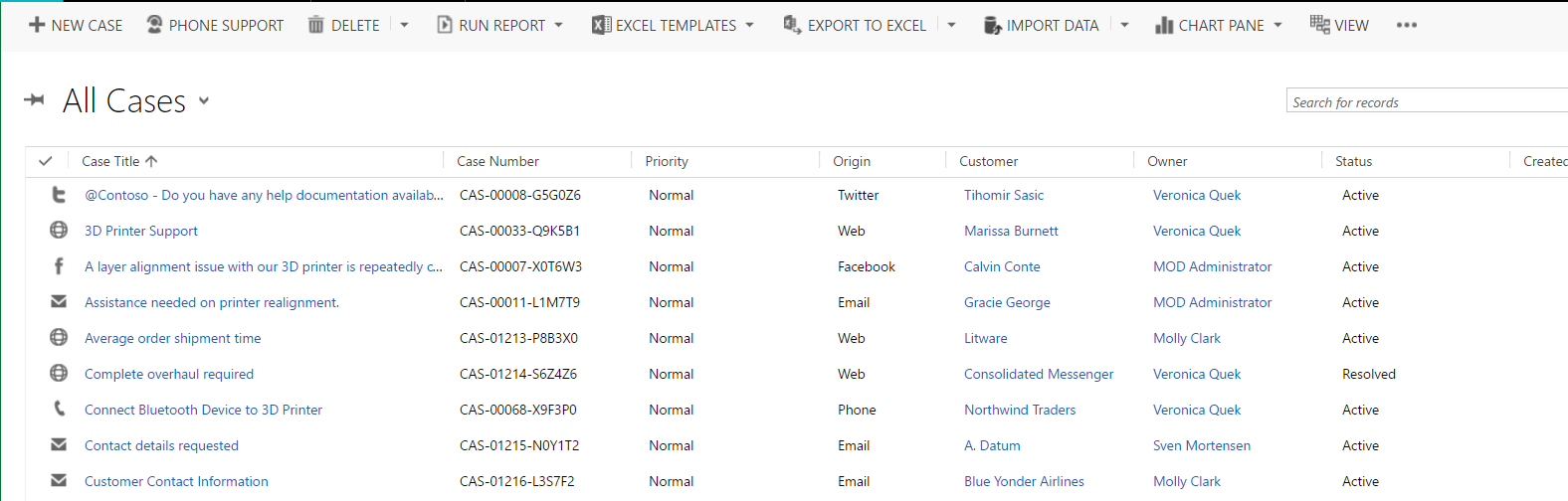
Here, you will see the case, the origin, case number, priority etc:
Select a case to open it:
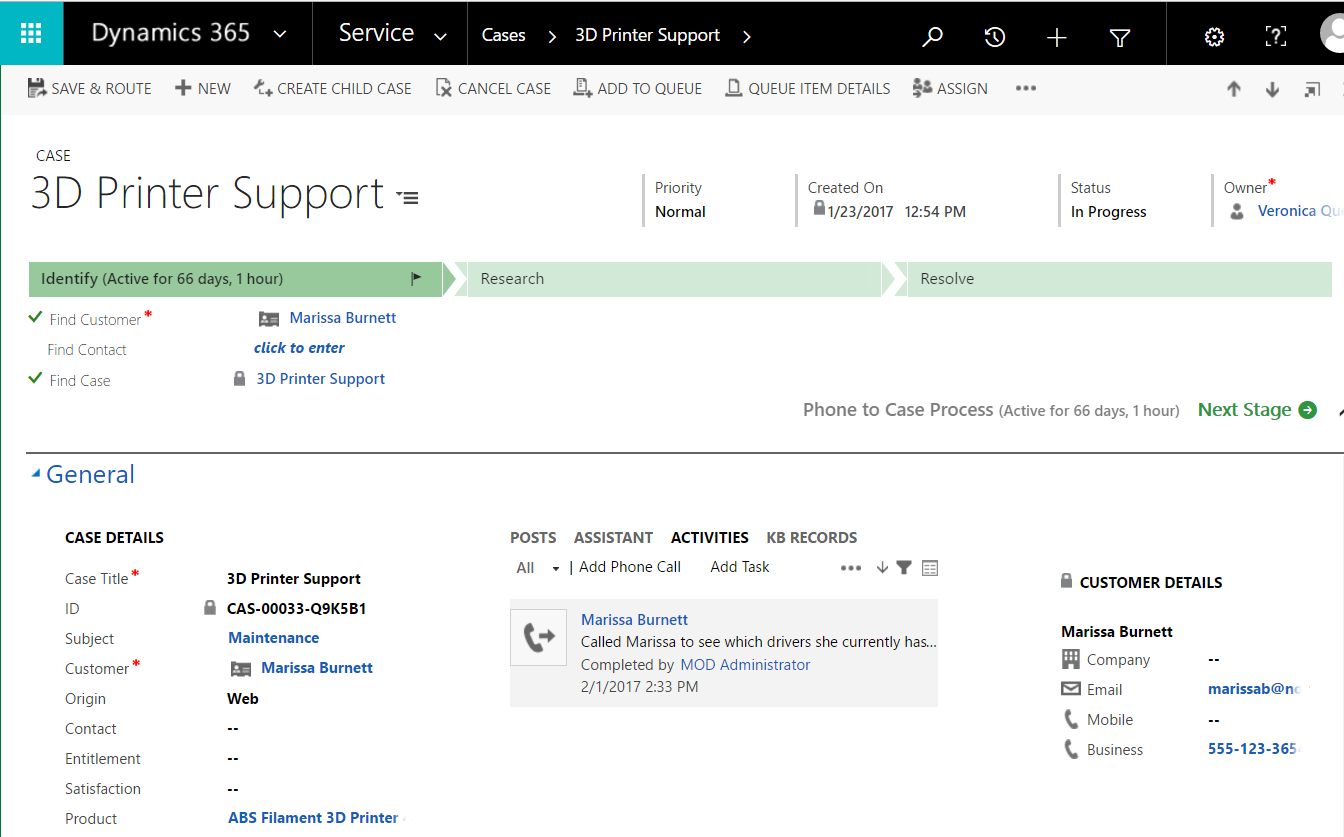
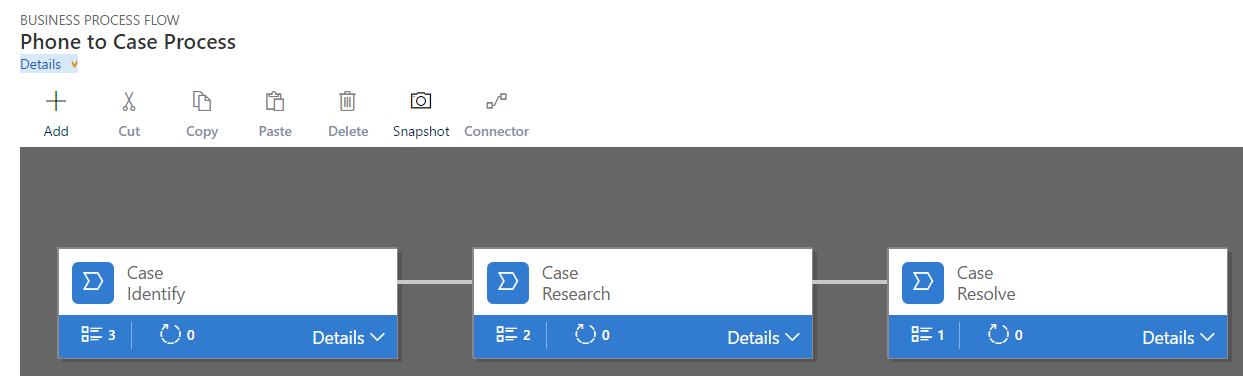
Note the Business Process Flow for the case:
You may want to create child cases if your case relies on separate departments to complete the main issue. To create a child case, select “Create Child Case”:
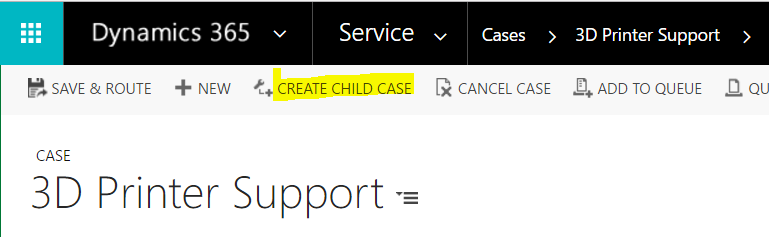
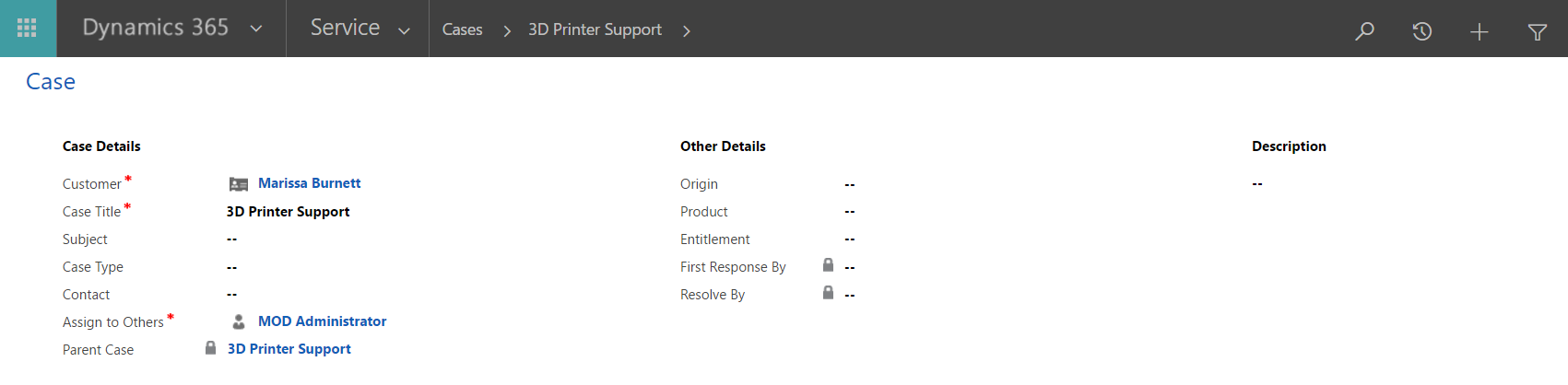
This will open:
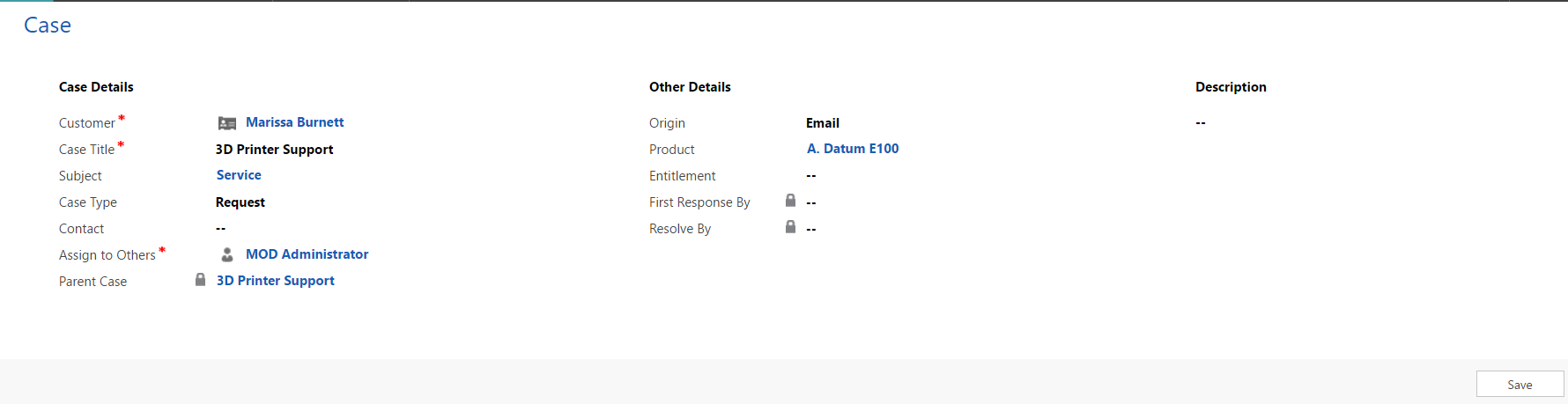
Enter details and press Save:
You will see the case listed under Child Cases for this record:
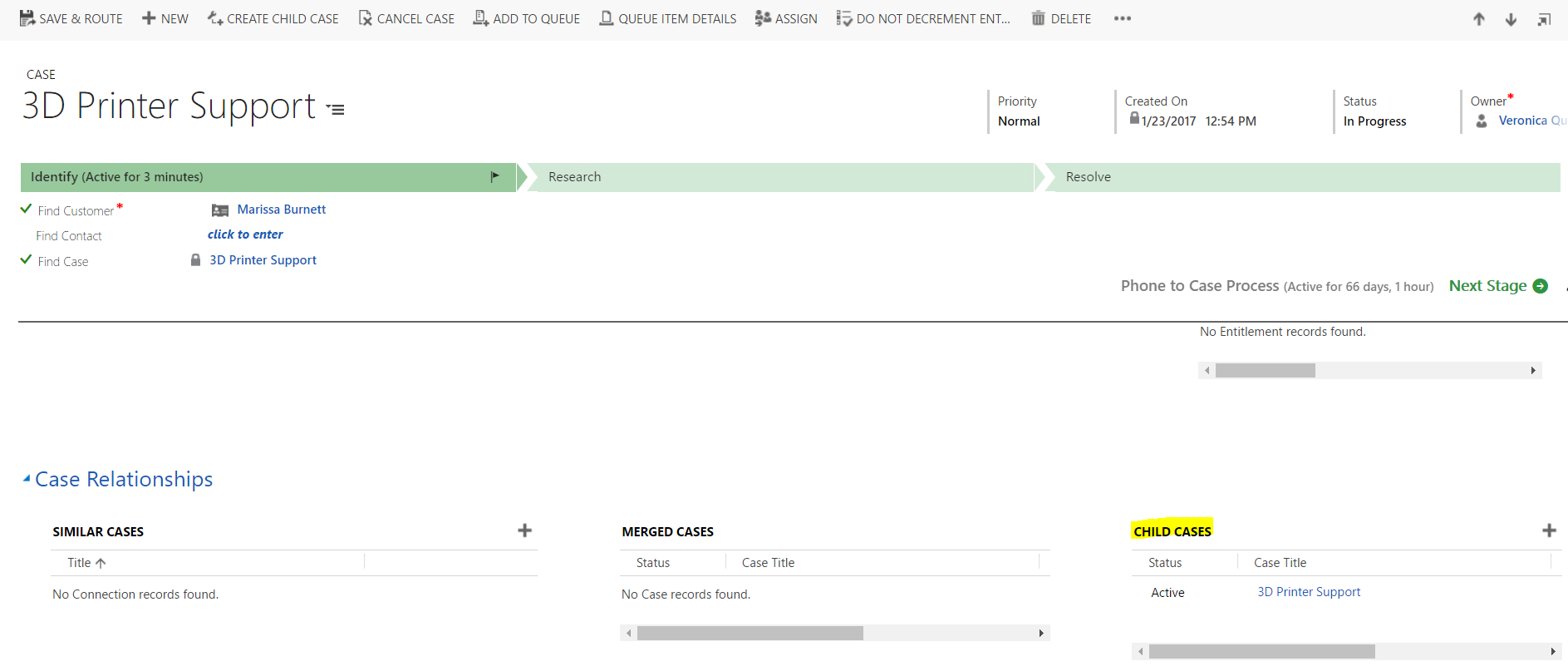
And you can click to open the case:
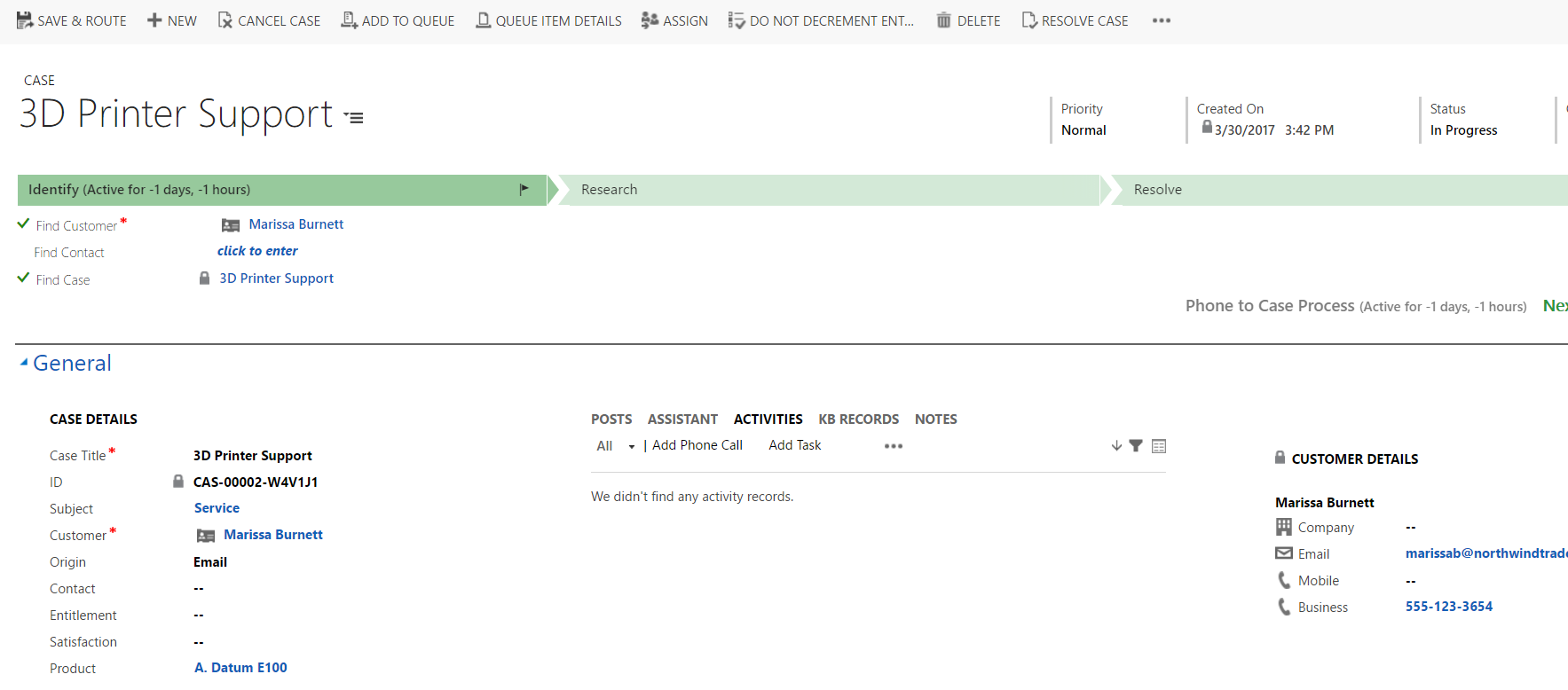
Note child cases do not show additional Create Child Case options:

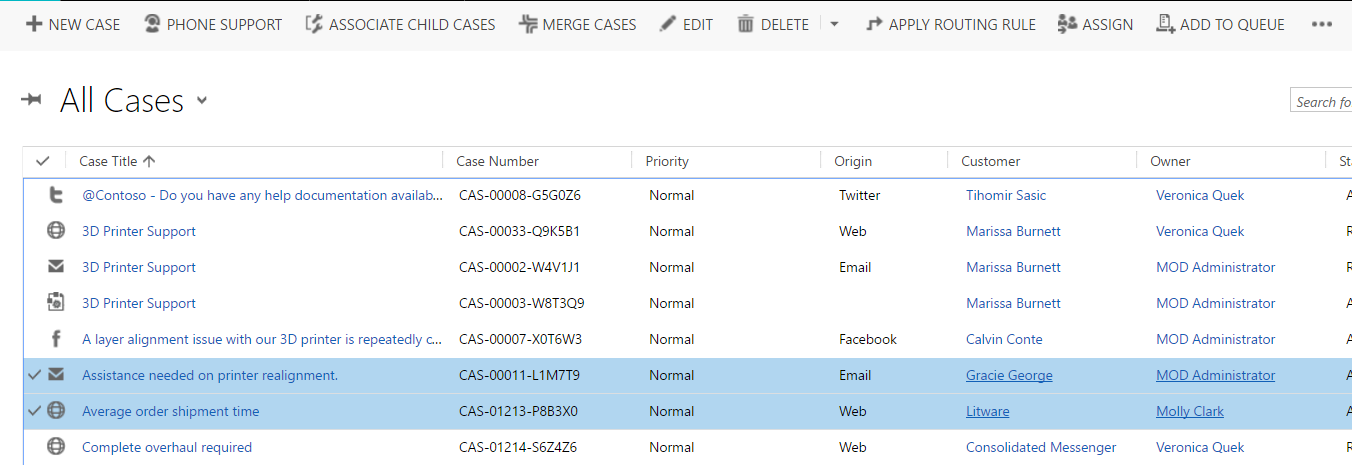
You can associate a case to a parent by selecting 2 cases from the cases view and selecting Associate Child Cases from the menu:
You can then set the parent of the case:
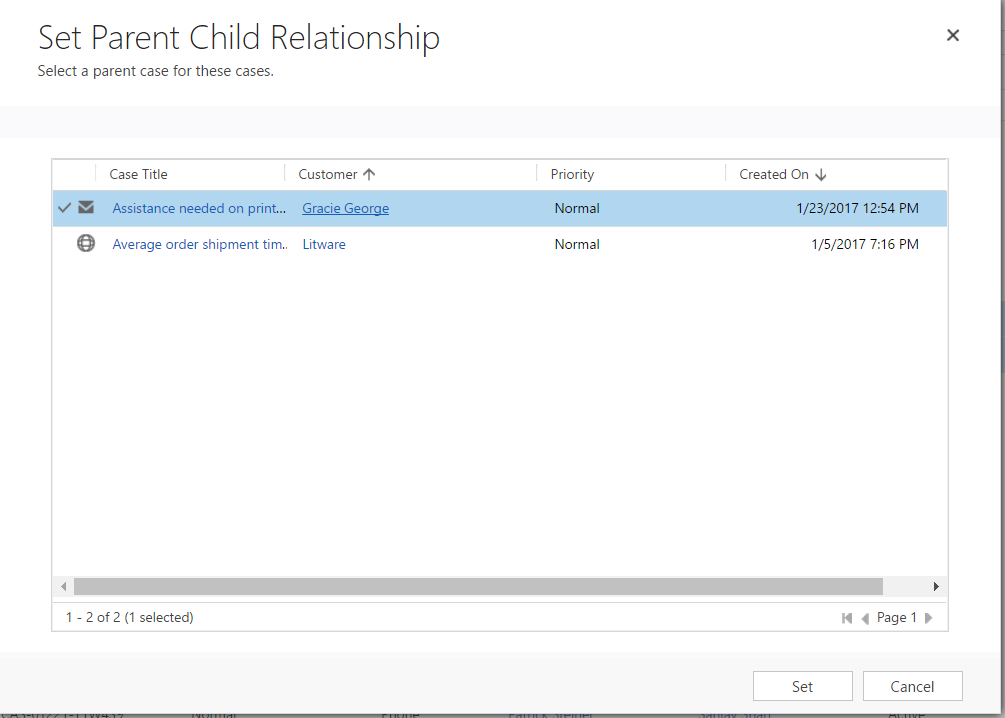
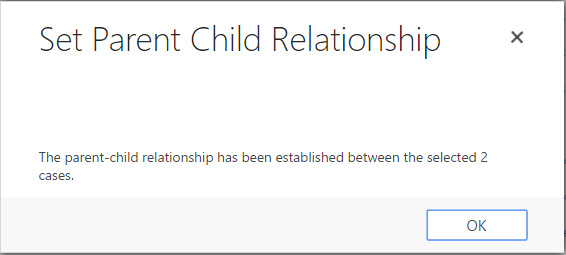
You can also merge 2 cases by selecting Merge:
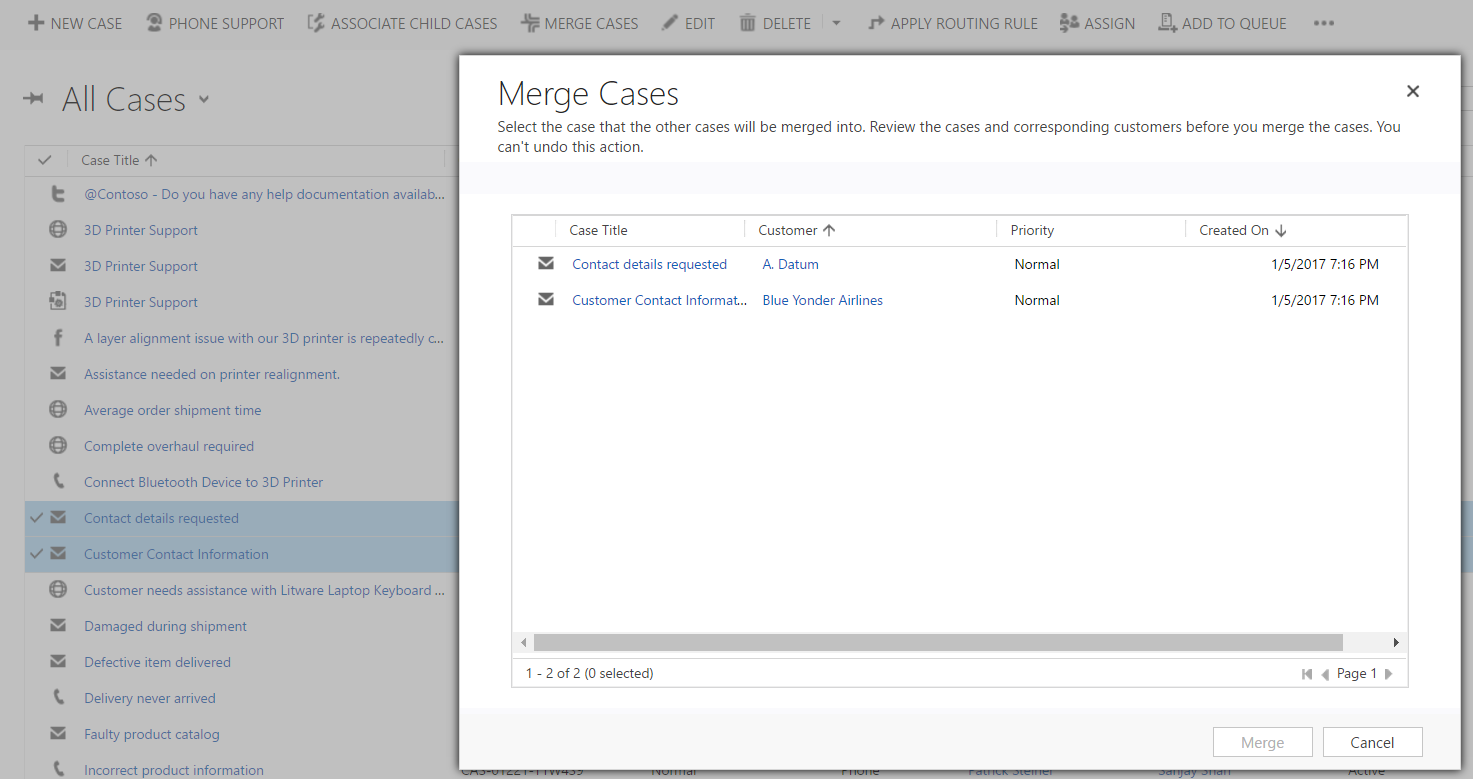
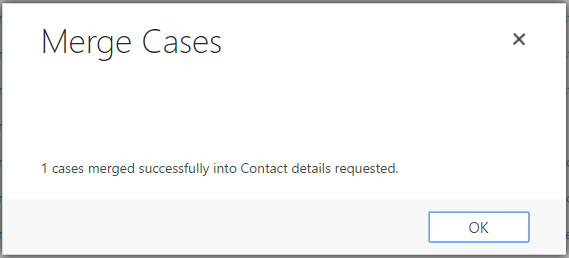
The case not selected will be cancelled.
I AM SPENDING MORE TIME THESE DAYS CREATING YOUTUBE VIDEOS TO HELP PEOPLE LEARN THE MICROSOFT POWER PLATFORM.
IF YOU WOULD LIKE TO SEE HOW I BUILD APPS, OR FIND SOMETHING USEFUL READING MY BLOG, I WOULD REALLY APPRECIATE YOU SUBSCRIBING TO MY YOUTUBE CHANNEL.
THANK YOU, AND LET'S KEEP LEARNING TOGETHER.
CARL
