To install the eConnect 10 SDK, download the eConnect SDK from the Microsoft website.
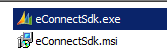
Then, extract the ZIP file. You will see 2 files:
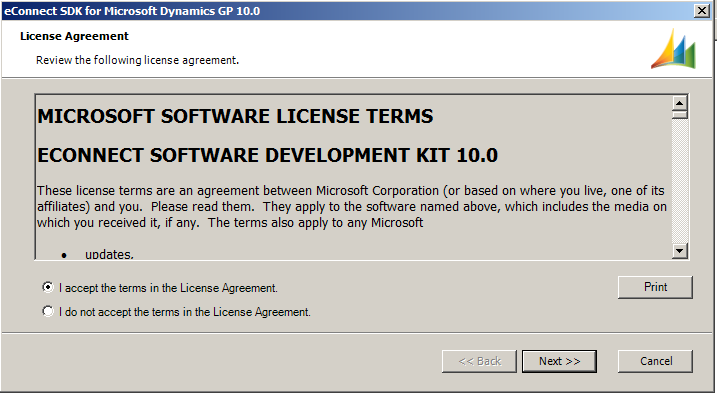
Run the eConnectSdk.exe.
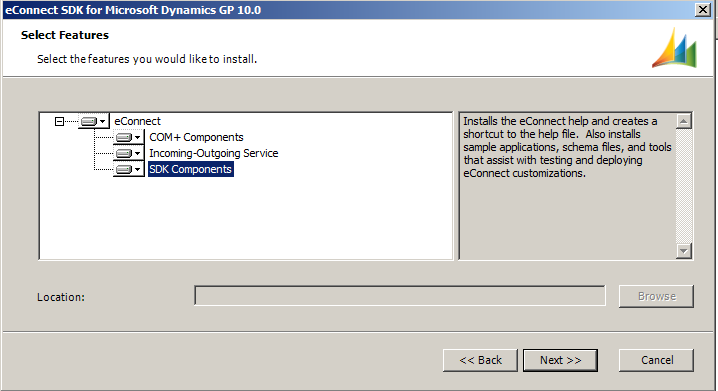
Select the components you want to install:
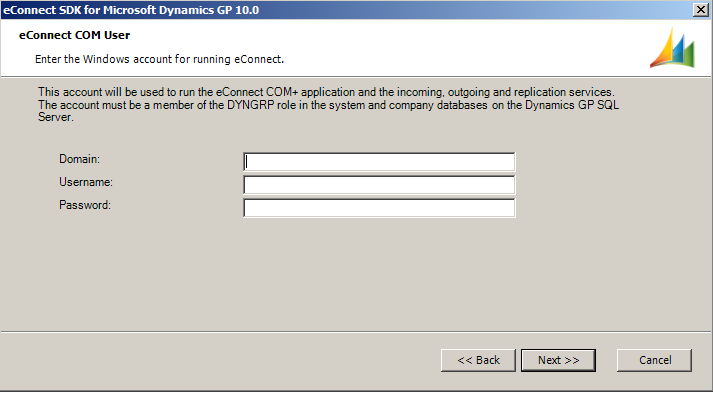
Enter your service credentials:
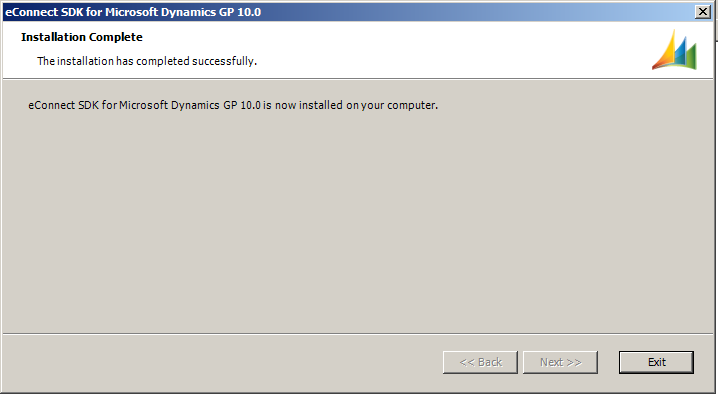
You will see this success message:
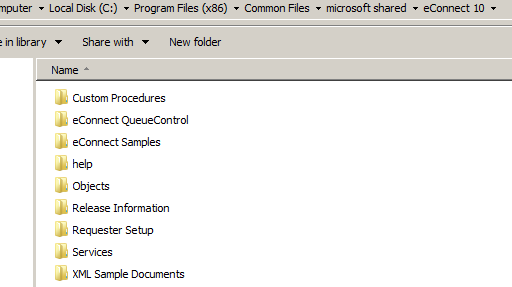
Once installed, you will see files located at: C:\Program Files (x86)\Common Files\microsoft shared\eConnect 10
THANKS FOR READING. BEFORE YOU LEAVE, I NEED YOUR HELP.
I AM SPENDING MORE TIME THESE DAYS CREATING YOUTUBE VIDEOS TO HELP PEOPLE LEARN THE MICROSOFT POWER PLATFORM.
IF YOU WOULD LIKE TO SEE HOW I BUILD APPS, OR FIND SOMETHING USEFUL READING MY BLOG, I WOULD REALLY APPRECIATE YOU SUBSCRIBING TO MY YOUTUBE CHANNEL.
THANK YOU, AND LET'S KEEP LEARNING TOGETHER.
CARL
