In this post, we will look at why a new GitHub branch is not showing up in your Visual Studio Code project.
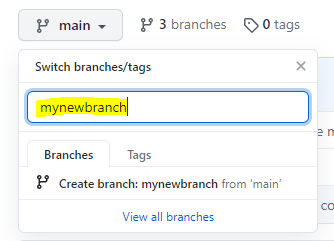
Let’s create a new branch in our GitHub project called mynewbranch:
Now, pulling changes won’t get the new branch:

If you Fetch, it will pull down the branch:
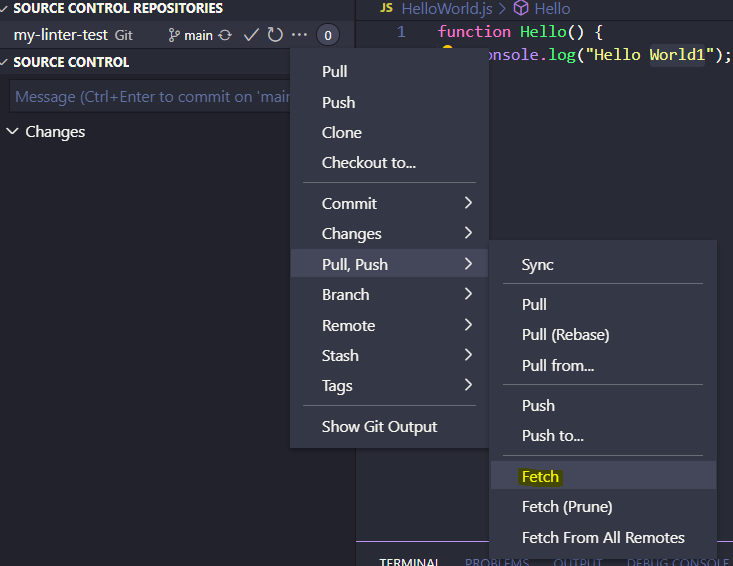
Alternatively, from the console you can run:
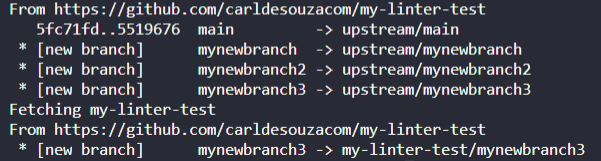
git fetch –all
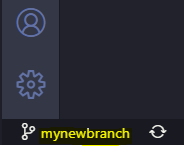
This will fetch the latest branches:
Clicking on the branch name in the bottom left will display the branches at the top:
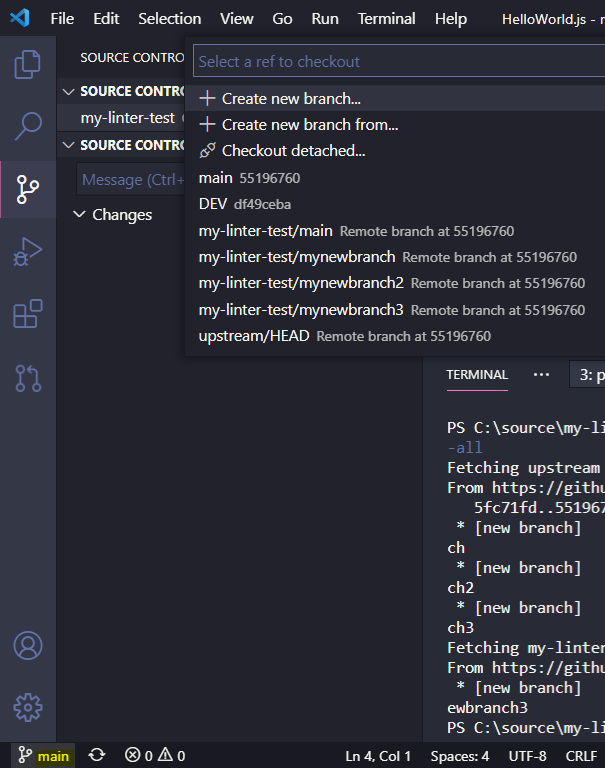
Where you can change to the new branch:
I AM SPENDING MORE TIME THESE DAYS CREATING YOUTUBE VIDEOS TO HELP PEOPLE LEARN THE MICROSOFT POWER PLATFORM.
IF YOU WOULD LIKE TO SEE HOW I BUILD APPS, OR FIND SOMETHING USEFUL READING MY BLOG, I WOULD REALLY APPRECIATE YOU SUBSCRIBING TO MY YOUTUBE CHANNEL.
THANK YOU, AND LET'S KEEP LEARNING TOGETHER.
CARL

Thank you this helped a lot!
Thank You!
Hi,
That also saved me a lot of time!
Thak You