In this post, we will look at how to update the Dynamics 365 Developer Tools to the latest version. These tools include the CrmSvcUtil, Configuration Migration Tool, Package Deployer, Plugin Registration Tool, and Solution Packager.
First, let’s look at how to see what version of the tools you are running.
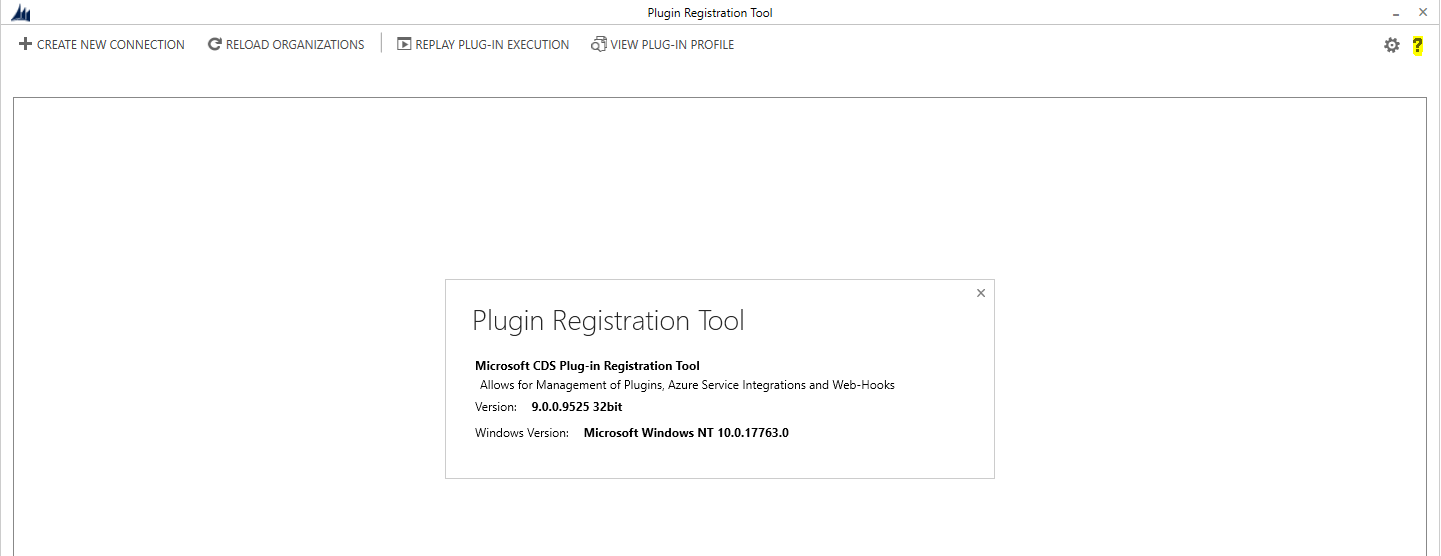
To get the version of the Plugin Registration Tool, click on the top right question mark:
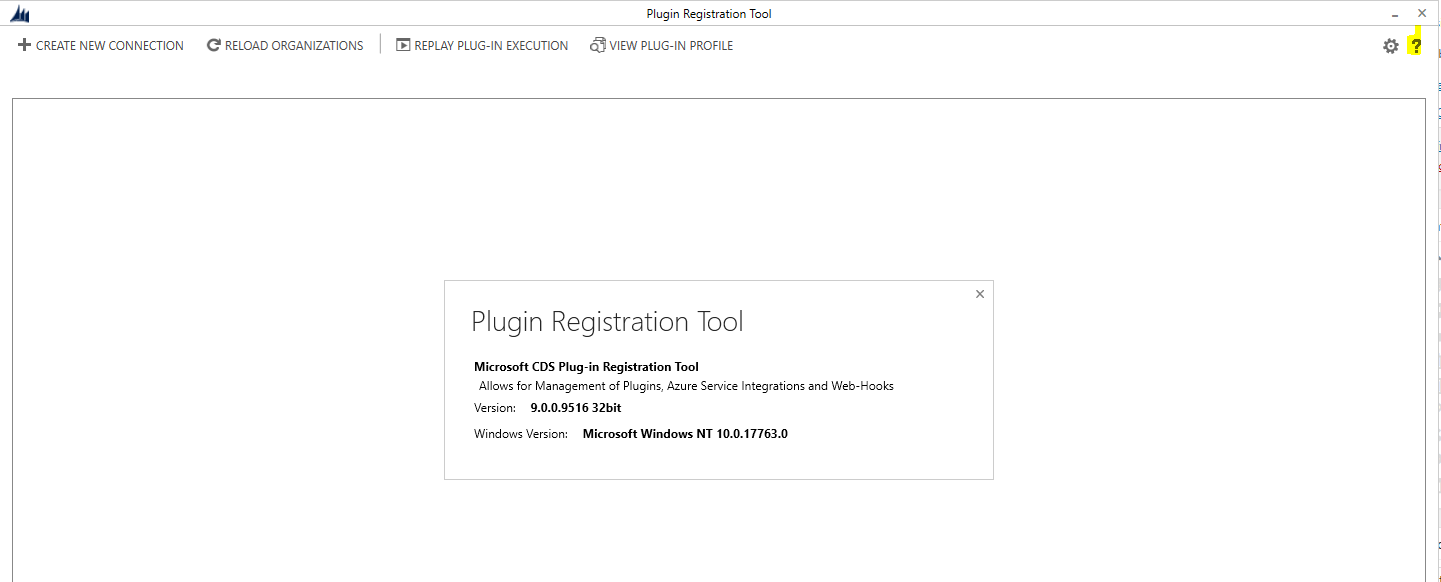
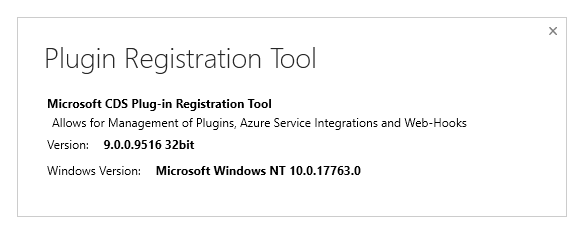
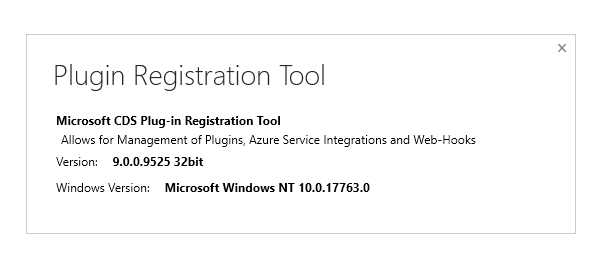
This opens the version:
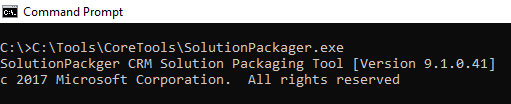
For the Solution Packager, run the exe in a dos prompt to see the version:
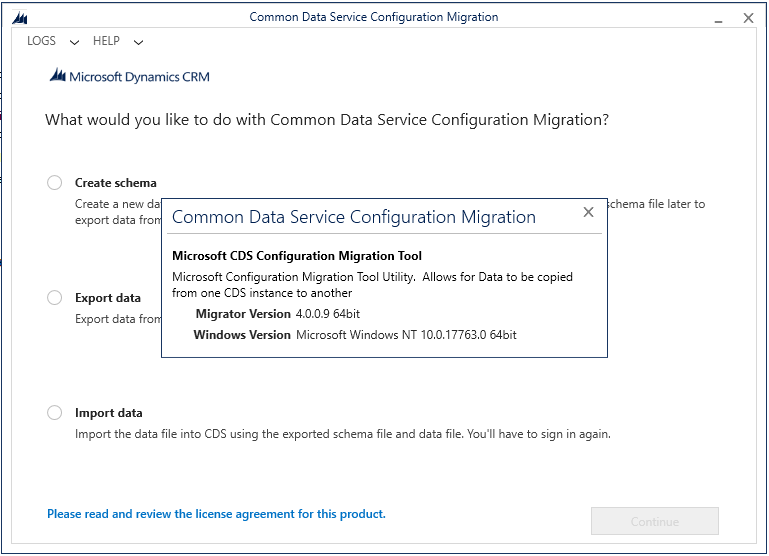
For the Configuration Migration tool, click on the Help menu option:
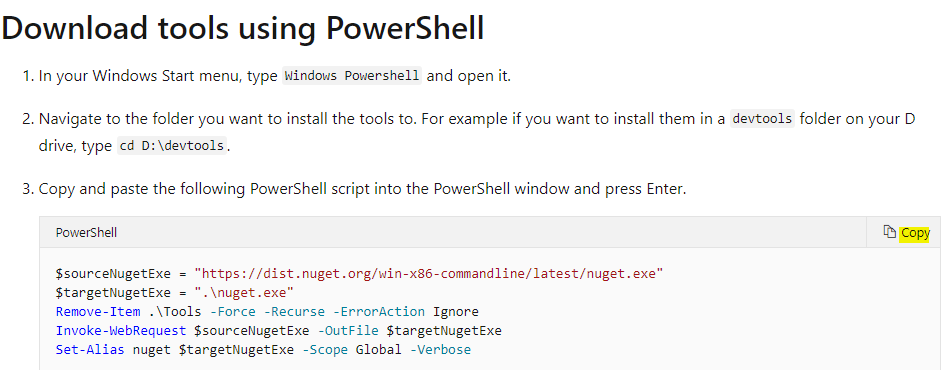
To upgrade these tools, go to https://docs.microsoft.com/en-us/dynamics365/customerengagement/on-premises/developer/download-tools-nuget and rerun the download from the same directory, i.e. using PowerShell.
You will now have the latest tools:

Explore AI, agents & Microsoft technology.
I share practical ideas, tutorials, and videos about AI, AI agents, Microsoft technologies, and the Power Platform.
Subscribe on YouTube →