Configuration pages are used in Dynamics 365 / Power Apps solutions so developers can provide some light documentation on what a solution contains. This might be useful for tracking what is deployed between environments, or what functionality a solution contains.
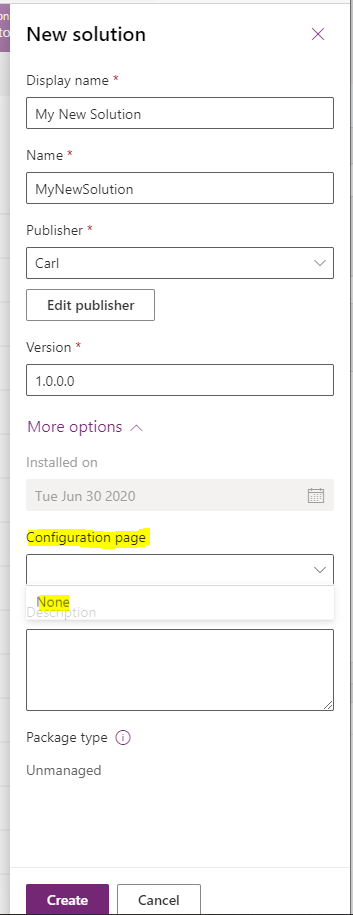
To use configuration pages, first set up a new solution. Note the Configuration Page only has the option “None”. Let’s click Create to save the solution:
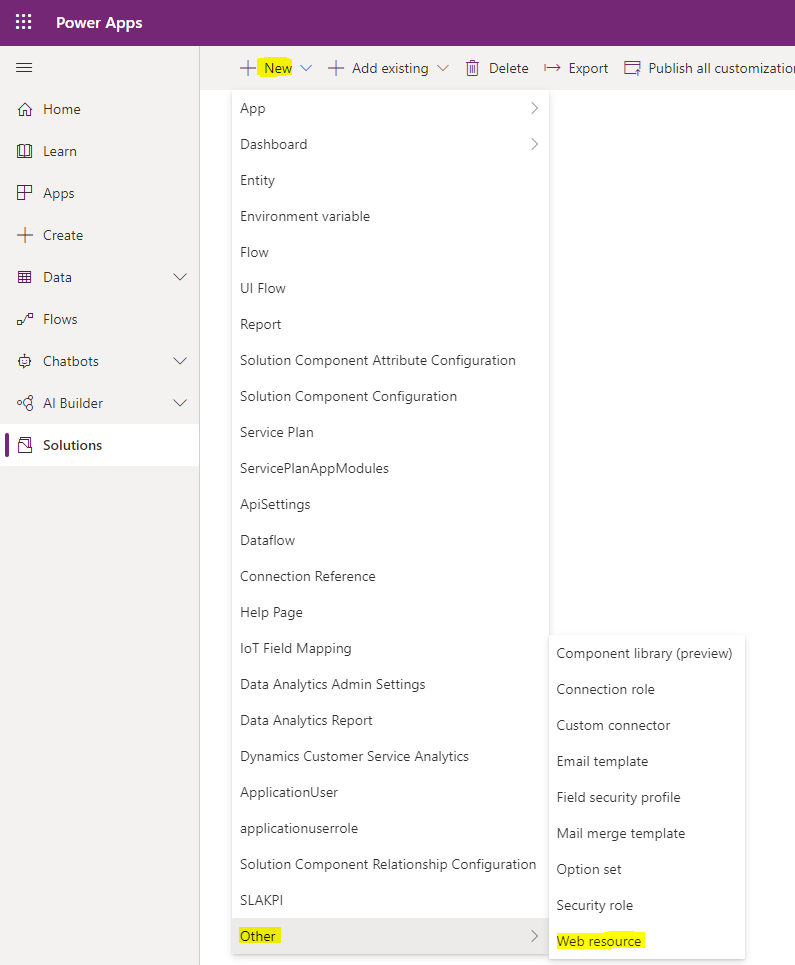
Next, let’s create a new web resource.
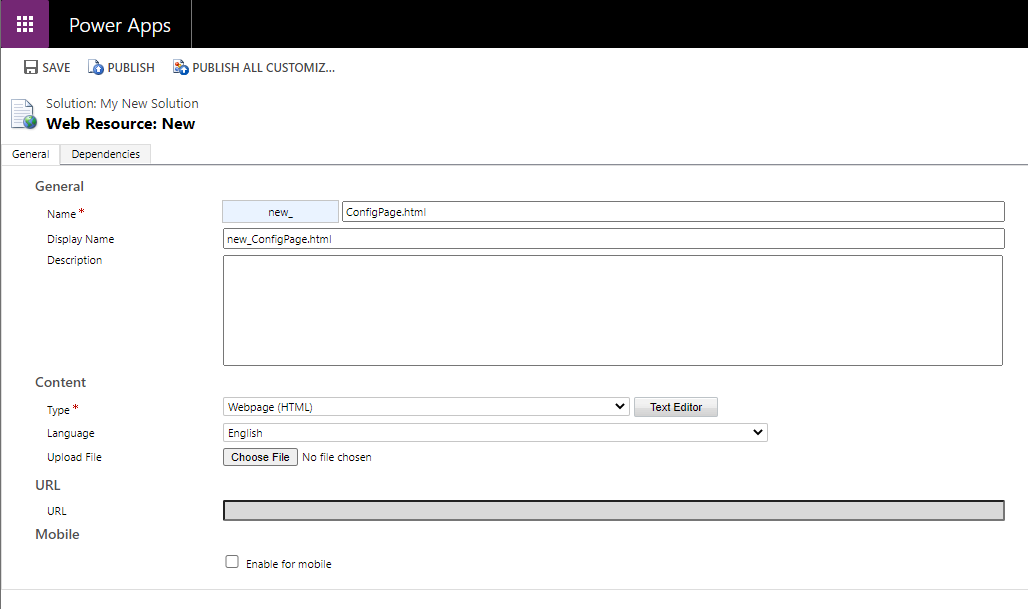
Give the web resource a name, and select HTML:
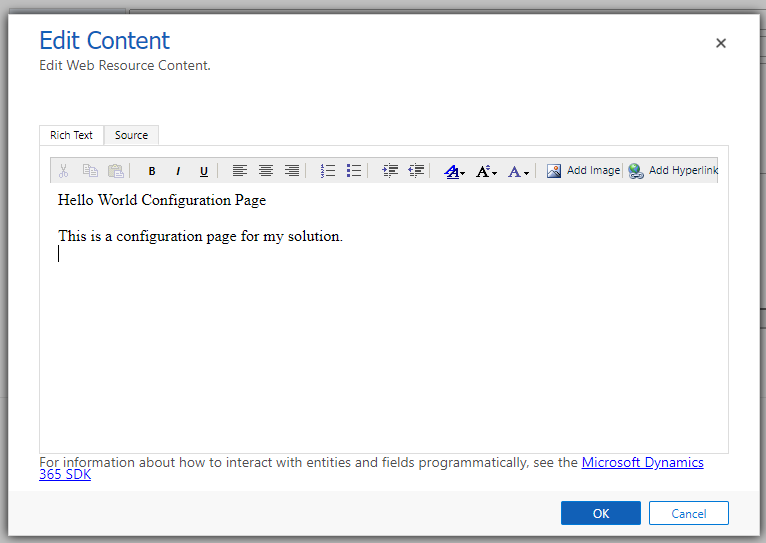
Next, enter your HTML content. I will make a Hello World configuration page:
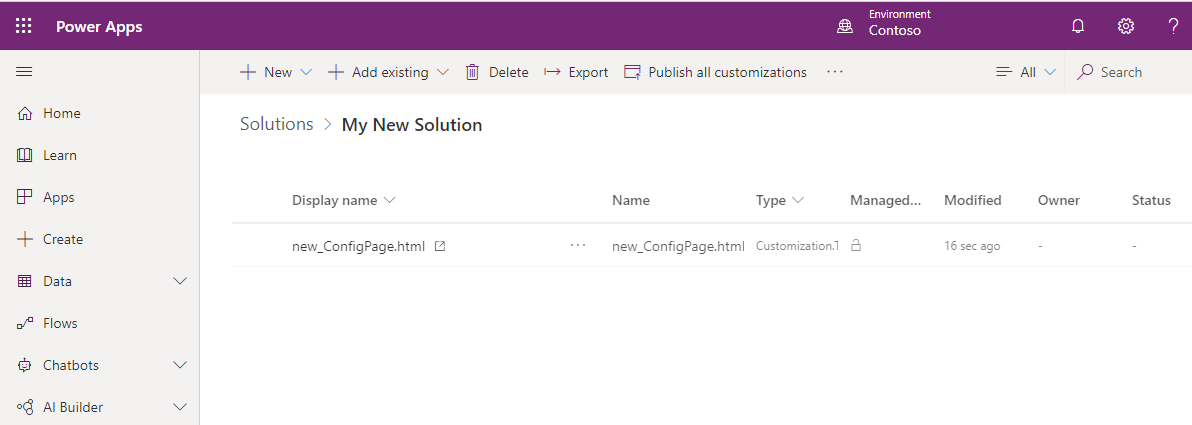
Now, the web resource is part of our solution:
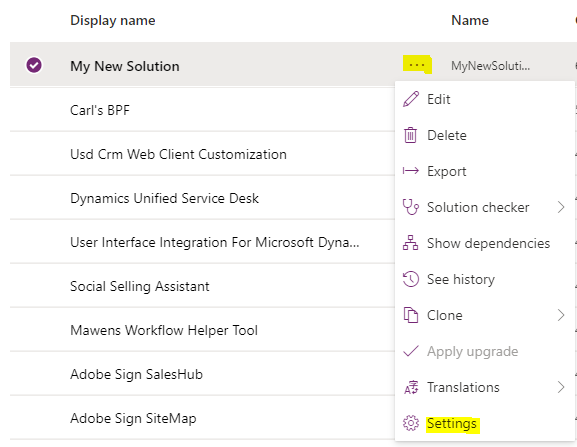
Let’s go to the Web Resource settings:
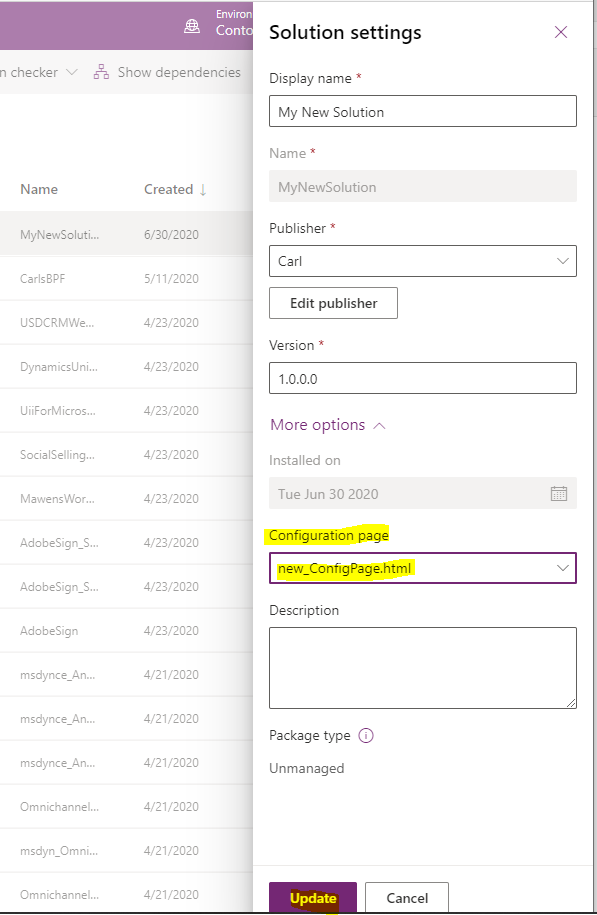
And select the HTML page we created as the configuration page:
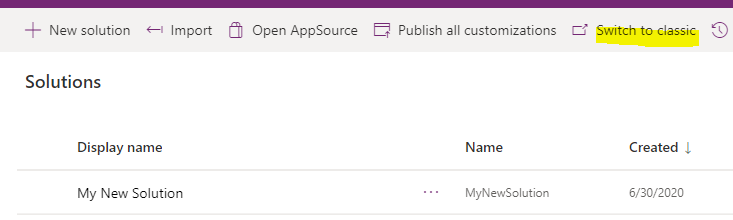
Now, if we switch over to Classic:
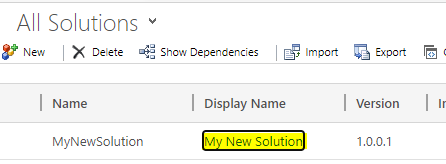
And open the new solution:
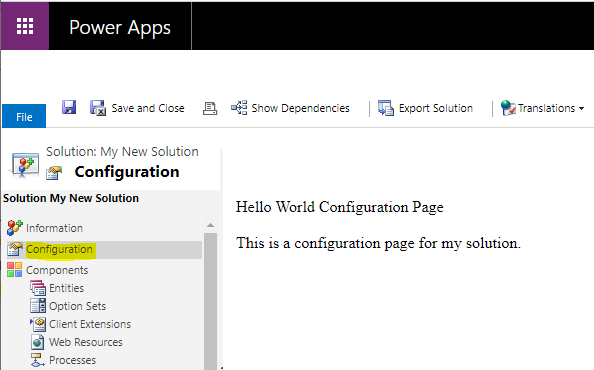
On the Configuration tab, we see our HTML page is being displayed:
I AM SPENDING MORE TIME THESE DAYS CREATING YOUTUBE VIDEOS TO HELP PEOPLE LEARN THE MICROSOFT POWER PLATFORM.
IF YOU WOULD LIKE TO SEE HOW I BUILD APPS, OR FIND SOMETHING USEFUL READING MY BLOG, I WOULD REALLY APPRECIATE YOU SUBSCRIBING TO MY YOUTUBE CHANNEL.
THANK YOU, AND LET'S KEEP LEARNING TOGETHER.
CARL

This post was very good and Informative, Thanks for sharing @ D365 Master Carl de souza