In a previous post, we created an Income Prediction experiment in Azure ML. Let’s now look at how to deploy this to a web service.
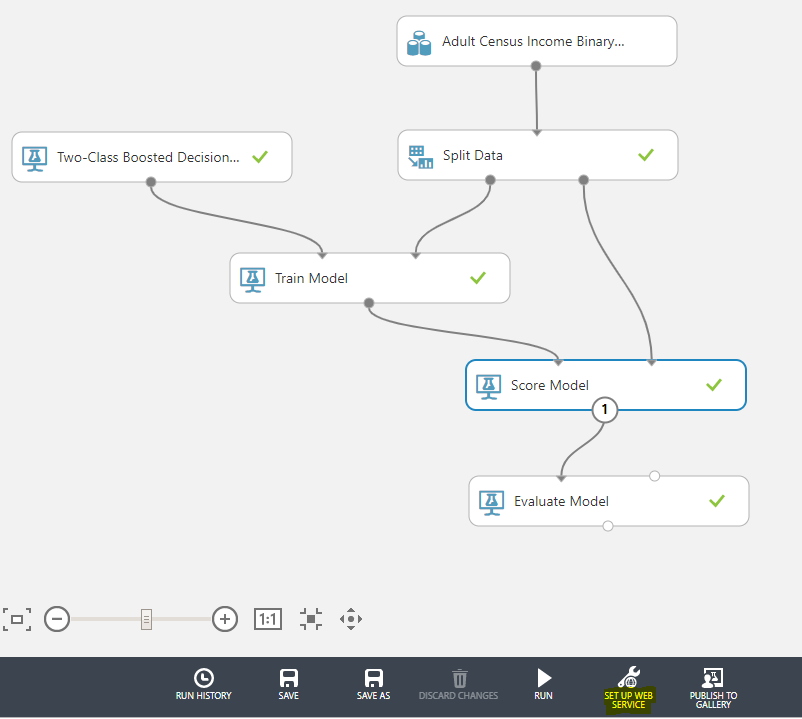
In Azure ML Studio, in our experiment, select Setup Web Service:
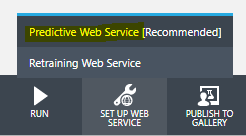
And then Predictive Web Service:
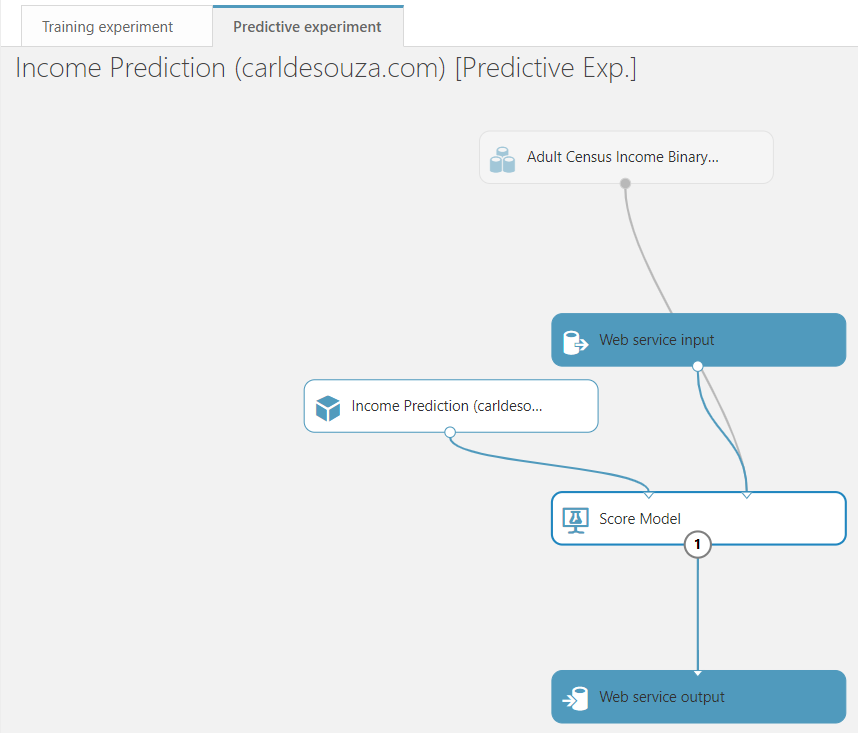
We get a Predictive experiment tab created, with Web service input and Web Service output nodes added:
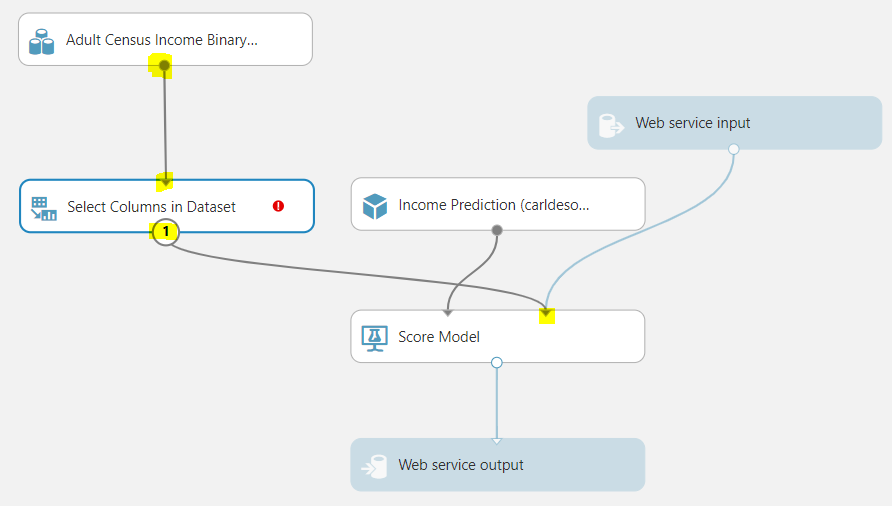
Select Columns in a dataset:
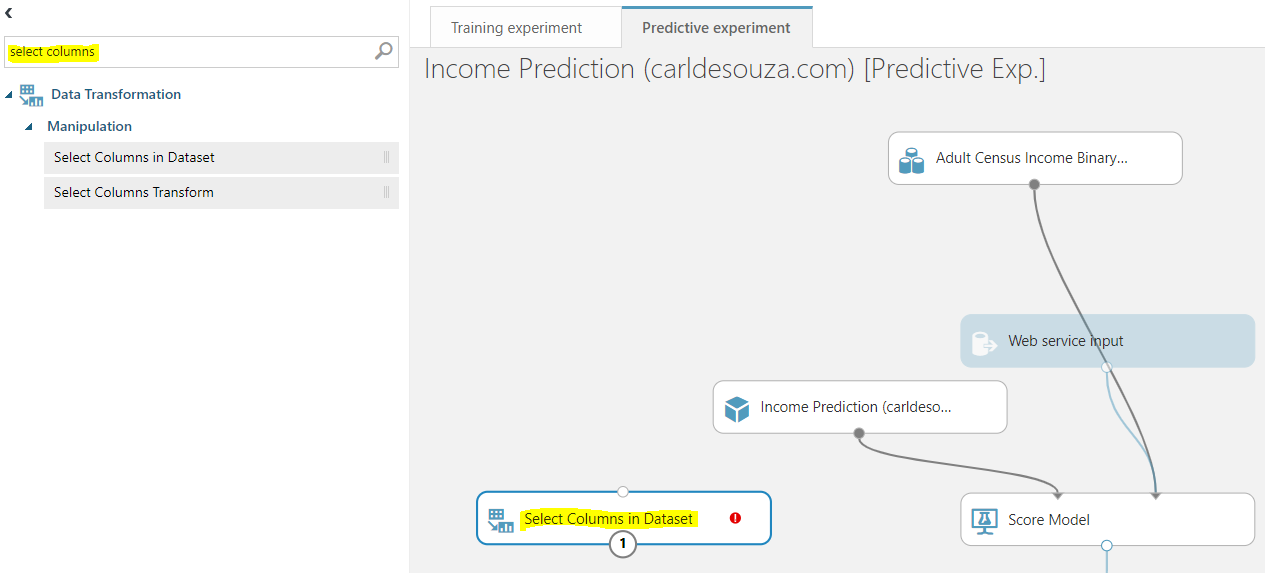
Join Connect Columns in Dataset to Adult Census Income Binary Classification dataset and Score Model:
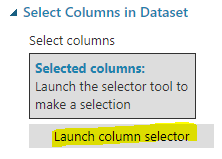
And select Launch Column Selector:
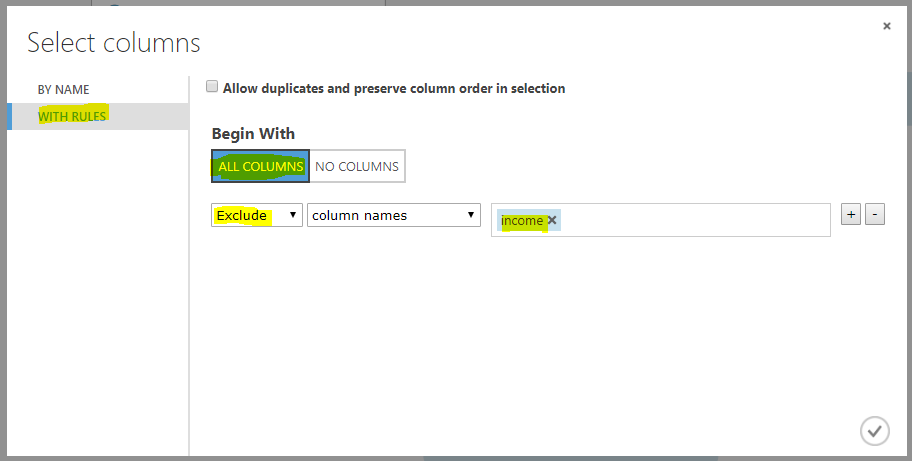
Exclude all columns except income:
And after scoring the model, we will output the scored labels and scored probabilities. Add another Connect Columns in Dataset and connect it like below:
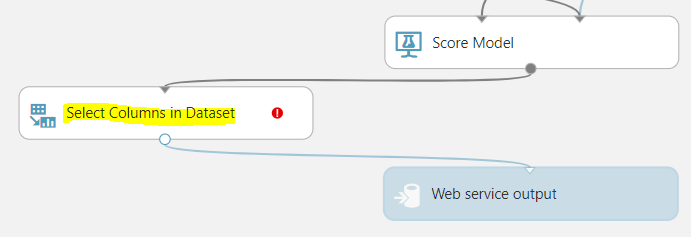
Click on Launch Column Selector:
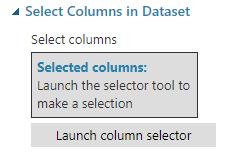
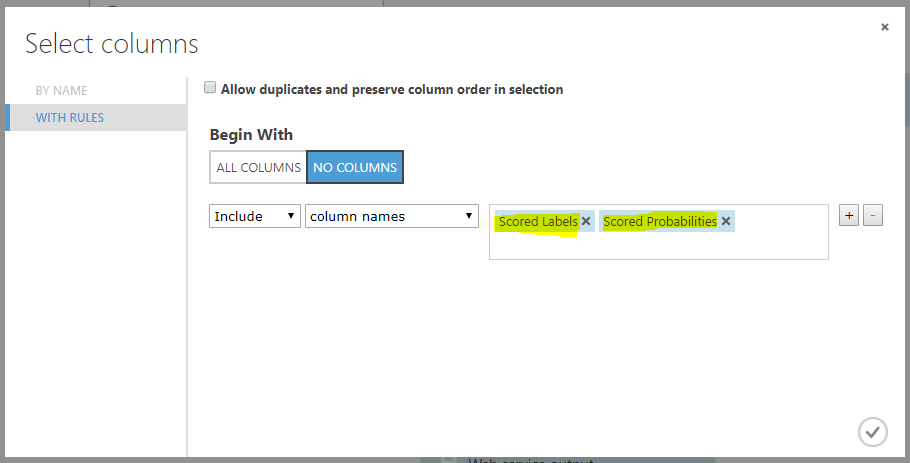
And select only Scored Labels and Scored Probabilities:
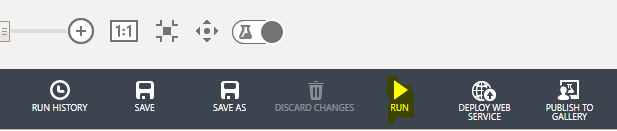
We’re now ready to deploy the web service. Click on Deploy Web Service. First click Run to validate the experiment:
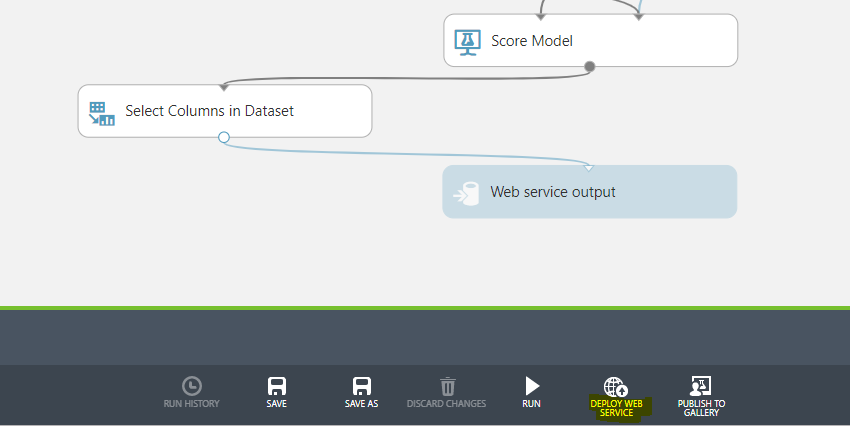
Then Deploy Web Service:
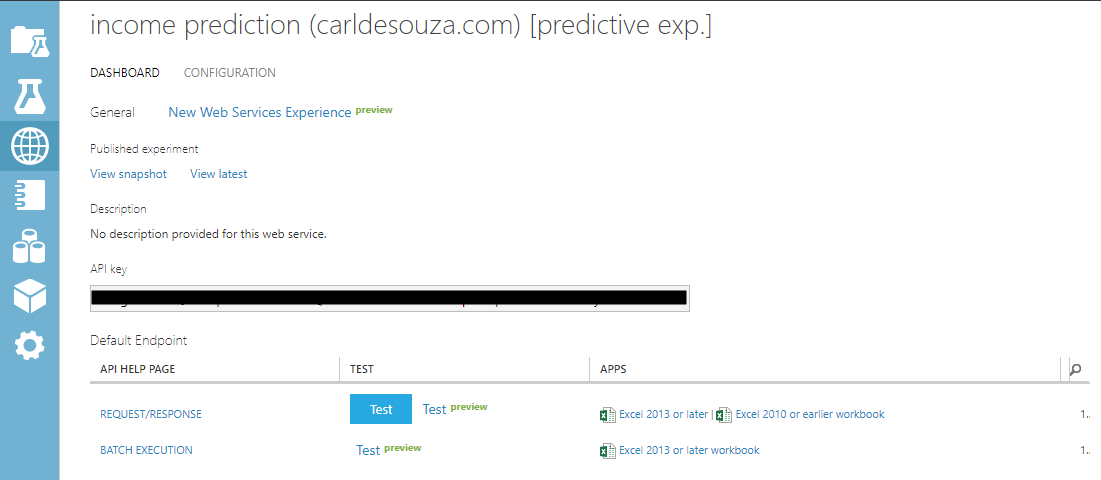
The service is ready. Let’s test it. Click on the Test button:
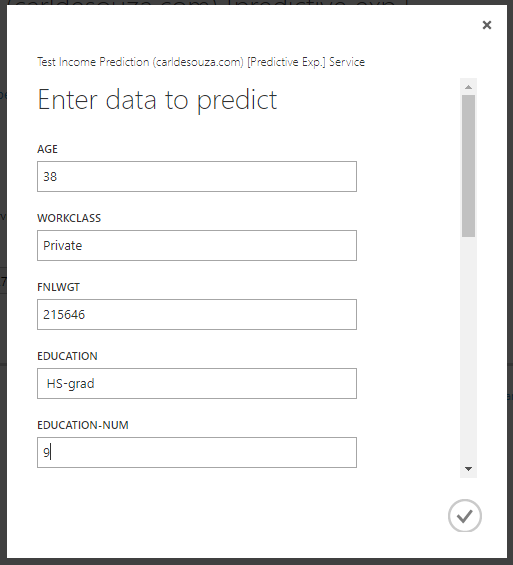
We are prompted for some data. Fill in some fields below to test the service:
We get the results of the experiment in the web service:

We can now use this web service to get income predictions.
I AM SPENDING MORE TIME THESE DAYS CREATING YOUTUBE VIDEOS TO HELP PEOPLE LEARN THE MICROSOFT POWER PLATFORM.
IF YOU WOULD LIKE TO SEE HOW I BUILD APPS, OR FIND SOMETHING USEFUL READING MY BLOG, I WOULD REALLY APPRECIATE YOU SUBSCRIBING TO MY YOUTUBE CHANNEL.
THANK YOU, AND LET'S KEEP LEARNING TOGETHER.
CARL
